
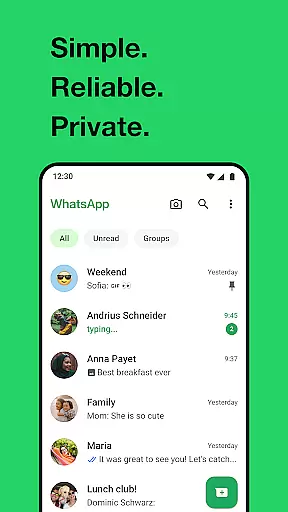
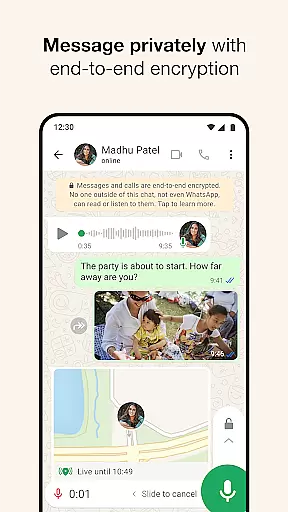
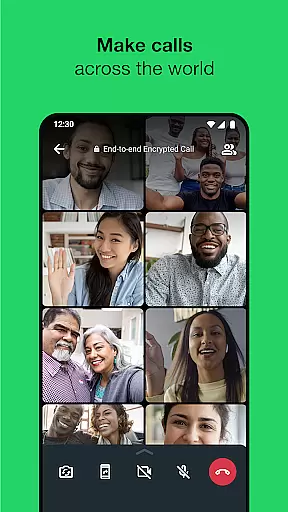
WhatsApp Messenger is a leading communication app that allows users to send messages, make voice and video calls, and share media across mobile and desktop platforms. Its core functionality lies in providing secure, end-to-end encrypted conversations, ensuring privacy for personal and group chats. The app also supports features tailored for Android Wear, enabling users to manage chats and calls directly from their smartwatches.
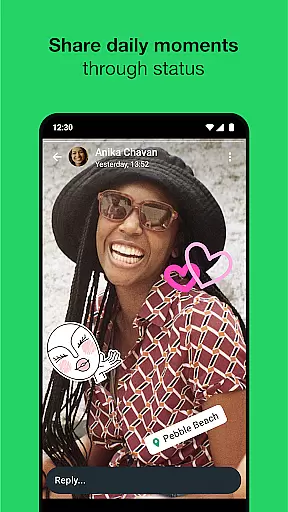
In addition to its messaging capabilities, WhatsApp offers unique tools like Status updates, which let users share temporary photos, videos, or text that disappear after 24 hours. With over 2 billion users globally, it operates reliably even on slower internet connections, making it accessible for people worldwide. Whether staying connected with family or collaborating with colleagues, WhatsApp provides an intuitive and versatile communication experience.
WhatsApp stands out through its robust feature set designed for seamless interaction. One of its key highlights is the support for high-quality voice and video calls with up to 32 participants, all secured with end-to-end encryption. This ensures that conversations remain private and cannot be accessed by third parties, including WhatsApp itself.
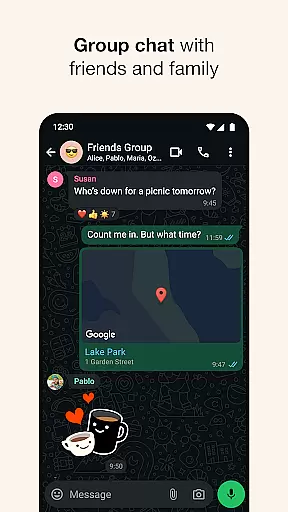
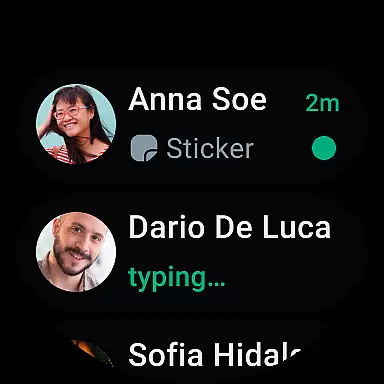
The app integrates smoothly with Android Wear, allowing users to respond to messages, take calls, and utilize complications for quick access to chats. Additionally, WhatsApp's Status feature lets users post ephemeral updates visible to selected contacts. Group chats further enhance collaboration by enabling file sharing, location sharing, and multimedia exchange while maintaining cross-platform compatibility. These innovations collectively deliver a comprehensive communication tool adaptable to various user needs.
Companion app integration is essential for a seamless user experience across multiple devices. WhatsApp Messenger excels in this area by allowing users to synchronize their conversations between mobile and desktop effortlessly. This ensures that you never miss an important message, regardless of the device you are using.
The integration works by linking your phone's WhatsApp account with your computer or tablet. Once connected, you can send and receive messages directly from your desktop, making it convenient for users who spend a significant amount of time on their computers. The synchronization process is straightforward and maintains end-to-end encryption, ensuring that your conversations remain private and secure.
WhatsApp's companion app feature also supports Wear OS, enabling users to continue conversations, reply to messages, and even take calls directly from their smartwatches. This level of integration provides unparalleled convenience and accessibility, allowing users to stay connected without needing to have their phones at hand constantly.
Wear OS compatibility is crucial for users who want to stay connected on the go without constantly reaching for their smartphones. WhatsApp Messenger offers robust support for Wear OS devices, ensuring that you can access your messages and make calls directly from your smartwatch. This functionality enhances user convenience and keeps you updated with notifications in real-time.
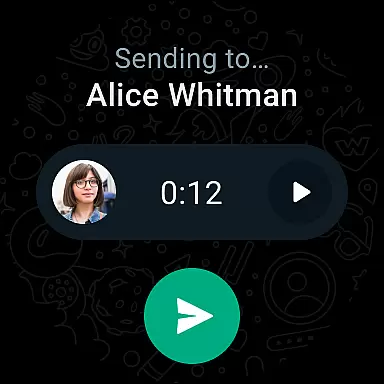
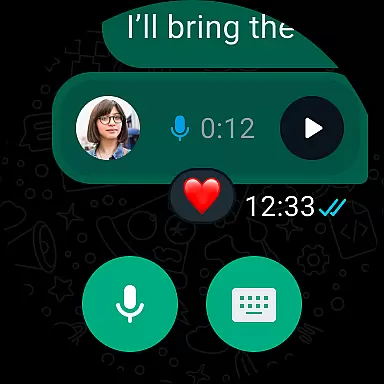
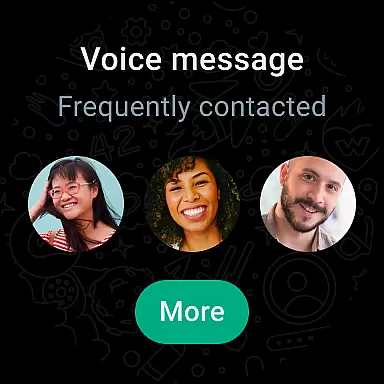
With WhatsApp on your Wear OS watch, you can quickly view incoming messages, respond using voice commands, and even initiate calls. The app leverages tiles and complications to provide easy access to your chats and allows you to send voice messages effortlessly. These features ensure that you remain engaged with your contacts without interrupting your daily activities.
Moreover, the compatibility extends beyond just viewing and responding to messages. You can use WhatsApp to share your location, record voice memos, and interact with group chats right from your wrist. This comprehensive integration makes WhatsApp a versatile tool for managing communications efficiently while embracing the wearable technology lifestyle.
End-to-end encryption
Cross-platform support
High-quality calling
User-friendly interface
Global accessibility
Limited customization options
No native GIF creation
Dependent on phone number
Heavy battery usage
Status time limit

Gym Log & Workout Tracker | Fitness Journal, Training & Weight Lifting Planner
 4.90
4.90
Simple Analog-Digital Watchface For Wear OS 3.0 and Up Smartwatches
4.4
A modern premium sporty hybrid watch face for Wear OS by Ballozi
4.70
Digital watch face. For Wear OS devices.
4.40
Locate your family members by GPS phone location tracker everywhere and anytime
4.30
Stylish, Energizing and Modern Watch Face crafted by Dominus Mathias.
4.50
Hyper-Realistic Airplane Dashboard Watch Face With 10 Skins and Custom AOD
4.00
Simple, helpful messaging by Google
4.60
From periods to pregnancy & perimenopause, Flo helps you track it all. Try now.
4.70
Christmas Theme Watch Face for Wear Os
5.00
Digital, flexibly customizable watch face. For Wear OS 5.0, API 34+ and later.
5.00
A modern hybrid informative watch face for Wear OS designed by BALLOZI
4.80
The most customizable minimal watch face. For Wear OS 5.0, API 34+ and later
4.70
Walking app for weight loss: walk & step tracker, pedometer, indoor treadmill
4.60
Retro digital watch face with customizable colors and a unique lighting effect
4.60
Digital watch face with big numbers and many customization for Wear OS devices
4.40
A customizable Christmas watch face for Wear OS with a countdown.
4.20
The #1 source of faces for your smartwatch!
4.00
Hybrid Vibrant Health Watch Face for Wear OS
4.0


User Reviews