
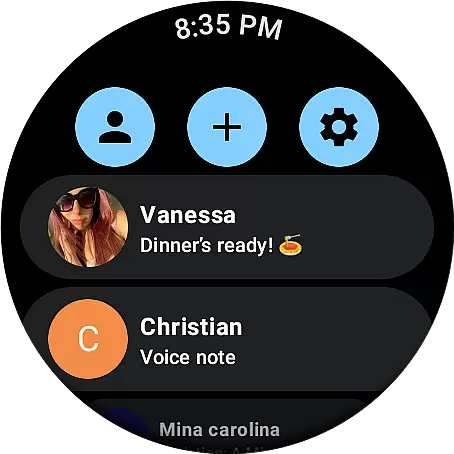
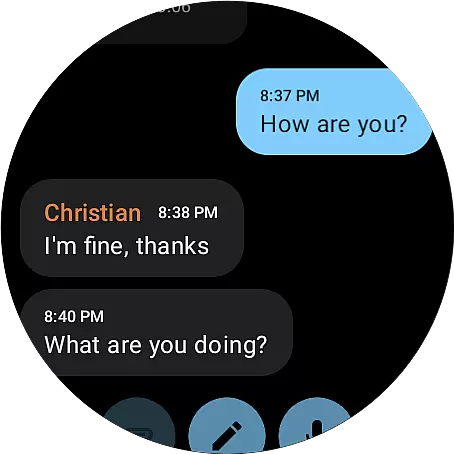
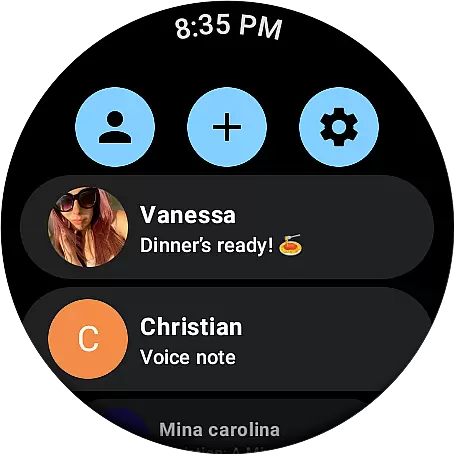
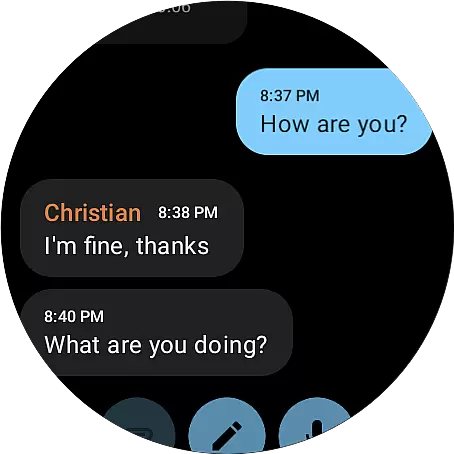
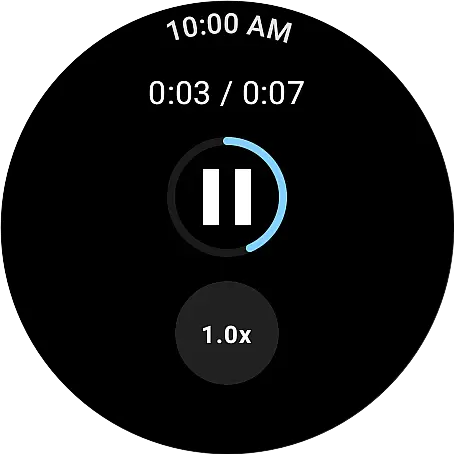
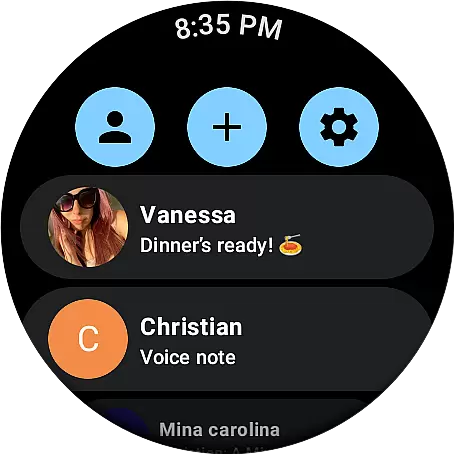
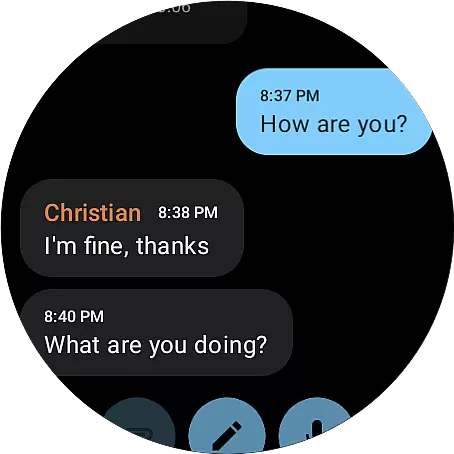
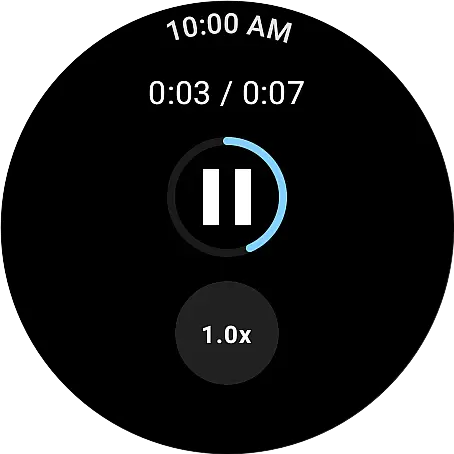
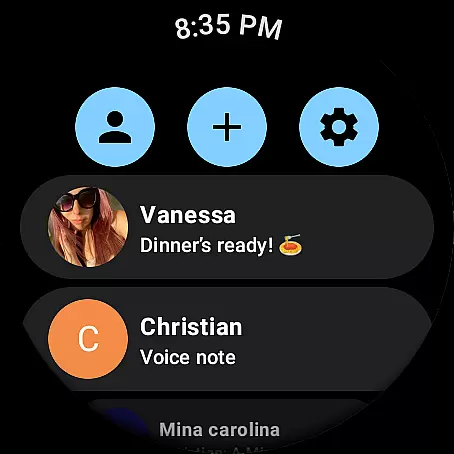
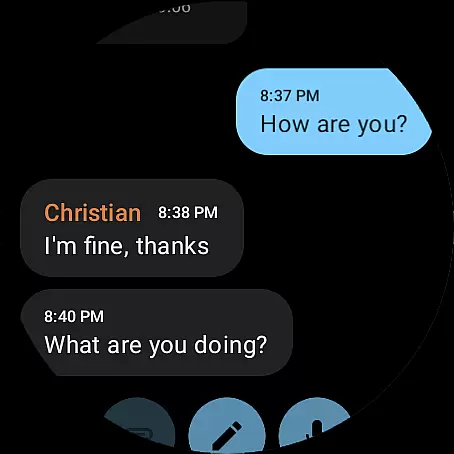
Weargram is an innovative communication app designed specifically for Wear OS devices. As an unofficial Telegram client, it enables users to stay connected through text messages, images, and voice notes directly from their smartwatches. The app ensures robust security by keeping personal data safe while providing essential Telegram features.
This application is ideal for users who want to maintain seamless communication without needing their phones. Whether you're responding to messages on the go or catching up with your favorite channels, Weargram offers a convenient and efficient way to interact with Telegram's ecosystem right from your wrist.
Weargram stands out with its unique set of features tailored for wearable technology. It supports various communication formats including text messages, images, and voice notes, allowing users to engage in diverse conversations. The app integrates seamlessly with Telegram's infrastructure via TDlib, ensuring reliable performance and enhanced security protocols.
Another notable feature is its support for group and supergroup interactions, enabling users to participate in community discussions effortlessly. Additionally, Weargram allows users to read news from their favorite channels, making it a versatile tool for staying informed and connected without the need for a smartphone.
Real-time messaging speed and reliability are crucial for any communication app, especially one designed for wearables. Weargram ensures that messages are delivered instantly, allowing users to stay connected without delays.
The app leverages TDlib to maintain a stable connection with Telegram servers, ensuring that all types of messagesu2014texts, images, and voice notesu2014are transmitted efficiently. This robust infrastructure guarantees that users can rely on Weargram for timely communication.
For users who depend on their wearable devices for quick updates, the real-time capabilities of Weargram mean they never miss an important message. Whether chatting with friends or reading news from channels, the immediacy of message delivery enhances the overall user experience.
Media sharing is an essential feature for modern communication apps, enabling users to exchange various forms of content seamlessly. Weargram supports media sharing through text messages, images, and voice notes, making it versatile for different communication needs.
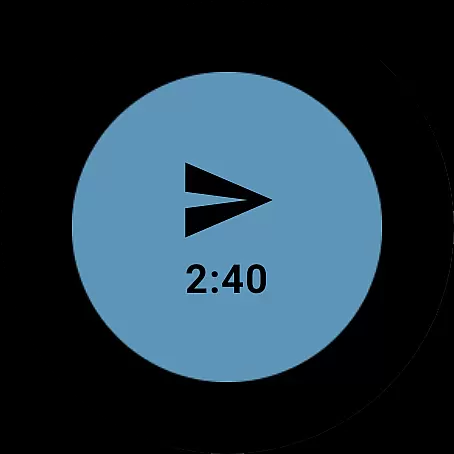
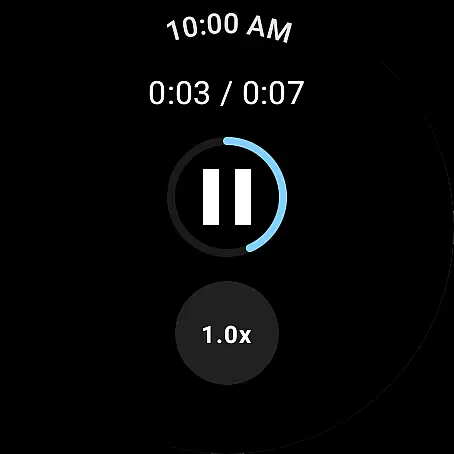
With Weargram, users can send and receive multimedia content directly on their Wear OS devices without needing their phones. This functionality not only simplifies the process but also enriches conversations by allowing more expressive interactions.
The ability to share media effortlessly adds significant value for users who want to stay engaged with their contacts while on the go. By supporting diverse content formats, Weargram ensures that users can communicate effectively and enjoyably, enhancing their wearable device experience.
User-friendly interface
Secure messaging
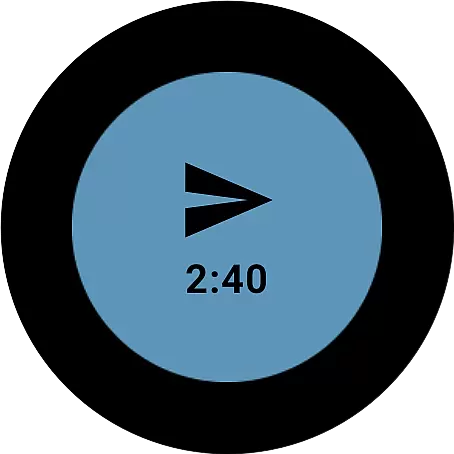
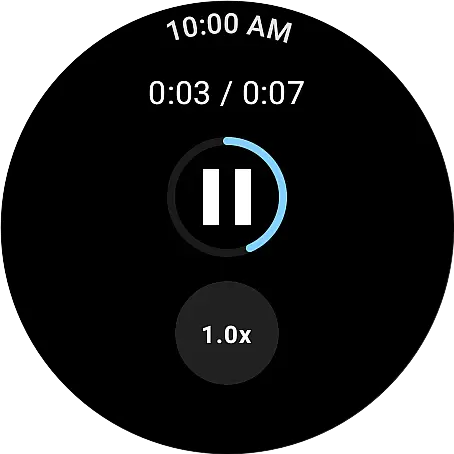
Voice note support
Group chat functionality
Channel news access
Limited to Wear OS
No video calls
Unofficial client
Few customization options
Occasional bugs

 3.90
3.90
The ultimate productivity solution for all your email communication needs.
4.40
Welcome to the future of phone service.
4.60
TeamSpeak - Secure Chat for Gaming & Business
3.10
A softphone app with seamless SIP calling and an intuitive VoIP dialer
3.50
Measure BHP, Torque & 0-60 Clear car OBD faults View engine data in Google Earth
4.00
BE PRIVATE
Anonymous. No Trace. Fast.
4.20
Talk & text free with a second phone number plus unlimited 5G data, no fees.
4.50
Group Chat That’s Fun & Games
4.30
Read OBD2 data and DTCs Create custom dashboards Enhanced diagnostics available
4.70
Useful. Social. Expressive.
4.70
Fast and mini browser with Ad Blocker,Video Downloader and Video Player
4.40
Get through your inbox faster with the mail app designed to simplify your life.
4.40
Phone Dialer with Caller ID, Address Book & Contacts Manager.
4.30
SMS & MMS Messaging App to easily send messages or schedule SMS on Chat
4.10
Messenger app for faster and simpler SMS text messaging, and personalized themes
4.10
A softphone with crystal clear SIP Calling & Reliable VoIP dialer
4.00
SMS Messenger ensures that communication become effortless and accessible.
3.80
Pure modern IRC experience for Android
3.70


User Reviews