
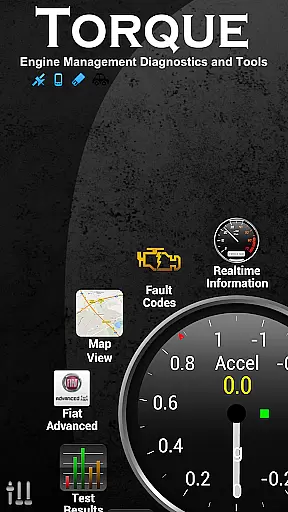
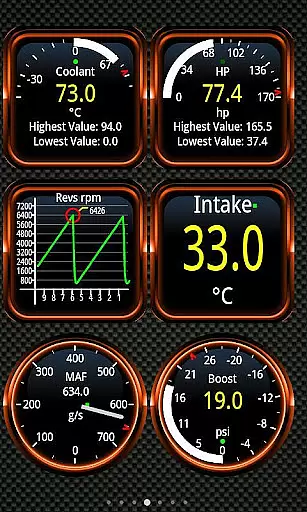
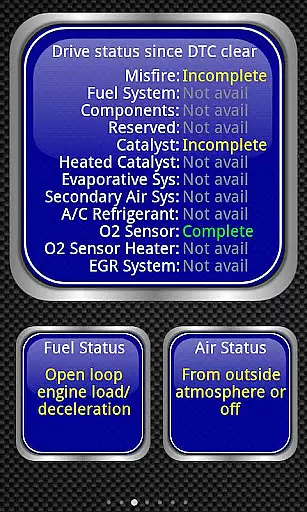
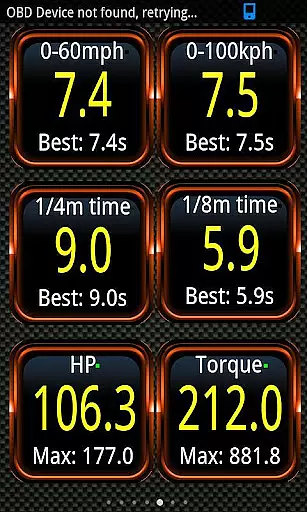
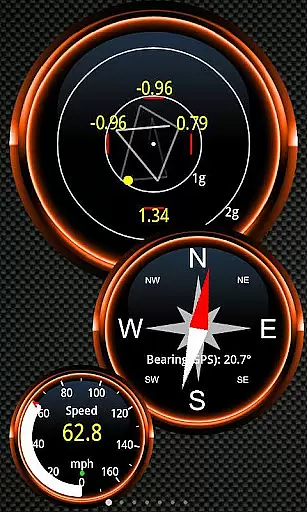
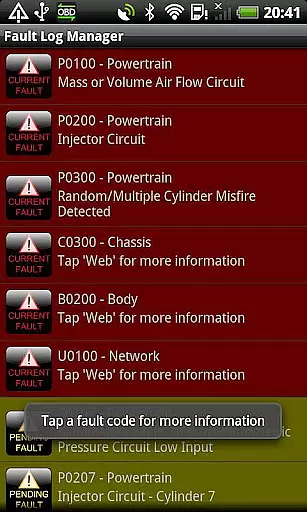
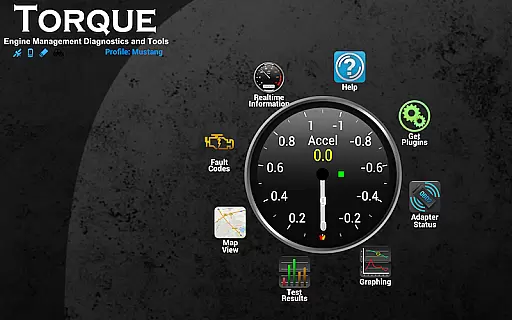
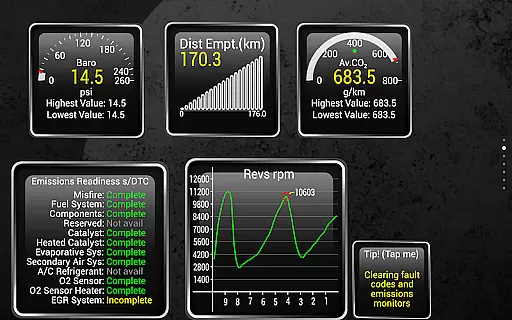
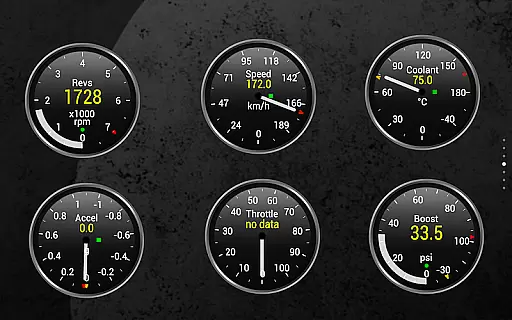
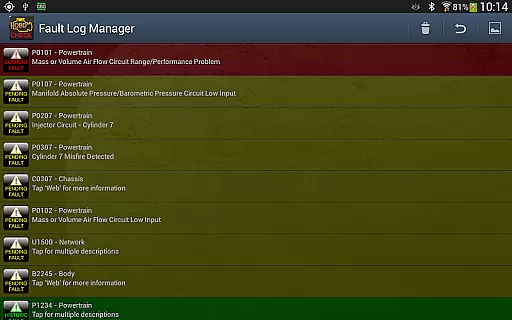
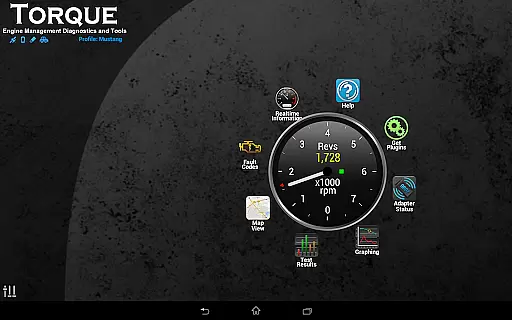
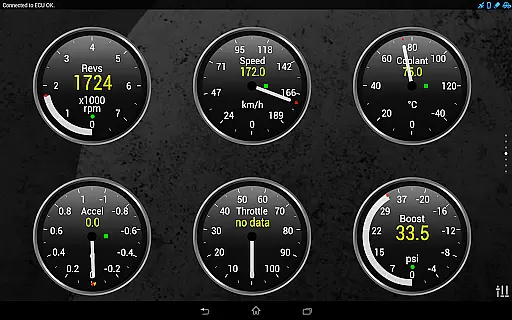
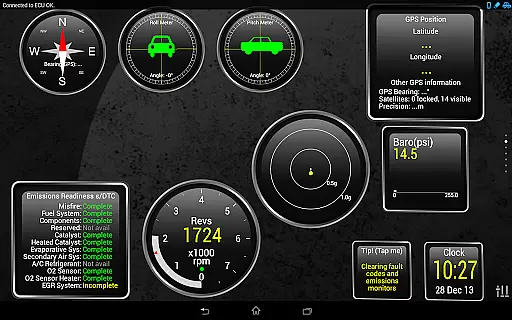
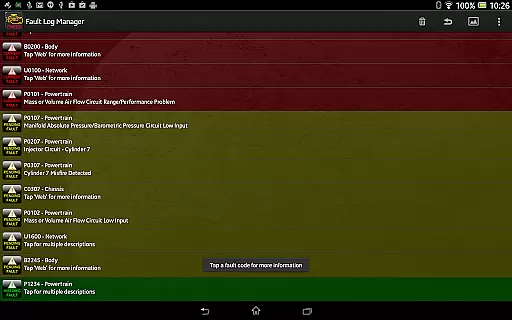
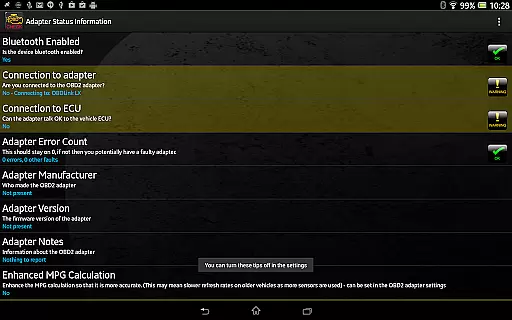
Torque Pro is a comprehensive vehicle diagnostics and performance monitoring tool designed for car enthusiasts and professionals alike. This app utilizes an OBD II Bluetooth adapter to connect to your vehicle's engine management system, providing real-time data on fault codes, car performance, sensor readings, and more. With its customizable dashboard, users can create personalized layouts with desired widgets and gauges, making it easy to monitor specific parameters that matter most to them.
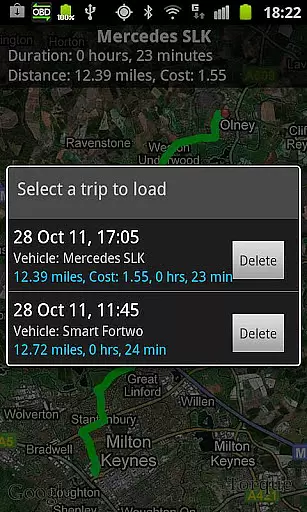
One of the standout features of Torque Pro is its ability to log and track GPS-tagged journeys, allowing users to review their driving history alongside corresponding engine data. Whether you're diagnosing issues or simply tracking your vehicle's performance over time, this app offers invaluable insights. Additionally, Torque Pro supports advanced functionalities such as dyno testing, transmission temperature readings, and CO2 emissions tracking, catering to a wide range of automotive needs.
The app is compatible with a variety of vehicles manufactured after 2000 that adhere to the OBD 2 standard, including models from Ford, VW, GM, Chrysler, Mercedes, Audi, and many others. By offering detailed diagnostic information and tools like fault code resetting, Torque Pro empowers users to better understand and maintain their vehicles, potentially saving on repair costs. Its versatility extends to tablet devices, ensuring a seamless experience across different platforms.
Torque Pro stands out with its extensive array of features tailored for in-depth vehicle analysis. The app provides real-time monitoring of various engine parameters through an intuitive interface, which includes customizable dashboards. Users can select from a variety of widgets and gauges to display critical information such as speed, RPM, coolant temperature, and fuel efficiency. This level of personalization ensures that each user can tailor the app to their specific monitoring needs, whether they are professional mechanics or hobbyists.
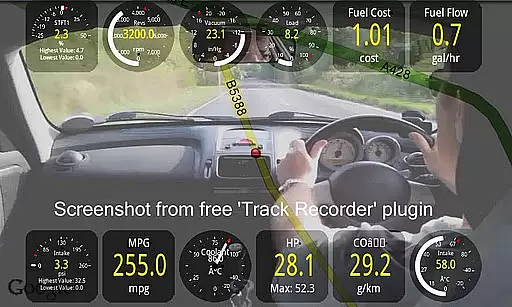
In addition to basic diagnostics, Torque Pro offers advanced functionalities like dyno testing, which measures horsepower and torque, and turbo boost monitoring for supported vehicles. The app also excels in logging capabilities, enabling users to record GPS-tagged trips with accompanying OBD engine data. This feature is particularly useful for analyzing driving patterns and identifying areas for improvement. Furthermore, Torque Pro supports video recording with on-screen OBDII data overlay, acting as a black box for your vehicle.
Another notable aspect of Torque Pro is its integration with social media and web services. Users can automatically send GPS-tagged tweets during road trips or share screenshots of their dashboard to platforms like Facebook and Twitter. For developers, the app provides an AIDL API and a simple Telnet interface to interact with the OBD adapter, opening up possibilities for third-party app development. Overall, Torque Pro combines powerful diagnostic tools with user-friendly customization options, making it an indispensable tool for anyone interested in vehicle performance and maintenance.
Real-time messaging speed and reliability are crucial for any communication app, especially one that connects to your vehicle's OBD II system. Torque Pro ensures that the data from your car is relayed to your device with minimal delay.
The application uses a Bluetooth adapter to maintain a steady stream of information flow between the vehicleu2019s diagnostic system and your smartphone or tablet. This constant connection allows users to receive updates on their car's performance and diagnostics almost instantaneously.
With this reliable messaging system, drivers can respond promptly to any alerts or anomalies detected in their vehicleu2019s operations. Whether it's an engine fault code or transmission temperature warning, timely notifications could be vital for vehicle maintenance and safety.
Moreover, the stability of Torque Pro's connection means that even when driving conditions might affect signal strength, users can trust that they will continue to receive accurate and actionable data about their vehicle's health and performance.
Media sharing support is another essential feature of modern applications, allowing users to share important information quickly and easily. In Torque Pro, media sharing extends beyond just text-based fault codes; it includes video logs with OBDII data overlays, which serve as a black box for your car or truck.
Users can utilize the Track Recorder plugin to capture their journeys while simultaneously recording engine parameters. This feature not only provides entertainment value but also serves as a critical tool for diagnosing issues after they occur by providing context through visual aids.
In addition to video, Torque Pro enables the export of logging information via email in CSV or KML formats. These files can then be analyzed using spreadsheet software like Excel or OpenOffice Calc, making it easier for both DIY enthusiasts and professionals to interpret complex engine data.
Furthermore, the ability to automatically send GPS-tagged tweets directly to Twitter adds a social dimension to driving experiences, whether documenting road trips or simply sharing notable events during commutes. Such features enhance user engagement and provide practical ways to disseminate valuable automotive insights.
Comprehensive diagnostics
Customizable dashboard
Real-time data monitoring
Advanced logging features
Wide vehicle compatibility
Requires separate adapter
Complex for beginners
Occasional connectivity issues
Limited free version
High cost for full features

Enables Plus features of Quick Search.
 4.3
4.3
Browse fast on Opera Mini, with Data Saving, News, Football Scores, and Download
4.60
Our Black Friday sale is here. Unlock special discounts on Proton Mail now.
4.30
Create a secure hotspot on-the-go with Portable WiFi - Mobile hotspot.
4.40
Federated instant messaging for your mobile device (Jabber, XMPP, Snikket)
4.10
Read OBD2 data and DTCs Create custom dashboards Enhanced diagnostics available
4.70
Threema is the messenger with the most consistent focus on security and privacy.
4.00
Simple tool for businesses to talk to their customers.
4.40
Group Chat That’s Fun & Games
4.30
Fast internet with AI, Adblock & VPN. Browse on a safe, incognito web browser.
4.70
A browser that does more than load page, like keeping your privacy safe.
4.70
Stay in touch with the people who matter most.
4.60
Faster version of Messages. Messenger for your contacts.
4.50
Call Blocker app: Identify unknown callers, block spam calls, fraud & robocalls
4.30
Share the moment!
4.10
This app enables the phone to receive and send FT8 traffic!
3.80
Fun, free app that lets kids video call and message family and close friends.
3.80
Pure modern IRC experience for Android
3.70
Call & Text Anywhere With A Canadian Number.
3.60


User Reviews