

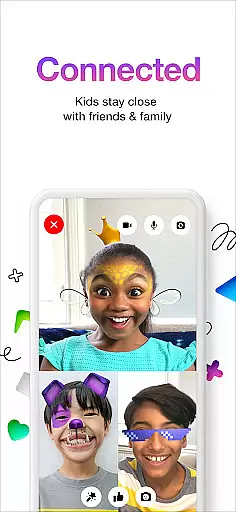
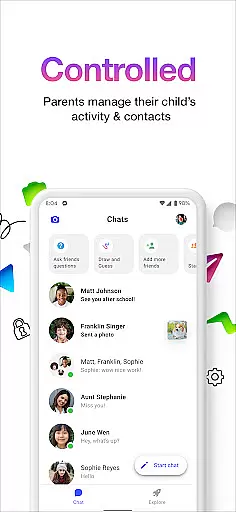
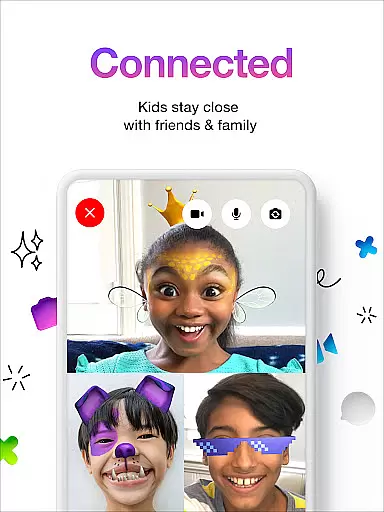
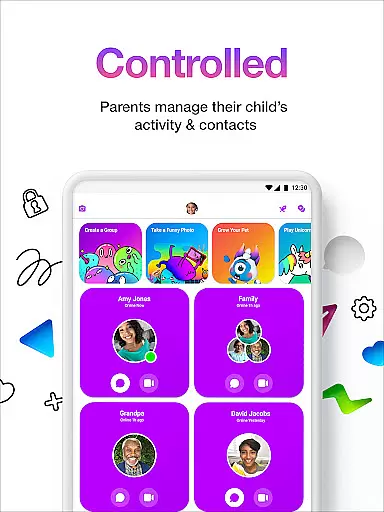

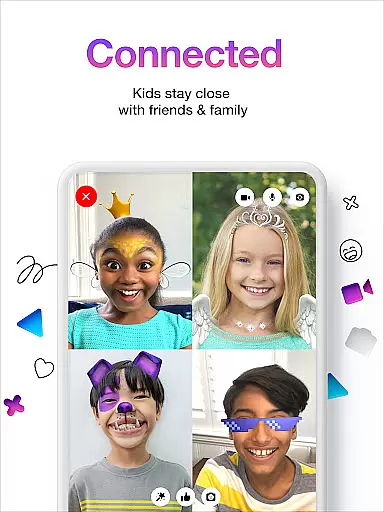
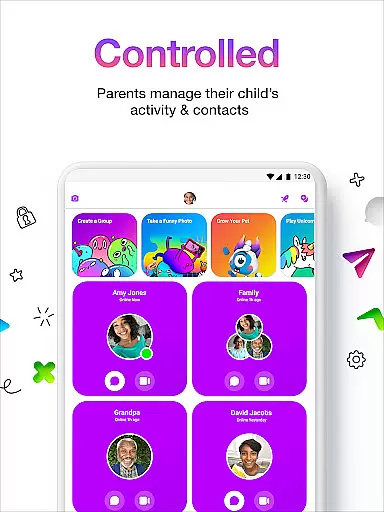
Messenger Kids is a communication app designed specifically for children, offering a safe and controlled environment for messaging and video calls. The app allows parents to manage their kids' contact lists through a Parent Dashboard, ensuring secure interactions with friends and family.
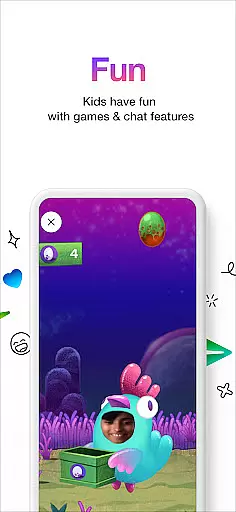
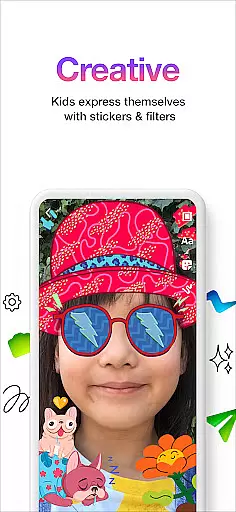
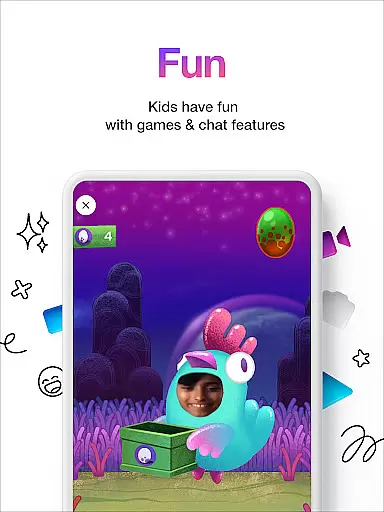
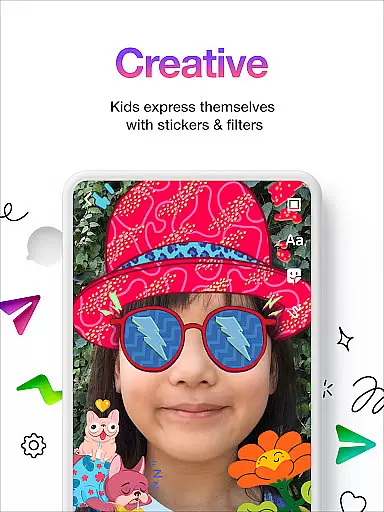
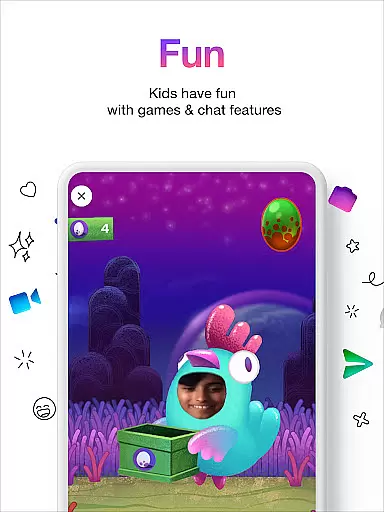
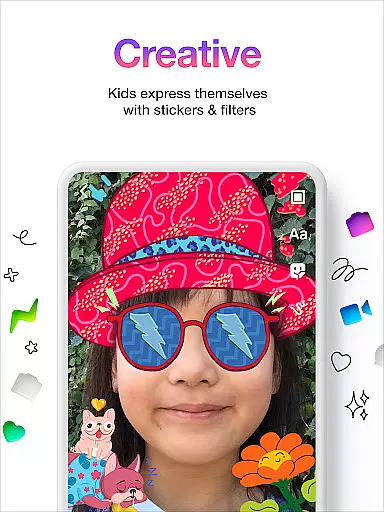
With fun filters, reactions, and sound effects, the app enhances video chats while creative tools like stickers, GIFs, emojis, and drawing features provide multiple ways for kids to express themselves during conversations. Additionally, there are no in-app purchases or ads, making it worry-free for both kids and parents.
This app is ideal for families looking to introduce digital communication to younger children in a secure manner. It provides peace of mind for parents while giving kids an engaging platform to connect with loved ones.
Messenger Kids offers several notable features that enhance its functionality as a communication tool for children. One key feature is the Parent Dashboard, which empowers parents to oversee their child's contacts and monitor messages, ensuring a safe interaction environment.
The app includes kid-friendly filters, reactions, and sound effects that make video chats more enjoyable. These elements encourage creativity and fun during conversations. Furthermore, the availability of stickers, GIFs, emojis, and drawing tools allows kids to personalize their chats and express emotions vividly.
Parents can also set usage limits, especially during bedtime, promoting healthy screen time habits. With no phone number required for setup and the absence of in-app purchases or advertisements, Messenger Kids delivers a seamless and secure user experience tailored specifically for young users.
Real-time messaging speed and reliability are crucial for a seamless communication experience, especially in an app designed for kids. Messenger Kids excels in this area by providing instant message delivery, ensuring that children can communicate with their contacts without unnecessary delays.
The app employs optimized data transmission protocols to maintain fast and reliable message delivery even under varying network conditions. This ensures that messages are delivered promptly, whether the child is at home on Wi-Fi or using mobile data elsewhere.
Parents can rest assured knowing that important communications, such as safety alerts or family updates, will reach their children without delay. The dependable performance of Messenger Kids supports uninterrupted interaction between kids and their approved contacts.
Moreover, the stability of the messaging system contributes to a worry-free environment where parents can set usage limits and manage contacts, knowing that the core functionality of real-time communication remains consistently robust.
Media sharing support in Messenger Kids allows children to share images, videos, and other multimedia content safely with their approved contacts. This feature enhances the way kids express themselves and communicate with friends and family, making conversations more engaging and fun.
The app provides a secure environment for media sharing by implementing strict privacy controls and content moderation. Parents have the ability to oversee shared media through the Parent Dashboard, ensuring that all exchanges are appropriate and align with family values.
With kid-friendly filters, reactions, and sound effects, the app enriches the media sharing experience. Children can apply creative enhancements to their photos and videos before sending them, which adds an element of fun and personalization to their interactions.
In addition to supporting rich media formats, Messenger Kids also ensures there are no in-app purchases or ads, allowing kids to share and enjoy content without commercial interruptions. This creates a pure communication space focused solely on fostering meaningful connections among young users.
Parental controls
Kid friendly design
No ads or purchases
Fun creative tools
Secure messaging
Limited features
Age restrictions
Parental oversight
Few customization
Requires Facebook

Fast and simple walkie talkie app
 4.20
4.20
Use this Dialer app alone or as a TREK: Total Interface companion.
4.70
Save 10% automatically on your first international mobile top up.
4.60
Messenger for SMS - texting message app, faster, simpler & safer, for you.
4.70
Block spam calls & scam - no more annoying calls with the call blocker function
4.30
Experience real private browsing without tracking, surveillance, or censorship.
4.50
Create a secure hotspot on-the-go with Portable WiFi - Mobile hotspot.
4.40
Threema is the messenger with the most consistent focus on security and privacy.
4.00
Useful. Social. Expressive.
4.70
Read OBD2 data and DTCs Create custom dashboards Enhanced diagnostics available
4.70
Identify unknown numbers, block spam calls, customize calls with cool themes.
4.60
Talk & text free with a second phone number plus unlimited 5G data, no fees.
4.50
Google's fast and secure browser
4.10
WazzapMigrator: transfer your WhatsApp history from iPhone to Android
4.00
Fast Dialer & Contact Manager with Caller ID and Spam Protection
4.00
Tether to Windows, OS X, Linux PCs or Android tablets. No root. No tether fees.
3.90
Fast, Simple And Secure Application That Provides SMBv3 Server On Your Device
3.30
Comprehensive and powerful scan tool app with enhanced functions
3.00
Bringing the functionality of Winlink to your Android device
4.2


User Reviews