
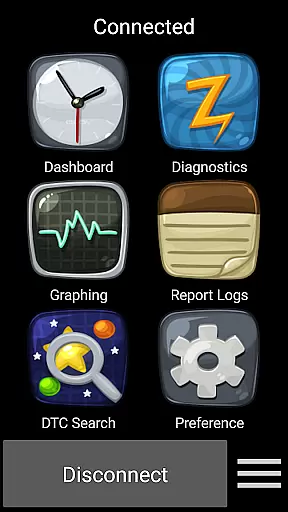
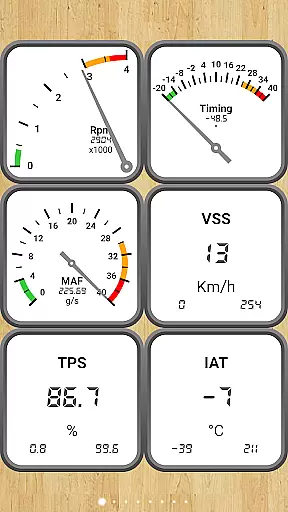
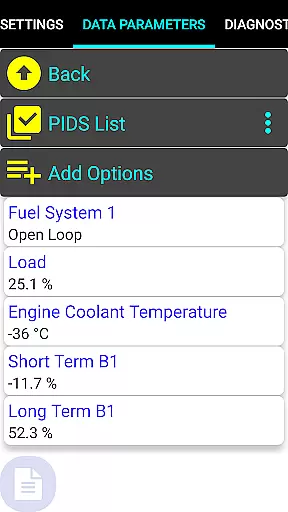
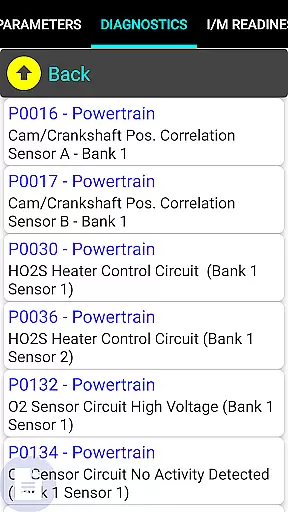
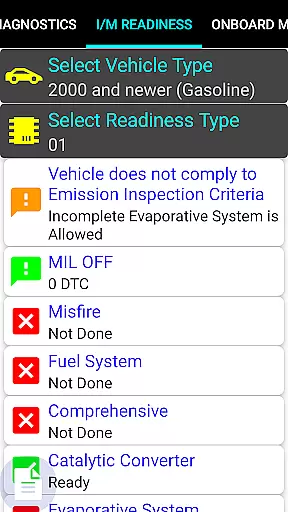
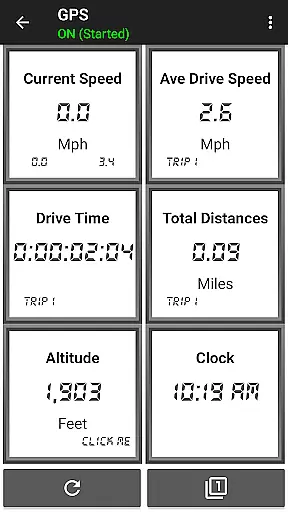
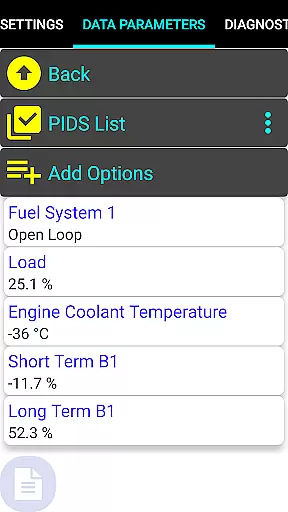
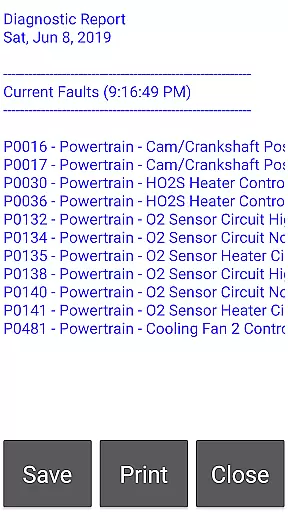
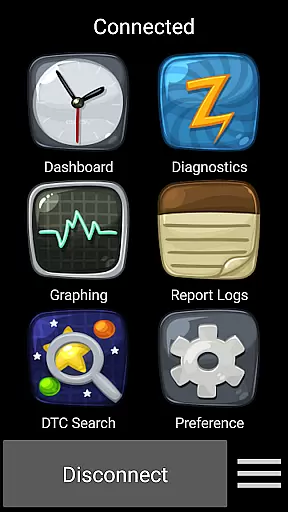
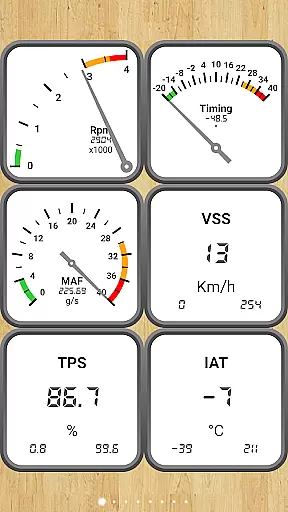
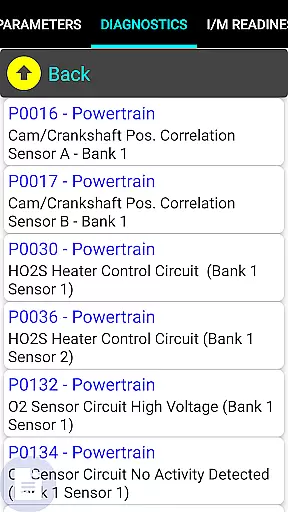
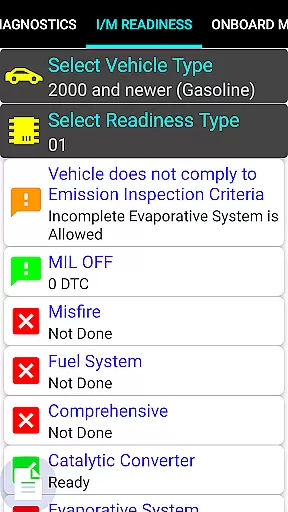
Car Gauge Pro is a comprehensive OBD2 diagnostic tool designed for all OBD2 compliant vehicles, offering both generic and enhanced diagnostic data. This app stands out with specialized support for Ford and Nissan vehicles, providing professional-level functionalities similar to factory scan tools. Through a Bluetooth connection with Elm 327 or STN devices, it accesses the vehicle's computer system to deliver detailed diagnostic information.
The application covers a wide range of diagnostic functions including reading and clearing fault codes, performing sensor tests, and monitoring real-time data parameters. Its capabilities extend to specific brands like Ford, Nissan, GM, Toyota, and KIA, enabling advanced tests and adjustments. Whether you're a car enthusiast or a professional mechanic, Car Gauge Pro serves as an essential tool for maintaining vehicle health and performance.
Car Gauge Pro offers an extensive set of features that cater to various diagnostic needs. The app supports all standard OBD2 modes, allowing users to access over 220 parameter IDs (PIDs) for real-time data monitoring, freeze frame data, and emission tests. It also provides advanced functionalities such as Mode 5 O2 sensor testing and Mode 6 emission on-board diagnostics.
For enhanced compatibility, the app includes specialized functions for Ford, Nissan, GM, Toyota, and KIA vehicles. Ford owners can perform self-tests, KOEO/KOER checks, while Nissan users benefit from ignition timing and idle RPM adjustments. These enhanced features, combined with active testing capabilities, make Car Gauge Pro a versatile tool for in-depth vehicle analysis and maintenance.
Real-time messaging speed and reliability are crucial for effective communication applications. Car Gauge Pro (OBD2 + Enhance) ensures that data transmission between the vehicle's onboard diagnostics system and the user's device is both swift and dependable. This is vital when diagnosing vehicle issues or monitoring performance parameters in real time.
The app leverages the capabilities of Elm 327 or STN Bluetooth devices to maintain a stable connection, which is essential for uninterrupted data flow. By doing so, it provides mechanics and car enthusiasts with instant access to critical vehicle information, allowing them to make informed decisions quickly.
For users, this means they can rely on Car Gauge Pro to deliver timely and accurate diagnostic details without frustrating lags or disconnections. Whether you're a professional mechanic or a DIY car owner, the ability to receive real-time updates can significantly enhance your efficiency and accuracy when working on vehicles.
Media sharing support in communication apps like Car Gauge Pro (OBD2 + Enhance) refers to the ability to share various types of diagnostic data and reports effortlessly. This feature is particularly beneficial for collaborative work environments where multiple parties need to analyze vehicle performance or diagnose issues together.
Car Gauge Pro facilitates media sharing by enabling users to export comprehensive diagnostic reports and share them via email or cloud services. These reports can include detailed fault codes, sensor data, and other critical vehicle health indicators that are invaluable for remote consultations or record-keeping purposes.
By incorporating robust media sharing capabilities, Car Gauge Pro not only enhances collaboration but also empowers users to maintain thorough documentation of their vehicleu2019s maintenance history. This functionality proves indispensable for tracking repairs, preparing for inspections, or seeking second opinions from fellow experts in the field.
User-friendly interface
Comprehensive OBD2 functions
Specialized Ford and Nissan support
Real-time data monitoring
Professional diagnostic capabilities
Requires compatible Bluetooth adapter
Limited enhanced support for some models
No Mini Elm 327 v2.1 support
Additional hardware purchase necessary
Complex for beginners

Tether to Windows, OS X, Linux PCs or Android tablets. No root. No tether fees.
 3.90
3.90
Call Forwarding is easy and simple application to use.
3.80
Radio communication simulator for gaming communities
4.4
Messenger app for faster and simpler SMS text messaging, and personalized themes
4.10
Connect and browse the internet with a fast VPN proxy server and IP blocker.
4.50
Quickly and easily identify and block unknown callers
3.70
Experience real private browsing without tracking, surveillance, or censorship.
4.50
An agentic AI browser for Android, built by Perplexity
4.50
A customizable phone number in the cloud
4.20
Fast internet with AI, Adblock & VPN. Browse on a safe, incognito web browser.
4.70
FolderSync enables easy sync of files between cloud storage and Android devices.
4.60
Stay in touch with the people who matter most.
4.60
Caller ID App! Add names & photos to unknown calls & Call Recording
4.40
Group Chat That’s Fun & Games
4.30
Fast and simple walkie talkie app
4.20
Enjoy secure messaging & calling. Safe Messenger: group chats, calls, messages.
4.20
SMS & MMS Messaging App to easily send messages or schedule SMS on Chat
4.10
Fast Dialer & Contact Manager with Caller ID and Spam Protection
4.00
An app dedicated solely to marriage, not dating, and supported by a rigorous verification mechanism to ensure seriousness.
4.3


User Reviews