



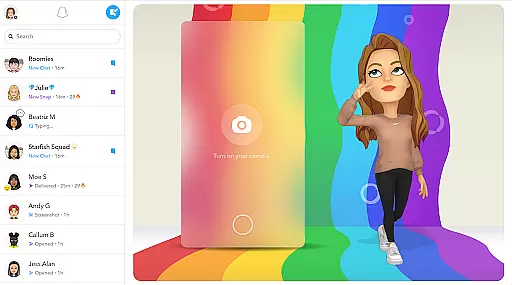
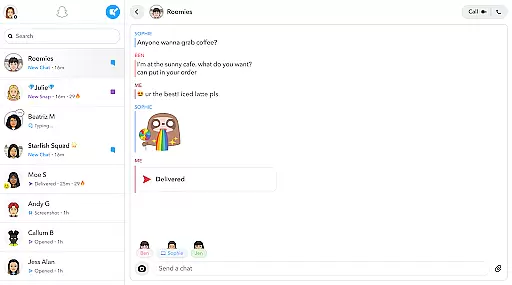
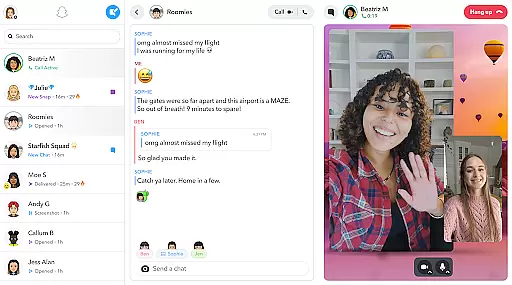
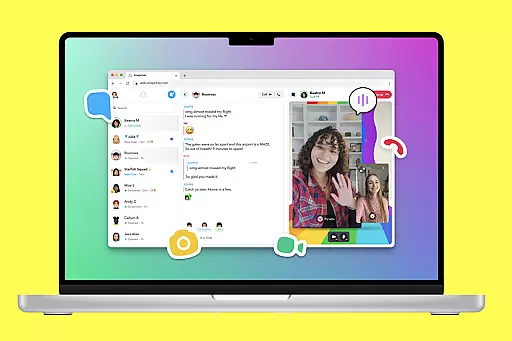
Snapchat is a dynamic communication app that allows users to share moments instantly through photos and videos. The app opens directly to the camera, making it easy to capture and send snaps with creative enhancements like Lenses, Filters, and Bitmoji. Users can engage in live messaging or video chat with up to 16 friends at once, while expressing themselves with exclusive Friendmojis.
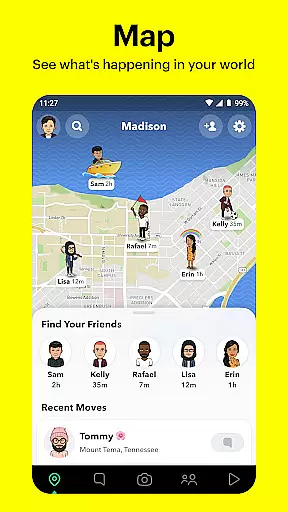
Beyond direct messaging, Snapchat offers Stories and Spotlight features for sharing experiences with a wider audience. The Map feature lets users share their location with close friends or explore community stories from around the world. With Memories, users can save and revisit their favorite moments. Friendship Profiles add a personal touch by highlighting shared memories and common interests.
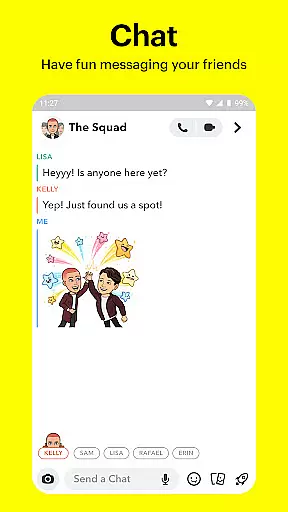
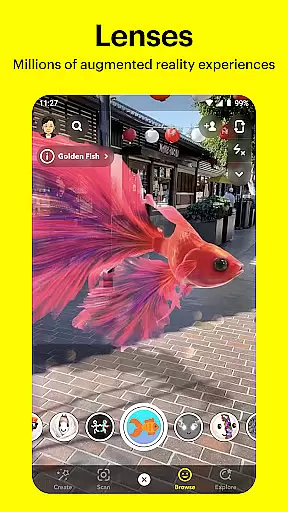
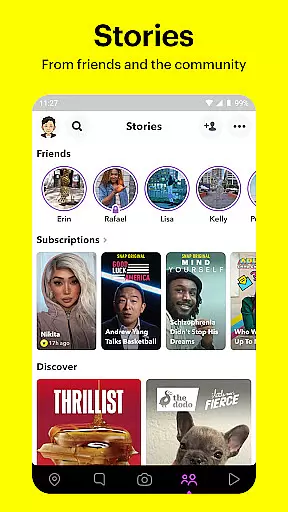
Snapchat stands out with its innovative camera-first design, offering daily updated Lenses created by the community. The Chat feature supports multimedia messaging, including video calls enhanced with Lenses and Filters. Stories allow users to view updates from friends or discover curated content based on interests.
The Spotlight section highlights top user-generated content, encouraging engagement through likes and shares. The Map feature provides a personalized view of friend locations and public stories from different areas. Additionally, Memories serves as a private storage space where users can edit and repurpose old snaps. Friendship Profiles deepen connections by showcasing shared moments and unique compatibility traits between friends.
Real-time messaging speed and reliability are crucial for maintaining seamless communication in any messaging app. Snapchat ensures that messages are delivered instantly, allowing users to stay connected without delays.
The app employs advanced server infrastructure and optimized data transmission protocols to guarantee that texts, images, and videos are sent and received in real time. This infrastructure supports live messaging, video chats, and the sharing of Stories, ensuring a smooth experience even when multiple Snapchatters interact simultaneously.
For users, this means they can engage in spontaneous and meaningful conversations, share moments as they happen, and participate in Group Stories without worrying about lag or downtime. The immediacy of communication enhances the sense of presence and connection with friends and family.
Media sharing support is an essential feature of Snapchat, enabling users to exchange photos, videos, and other multimedia content effortlessly. With its intuitive interface, Snapchat allows users to capture media directly through the app and share it instantly with their contacts.
The platform offers extensive options for personalizing media, including Lenses, Filters, and Bitmoji integrations. These tools let users express themselves creatively before sending snaps or posting stories. Additionally, Snapchat's Memories feature provides a way to store and manage shared media, making it easy to revisit and reshare favorite moments.
By supporting various media formats and providing robust editing capabilities, Snapchat empowers users to communicate more vividly and engagingly. Whether sharing a quick snap or crafting a detailed Story, users benefit from a versatile and dynamic media-sharing experience.
User-friendly interface
Creative photo tools
Real-time video chat
Engaging Stories feature
Personalized Friendship Profiles
Privacy concerns
Limited search options
High data usage
Complex settings
Ad-heavy experience

Radio communication simulator for gaming communities
 4.3
4.3
The ultimate productivity solution for all your email communication needs.
4.40
WazzapMigrator: transfer your WhatsApp history from iPhone to Android
4.00
Comprehensive and powerful scan tool app with enhanced functions
3.00
An app dedicated solely to marriage, not dating, and supported by a rigorous verification mechanism to ensure seriousness.
4.3
Call & Text Anywhere With A Canadian Number.
3.60
Bringing the functionality of Winlink to your Android device
4.1
Get through your inbox faster with the mail app designed to simplify your life.
4.40
Simple tool for businesses to talk to their customers.
4.40
A browser that does more than load page, like keeping your privacy safe.
4.70
Talk & text free with a second phone number plus unlimited 5G data, no fees.
4.50
Manage your data, talk & text - affordable phone plans & data usage made simple
4.30
Use this SMS app standalone or as a TREK: Total Interface companion.
4.30
Send SMS and chat messages easily with a fast text messaging app for Android.
4.10
Federated instant messaging for your mobile device (Jabber, XMPP, Snikket)
4.10 3.90
3.90
Pure modern IRC experience for Android
3.70
Watchgram for Telegram: Experience seamless Telegram messaging on your watch
1.80
Manage Phone Calls, call history, and contacts easily with Phone Pro.
4.1


User Reviews