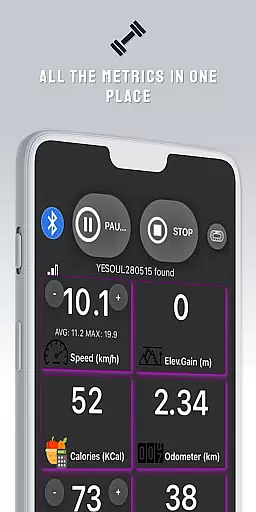
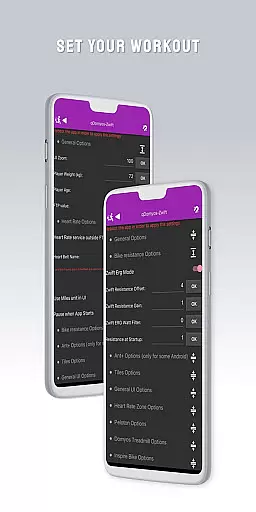
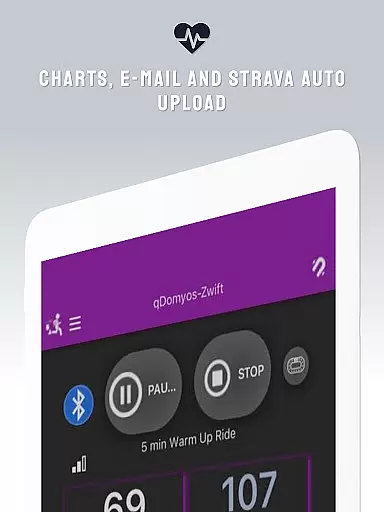
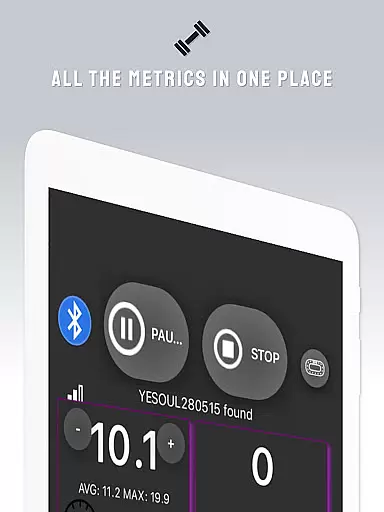
QZ is a versatile application designed to bridge the gap between various exercise equipment and popular fitness platforms like Zwift. This app allows users with Domyos, Echelon, Proform, Flywheel, Yesoul, or Toorx treadmills and bikes to seamlessly integrate their devices with virtual training environments.
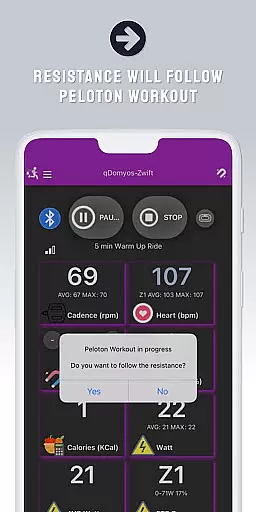
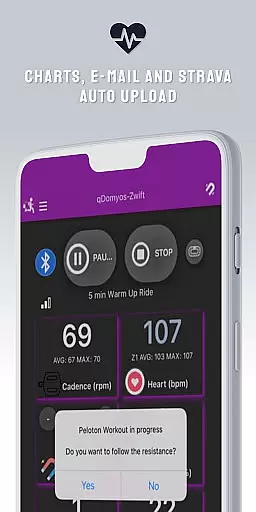
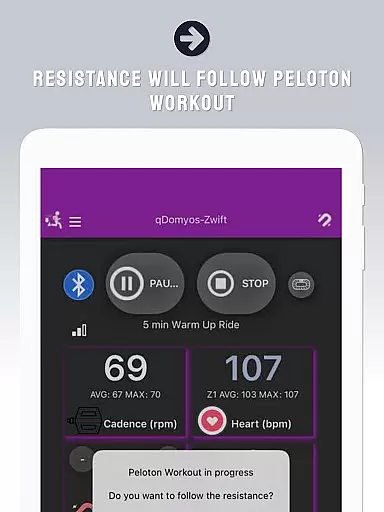
One of QZ's standout features is its ability to automatically adjust workout resistance for Peloton users, providing a hands-free experience during intense sessions. Additionally, it supports Strava Autopload functionality and Wear OS integration, enabling users to monitor heart rate directly from their smartwatches.
Whether you're cycling indoors or running on a treadmill, QZ ensures your equipment is fully compatible with modern fitness tracking systems. This compatibility extends across multiple brands and models, making it an essential tool for home gym enthusiasts looking to enhance their digital workout experience.
QZ offers a comprehensive set of features that cater to diverse fitness needs. The app's primary capability lies in its extensive compatibility list, supporting equipment from major brands including Echelon, Domyos, Keiser, and more. This wide-ranging support ensures that most users can find value regardless of their specific equipment type.
A key innovation is the automatic resistance adjustment feature for Peloton users, which streamlines workout sessions by eliminating manual adjustments. The inclusion of Strava Autopload functionality demonstrates QZ's commitment to integrating with popular fitness ecosystems, while the Wear OS support enables real-time heart rate monitoring through compatible smartwatches.
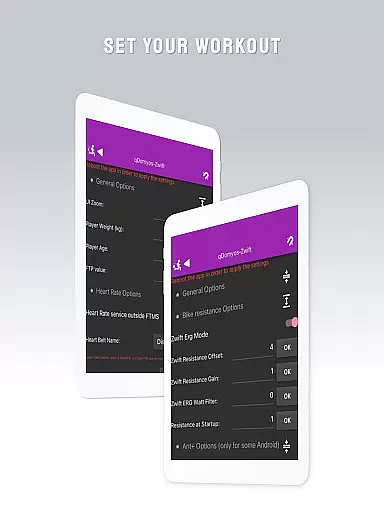
The app's versatility extends beyond basic connectivity, offering users the ability to calibrate their equipment using dedicated tools like the Flywheel calibration utility. This combination of broad compatibility, automated features, and wearable integration makes QZ a powerful solution for enhancing traditional exercise equipment with smart capabilities.
Companion app integration is essential for users who want a seamless experience between their wearable devices and main applications. QZ (qdomyos-zwift) excels in this area by offering robust connectivity options.
The app allows users to connect their smartphones to treadmills or bikes, enabling Zwift to recognize the equipment effortlessly. This ensures that your workout data is accurately reflected in real-time on Zwift, enhancing your virtual fitness experience.
Additionally, QZ supports Strava Autopload, automatically uploading your workout data to Strava. This feature saves time and effort, ensuring all your achievements are recorded without manual input.
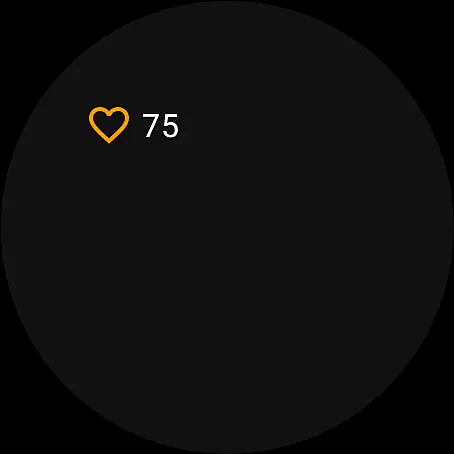
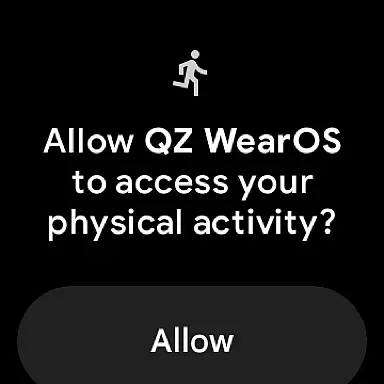
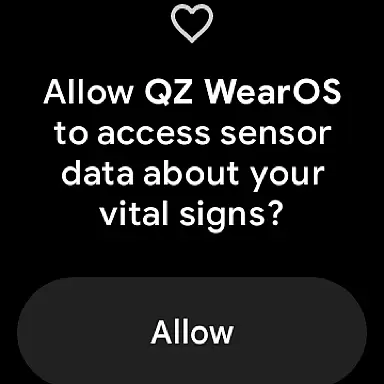
With Wear OS compatibility, QZ extends its functionality to smartwatches. By downloading the app on your watch, it can read your heart rate and send it to the main QZ app, providing comprehensive health tracking during workouts.
Wear OS and device compatibility is crucial for users looking to maximize their wearable technology's potential. QZ (qdomyos-zwift) stands out by supporting a wide range of devices and ensuring smooth integration.
The app is compatible with various exercise machines, including Echelon, Domyos, Yesoul, Toorx treadmills, and bikes. This extensive compatibility list ensures that users with different equipment can utilize QZ effectively, breathing new life into their existing machines.
QZ also supports Wear OS, allowing users to download the app on their smartwatches. The watch app reads heart rate data and transmits it to the main QZ app, offering precise health metrics during workouts.
This broad device support and integration capability make QZ a versatile tool for fitness enthusiasts, ensuring they can leverage their wearables and exercise equipment to the fullest extent.
Wide equipment compatibility
Auto resistance adjustment
Wear OS integration
Strava Autopload support
User-friendly interface
Limited official endorsements
Requires smartphone connection
Some features need confirmation
Additional sensor may be needed
Calibration can be complex

"PER27 Galaxy Digital" is a digital Wear OS watch face designed by PERSONA
 4.10
4.10
Rose gold watch face with festive lights & customizable features.
4.60
A heartwarming Christmas scene featuring a cute image of Santa and Rudolf
4.5
Stunning modern digital watch face with 7 complications and strong contrast
4.3
Easy Voice Recorder is your everyday companion to record important moments.
4.70
Stylish digital watch face for Wear OS devices with customizable features
4.5
Ideal for surviving in the wasteland left after nuclear fallout
4.50
The Chevron App allows you to pay for fuel from the comfort of your car!
4.80
A modern hybrid informative watch face for Wear OS designed by BALLOZI
4.80
Monitor health with the stress test and pulse checker in the heart rate app.
4.60
Embrace the holiday spirit with this magical animated watch face!
4.40
Digital watch face with big numbers and many customization for Wear OS devices
4.40
Reliable phone calls with spam protection, caller ID and more helpful features
4.40
Bold, Modern Hybrid Watch Face for Wear OS. 10 Colors, Rich Info Display.
4.30
Hyper-Realistic Airplane Dashboard Watch Face With 10 Skins and Custom AOD
4.00
A full-featured Amazon Alexa voice assistant that can show you things.
3.70
Stay in touch with your friends and family using LINE!
3.40
an Analog Watch Face for winter season with freeze winter background for Wear OS
4.1
Simple Analog-Digital Watchface For Wear OS 3.0 and Up Smartwatches
4.5


User Reviews