
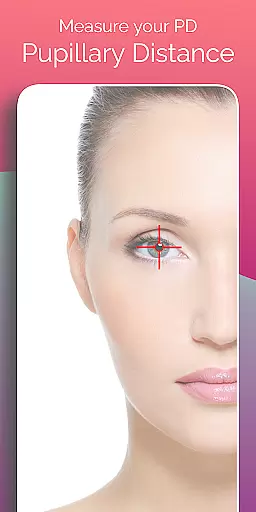
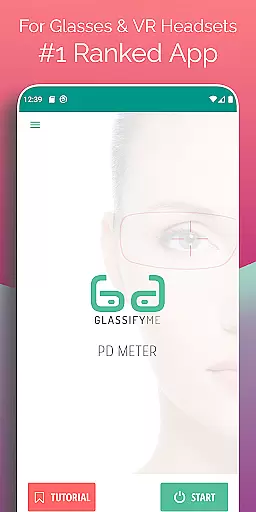
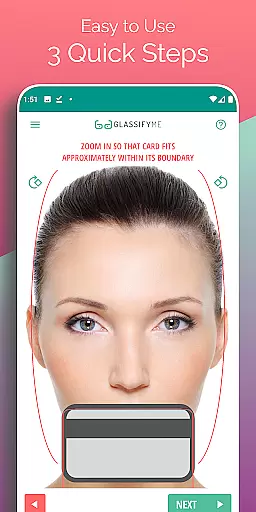

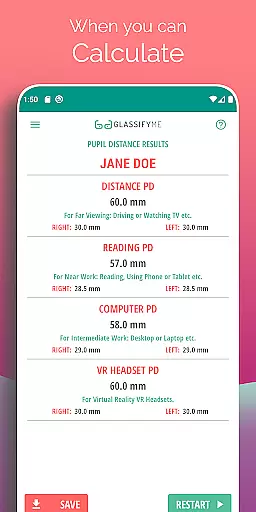
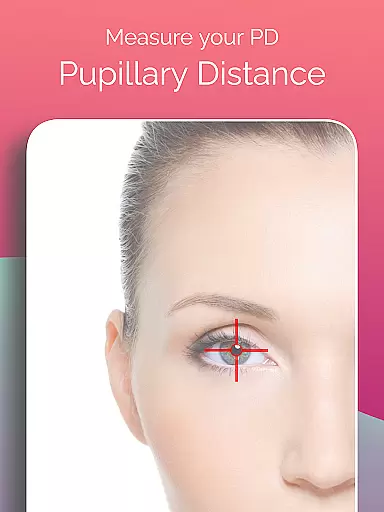
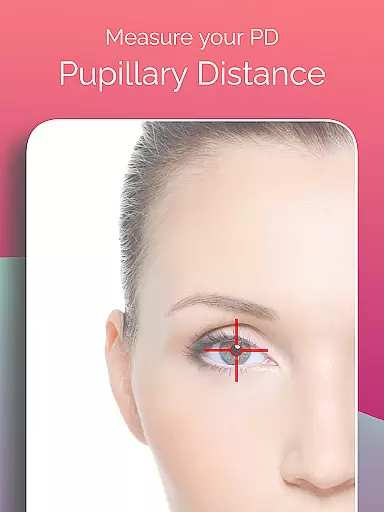
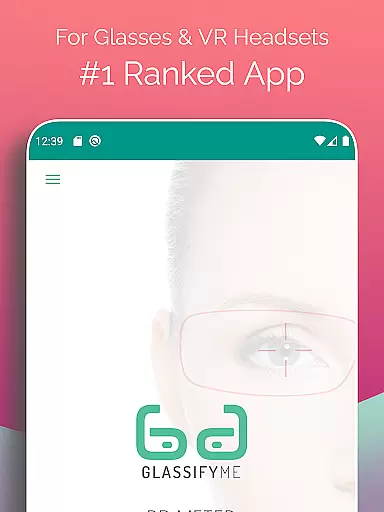
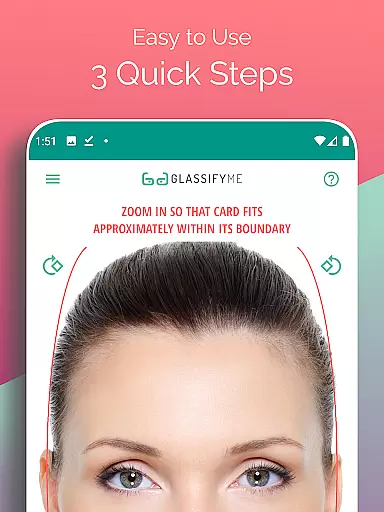
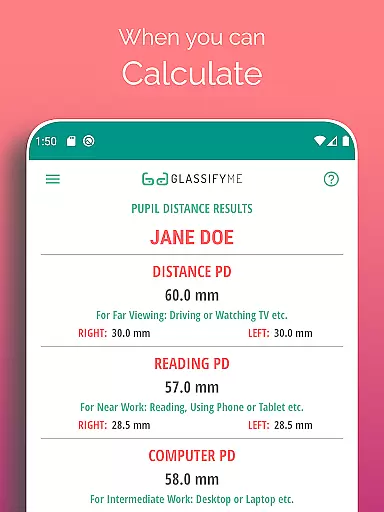
Pupil Distance PD Glasses & VR is a leading health and fitness application designed to accurately measure your Pupillary Distance (PD). This crucial measurement, essential for prescription glasses and VR headsets, is determined by an advanced algorithm that automatically detects your eyes and pupils. By simply taking a picture with a standard-sized card, users can quickly obtain precise PD measurements, ensuring proper vision correction and optimal VR experiences.
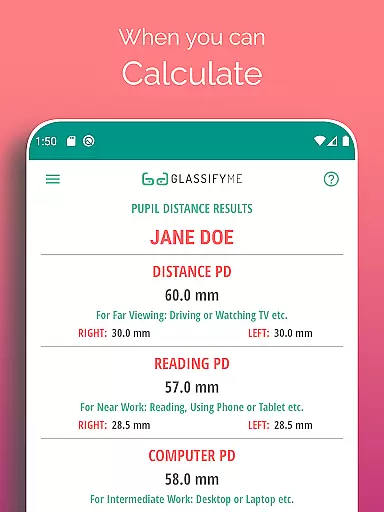
The app stands out with its ability to calculate both Distance and Reading PD through an easy three-step process. Whether you choose to take a selfie, have someone else take your picture, or import an existing photo, the app provides reliable results without the need for specialized equipment. Its innovative approach makes it accessible and convenient for anyone requiring accurate PD measurements.
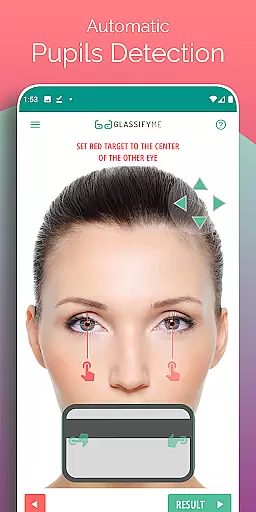
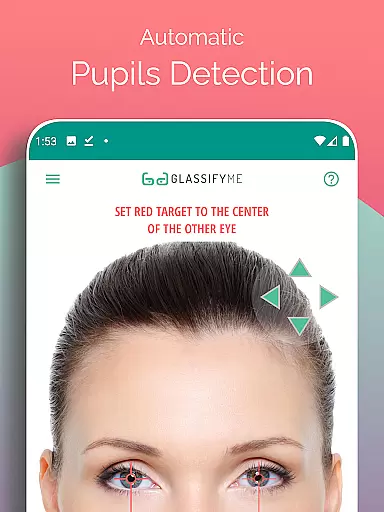
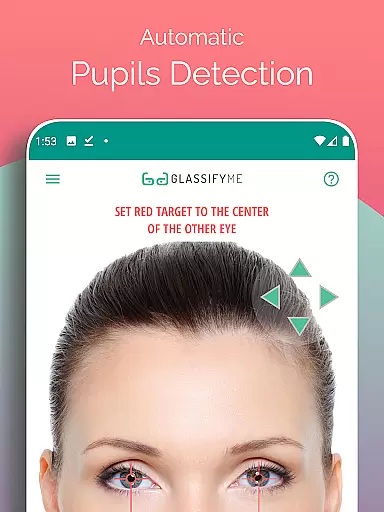
One of the standout features of Pupil Distance PD Glasses & VR is its advanced eye and pupil detection technology. This ensures that every measurement is not only quick but also highly accurate, providing users with confidence in their PD values. The app's algorithm is designed to work seamlessly with any standard-sized card, making it versatile and user-friendly.
In addition to its core functionality, the app offers multiple options for capturing images. Users can either take a new photo, ask a friend for assistance, or even import an image from their gallery. This flexibility caters to different preferences and situations, enhancing the overall user experience. Furthermore, the app includes a comprehensive video tutorial available at https://youtu.be/eIuSNoEZWig, guiding users through each step of the process.
Personalized planning in the context of PD measurement involves tailoring the approach to suit individual user needs. The PD Meter App by GlassifyMe offers a customized experience by allowing users to choose from various methods to measure their Pupillary Distance.
This includes taking a new photo, importing an existing one from the gallery, or even requesting assistance from a friend for a more accurate capture. This flexibility ensures that regardless of the user's situation or comfort level with technology, they can obtain an accurate PD measurement.
The app's advanced algorithm plays a crucial role in personalized planning. It automatically detects the eyes and pupils in the provided image, using reference sizing from a standard card included in the photo to calculate the PD with precision tailored to each user's unique features.
Ultimately, this personalized approach not only simplifies the process but also enhances the accuracy of the PD measurement, which is vital for manufacturing prescription glasses and optimizing VR headset experiences.
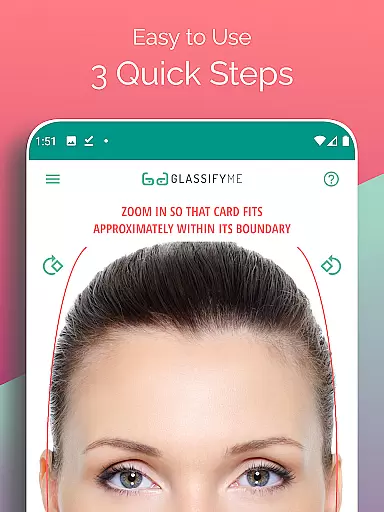
Progress visualization refers to the clear presentation of a user's advancement through visual means. In the PD Meter App, this concept is demonstrated through its intuitive interface that guides users through the three quick steps of measuring their PD.
Upon launching the app, users are met with straightforward instructions on how to position their card and take a picture. As they proceed, visual cues and feedback within the app indicate successful completion of each step, providing a sense of accomplishment and clarity on their progress.
Once the photo is captured or uploaded, the app swiftly processes the image, visually highlighting the detected eye positions and calculated PD measurement. This immediate visual confirmation reassures users of the app's accuracy and reliability.
By transforming what could be an abstract concept into tangible visual data, the PD Meter App empowers users with knowledge about their own eyesight metrics, making it easier to understand and utilize this critical information for optical purchases or adjustments.
User-friendly interface
Accurate PD measurement
Multiple capture options
Advanced detection algorithm
Comprehensive tutorial
Requires a reference card
Limited to Android devices
Internet connection needed
Premium version costs
Occasional inaccuracies

Easy access to health benefits
 4.70
4.70
Transform your body and soul with DBFFitness, with a 40-day fitness journey.
4.4
Load the bar with this barbell & plate calculator. It's leg day, not brain day!
4.70
Make sense of your health data.
3.80
This is an application that serves as a companion app for smart watch.
4.20
Track sleep cycle, relax with white noise, sleep sounds & smart alarm clock
3.80
Understand your body’s most meaningful messages and transform your health.
3.90
Easy to use step counter, calorie counter helps lose weight, count steps offline
4.80
Control your blood pressure, heart rate and blood sugar in a fast way.
4.00
Walk. Earn: Get rewarded for every step! Walk, move, and earn real rewards.
4.70
The simplest way to track your 21 Day Program containers, exercises, and water.
4.50
The OFFICIAL Couch to 5K® running training app! A 9 week walk-run workout plan.
4.50
Track heart rate & HRV in 30s! Get live health insights and anomaly alerts
4.40
Walk, track, and burn calories with step counter & GPS walking tracker
4.20
Focus on BP & Health
3.80
Find Paid Clinical Trials In Your Area
3.70
Measure real-time wrist & ambient temperature with your Galaxy Watch (Wear OS)
3.20
Sync your activities of the most popular sports tracking services
2.70
Optimization for TRT & Enhanced Athletes
4.3


User Reviews