
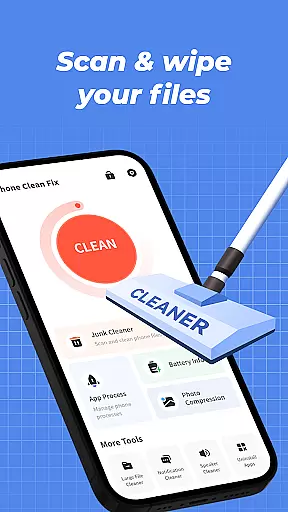

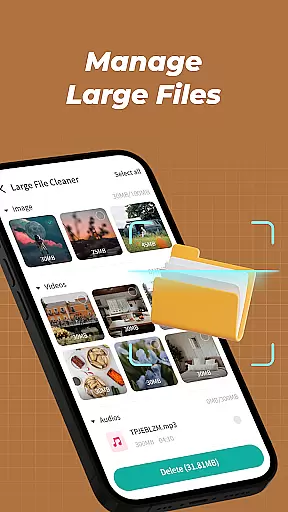

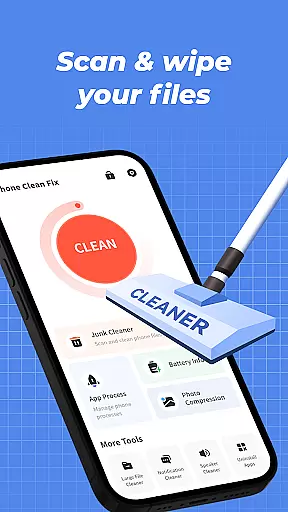

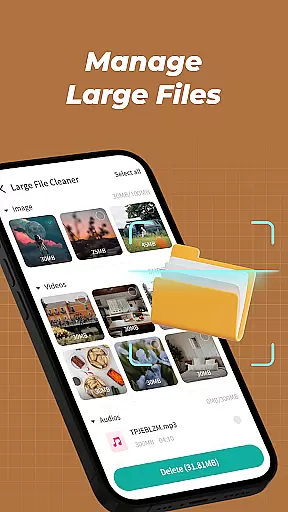
Phone Clean Fix is a comprehensive mobile cleaning tool designed to optimize device performance. The app focuses on four core functionalities: junk file cleaning, battery monitoring, app management, and background process control.
With its intuitive interface, users can easily scan and remove unnecessary cache and residual files, view real-time battery status, uninstall unwanted apps, and manage background processes for improved efficiency. This makes it an ideal solution for maintaining a clean and organized smartphone environment.
Whether you're looking to free up storage space or extend battery life, Phone Clean Fix provides practical tools that cater to everyday needs while ensuring a seamless user experience.
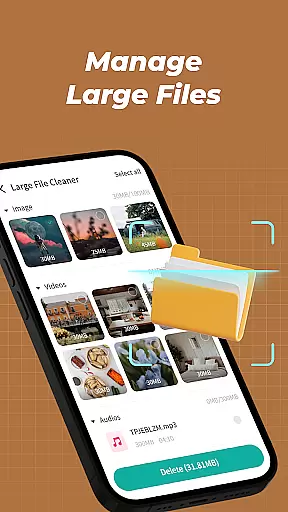
Phone Clean Fix stands out with its diverse range of features tailored for device optimization. Its junk cleaner scans deeply into your phone's storage to identify and remove unnecessary files such as cache and residual data, helping free up valuable space.
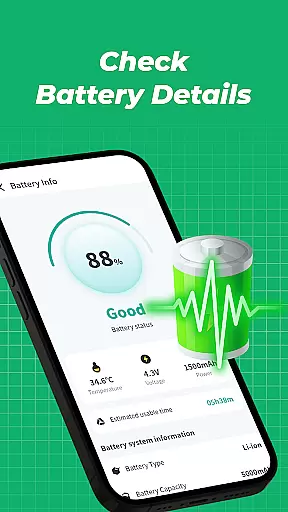
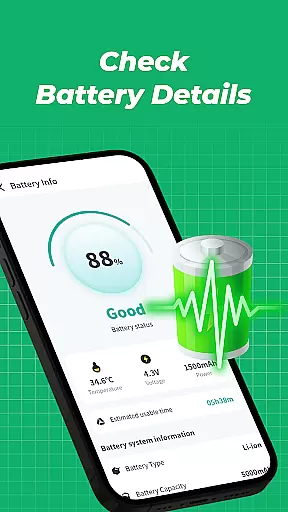
The app also includes a battery information module that displays critical details like current battery level and usage statistics. Additionally, the uninstall feature allows users to swiftly remove unused apps, keeping their devices clutter-free. Another notable function is the ability to monitor background processes, enabling better control over system resources by closing non-essential apps.
These features collectively ensure that Phone Clean Fix not only enhances device performance but also simplifies routine maintenance tasks through its user-friendly design.
Phone Clean Fix delivers exceptional accuracy and effectiveness in its core functions, ensuring users can maintain their devices with confidence. The app's junk cleaning feature thoroughly scans and removes unnecessary files, including cache and residual data, which helps optimize device performance.
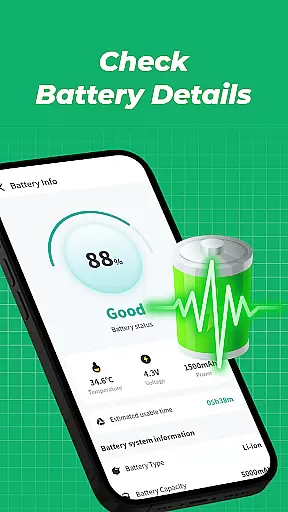
Battery information is presented clearly, allowing users to monitor their device's power status easily. This functionality ensures that users are always aware of their battery levels, helping them manage charging cycles more effectively.
The app uninstallation tool is both fast and reliable, enabling users to declutter their phones by removing unwanted applications swiftly. This contributes to a cleaner, more organized mobile environment.
Background process management provides real-time insights into running applications, empowering users to close unnecessary apps. This not only saves system resources but also extends battery life, making the app an essential tool for maintaining device efficiency.
Phone Clean Fix excels in providing a simple and intuitive user interface, designed to make device maintenance accessible to all users. The layout is clean and uncluttered, ensuring that even those unfamiliar with technical tools can navigate effortlessly.
Each feature is represented by clear icons and labels, streamlining the user experience. Whether scanning for junk files or checking battery status, users can complete tasks with just a few taps, thanks to the straightforward design.
The appu2019s intuitive operation eliminates the need for extensive tutorials or technical knowledge. Users can quickly grasp how to use each function, from uninstalling apps to managing background processes, enhancing overall usability.
This focus on simplicity does not compromise functionality; instead, it enhances user engagement by making everyday cleaning tasks enjoyable and stress-free. Phone Clean Fix proves that powerful tools can also be easy to use.
User-friendly interface
Effective junk cleaning
Battery monitoring
App uninstallation
Background process management
Limited advanced tools
No cloud backup
Basic UI design
Few customization options
Occasional bugs

 4.10
4.10
This app unlocks the Pro features of the Central for DayZ app
3.60
Safely recover deleted photos, videos, and files with a single easy tap.
3.70
View detailed information about your Nissan Leaf the dealer never shows you.
4.10
Undelete and recover your lost or deleted files with DiskDigger!
3.40
The ultimate tool for network analysis, wifi scanning and problem detection.
4.90
Remote Play with FSR upscaling, low latency & full controller support
4.80
Introducing Smart Printer, your ultimate destination for printing solutions!
4.00
Screen recorder with audio to record high-quality videos and take screenshots.
4.40
NFC Tools can read and write NFC tags.
4.70
HD Video player and downloader for all formats, fast & smooth 4K video playback.
4.60
Canon PRINT is a companion app for your Canon printer.
4.60
Forza Tuning Calculator App for Forza Horizon 5, Motorsport and Earlier Titles
4.40
Complete kernel toolbox with features to manage and tweak your rooted device
4.30
Remote for Roku, Fire TV, Samsung TV, LG TV, Android TV, Chromecast and VIZIO TV
4.20
Carry a FTP server in your pocket and avoid USB cables for file transfer
4.20
A convenient photo, video, and file recovery tool.
4.00
Smart and comfortable browsing experience.
3.80
Fun lie-detection pranks for friends and parties.
3.80


User Reviews