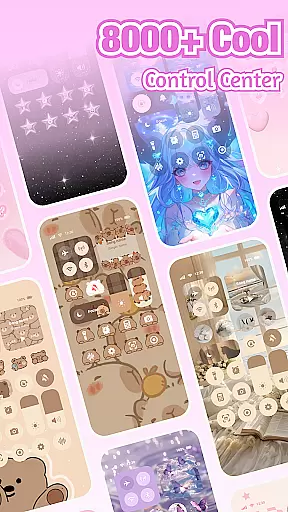
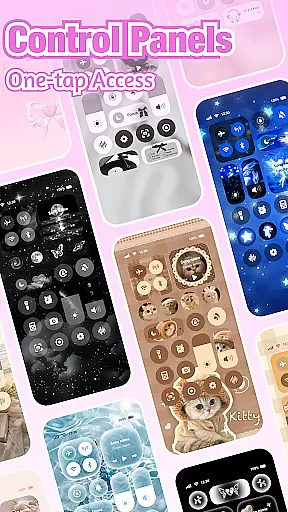
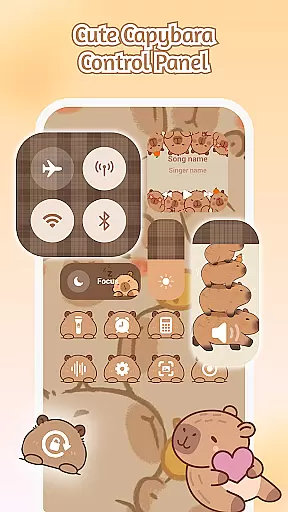
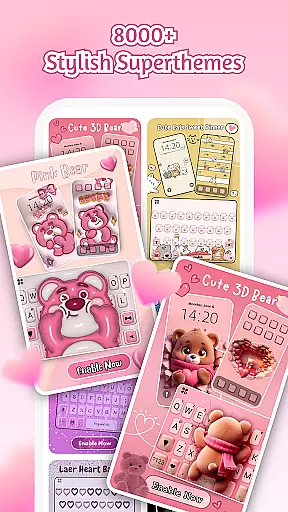
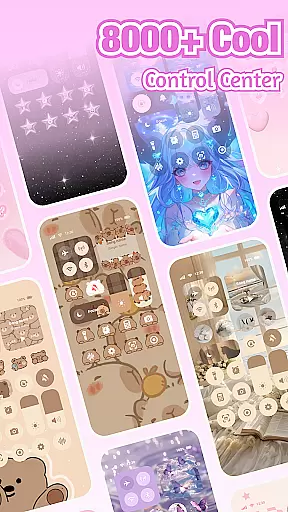
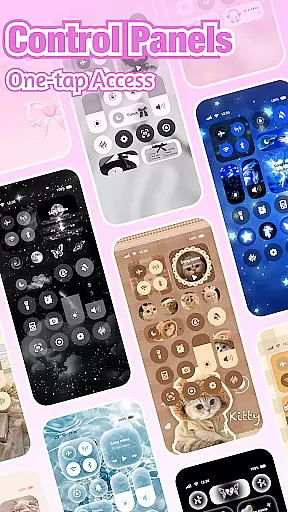
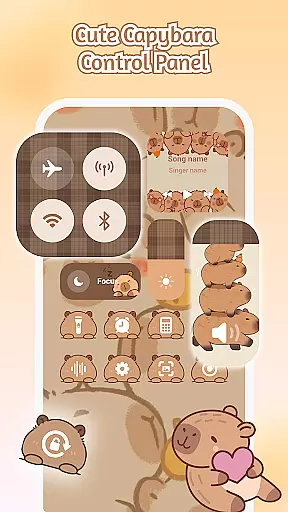
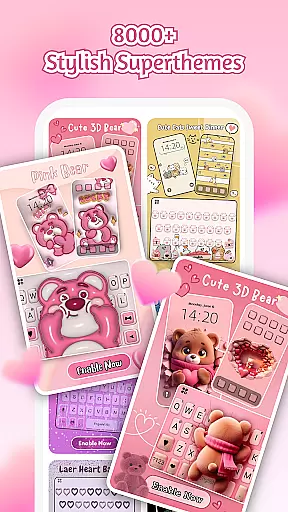
iControl is a professional theme app for Android that allows users to personalize their phones with aesthetic control packs and keyboard themes. The app offers a range of stylish designs, including simple, trendy, and unique styles, making it easy for users to customize their home screens according to their preferences.
One of the key features of iControl is its Control Center, which provides smart tools such as brightness and volume adjustment, dark mode switch, Wi-Fi and Bluetooth connectivity options, Do Not Disturb mode, screen rotation lock, airplane mode, and a built-in flashlight. These functionalities ensure that users have convenient access to essential phone settings.
In addition to its customization capabilities, iControl also includes a custom keyboard feature that supports multi-language typing and offers fast and smart typing experiences through contextual prediction and cloud computing. With over 30 million users and support for more than 150 languages, this app caters to a global audience seeking both style and functionality in their mobile devices.
iControl stands out with its comprehensive set of features designed to enhance user experience. The app's Control Center offers practical tools like brightness and volume sliders, a dark mode switch for eye strain reduction, and quick access to Wi-Fi, Bluetooth, Do Not Disturb, screen rotation lock, airplane mode, and flashlight functions.
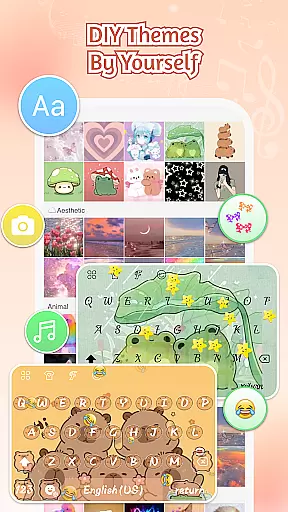
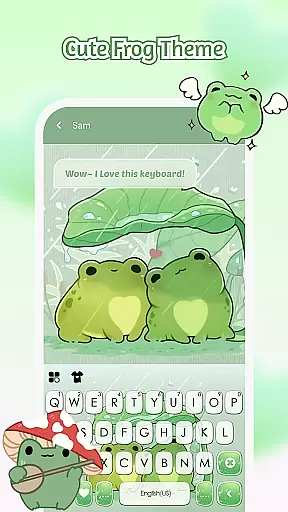
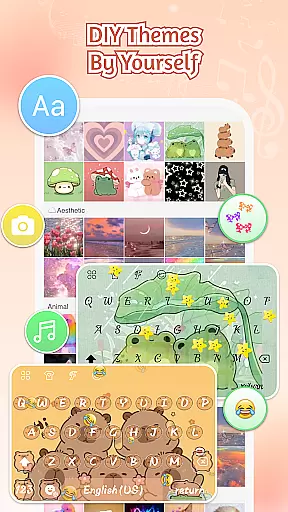
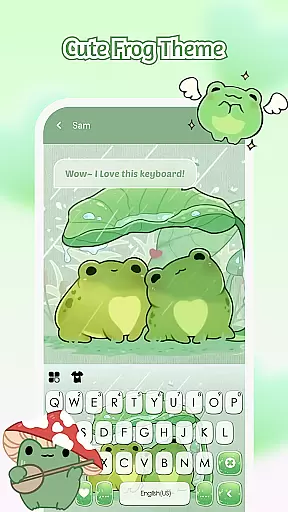
The Custom Keyboard feature allows users to choose photos or pictures as keyboard backgrounds and customize colors, sounds, effects, fonts, and layout. It also supports fast and smart typing with clipboard functionality for multiple copy-paste actions, swipe-to-type gestures, contextual prediction, auto-correction, and cloud-based next-word prediction.
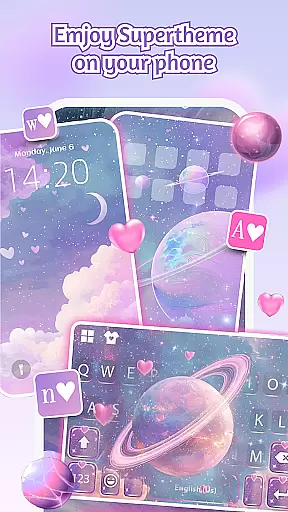
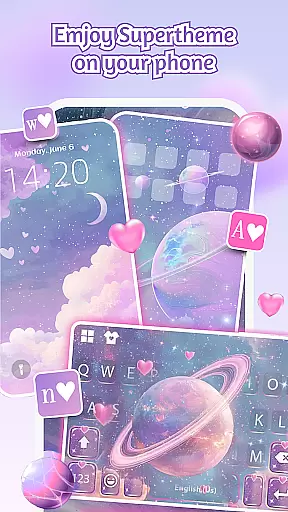
With SuperTheme, users can enjoy unified aesthetics across their device interfaces. This includes galaxy-themed keyboards, sakura keys, and over 500 designer templates updated daily. Additionally, the Zero-Skill DIY option enables everyone to become a designer by reshaping keys, tweaking transparency, adding touch effects/sounds, and using AI-generated art for professional-level designs.
Customization is at the heart of iControl, offering users a wide array of options to personalize their Android devices.
This app provides aesthetic control packs and keyboard themes, allowing you to become your home screen designer. Whether you prefer simple, trendy, or unique styles, iControl serves as a canvas for your creativity, enabling your device to stand out.
Features like the Control Center bring together smart tools with stylish design. Adjust brightness and volume, toggle dark mode, manage Wi-Fi and Bluetooth connections, activate Do Not Disturb, lock screen rotation, enable Airplane Mode, use the flashlight, and access screen tools effortlessly.
Moreover, the custom keyboard and photo keyboard features let you choose photos or pictures and create an exclusive keyboard experience with customizable colors, backgrounds, sounds, effects, fonts, and layout. With such diverse customization options, iControl empowers users to tailor their phone's aesthetics and functionality according to their preferences.
iControl ensures seamless theme compatibility across various aspects of your Android device, enhancing both visual appeal and user experience.
The SuperTheme feature ushers in unified aesthetics, addressing common issues with mismatched themes. For instance, galaxy keyboards can mirror starry themes where taps leave celestial trails, while sakura keys blend into forest-themed backgrounds.
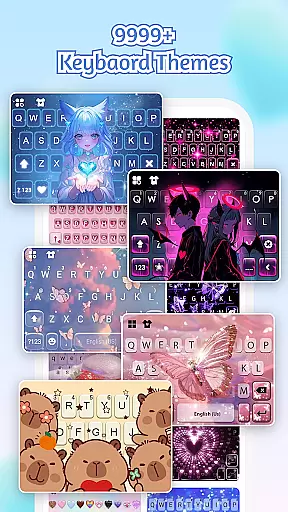
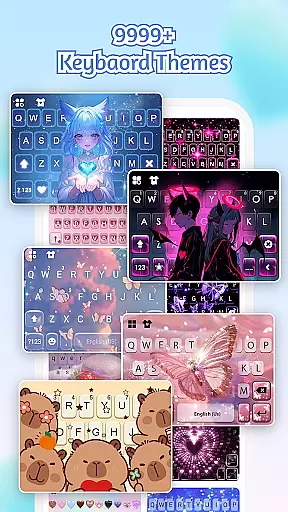
With over 500 designer templates updated daily, users have abundant choices to match their personal style. Additionally, the ability to import photos allows for crafting unique, personalized themes.
The Zero-Skill DIY approach makes everyone a designer by letting users reshape keys, tweak transparency, add touch effects and sounds, and utilize AI-generated art for professional-level designs. One-tap activation brings creations to life instantly, ensuring that all customized themes are compatible and visually cohesive.
User-friendly interface
Extensive customization options
Multi-language support
Smart typing features
Daily updated themes
Requires accessibility permissions
Some features may drain battery
Premium themes cost extra
Occasional bugs reported
Privacy concerns with data collection

Ultra realistic high quality analog watch face for Wear OS.
 4.60
4.60
Unique Android Launcher
4.60
Art & Emoji Keyboard with Cool Fonts, Cute Themes and Custom Designs.
4.40 4.50
4.50 4.50
4.50
Choose your keyboard with RGB colors effect, themes, fonts, emojis.
4.60
Create unique, fun emojis with Funny Emoji Maker! Unlimited creativity!
4.00
set a new experience for the Android mobile phone
4.20
Fast SMS & group chat - use GIFs and emojis from your home screen launcher.
4.50
Shimeji adds cute animated characters to your screen, lively and fun.
4.70
Classic analogue watch face. For wear os devices.
4.60
200+ Material Inspired Widgets
4.50
Transform your device in a game console
4.40
Romantic Kiss Stickers App. Start romantic messaging now!
4.30
Magic fluids wallpaper 4D: Relax with stunning fluid simulation wallpaper app
4.20
Crystal-clear, square icon provides a sleek and sophisticated visual upgrade
4.00
Transform your phone with stunning video wallpapers and a unique, personal touch
3.80
Interactive Miniature Painting Catalogue
3.30
Prank your friends with realistic broken screen and cracked HD effects!
4.1


User Reviews