
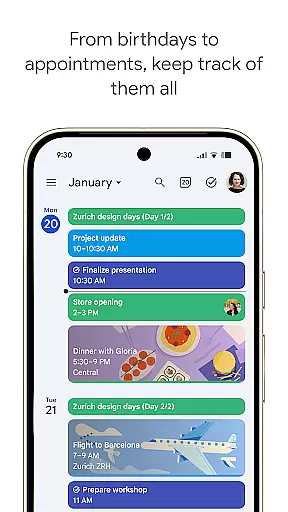
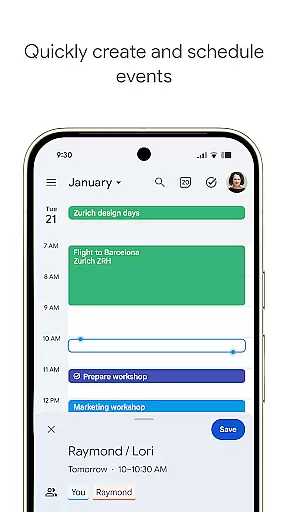
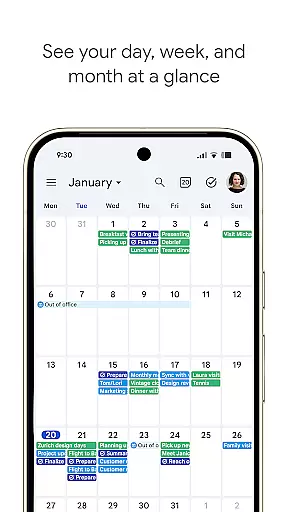
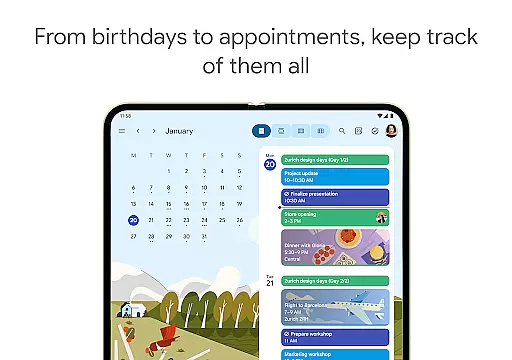
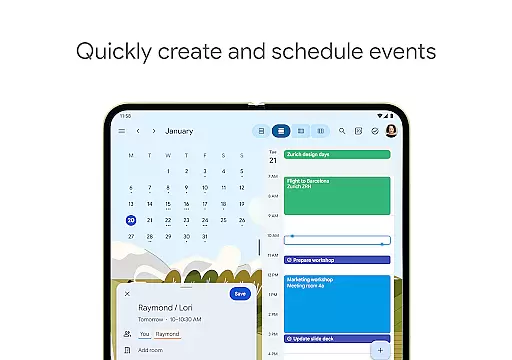
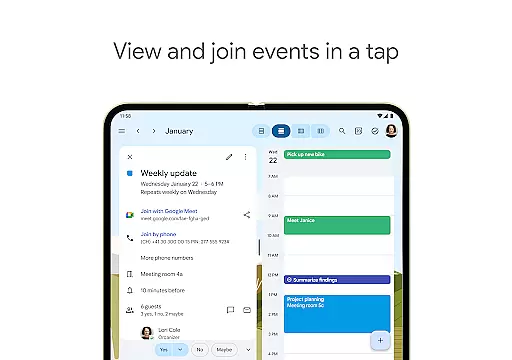
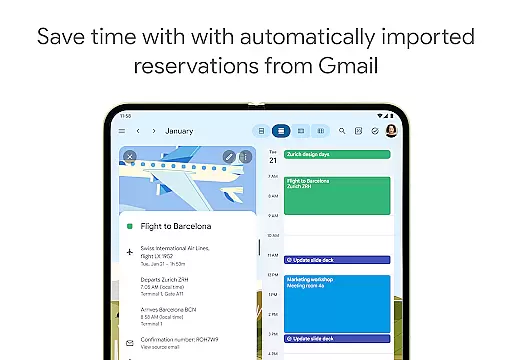
Google Calendar is the official calendar app designed for Android phones, tablets, and Wear OS devices, helping users stay organized and make the most of their day. With features like automatic event addition from Gmail, multiple calendar views, task management, and seamless synchronization across devices, it ensures you never miss an important event or meeting.
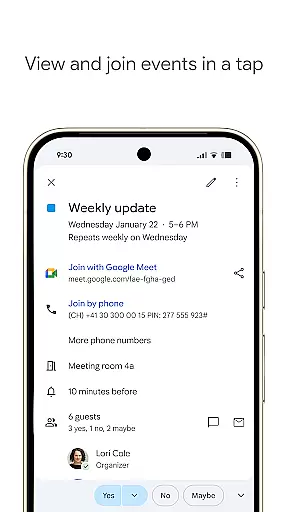
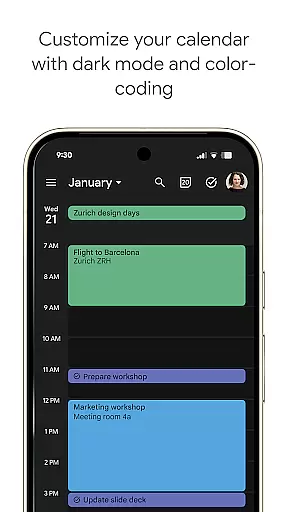
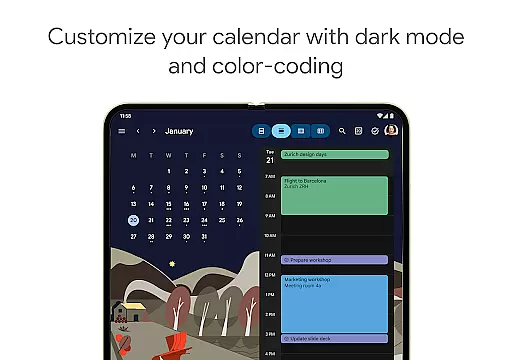
The app supports shared calendars for better collaboration with family, friends, and colleagues, while offering customization options such as light/dark mode and color-coded events. It also integrates with Google Workspace tools, allowing users to schedule meetings, add video calls via Google Meet, and attach documents directly to calendar events. Whether for personal use or professional collaboration, Google Calendar provides a comprehensive solution for time management.
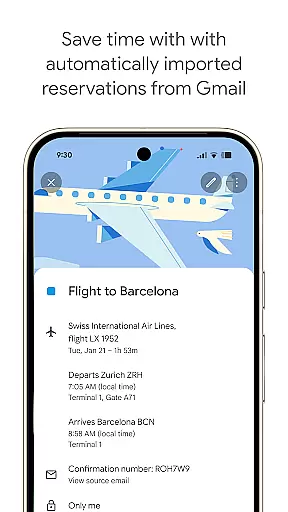
Google Calendar offers a rich set of features that cater to both individual and team productivity needs. The app automatically imports events from Gmail, including travel, hotel, and dining reservations, saving users time on manual input. Its cross-device compatibility allows seamless transitions between phone, tablet, Wear OS, and desktop, ensuring your schedule is always up-to-date regardless of the platform.
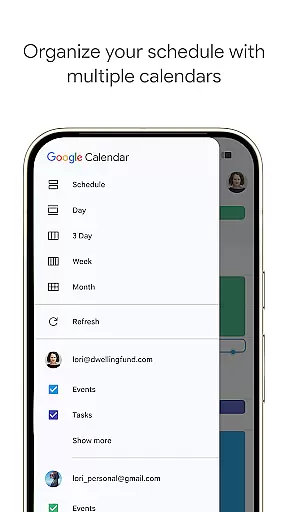
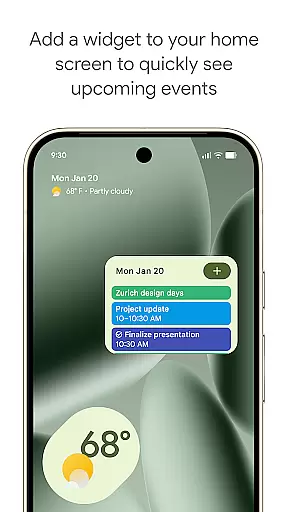
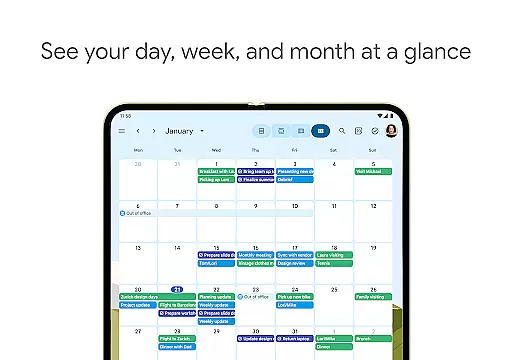
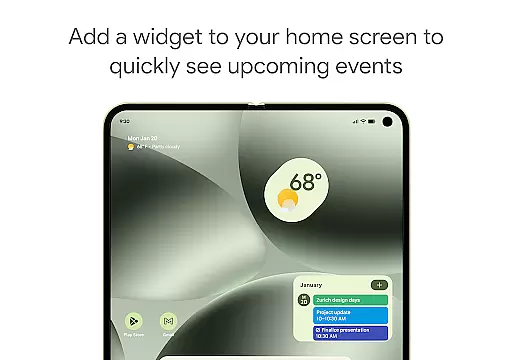
For enhanced organization, users can create tasks alongside events, switch between customizable views (day, week, month), and personalize their experience with themes and widgets. Shared calendars enable real-time updates among teams, while integrations with Google Workspace tools facilitate hybrid work environments by adding video calls, booking pages, and document attachments to events. These robust features ensure efficient planning and collaboration in any setting.
Companion app integration is essential for users who want a seamless experience across multiple devices. Google Calendar excels in this area by ensuring that your events, tasks, and settings are synchronized effortlessly between your Android phone, tablet, and Wear OS device.
The synchronization process is automatic and occurs in real-time, provided you are logged into the same Google account on all devices. This means any event added or modified on one device will instantly reflect on others, allowing you to manage your schedule without interruption regardless of the device you are using.
For professionals and individuals managing busy schedules, this feature ensures that you never miss an important meeting or appointment. Whether you're transitioning from your phone to a tablet for a presentation or checking your agenda on a Wear OS smartwatch during a commute, Google Calendar keeps you organized and informed.
Moreover, the companion app integration extends to web access, meaning you can also view and edit your calendar on a computer through a browser. This comprehensive connectivity makes Google Calendar a versatile tool for staying on top of your commitments, no matter where you are or what device you are using.
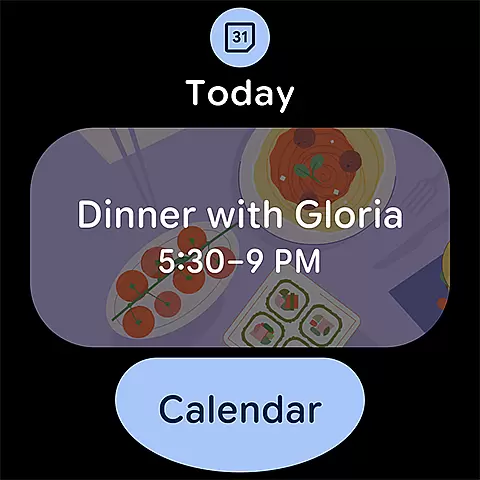
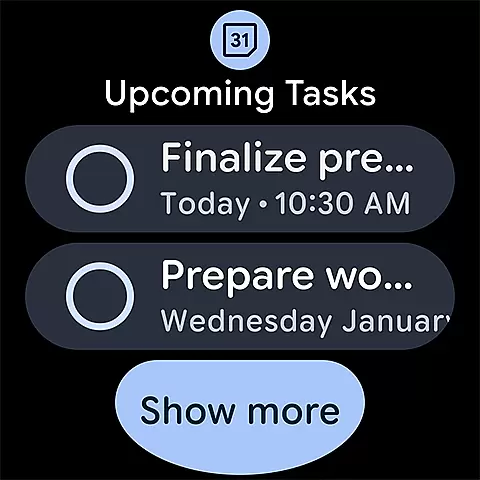
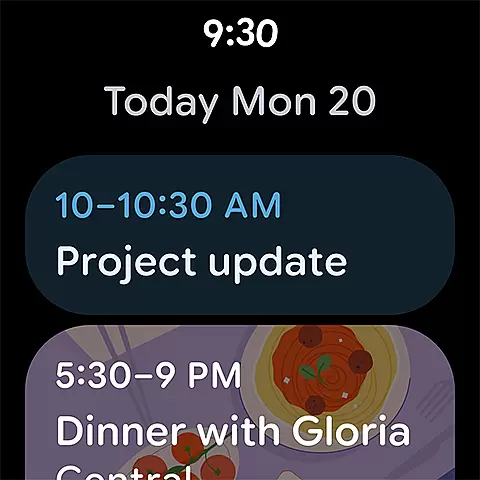
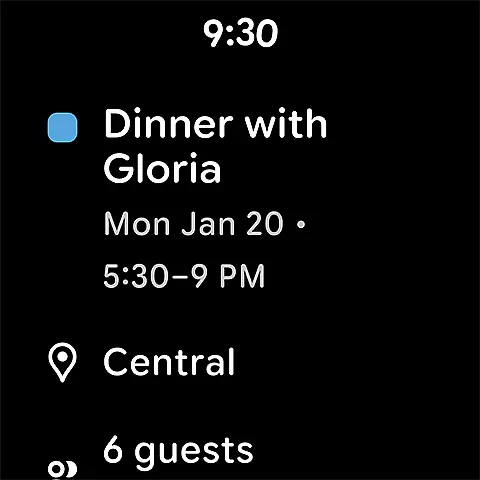
Google Calendar's compatibility with Wear OS and various devices ensures that users can access their schedules conveniently on the go. The app supports Wear OS devices, providing functionalities like tiles and complications that allow quick viewing and management of events directly from your smartwatch face.
This compatibility is not limited to just viewing events; it also includes the ability to receive notifications about upcoming appointments, add new events, and even check tasks. Such features make it incredibly useful for users who need to keep track of their time while commuting or engaged in activities where pulling out a phone isn't practical.
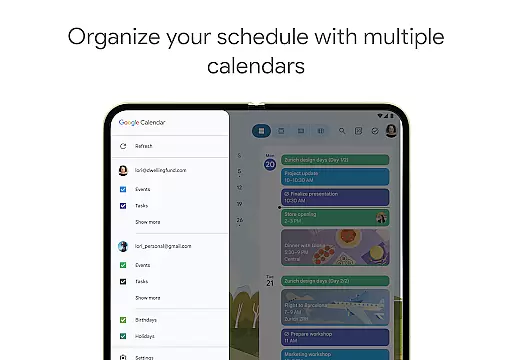
Furthermore, Google Calendar integrates smoothly with other calendars on your device, including Exchange, allowing you to consolidate all your scheduling information in one place. This unified view helps prevent double-booking and ensures you have a clear picture of your day, week, or month ahead.
By supporting a wide range of devices and operating systems, Google Calendar offers flexibility and convenience, making it an indispensable tool for anyone looking to maintain productivity and organization across different aspects of their digital life.
User-friendly interface
Seamless cross-device sync
Automatic event import
Customizable views
Robust integration options
Limited offline functionality
Requires Google account
Occasional sync delays
No advanced analytics
Basic free version

Highly customizable hybrid watch face for Wear OS, perfect for everyday use.
 4.60
4.60
Embrace the holiday spirit with this magical animated watch face!
4.40
Precision analog watch face with 7 complications and style options
4.0
A full-featured Amazon Alexa voice assistant that can show you things.
3.70
A heartwarming Christmas scene featuring a cute image of Santa and Rudolf
4.2
Deck out your Wear OS Watch face with a beautifully decorated pine wreath!
4.50
Stylish digital watch face for Wear OS devices with customizable features
4.0
Real-time results, stats, schedules and player profiles for all leagues
4.60
Premium hybrid watch face with many customizations for Wear OS devices.
4.40
Christmas - Festive - Christmas Village - Winter - Christmas lights
5.00
Period, ovulation & pregnancy tracker. Fertility insights & menstrual calendar.
4.90
Beautiful artistic animated digital watch face, with a customizable layout!
4.40
Christmas watch face. For Wear OS devices.
4.30
sleep, alarm, snoring, stress, healing, focus, sound therapy, circadian rhythm
4.10
The #1 source of faces for your smartwatch!
4.00
A digital watch face that celebrates Christmas.
4.00
Watch the sharpness of the sky on your wrist..
3.70
Watch face designed for Thanksgiving Day. 7 Background Styles included.
3.20
A watch face that fuses motorsport precision with contemporary smartwatch design
4.5


User Reviews