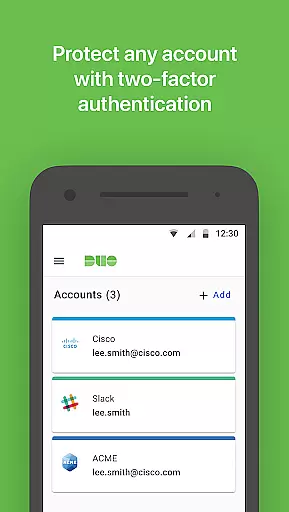
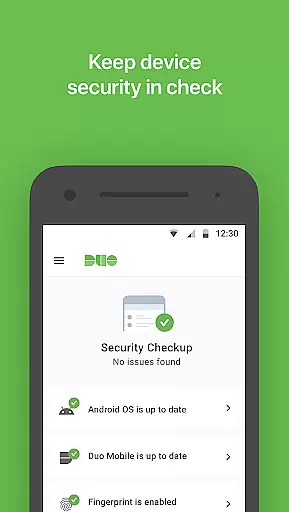
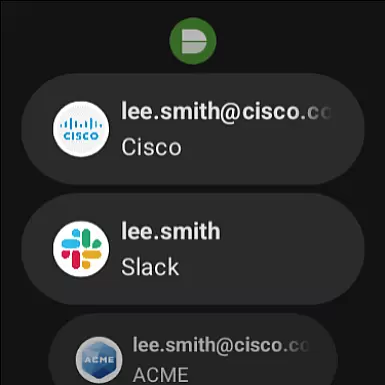
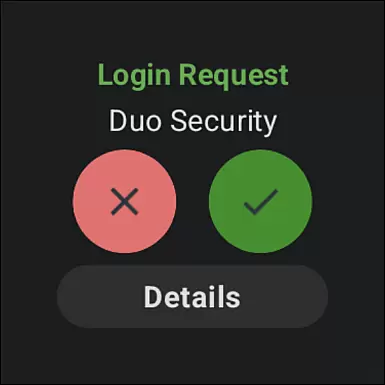
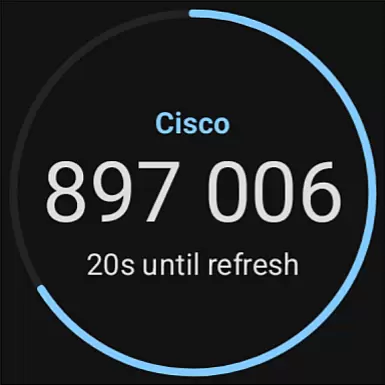
Duo Mobile is a security application designed to enhance login protection through two-factor authentication. The app generates passcodes and provides push notifications for easy, one-tap authentication, ensuring secure access to your accounts.
With compatibility across various platforms including Android Wear, Duo Mobile offers users the convenience of managing their two-factor authentication on the go. Whether you're accessing web services or other applications, Duo Mobile ensures that your digital identity remains protected at all times.
Duo Mobile stands out with its robust set of features tailored for security-conscious users. It supports generating time-based one-time passcodes (TOTP) for multiple accounts, allowing users to manage their two-factor authentication needs in one place.
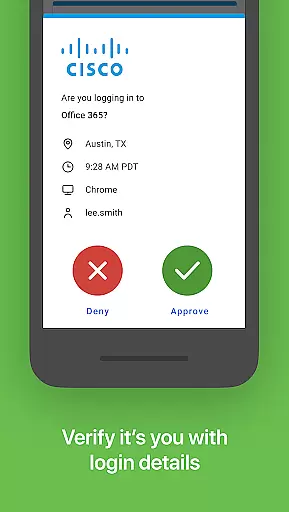
The app also integrates seamlessly with Duo Security's service, providing an additional layer of security via push notifications. This feature enables users to approve login requests with a single tap, streamlining the authentication process while maintaining high-security standards.
Companion app integration is crucial for ensuring a seamless user experience across multiple devices. Duo Mobile excels in this area by offering a dedicated Wear OS app called Duo Wear.
This integration allows users to receive authentication requests directly on their smartwatches, providing an additional layer of convenience and security. The ability to approve login attempts from your wrist significantly speeds up the authentication process.
The companion app maintains all the functionalities of the main Duo Mobile application while adapting them to the smaller form factor of wearable devices. This includes generating passcodes and receiving push notifications for one-tap authentication.
By maintaining consistent functionality between phone and watch, users can enjoy uninterrupted access to their accounts regardless of which device they're using, making secure authentication more accessible than ever before.
Device compatibility is essential for any application targeting wearable technology. Duo Mobile ensures broad support across various Wear OS devices, allowing users to leverage its security features on their preferred smartwatches.
The application is optimized to function smoothly on different screen sizes and resolutions common among Wear OS devices. This optimization guarantees that users will have a consistent experience whether they're using a newer model or an older generation smartwatch.
Beyond just basic compatibility, Duo Mobile takes advantage of specific hardware capabilities when available. For instance, it may utilize advanced sensors or faster processors to enhance the speed and reliability of authentication processes.
By focusing on comprehensive device support, Duo Mobile ensures that users aren't limited in their choice of wearable devices while maintaining top-notch security standards across all compatible platforms.
Enhanced security
User-friendly interface
Multi-account support
Push notification approvals
Wear OS compatibility
Requires activation
QR code scanning
Limited offline use
No biometric login
Dependent on third-party services

Embrace the holiday spirit with this magical animated watch face!
 4.40
4.40
Christmas - Festive - Christmas Village - Winter - Christmas lights
5.00
Animated Watch Face and Customizable with 24 Backgrounds. Perfect for Christmas!
3.90
Christmas is near, let's count together the days left until Santa comes
4.3
A full-featured Amazon Alexa voice assistant that can show you things.
3.70
Authentic military-tactical design with ZULU time! Realistic and functional!
3.80
A modern hybrid informative watch face for Wear OS designed by BALLOZI
4.80
Track your active life in one place and share the journey with friends.
4.40
Control your Samsung Smart TVs, appliances, and SmartThings-compatible devices
4.60
Beautiful, colorful and practical watch face. For Wear OS devices.
5.00
WTW M17 is a premium and luxurious hybrid watch face
4.70
A modern premium sporty hybrid watch face for Wear OS by Ballozi
4.70
Rose gold watch face with festive lights & customizable features.
4.60
MyNISSAN® lets you remotely control your car from your phone.*
4.50
The ultimate destination for kids ages 3-8 to explore the Marvel Universe!
4.30
Snowflake Rose Gold Watch Face - Digital, modern, & sleek with GYRO effect.
4.10
Viewer for Wyze/Yi/Eufy/Arlo/ONVIF/RTSP/P2P IP cams w/ adv. features & DIY DVR
4.00
Christmas and New Year - Themed Watchface
4.0
Fitness interactive virtual pet super fighter boy watch face
4.2


User Reviews