
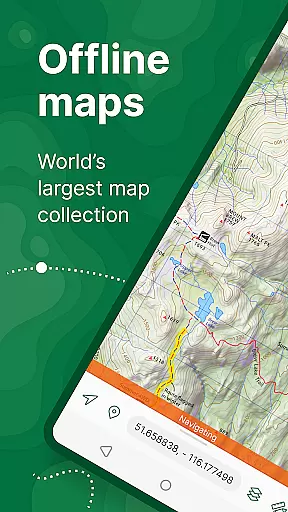
Avenza Maps is a premier offline mapping application designed for outdoor enthusiasts and professionals alike. This app provides access to an extensive library of maps from top publishers, including National Geographic and the National Park Service. Users can download maps for offline use, ensuring reliable navigation even without internet connectivity.
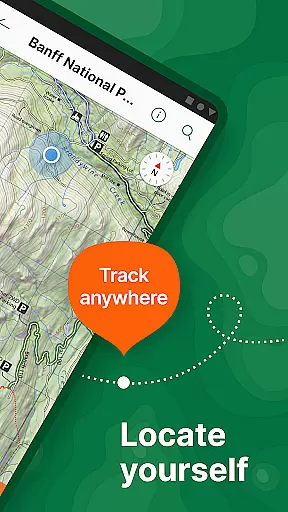
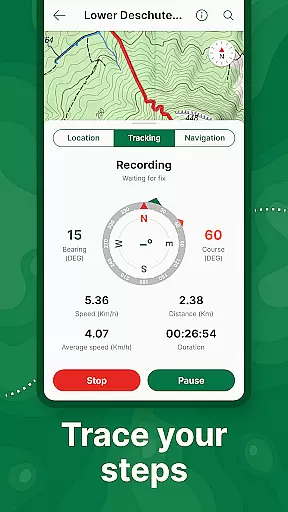
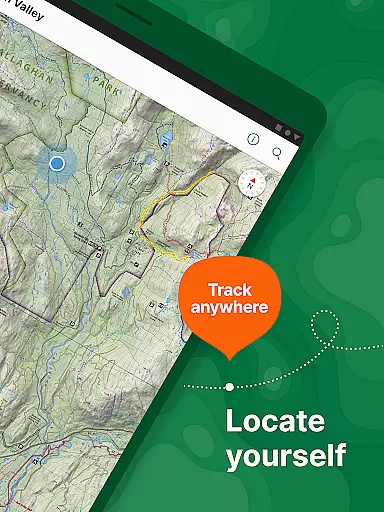
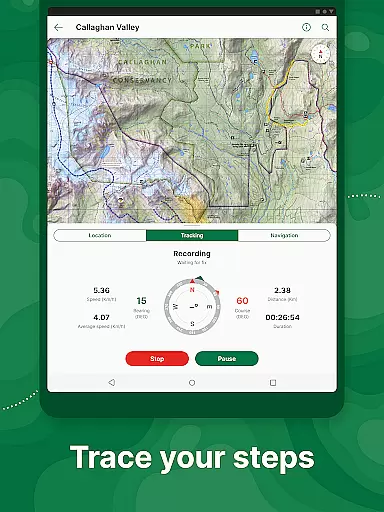
The app's core functionality revolves around its powerful GPS features. It allows users to track their location in real-time, record GPS tracks during activities, and navigate using advanced compass tools. Avenza Maps supports multiple file formats like KML, GPX, and CSV, making it versatile for various mapping needs. Whether you're hiking, biking, or exploring backcountry trails, this app helps you stay on course.
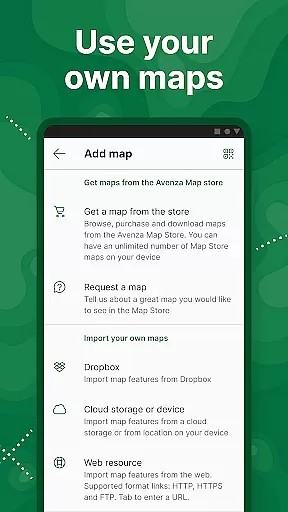
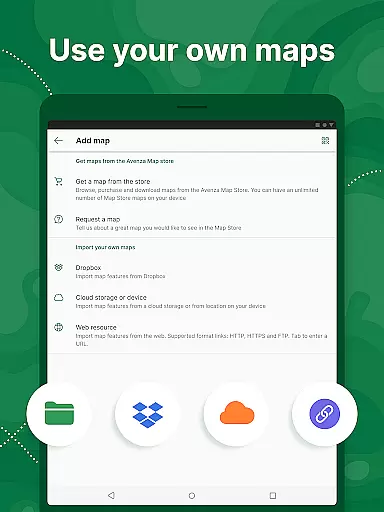
One standout feature is the ability to import custom maps, which is particularly useful for professionals and organizations. The app offers both free and premium subscription options (Plus and Pro), providing solutions for recreational users and professional applications. With its comprehensive feature set, Avenza Maps is suitable for anyone needing reliable offline navigation.
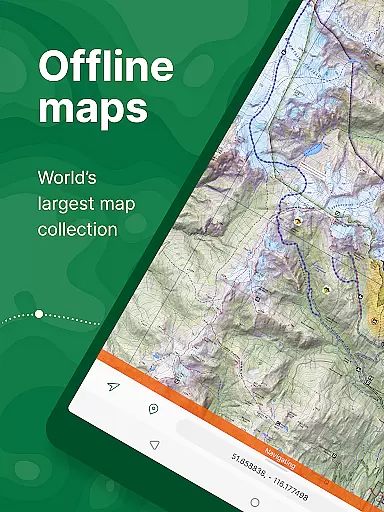
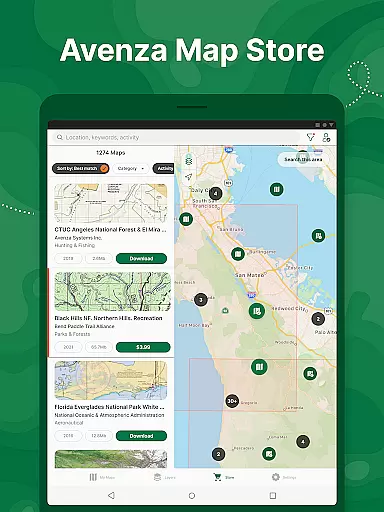
Avenza Maps distinguishes itself through its robust feature set tailored for diverse mapping requirements. The app's most notable characteristic is its offline capability - users can download maps from the in-app Map Store and access them without an internet connection. This feature is invaluable for adventurers exploring areas with limited or no network coverage.
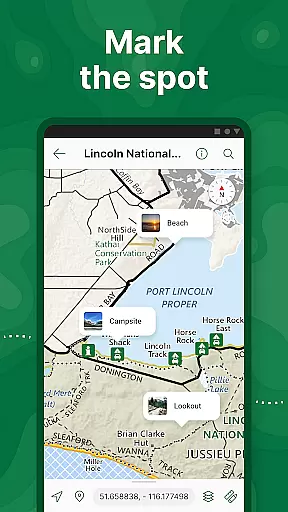
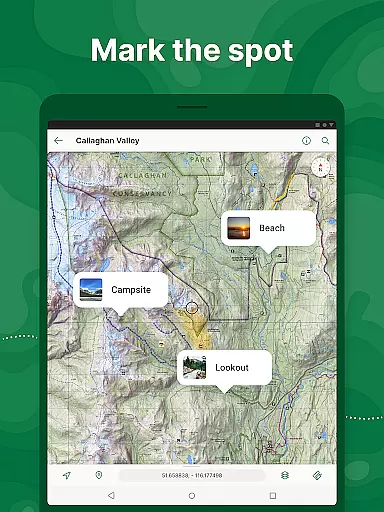
The app provides advanced GPS functionalities that go beyond basic location tracking. Users can record detailed GPS tracks, add geo-referenced photos and notes, and measure distances directly on the map. The Plus and Pro subscriptions unlock additional capabilities, including unlimited custom map imports, geofencing features, and support for high-accuracy GPS devices via Bluetooth connectivity.
Professional users benefit from specialized tools such as GPS averaging, custom symbol sets, and the ability to work with Esri® Shapefiles. The app's versatility extends to its support for various map formats and its comprehensive measurement tools. These features make Avenza Maps suitable for both recreational exploration and professional fieldwork, offering precise location data and mapping capabilities across different industries.
Map accuracy is a critical feature for any navigation app, and Avenza Maps excels in this area. The application offers maps from reputable sources such as National Geographic, the US Forest Service, and other professional publishers, ensuring that users have access to reliable and precise mapping data.
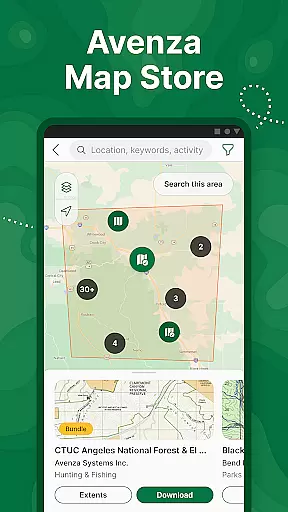
Avenza Maps provides an extensive Map Store where users can search and download topographic, cycling, city, nautical, travel, and trail maps. These maps are available both for free and purchase, catering to various activities and specific needs. With offline capabilities, adventurers can confidently navigate without worrying about internet connectivity while maintaining accuracy.
The inclusion of what3words technology allows users to pinpoint their exact location with remarkable precision. This feature enhances safety and ensures that even in remote areas, users can accurately identify their whereabouts. Whether you're hiking, biking, or exploring off-road trails, Avenza Maps' commitment to map accuracy means you'll always know where you are and how to get where you're going.
Route planning is essential for successful navigation, and Avenza Maps equips users with powerful tools to plan their journeys effectively. By leveraging GPS functionality, users can locate their real-time position and determine directions even when offline, making it ideal for outdoor adventures where connectivity may be limited.
The app allows users to record GPS tracks during activities, add photos and notes to locations, and place marks styled with recreational symbols on their maps. These features facilitate detailed route planning by enabling users to mark points of interest and estimate travel times, thus enhancing the overall experience of navigating through unfamiliar terrains.
Additionally, Avenza Maps supports various formats like KML, GPX, and CSV, which aids in comprehensive trip preparation. Users can measure distances and utilize compass tools to navigate to features, ensuring they stay on course. With these robust route-planning capabilities, Avenza Maps empowers explorers to venture confidently into the wilderness, knowing they have reliable guidance at their fingertips.
User-friendly interface
Offline map access
Real-time GPS tracking
Custom map import
Professional-grade tools
Premium features costly
Advanced tools complex
Limited free map options
Subscription required
High learning curve

Offline maps for phone and smart watch: topographic maps, satellite images...
 3.30
3.30
Route schedules, maps, and real-time tracking of MTA buses in New York City.
4.20
Your guide to the recreational opportunities of the Bureau of Land Management!
3.40
Use GPS maps or search by property owner, address or parcel to view parcel data
4.30
Find radar maps, GPS coordinates, altitude, offline maps, location, travel route
4.40
Parcel map, property lines, owner, acres, land use, zoning and more from Regrid.
4.60
Navigate via GPS Maps of GPS Voice Navigation, driving directions to find routes
3.60
Truck Safe GPS Navigation & Maps: Parking, Fuel, Diesel, Weight Station
4.80
Avoid delays. Get real-time GPS navigation, safety alerts and live traffic.
4.10
LIRR and Metro-North tickets and trips
4.80
Affordable rides and food delivery with incredible discounts in just one app.
4.50
Route tracker, Speedometer, Odometer, Fuel, HUD mode, save route as .GPX
4.40
Instant diesel discounts - save big with each fill up!
4.40
Explore a light pollution map to find suitable dark sky locations for observing.
4.30
ParkWhiz, an Arrive Mobility brand, part of the Arrive Network
4.30
Find routes fast with GPS Maps, GPS Navigation & driving directions.
4.10
OpenCPN is a full featured ChartPlotter and Navigator for Android.
3.60
Your real-time window to the world. Explore anywhere, anytime.
3.30
Ride CTA, Metra & Pace: Manage your fares, buy Metra tickets, get arrivals.
3.00


User Reviews