
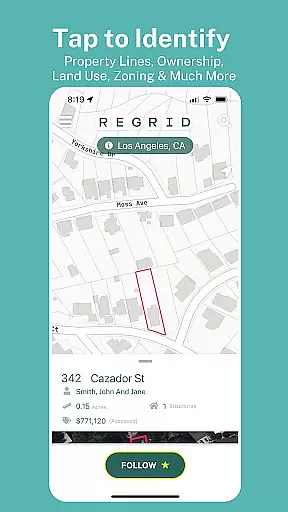
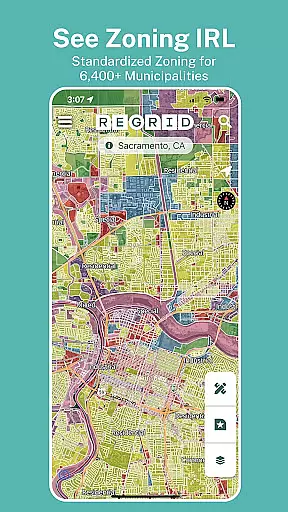
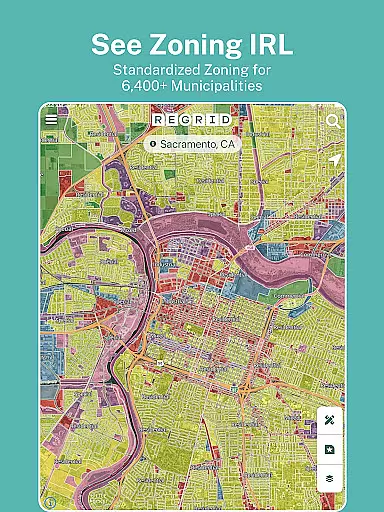
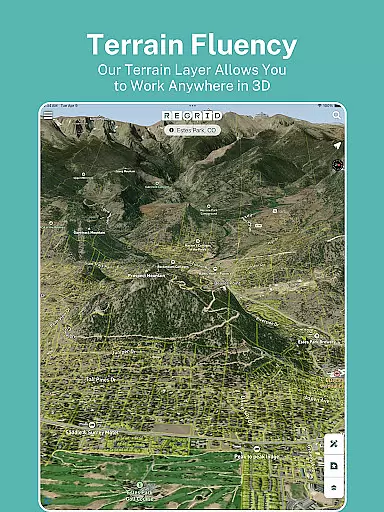
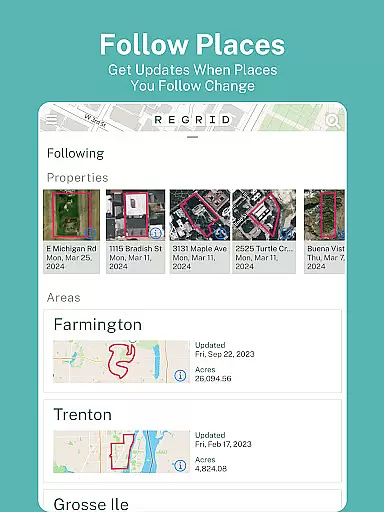
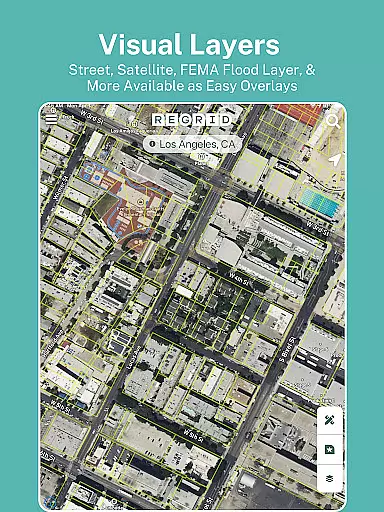
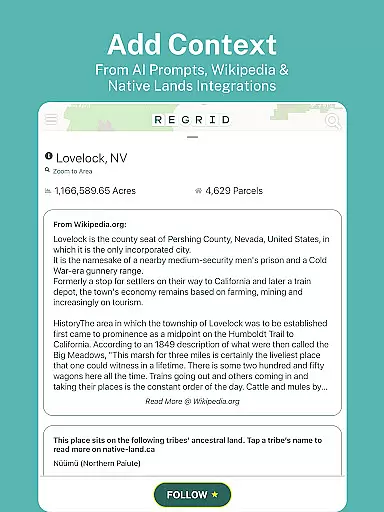
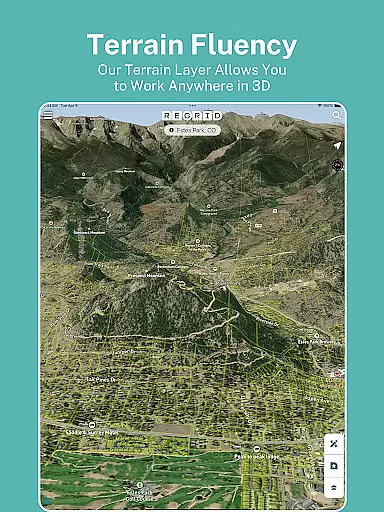
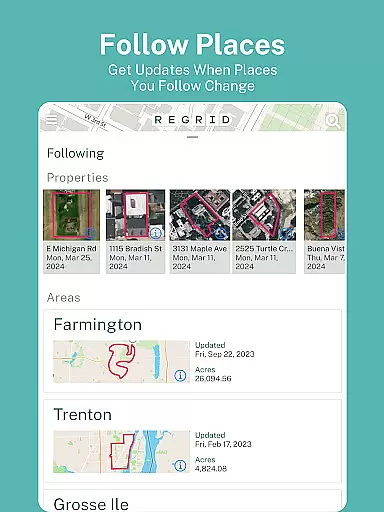
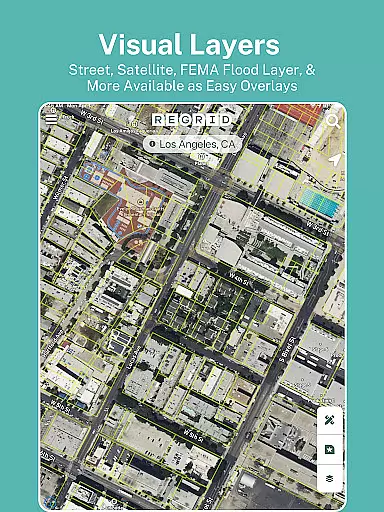
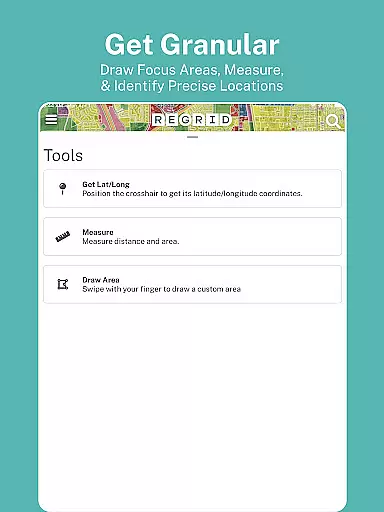
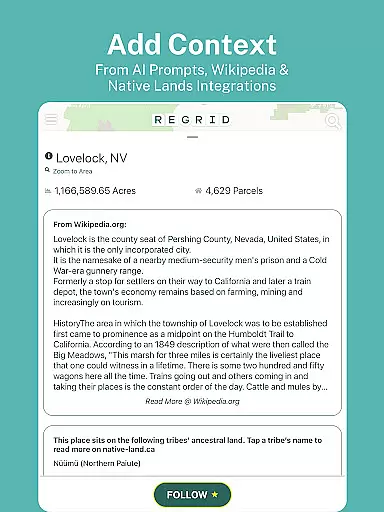
Regrid Property App is a leading map-based property information platform that provides comprehensive land and property data for over 157 million parcels across the US. Designed for both casual users and professionals, this app allows you to access detailed property insights including parcel boundaries, owner information, sale history, zoning details, and more. Whether you're a real estate agent, a land developer, or simply looking for property details, Regrid offers an intuitive interface with free and premium features.
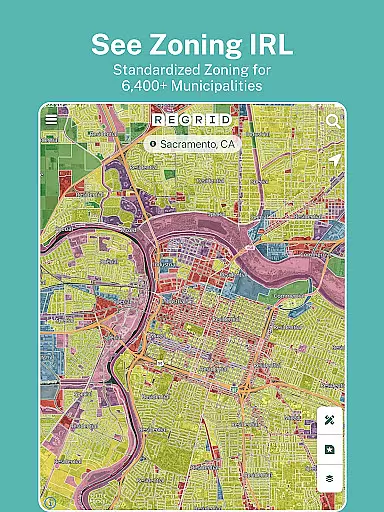
The app stands out with its ability to provide standardized zoning data, vacancy indicators, and property value estimates. Its Pro plan enhances functionality by offering advanced tools like automated property updates, measurement utilities, and additional mapping layers such as elevation contours and building footprints. With its user-friendly design and robust dataset, Regrid Property App serves as an essential tool for property research and navigation.
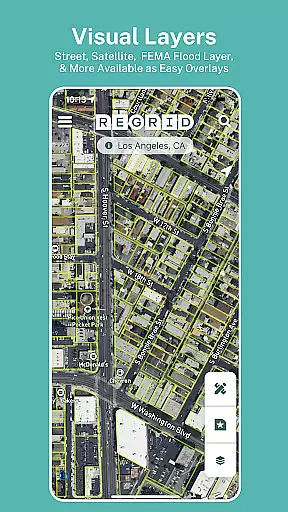
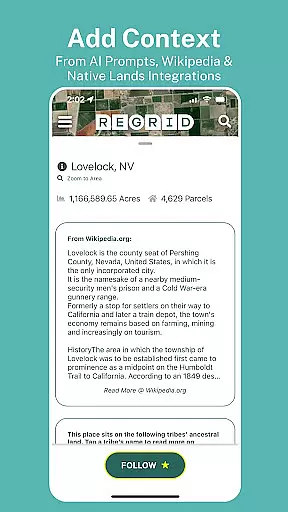
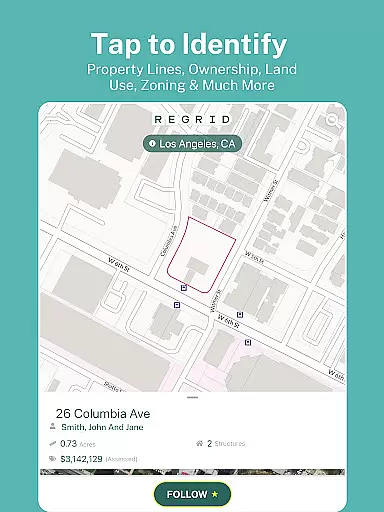
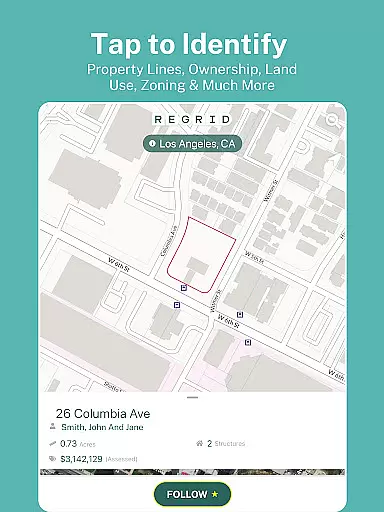
Regrid Property App boasts a variety of powerful features tailored for property exploration and analysis. The app's core functionality revolves around its interactive map interface, which allows users to tap on any property to view detailed information such as lot lines, parcel ID, owner details, and square footage. Free users can toggle between street and satellite views, search properties by address, and share links to specific parcels.
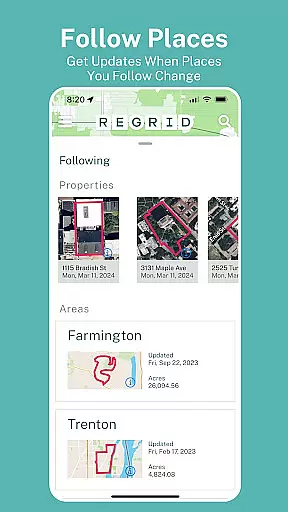
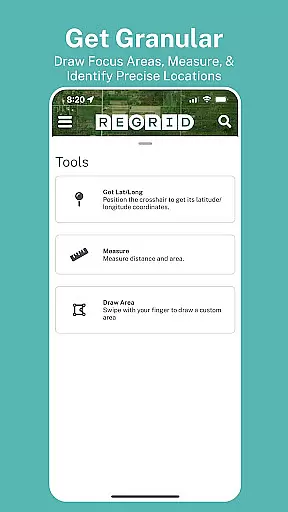
For power users, the Pro subscription unlocks advanced capabilities. These include the Follow feature, which lets users track properties and receive automated updates on changes. Additional tools include precise measurement utilities for calculating acreage and linear distances, overlay options for owner names and parcel IDs, and access to premium datasets like land use and vacancy indicators. With these features, Regrid ensures a seamless blend of accessibility and depth, catering to diverse user needs in property research and mapping.
Map accuracy is a critical feature of the Regrid Property App, ensuring users have access to reliable and precise property data. This app provides detailed parcel boundaries for over 157 million parcels, covering more than 99% of the US population. The accuracy of these maps is achieved through comprehensive public records and advanced mapping technologies.
The app offers both street and satellite basemap views, which can be toggled according to user preference. This dual functionality allows users to cross-reference data and ensures that property lines and other important details are clearly visible. Whether you're examining urban areas or rural landscapes, the map's precision remains consistent, providing trustworthy information every time.
Users benefit from this high level of accuracy when viewing essential property details such as lot lines, acreage, and square footage. Sale prices, dates, and zoning data further enhance the reliability of the information provided. For those utilizing the app for real estate, land ownership research, or even hunting purposes, having accurate maps is indispensable.
Overall, the map accuracy in the Regrid Property App empowers users with dependable data, making it an invaluable tool for anyone needing detailed and precise property information on their mobile device.
Route planning is another significant feature of the Regrid Property App, designed to assist users in navigating properties and understanding land layouts effectively. While primarily a map-based property information tool, its functionalities extend to helping users plan and strategize their routes efficiently, especially useful for real estate agents, surveyors, and outdoor enthusiasts.
The app provides extensive search capabilities, allowing users to look up properties by address or place. This feature simplifies the process of locating specific parcels and planning visits or surveys. By integrating property boundaries and key details directly onto the map, users can visualize their routes and make informed decisions about their travel plans.
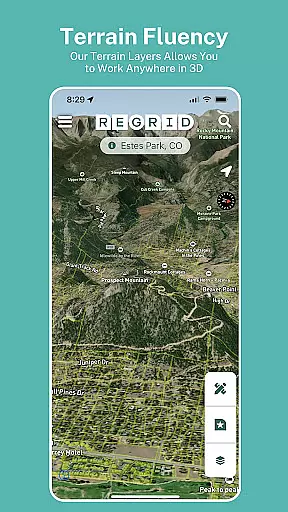
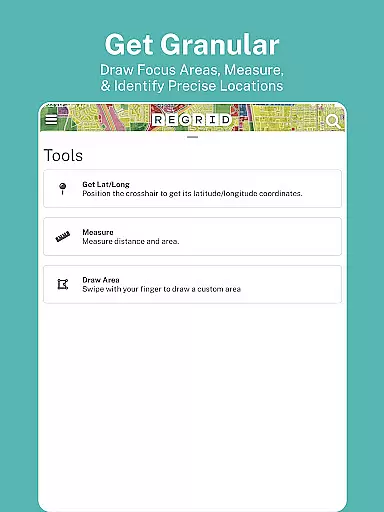
For users subscribed to the Pro plan, additional tools like building footprints and elevation contours enhance route planning. These features allow for a deeper understanding of the terrain and structures, facilitating better preparation and execution of field visits or explorations. Moreover, the ability to measure linear feet, acreage, and square footage of drawn areas adds another layer of utility for professionals in various fields.
In summary, the route planning capabilities of the Regrid Property App offer substantial benefits, enabling users to optimize their travel and exploration strategies while accessing crucial property data along the way.
User-friendly interface
Extensive property database
Free access to key features
Advanced Pro tools
Accurate parcel boundaries
Pro plan is costly
Limited offline functionality
Premium data requires subscription
Occasional data delays
Interface may overwhelm beginners

This app is military GPS coordinate systems helper. (MGRS, UTM & DMS Maps)
 4.80
4.80
Find shortest way and save energy . Distance and area calculator.
4.70
TACNAV-X: Precision MGRS navigation, built specifically for the military.
4.00
Track accurate speed & distance with GPS Speedometer. Check speed limit & time.
4.50
Use GPS maps or search by property owner, address or parcel to view parcel data
4.30
Drive safe with real-time speed camera radar, police, and traffic alerts
3.80
Find routes fast with GPS Maps, GPS Navigation & driving directions.
4.10
Truck Safe GPS Navigation & Maps: Parking, Fuel, Diesel, Weight Station
4.80
Lets explore the world's famous places by using Live Cams, GPS & Satellite View.
4.20
Offline maps & GPS for hiking, travel, fieldwork & outdoor adventures
4.70
Track friends in real-time and explore worldwide live cameras.
4.60
America’s largest public fast charging network, with over 500 charging stations.
4.50
Instant diesel discounts - save big with each fill up!
4.40
Plan routes, share locations, and set custom alert zones
4.40
Maps, Driving Directions & GPS navigation using directions app & GPS App
4.30
Explore Live Earth Map with 3D World Map & locate cites, mountains real time.
3.80
Navigate via GPS Maps of GPS Voice Navigation, driving directions to find routes
3.60
Explore Earth with live GPS, satellite view & street navigation
3.60
Your guide to the recreational opportunities of the Bureau of Land Management!
3.40


User Reviews