
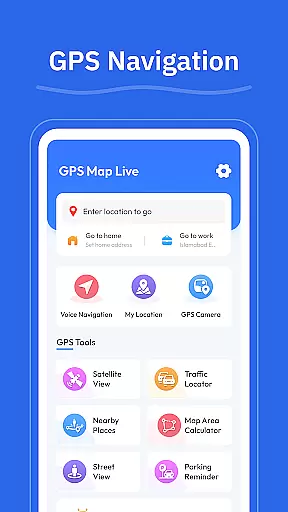

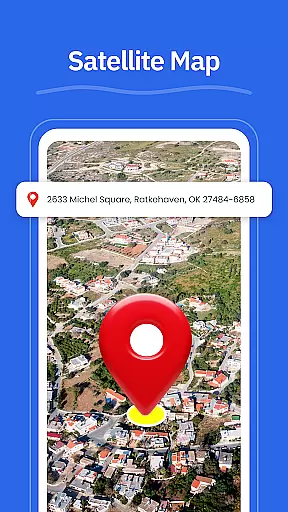
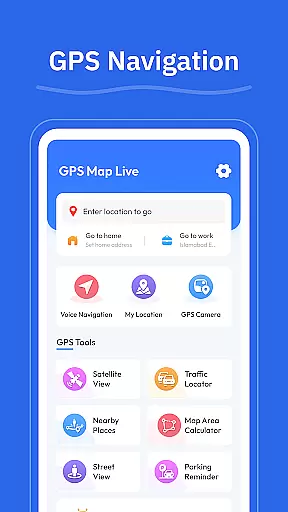
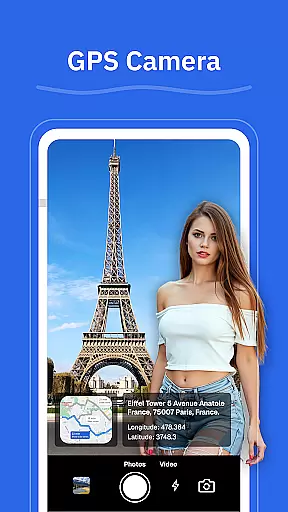
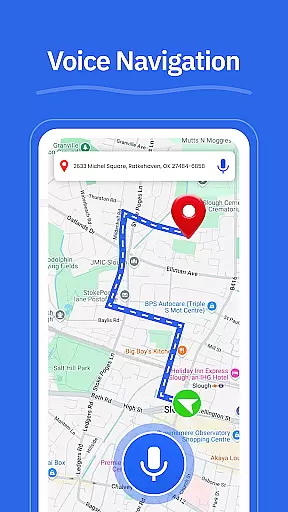

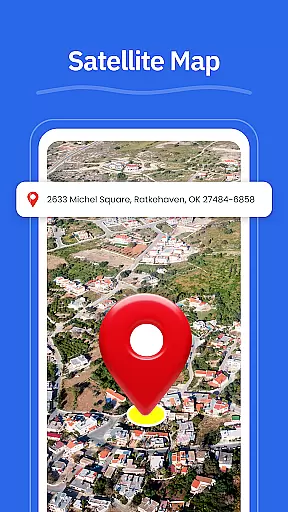
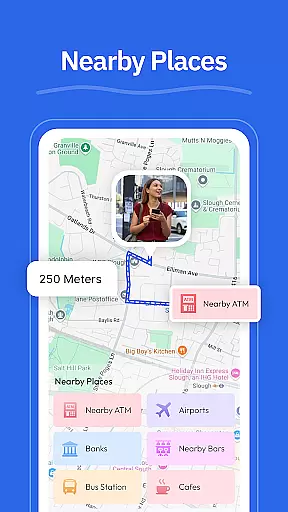
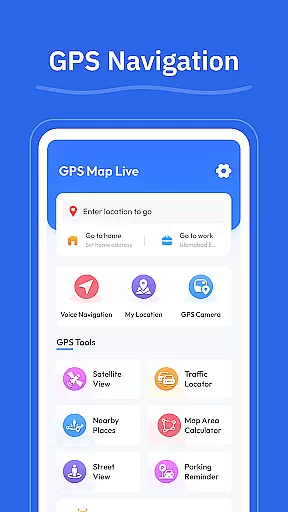

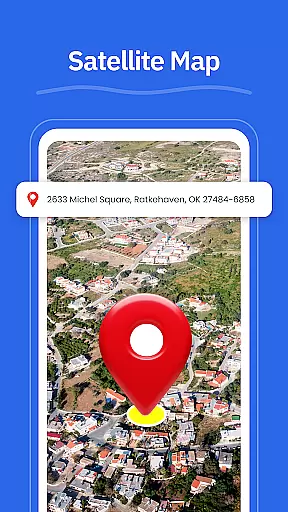
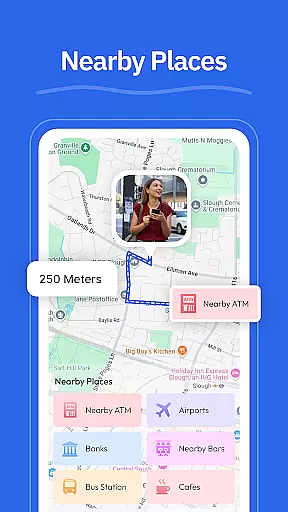
GPS - Maps, Driving Directions is a comprehensive navigation app designed for travelers across the United States. This app provides users with smooth GPS maps, clear driving directions, and essential location tools to ensure seamless travel experiences on highways, interstates, and local roads. With features like turn-by-turn voice guidance, real-time GPS tracking, and street view options, it ensures drivers can navigate confidently without distractions.
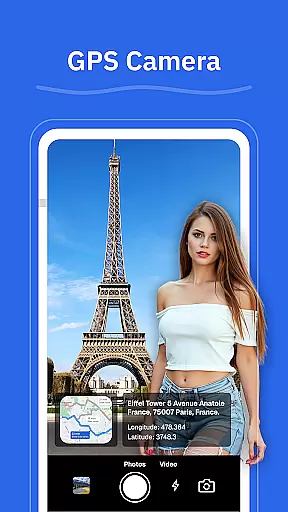
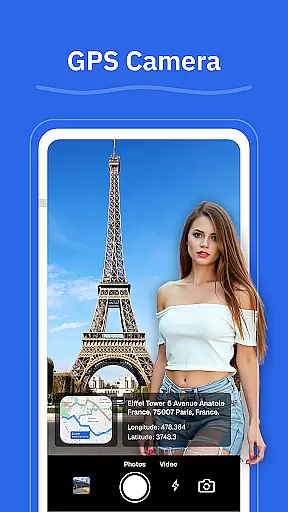
In addition to basic navigation, the app offers advanced functionalities such as route optimization based on current road conditions, geo-tagged photos via the GPS camera, and nearby place searches for gas stations, restaurants, and more. Whether commuting daily or embarking on long road trips, this app enhances travel efficiency and convenience, making it an indispensable tool for both casual and frequent travelers.
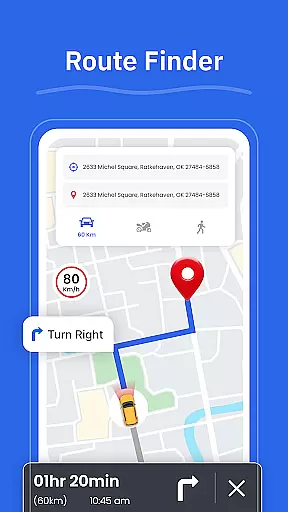
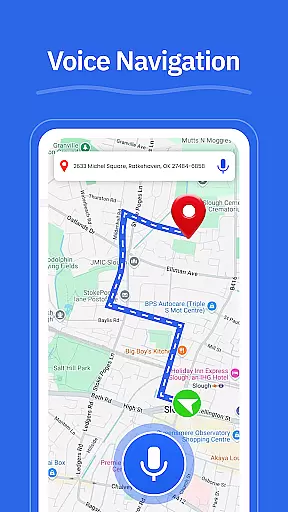
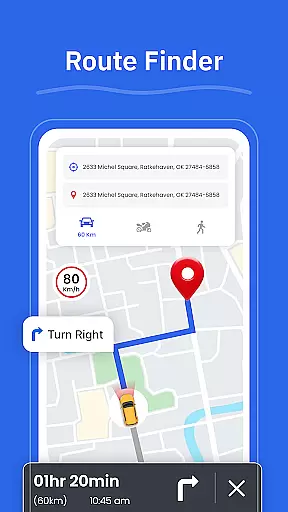
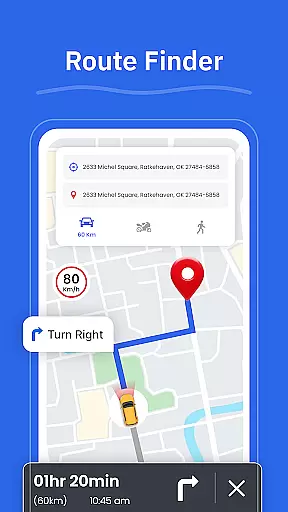
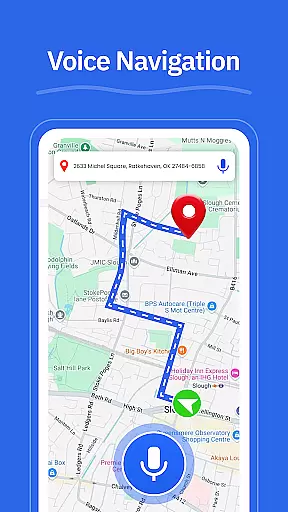
One of the standout features of GPS - Maps, Driving Directions is its turn-by-turn voice guidance, which allows for hands-free driving by providing clear audio instructions throughout your journey. The app also includes a route finder that helps you select optimal paths based on real-time traffic updates, ensuring minimal travel time and maximum efficiency.
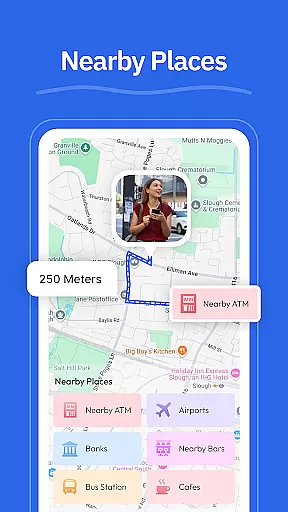
Another notable feature is the street view functionality, enabling users to visually explore areas, neighborhoods, and landmarks before arriving at their destination. Additionally, the GPS camera lets you capture and save locations with geo-tagged photos, allowing easy revisits later. The inclusion of nearby place searches further enriches user experience by helping locate essential services like gas stations, restaurants, ATMs, EV chargers, and pharmacies effortlessly.
Map accuracy is essential for any navigation app, and GPS u2013 Maps, Driving Directions excels in this area. The application provides precise mapping data that covers highways, interstates, and local roads across the United States. This ensures that users can navigate confidently, whether they are driving through busy cityscapes or planning a cross-country road trip.
The app's maps are regularly updated to reflect the latest road conditions and changes, ensuring reliability when it matters most. With features like Street View, users can also get a ground-level perspective of their destination before they arrive, making it easier to recognize landmarks and anticipate turns. This level of detail enhances the overall navigation experience, providing peace of mind to travelers.
Additionally, the My Location feature offers real-time GPS tracking, allowing users to see their exact position on the map at any given moment. This not only aids in personal navigation but also helps in sharing accurate location details with others. Such precision in mapping and location services underscores the app's commitment to delivering trustworthy navigation solutions.
Effective route planning is a cornerstone of GPS u2013 Maps, Driving Directions, offering users multiple options based on current road conditions. The Route Finder feature analyzes traffic patterns and suggests optimal paths, saving time and reducing stress during daily commutes or long-distance travel. This dynamic approach to navigation ensures that users always have access to the most efficient routes available.
In addition to suggesting routes, the app provides turn-by-turn voice guidance, enabling hands-free driving. This feature is particularly useful in environments where traffic conditions change rapidly, as it allows drivers to focus on the road while receiving clear directions. The inclusion of nearby places such as gas stations, restaurants, and ATMs further enhances route planning by offering convenient stop options along the way.
Overall, the combination of accurate mapping data, real-time traffic updates, and comprehensive route suggestions makes GPS u2013 Maps, Driving Directions an invaluable tool for anyone navigating the U.S. roadways. Whether planning a simple trip to work or embarking on an extensive journey, users can rely on the app to deliver well-planned routes tailored to their specific needs.
User-friendly interface
Accurate GPS tracking
Voice-guided navigation
Real-time traffic updates
Geo-tagging capabilities
Limited international maps
Occasional ads in free version
High battery consumption
Requires constant internet
No offline mode available

Complete offline 1:50k South Island topo map including DOC Hunting Permit Areas
 4.60
4.60
OpenCPN is a full featured ChartPlotter and Navigator for Android.
3.60
Track accurate speed & distance with GPS Speedometer. Check speed limit & time.
4.50
Phone Tracker and GPS Location Sharing
4.20
LIRR and Metro-North tickets and trips
4.80
Drive safe with real-time speed camera radar, police, and traffic alerts
3.80
Explore Earth with live GPS, satellite view & street navigation
3.60
Find radar, speed camera, flight tracker. Use hud, location tracker, speedometer
4.20
Get matched with a nearby driver — you’ll be on your way in minutes.
4.30
Order a cab online. An affordable taxi ride and driver in no time. What a bolt!
4.80
Find shortest way and save energy . Distance and area calculator.
4.70
Parcel map, property lines, owner, acres, land use, zoning and more from Regrid.
4.60
Voice GPS with driving directions, offline maps navigation GPS for safe travel
4.50
Rideshare, taxi cabs, and more for your airport travels and everyday trips.
4.50
Avoid delays. Get real-time GPS navigation, safety alerts and live traffic.
4.10
Route Planner is travel map to get turn by turn navigation & driving directions
3.90
NJ TRANSIT information and ticketing at your fingertips
3.70
Your real-time window to the world. Explore anywhere, anytime.
3.30
Compass is an accurate compass and a great tool for any outdoor activities
4.0


User Reviews