
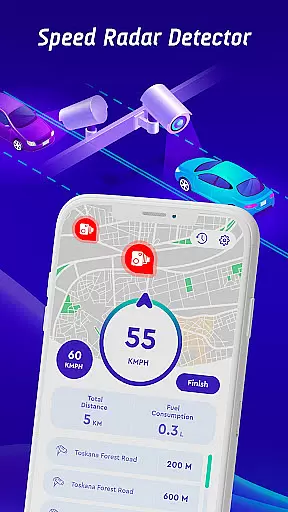

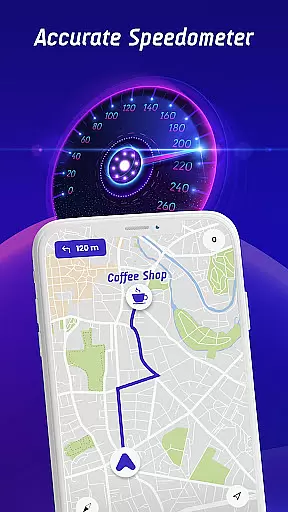

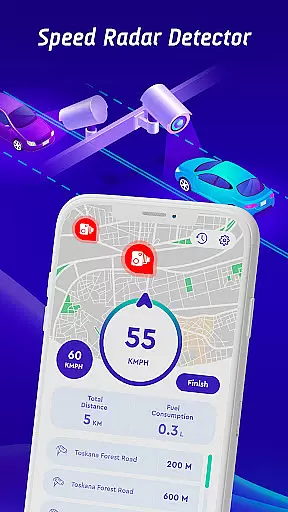

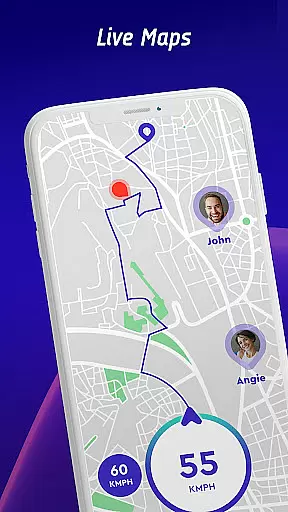
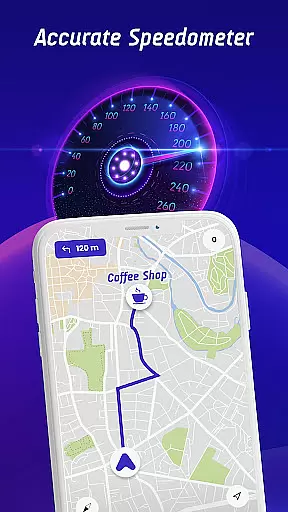

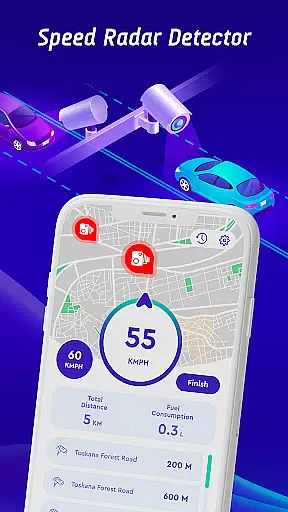

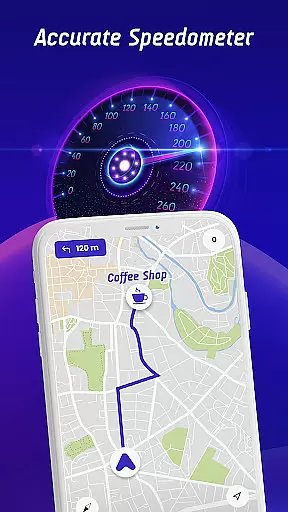

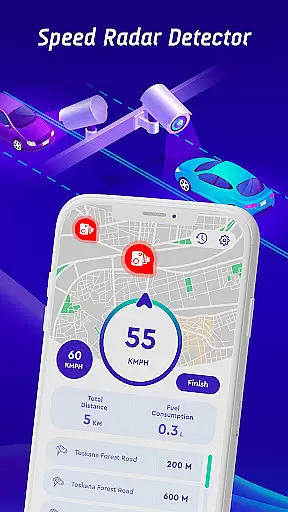

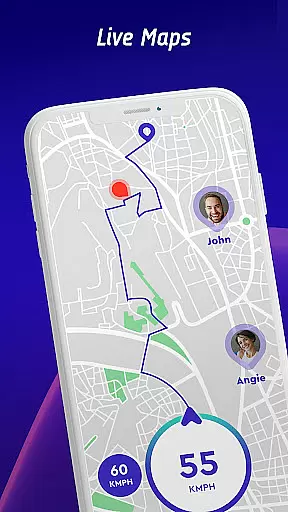
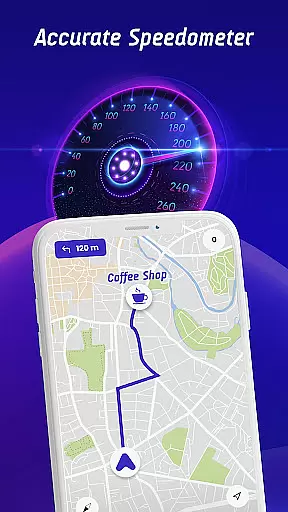

Speed Camera Detector is a comprehensive driving companion app that integrates multiple essential features for safe and informed navigation. The app serves as a speed camera radar, speedometer, and GPS navigation tool, ensuring drivers stay within speed limits while receiving real-time alerts for various road hazards.
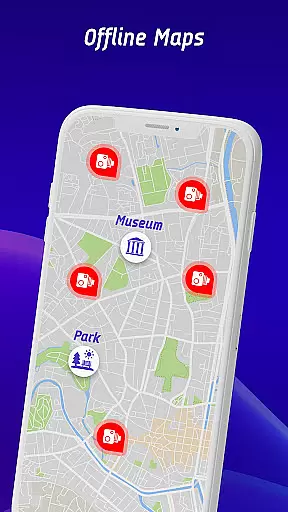
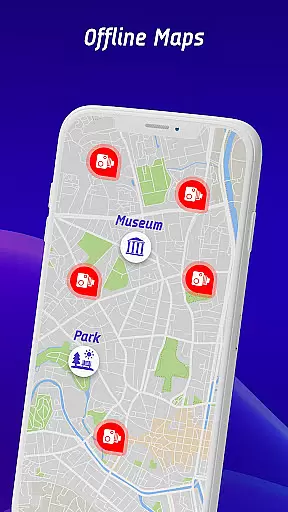
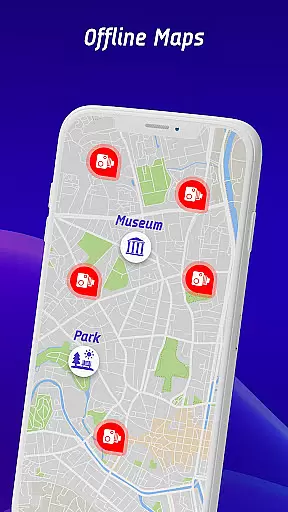
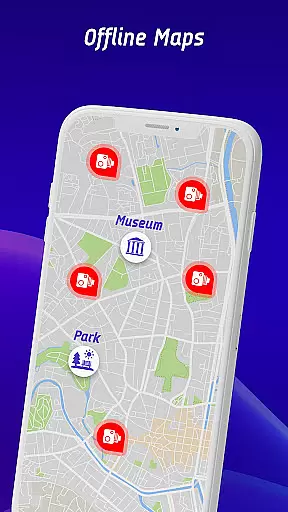
One of the standout features is its ability to provide vehicle-specific speed limit notifications, catering to cars, bikes, and trucks. Additionally, the head-up display (HUD) projects crucial information like traffic alerts and speed onto the windshield, promoting safer driving without distraction. With offline map functionality, users can navigate without relying on mobile data, making it ideal for areas with poor connectivity.
This app is particularly useful for drivers who frequently travel through regions with numerous speed checks or varying speed regulations. By combining advanced detection technology with user-friendly features, Speed Camera Detector enhances both safety and convenience on the road.
The app boasts an impressive array of features designed to improve driving safety and efficiency. Its core functionality includes detecting fixed speed cameras, mobile speed checks, red light cameras, and average speed checks. These detections are powered by a continuously updated database, supplemented by user reports to ensure accuracy and reliability.
A unique aspect is the vehicle-specific speed alert system, which customizes warnings based on whether you're driving a car, motorcycle, or truck. The head-up display (HUD) is another innovative feature, projecting real-time traffic updates and speed information directly onto the windshield for easy viewing. This helps drivers maintain focus on the road while staying informed about their surroundings.
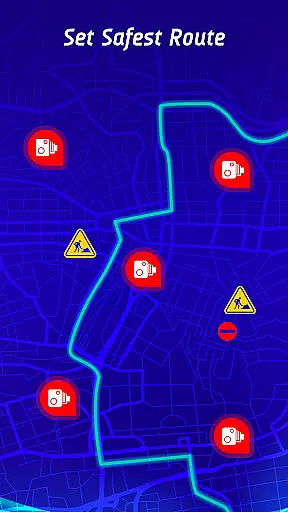
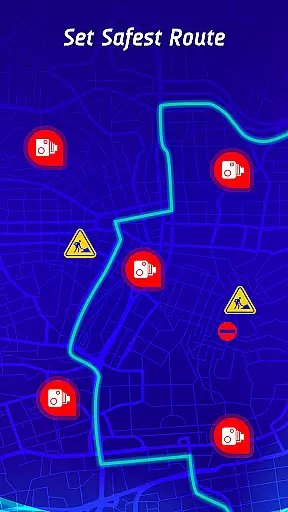
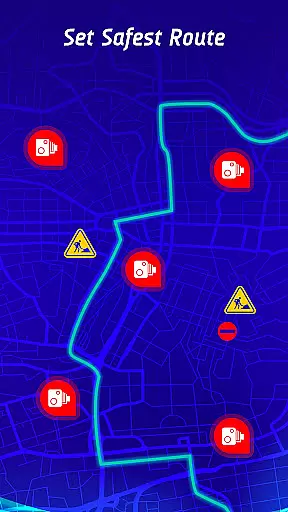
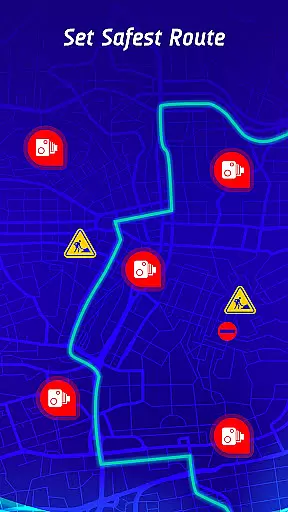
Additional notable features include offline map navigation, allowing uninterrupted use without internet connection, and a safest route planner that considers live traffic conditions and hazard locations. The inclusion of a travel history log enables users to review past trips, analyze driving patterns, and identify areas for improvement. Together, these features create a robust tool for modern drivers seeking enhanced safety and convenience.
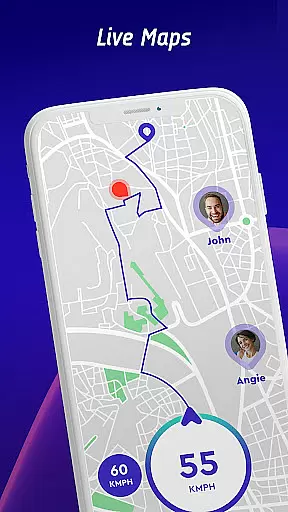
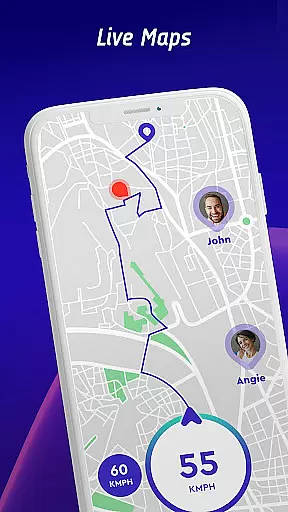
Map accuracy is essential for any navigation app, and Offline Maps, GPS, Speedometer excels in this area. The application provides real-time alerts for speed traps, fixed radars, and traffic cameras, ensuring drivers are always aware of their surroundings. This feature significantly enhances the driving experience by providing timely information about potential hazards.
The app's integration with GPS navigation ensures that the maps are continuously updated with the latest data. Users can trust the app to deliver accurate location information, whether they're driving in familiar areas or exploring new routes. This reliability is crucial for maintaining safety and efficiency on the road.
Additionally, the inclusion of live world cameras allows users to view real-time video streams from iconic locations worldwide. This feature not only adds a layer of security but also enriches the user experience by offering dynamic views of various places. Drivers can make informed decisions based on current conditions, making their journeys smoother and more enjoyable.
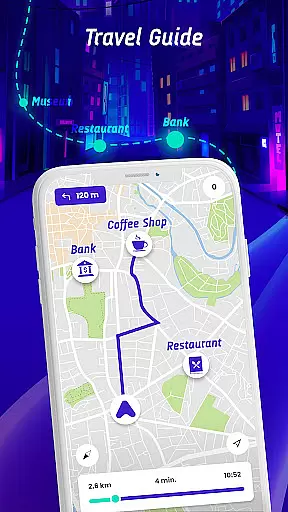
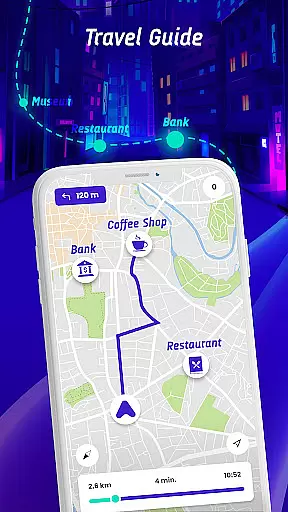
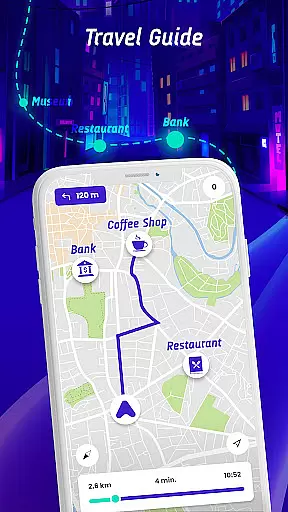
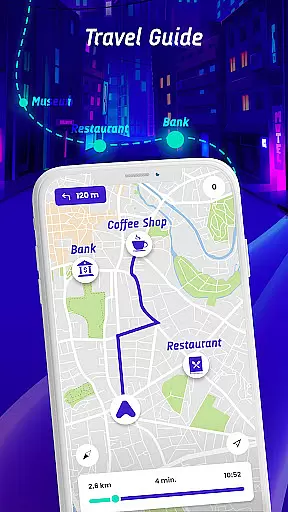
Route planning is a core feature of Offline Maps, GPS, Speedometer, designed to provide drivers with the safest and fastest routes to their destinations. By factoring in real-time traffic conditions, speed camera locations, and reported active hazards, the app ensures optimal route selection. This comprehensive approach helps drivers avoid delays and potential dangers, enhancing both safety and convenience.
The travel history feature further complements route planning by allowing users to review past routes, speed statistics, and encountered speed cameras or traps. This long-term monitoring enables drivers to identify patterns in their driving habits and make necessary adjustments. Such insights contribute to more efficient and safer driving practices over time.
Moreover, the offline maps navigation mode ensures that users can access route planning features without needing mobile data. This capability is particularly beneficial in areas with poor connectivity, allowing drivers to rely on accurate and up-to-date maps regardless of their location. With these robust route planning tools, Offline Maps, GPS, Speedometer empowers users to navigate confidently and efficiently.
User-friendly interface
Real-time hazard alerts
Offline map support
Customizable HUD display
Crowdsourced camera updates
Premium subscription required
Occasional false alerts
High battery consumption
Limited free features
Complex initial setup

Easy, Moderate and difficult offroad adventures.
 4.00
4.00
GPX Viewer PRO shows tracks, routes and waypoints from gpx and kml files.
4.60
Find radar maps, GPS coordinates, altitude, offline maps, location, travel route
4.40
Phone Tracker and GPS Location Sharing
4.20
Maps, Driving Directions & GPS navigation using directions app & GPS App
4.30
NJ TRANSIT information and ticketing at your fingertips
3.70
Navigate via GPS Maps of GPS Voice Navigation, driving directions to find routes
3.60
Avoid delays. Get real-time GPS navigation, safety alerts and live traffic.
4.10
Rideshare, taxi cabs, and more for your airport travels and everyday trips.
4.50
LIRR and Metro-North tickets and trips
4.80
Navigate confidently with our precise Digital Compass app & Direction Compass!
4.70
Track accurate speed & distance with GPS Speedometer. Check speed limit & time.
4.50
Neshan: map & navigation app with 20M+ monthly active users
4.50
Use GPS Maps and GPS Voice Navigation to find your way and get directions
4.10
Get route, find shortest path, near by places and weather update
3.90
Explore Earth with live GPS, satellite view & street navigation
3.60
Off-Roading Navigation App With Trails, Public Lands, & Private Property Info
3.30
Compass is an accurate compass and a great tool for any outdoor activities
4.3
Find 93 Octane Gas: Locate Gasoline Stations Selling Premium 93 Octane or Higher
4.4


User Reviews