
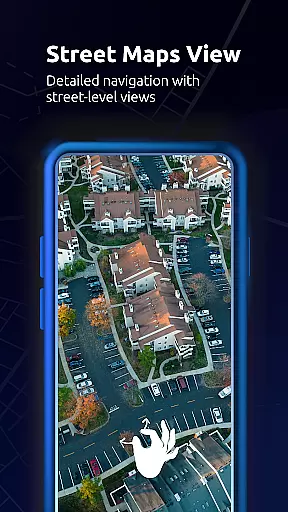
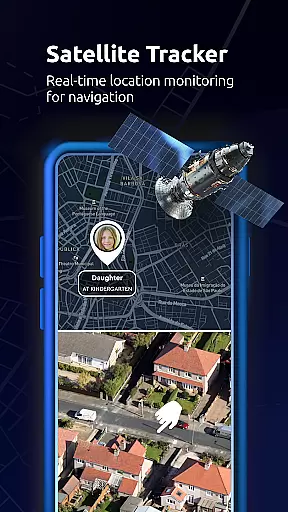
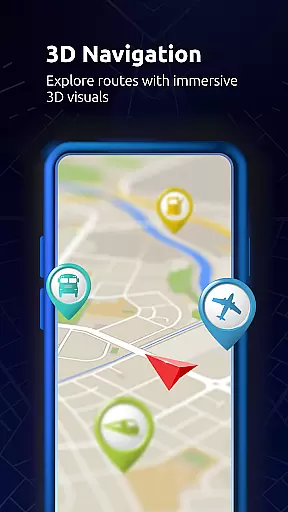
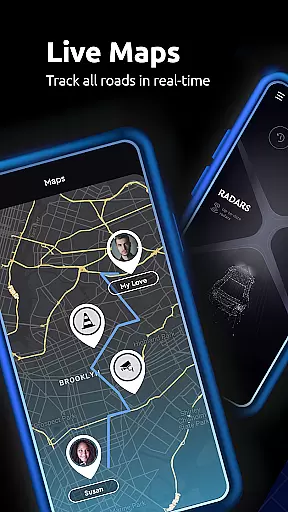

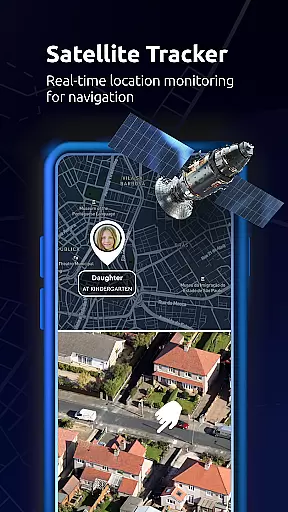
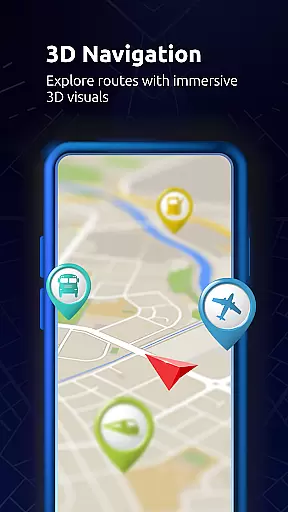
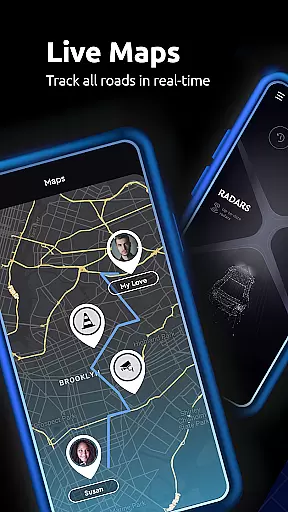

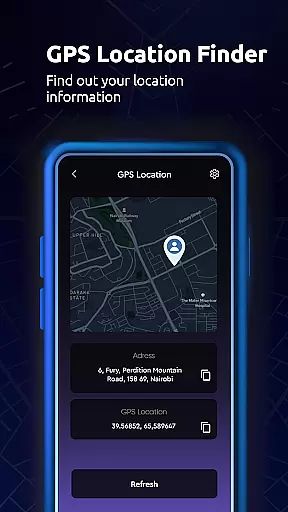
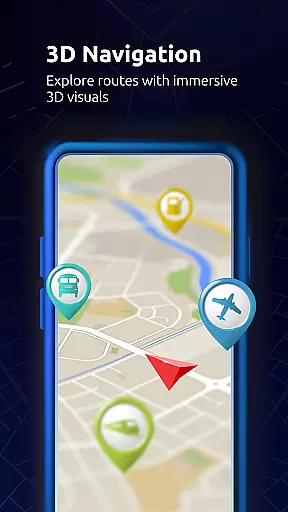
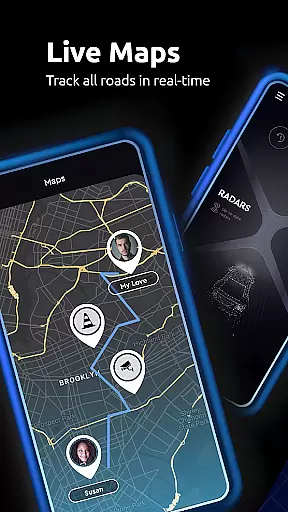
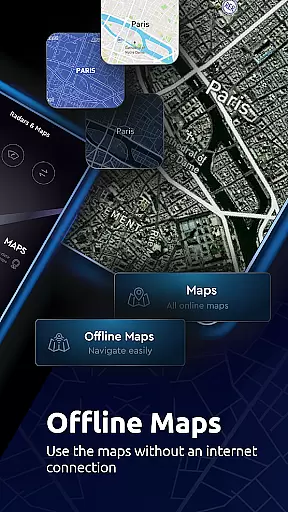

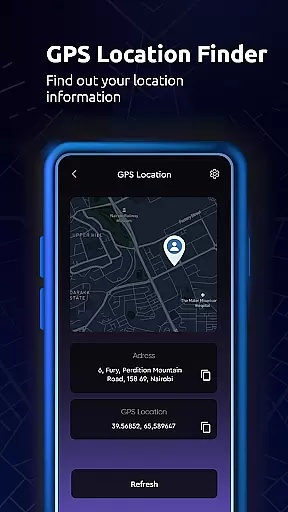
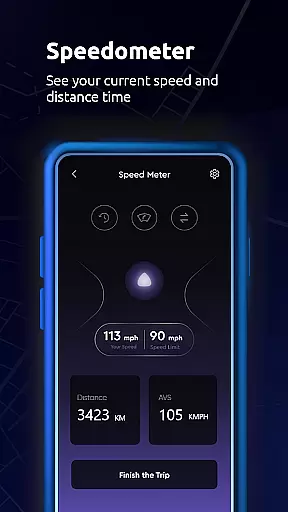
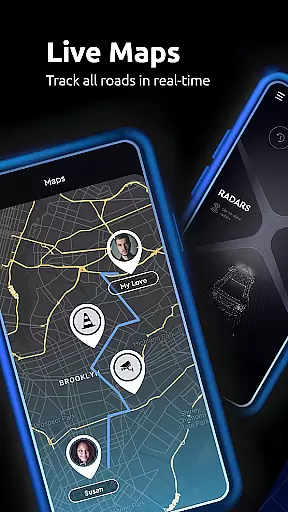

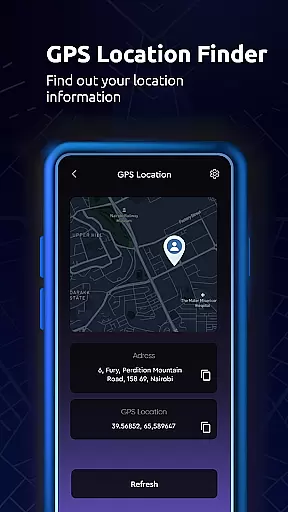
Maps All in One, Speedometer is a comprehensive navigation app designed to enhance your travel experience. The app provides users with detailed maps, real-time traffic updates, and multiple route options for efficient trip planning. Whether you're driving, biking, or walking, this app ensures you reach your destination via the fastest route while avoiding traffic jams and roadblocks.
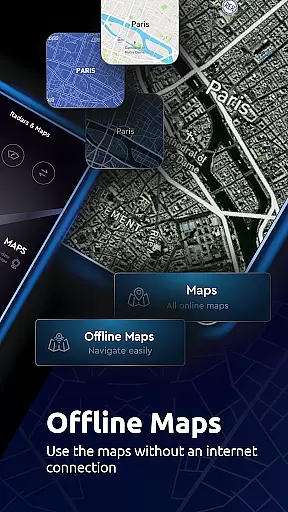
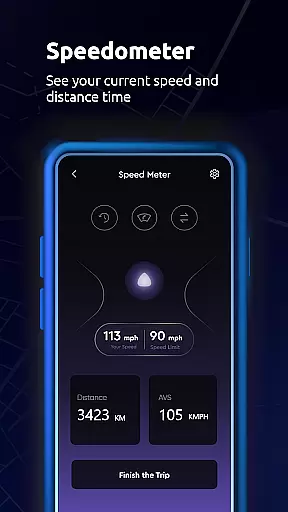
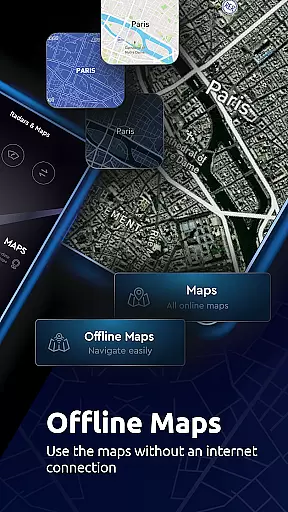
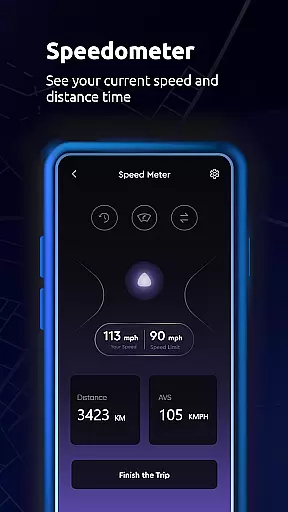
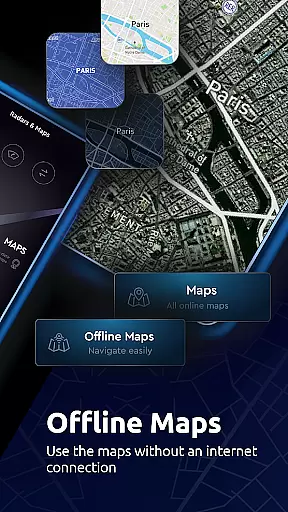
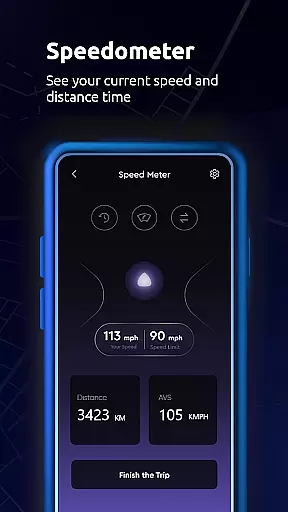
In addition to its core navigation features, Maps All in One offers advanced tools such as speedometers and altitude trackers. These features allow users to monitor their speed and elevation during travel. The app also supports offline functionality, enabling users to access maps and directions without an internet connection, making it ideal for remote areas where connectivity may be limited.
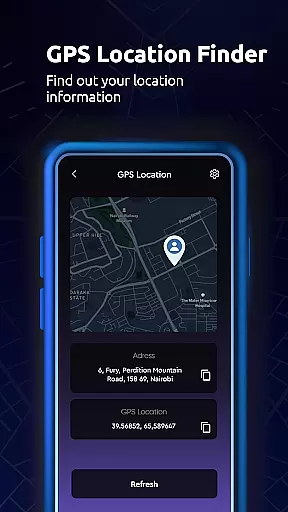
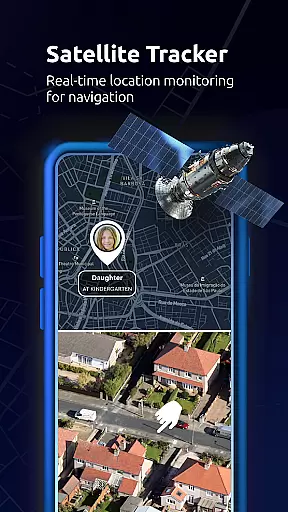
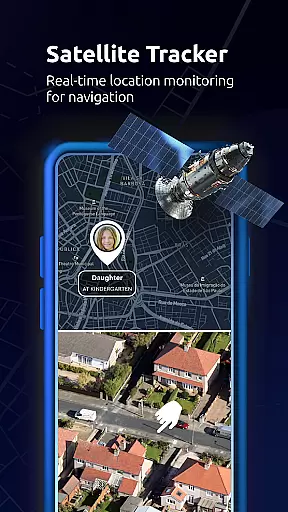
With its user-friendly interface and customizable settings, Maps All in One caters to both casual travelers and professionals who require precise location tracking. Users can save favorite locations, sync data across devices, and even share their live location with friends and family. This makes the app not only a practical navigation tool but also a reliable companion for creating lasting travel memories.
Maps All in One, Speedometer stands out due to its extensive range of features tailored for modern travelers. One of its key highlights is the real-time traffic alert system, which dynamically adjusts routes based on current traffic conditions. This ensures minimal delays and optimizes travel time by suggesting alternative paths when unexpected obstacles arise.
The app also includes a robust offline mode, allowing users to download maps for later use. This feature is particularly useful for international travelers or those venturing into areas with poor network coverage. Additionally, the built-in speedometer and compass provide valuable information about speed, direction, and altitude, enhancing the overall navigation experience.
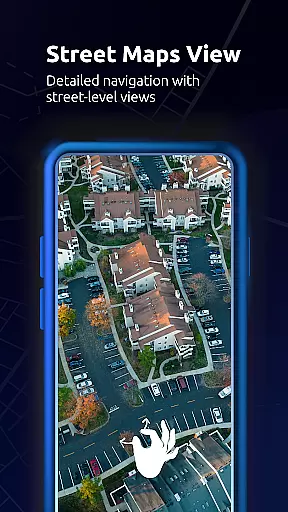
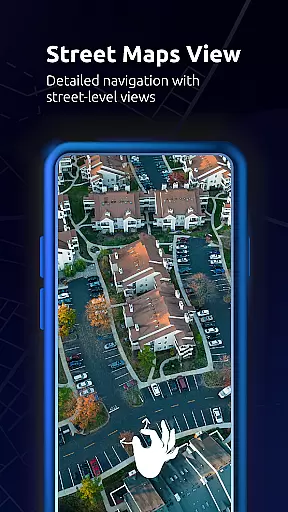
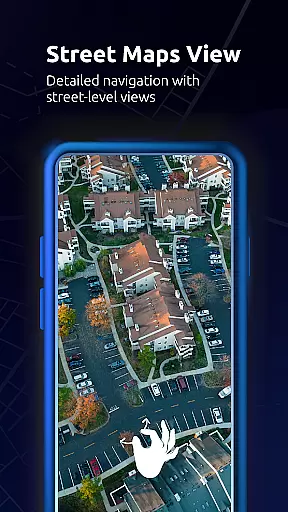
Another notable aspect is the app's ability to sync data across multiple devices. Users can save their favorite locations, track GPS routes, and create custom itineraries that remain accessible from any smartphone or tablet. With support for various map layers including satellite, topographic, and street views, Maps All in One delivers a versatile navigation solution suitable for diverse travel needs.
Map accuracy is essential for reliable navigation and exploration, and Maps All in One, Speedometer excels in this area. The app provides a variety of map types including road maps, topographic maps, satellite imagery, and live traffic updates to ensure users have the most precise location data available.
The inclusion of offline maps further enhances accuracy by allowing uninterrupted access to map data without an internet connection. This feature ensures that even in areas with poor connectivity, users can still rely on accurate mapping information for their trips.
With real-time traffic alerts, the app dynamically adjusts routes based on current conditions such as accidents or construction work, providing alternative paths when delays are detected. This keeps travelers informed about their journey's progress and helps them reach destinations efficiently.
Additionally, Maps All in One offers detailed directories for important places like gas stations, restaurants, and more, which are easily accessible through the map interface. Users can click on any location to get directions and other relevant details, making it an indispensable tool for both everyday commutes and long-distance travel planning.
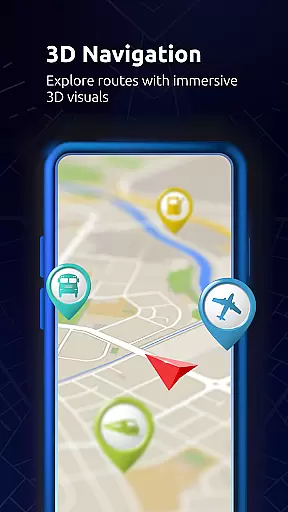
Route planning is a core feature of Maps All in One, Speedometer, empowering users to design efficient travel itineraries tailored to their needs. By leveraging advanced GPS technology, the app calculates optimal routes considering various factors such as distance, time, and current traffic patterns.
Users benefit from customizable route options that accommodate different modes of transportation including driving, biking, and walking. Each mode provides specific guidance and estimated times, ensuring that users select the best path for their chosen method of travel.
In addition to standard routing, the app supports offline route planning, enabling users to prepare journeys without needing constant internet access. This functionality not only saves data usage but also ensures reliability when traveling through regions with limited connectivity.
Furthermore, Maps All in One allows sharing planned routes with friends or family via integrated location-sharing features. This enhances safety and coordination during group travels while offering peace of mind knowing loved ones are aware of your intended route and estimated arrival times.
User-friendly interface
Real-time traffic updates
Offline map availability
Speedometer and compass tools
Data synchronization across devices
Occasional GPS inaccuracies
Heavy battery consumption
Limited free features
Ads in the free version
Large storage requirements

Explore the world with Live Satellite View, 3D Maps, GPS Navigation & Earth Map.
 2.90
2.90
CamSam PLUS - The speed and red light camera warning system!
4.40
Route tracker, Speedometer, Odometer, Fuel, HUD mode, save route as .GPX
4.40
Turn your tablet or Android powered unit into a full blow Android Auto headunit.
2.30
Voice GPS with driving directions, offline maps navigation GPS for safe travel
4.50
Navigate via GPS Maps of GPS Voice Navigation, driving directions to find routes
3.60
Use GPS Maps and GPS Voice Navigation to find your way and get directions
4.10
GPS phone tracker, family locator, secure location sharing app
4.20
Rideshare, taxi cabs, and more for your airport travels and everyday trips.
4.50
Parcel map, property lines, owner, acres, land use, zoning and more from Regrid.
4.60
America’s largest public fast charging network, with over 500 charging stations.
4.50
Track accurate speed & distance with GPS Speedometer. Check speed limit & time.
4.50
ParkWhiz, an Arrive Mobility brand, part of the Arrive Network
4.30
Simple & easy to use a compass app. Get accurate directions.
4.20
Number locator, real connection map
4.10
Avoid delays. Get real-time GPS navigation, safety alerts and live traffic.
4.10
Route Planner is travel map to get turn by turn navigation & driving directions
3.90
Your guide to the recreational opportunities of the Bureau of Land Management!
3.40
Fully offline 1:50k New Zealand topographical map North Island
4.4


User Reviews