

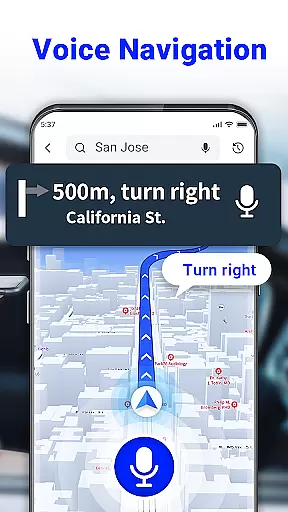
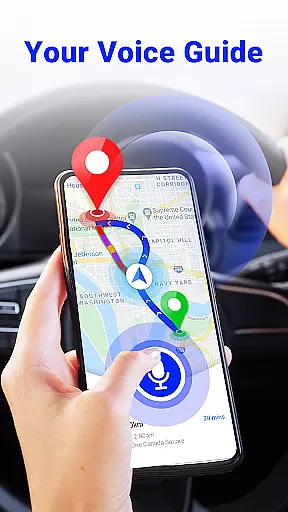
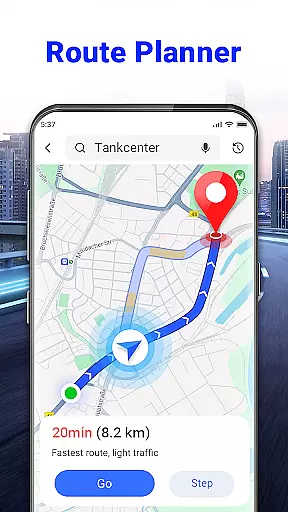
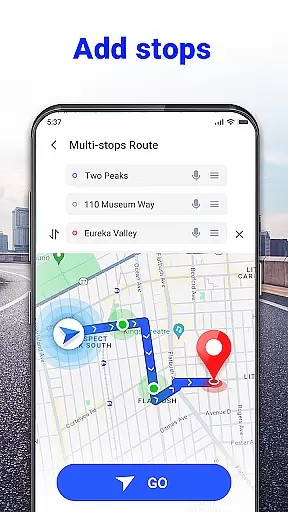
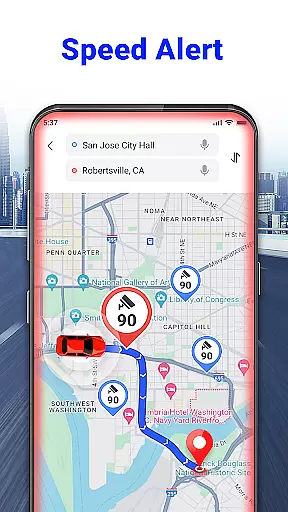
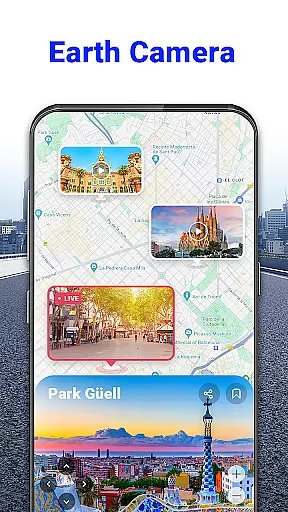
GPS Voice Navigation: Live Map is a cutting-edge navigation application designed to provide drivers, hikers, and travel enthusiasts with accurate, real-time directions through voice commands. The app eliminates the need for paper maps by offering an intuitive interface that allows users to plan routes, locate destinations, and avoid traffic efficiently. With features like voice-guided navigation, shortest route planning, and over-speed alerts, it ensures both safety and convenience on the road.
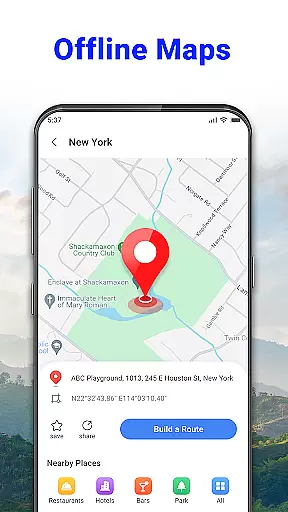
In addition to its core navigation capabilities, the app also includes advanced functionalities such as radar maps, nearby place searches, and offline access to maps. Whether commuting daily or exploring new cities, this app proves invaluable for anyone needing reliable GPS assistance. Its user-friendly design and innovative features make it an essential tool for modern travelers who value precision and ease of use.
One of the standout features of GPS Voice Navigation is its robust voice command system, which allows users to input destinations and receive turn-by-turn audio directions without needing to touch their device. This hands-free approach enhances safety, particularly for drivers who need to focus on the road. Additionally, the app's ability to plan the shortest route while avoiding traffic congestion ensures optimal travel efficiency, saving both time and fuel costs.
The app also offers practical tools like radar maps that alert users to speed checks and nearby place searches for locating essential services such as grocery stores, hotels, and parking lots. Furthermore, its offline functionality means users can access maps and directions even without an internet connection. These comprehensive features collectively create a seamless and reliable navigation experience tailored to various travel needs.
Map accuracy is essential for any navigation app, and GPS Voice Navigation: Live Map excels in this area. The app provides up-to-date maps that ensure precise location tracking whether you're driving, hiking, or traveling.
With its advanced GPS technology, the app accurately pinpoints your location and guides you through the shortest route possible. It supports voice commands, allowing users to input destinations without manual entry, which enhances safety and convenience.
The inclusion of nearby place searches means that points of interest such as grocery stores, hotels, and parking lots are always at your fingertips. This feature ensures that users can find what they need quickly and efficiently, no matter where they are in the world.
Effective route planning is a cornerstone of GPS Voice Navigation: Live Map. The app not only plans the shortest route but also helps users avoid traffic congestion, ensuring timely arrivals.
By utilizing simple voice commands, drivers can keep their hands on the wheel and eyes on the road. The voice navigation system provides clear instructions like 'Go straight, after 500 meters, then turn left,' making it easy to follow along without distractions.
Additional features such as radar maps and over-speed alerts further enhance route planning by keeping users informed about speed checks and potential traffic issues. These tools contribute to a safer and more efficient driving experience overall.
User-friendly interface
Accurate voice navigation
Offline map access
Traffic avoidance tools
Speed alert system
Limited language options
Occasional voice recognition errors
Drains battery quickly
Requires significant storage
No 3D view option

Explore the world with Live Satellite View, 3D Maps, GPS Navigation & Earth Map.
 2.90
2.90
Discover over 800 points of interest along the canal.
3.70
Your guide to the recreational opportunities of the Bureau of Land Management!
3.40
Track accurate speed & distance with GPS Speedometer. Check speed limit & time.
4.50
Navigate confidently with our precise Digital Compass app & Direction Compass!
4.70
GPS Navigation: Get map directions and find the shortest routes to avoid delays!
4.00
Explore offline maps with radar, satellite view, and real-time alerts.
3.60
Get real-time bus and train schedules for easy, hassle-free city transportation.
3.90
GPS phone tracker, family locator, secure location sharing app
4.20
Bolt is a ride-hailing app for requesting fast, safe, and affordable transport
4.80
Find shortest way and save energy . Distance and area calculator.
4.70
Navigate MTA, NJ Transit, MBTA, SEPTA, BART, MARTA, CTA & 900+ cities
4.60
Rideshare, taxi cabs, and more for your airport travels and everyday trips.
4.50
Simple & easy to use a compass app. Get accurate directions.
4.20
Find routes fast with GPS Maps, GPS Navigation & driving directions.
4.10
Avoid delays. Get real-time GPS navigation, safety alerts and live traffic.
4.10
TACNAV-X: Precision MGRS navigation, built specifically for the military.
4.00
Gas Station & Fuel Rewards Points
3.70
Off-Roading Navigation App With Trails, Public Lands, & Private Property Info
3.30


User Reviews