
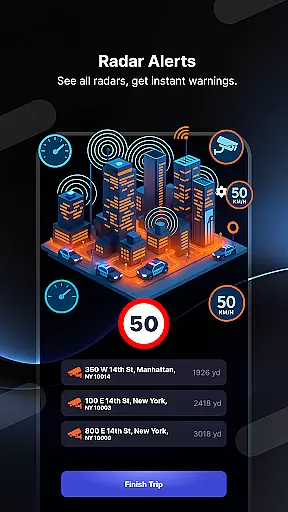
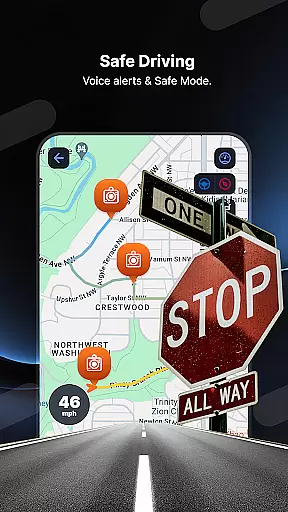
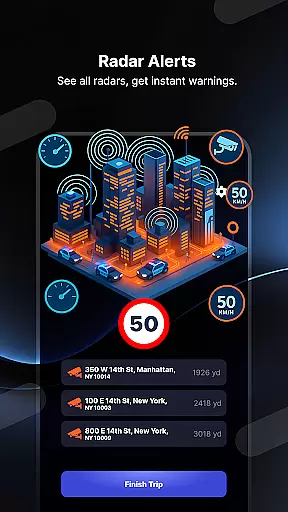
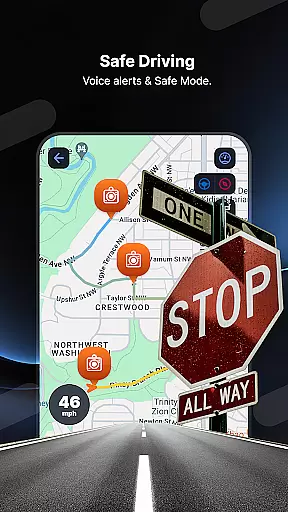
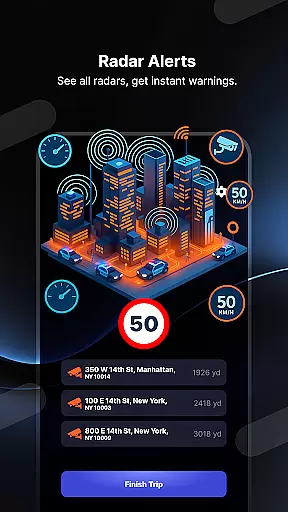
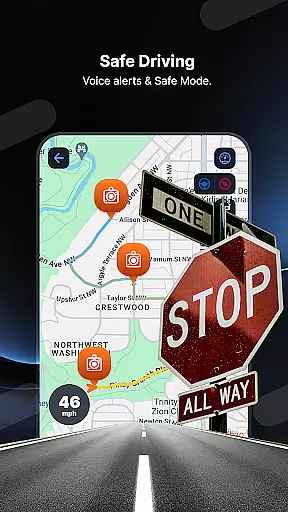
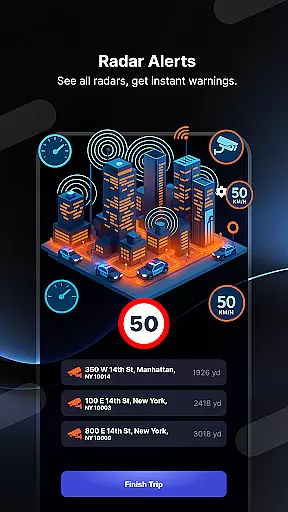
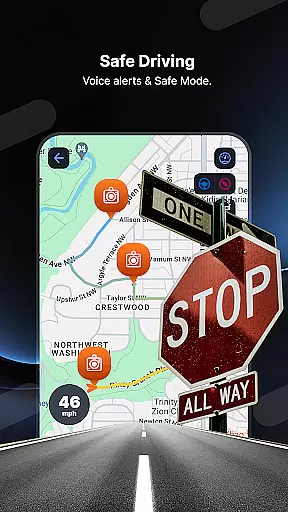
Radar GO-X is a comprehensive navigation and tracking app that transforms your smartphone into an advanced speed camera detector, GPS tracker, and real-time map system. With features like HUD (Head-Up Display), police radar alerts, flight inquiries, and family locator services, this app provides drivers with essential tools to enhance road safety while offering additional functionalities for travelers and families.
The app's core functionality revolves around detecting speed cameras and police radars, providing users with timely alerts through sound notifications and visual cues. Its integration with GPS technology ensures accurate location tracking and speed monitoring, making it an indispensable tool for avoiding traffic fines. Additionally, Radar GO-X offers innovative features such as Kaaba direction finder, weather forecasts, and live radio streaming, catering to diverse user needs.
Whether you're a frequent traveler looking to track flights or a family person wanting to ensure loved ones' safety, Radar GO-X serves as a versatile companion. By combining practical driving tools with unique extras like AM/FM radio and Qibla compass, the app delivers both convenience and peace of mind to its users.
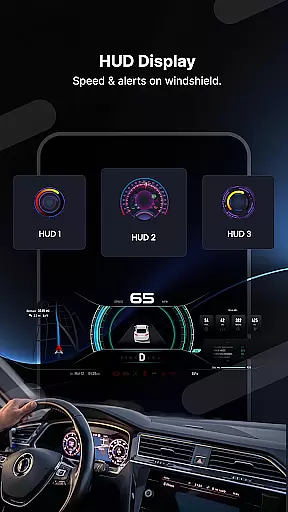
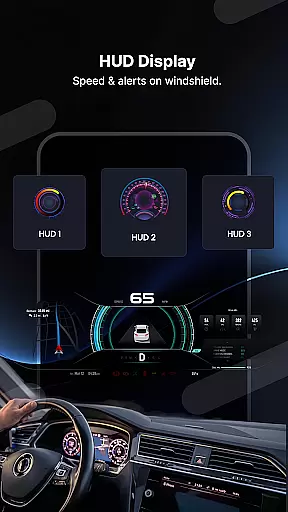
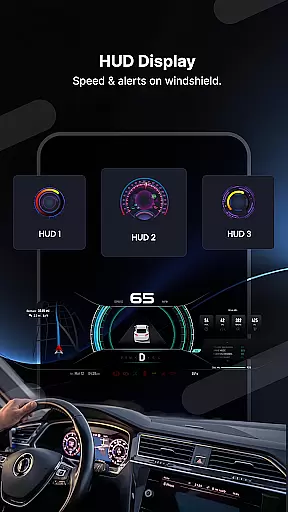
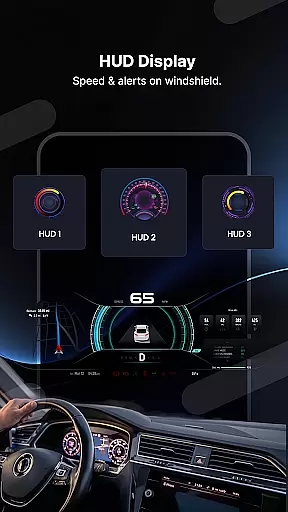
Radar GO-X stands out due to its rich feature set designed to cater to various user requirements. One of its key highlights is the Head-Up Display (HUD), which projects crucial driving information such as current speed, speed limits, and nearby radar points directly onto the car windshield. This allows drivers to keep their eyes on the road while staying informed about critical details.
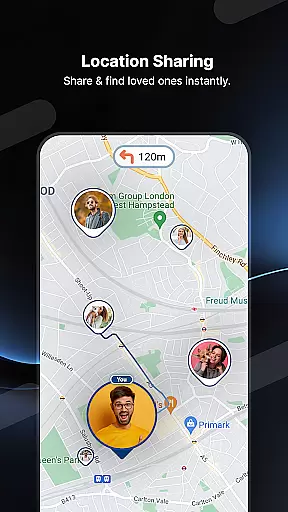
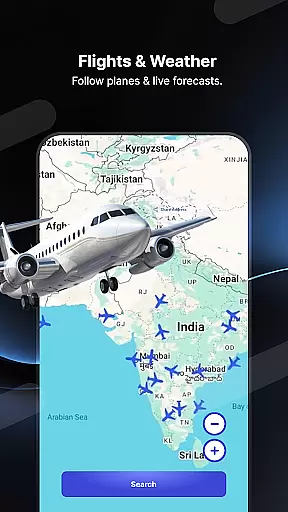
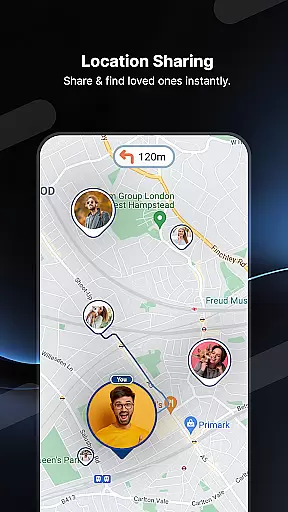
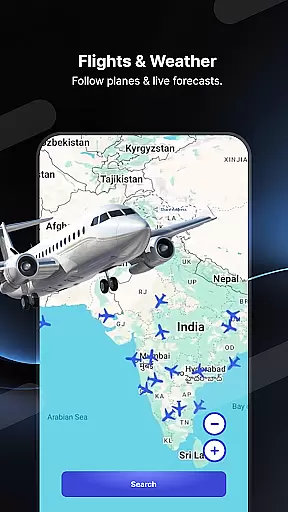
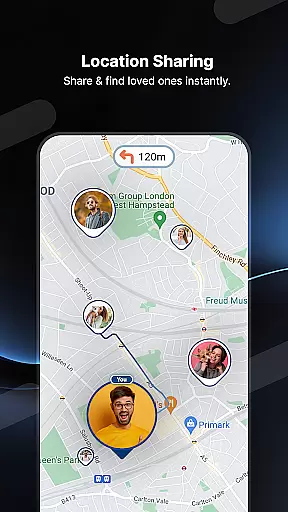
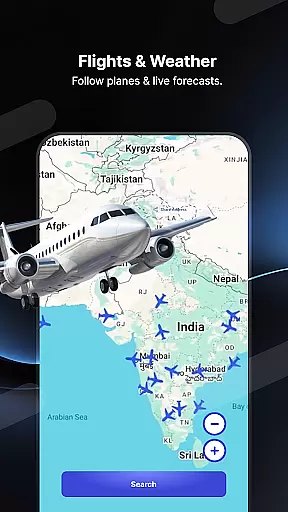
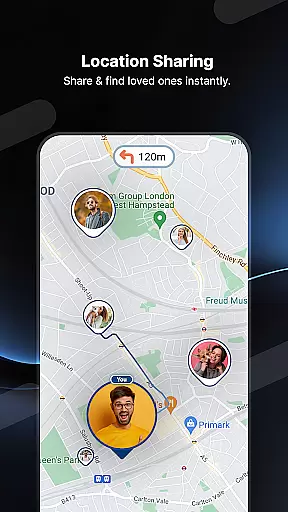
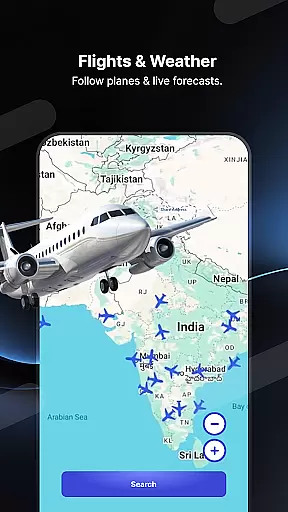
In addition to its primary radar detection capabilities, the app includes advanced GPS functionalities. Users can track family members' locations in real time, provided they grant permission, ensuring enhanced safety for loved ones during travel. The built-in flight tracker adds another layer of utility by allowing users to monitor aircraft positions, discover distances between airports, and access timetables for flights.
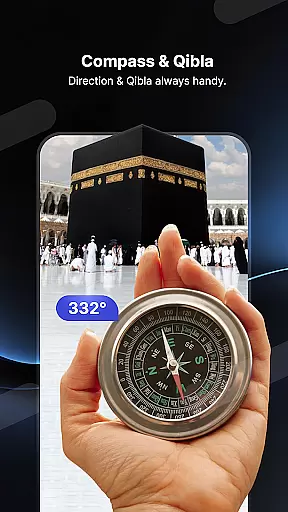
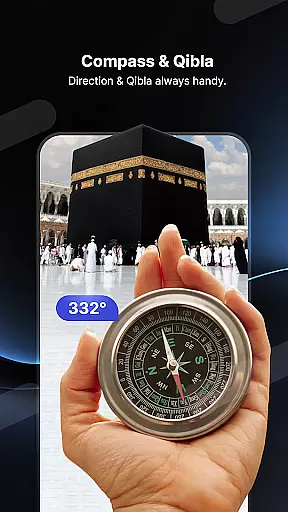
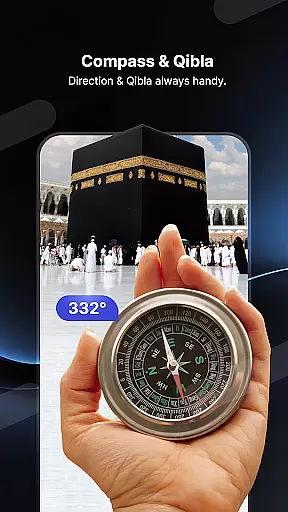
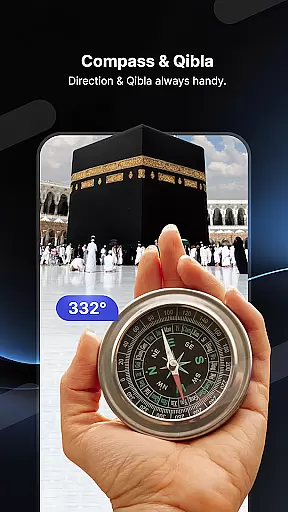
Other notable features include weather forecasting, live radio streaming from thousands of stations worldwide, and a Qibla compass for religious purposes. Each feature has been thoughtfully integrated to maximize user value, whether it’s helping drivers avoid fines, assisting travelers with airport-related queries, or entertaining users with music and news broadcasts.
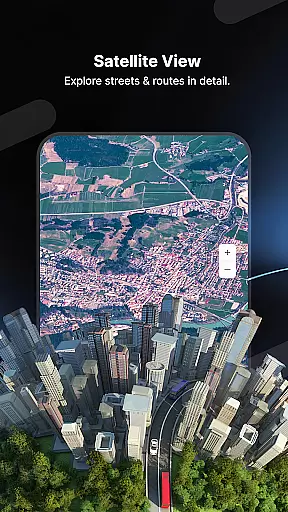
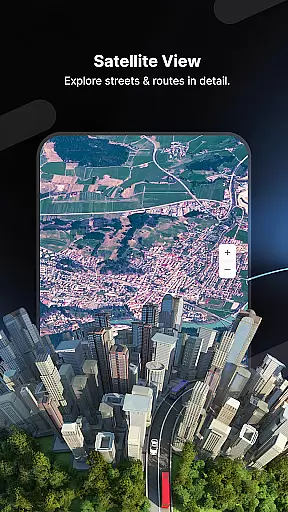
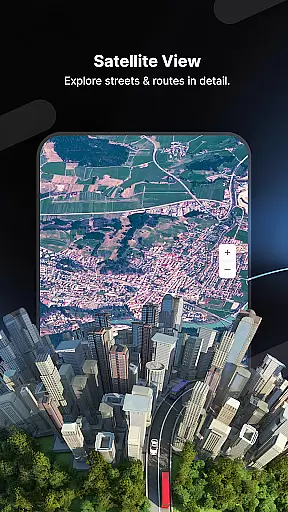
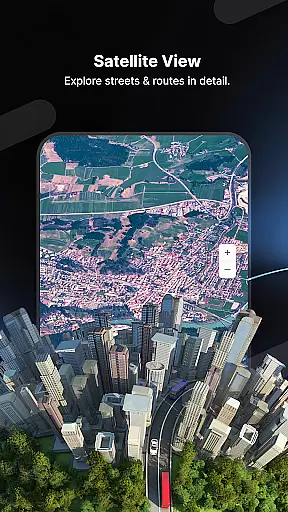
Map accuracy is crucial for navigation apps like Radar GO-X, ensuring users receive precise location data and directions. This app provides real-time map updates with detailed information on speed cameras, police radar locations, and traffic conditions.
The application employs advanced GPS technology to deliver accurate positioning and mapping services. Users can rely on its precise location tracking not only for road navigation but also for locating nearby airports and calculating flight routes.
By offering a comprehensive heads-up display (HUD) feature, Radar GO-X projects essential driving information onto the windshield, allowing drivers to maintain focus on the road while staying informed about their current speed, speed limits, and upcoming radar points.
This commitment to accuracy extends to weather forecasts and local AM/FM radio station listings, enhancing the overall utility of the app by providing timely and relevant information based on the user's location.
Effective route planning is a cornerstone of Radar GO-X, enabling users to navigate efficiently and avoid potential traffic hazards. The app offers sophisticated route calculation tools that consider live traffic data, speed camera locations, and police presence to optimize travel paths.
With features such as flight inquiries and airport distance calculations, Radar GO-X goes beyond traditional route planning. It allows users to plan their journeys comprehensively, whether by road or air, ensuring they have all necessary information at their fingertips.
The inclusion of a family locator and GPS tracker adds another layer of functionality, letting users share their locations and track loved ones' movements with consent. This ensures peace of mind and facilitates coordinated travel plans among family members.
Additionally, the app's support for both metric and imperial units, along with its ability to provide offline maps and voice directions, makes it a versatile tool for travelers worldwide, adapting seamlessly to different driving environments and preferences.
Accurate speed checks
Real-time alerts
Comprehensive GPS
Family tracking
Flight monitoring
Requires constant GPS
Drains battery fast
Premium features locked
Complex interface
Limited offline use

Explore the world with Live Satellite View, 3D Maps, GPS Navigation & Earth Map.
 2.90
2.90
This app is military GPS coordinate systems helper. (MGRS, UTM & DMS Maps)
4.80
Easy, Moderate and difficult offroad adventures.
4.00
Your guide to the recreational opportunities of the Bureau of Land Management!
3.40
Phone Tracker and GPS Location Sharing
4.20
Explore Live Earth Map with 3D World Map & locate cites, mountains real time.
3.80
Park in Chicago, NYC, Boston, SF, Houston & more!
4.70
Neshan: map & navigation app with 20M+ monthly active users
4.50
Rideshare, taxi cabs, and more for your airport travels and everyday trips.
4.50
Find AI powered cameras, ALPRs, and other surveillance infrastructure near you
4.70
Navigate confidently with our precise Digital Compass app & Direction Compass!
4.70
The fastest and most convenient way to pay for parking on our lots.
4.40
Explore a light pollution map to find suitable dark sky locations for observing.
4.30
Get matched with a nearby driver — you’ll be on your way in minutes.
4.30
Use GPS Maps and GPS Voice Navigation to find your way and get directions
4.10
Route Planner is travel map to get turn by turn navigation & driving directions
3.90
Start your next adventure confidently using our Accurate Compass App
3.70
Live Satellite view app for find GPS navigation Direction and live location map
3.70
Compass is an accurate compass and a great tool for any outdoor activities
4.1


User Reviews