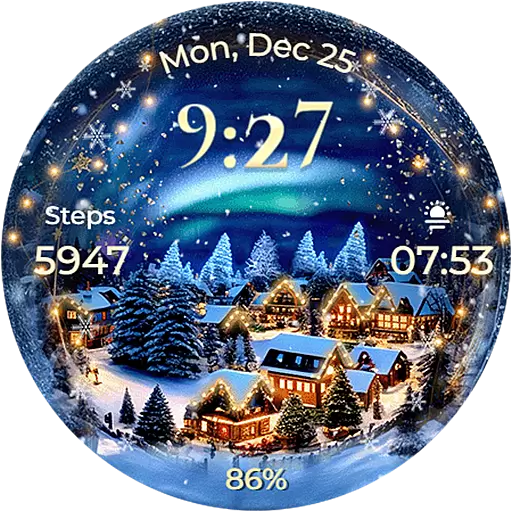
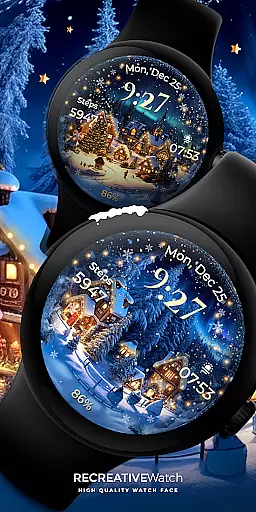
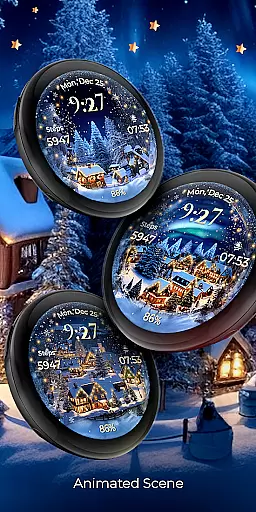
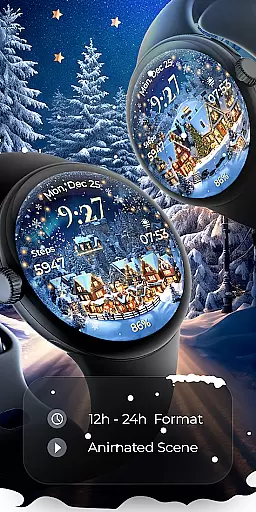
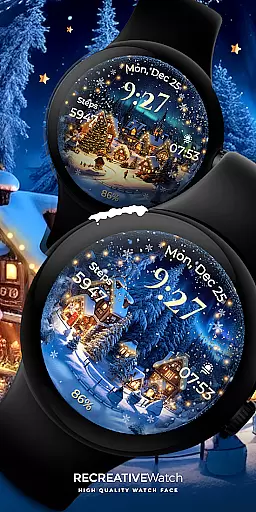
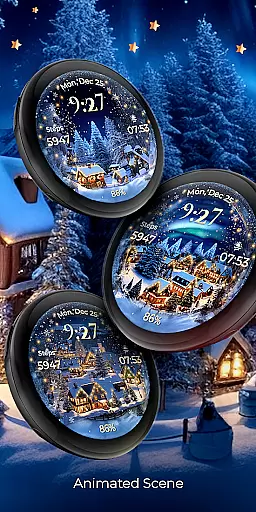
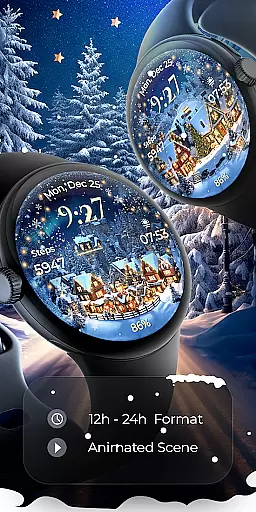
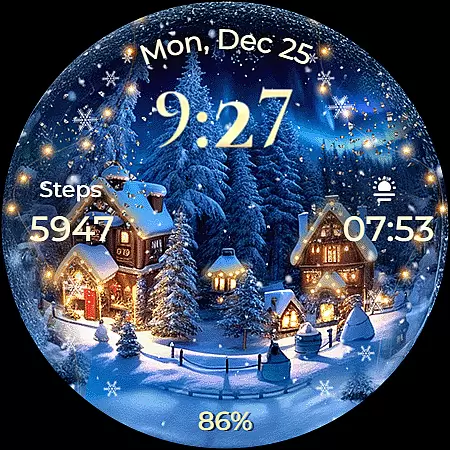
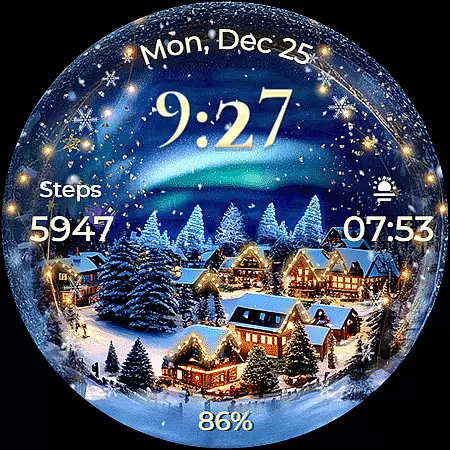
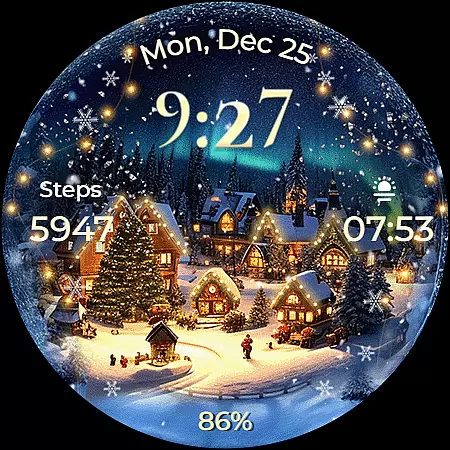
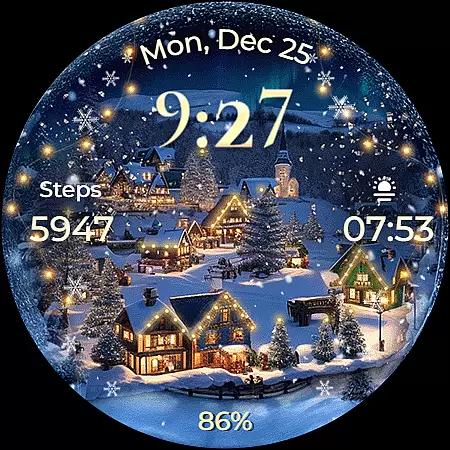
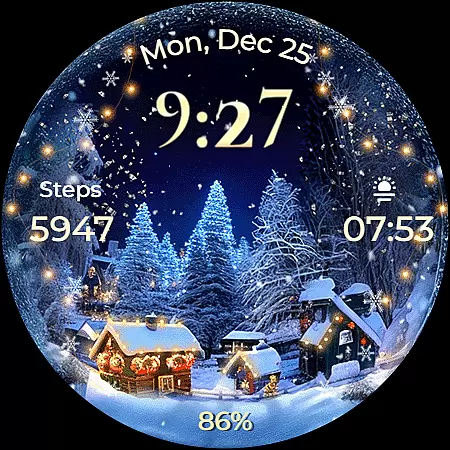
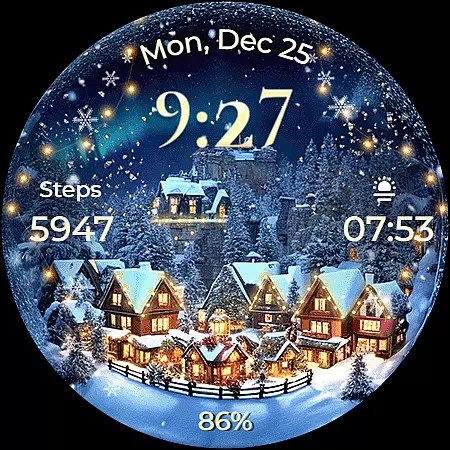
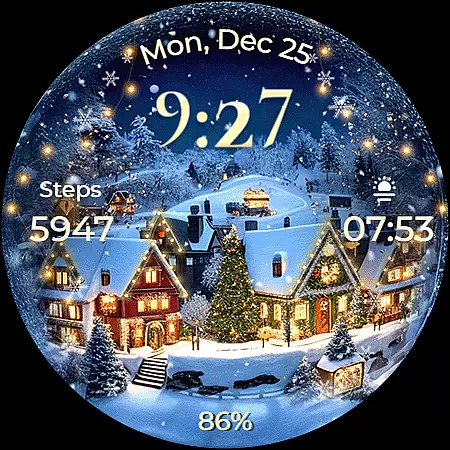
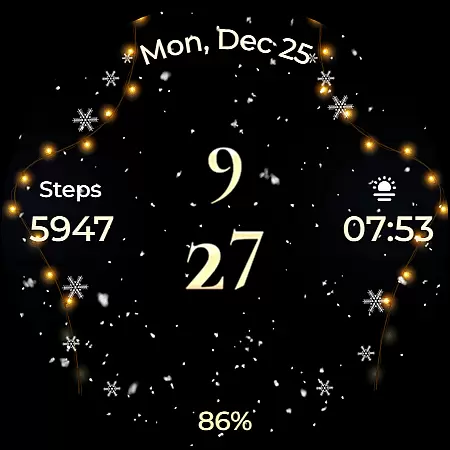
Animated North Pole Christmas is a festive Wear OS watch face that brings the magic of the holiday season to your wrist. Featuring animated snowfall and a magical sparkle, this app captures the essence of winter cheer with every glance at your smartwatch.
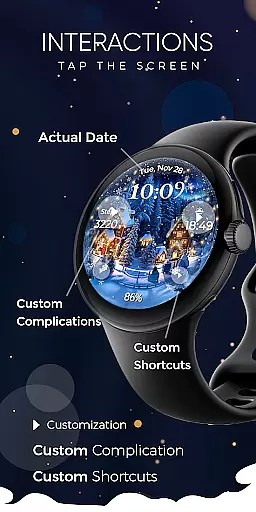
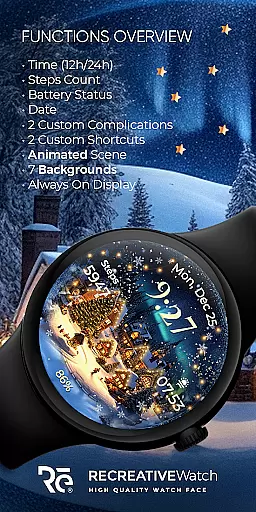
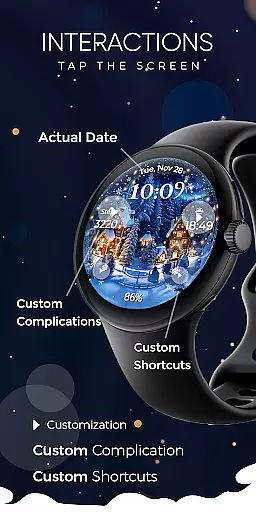
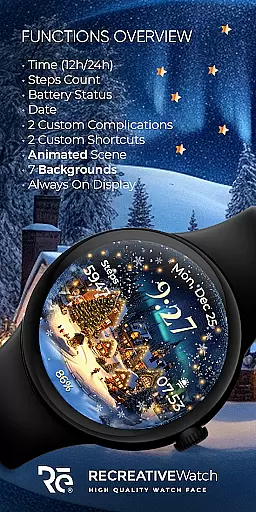
The watch face offers essential functionalities such as 12/24h digital time display, date, battery status, and step count. It also includes customizable complications and shortcuts, allowing users to tailor their watch face to their specific needs. With support for Always ON Display and multiple background options, it ensures both practicality and personalization.
Ideal for those who wish to embrace the holiday spirit, this app is perfect for use during the Christmas season, providing not just utility but also a touch of festivity on your smartwatch.
This Wear OS watch face stands out with its unique Christmas-themed design. The animated snowfall and magical sparkle create an engaging visual experience that captures the joy of the season. These animations are not just visually appealing but also serve as a reminder of the holiday spirit each time you check your watch.
Functionality-wise, Animated North Pole Christmas excels with features like 12/24h digital time, date display, battery indicator, and step counter. The inclusion of two customizable complications and shortcuts enhances user interaction, enabling quick access to preferred apps or data points. Additionally, the Always ON Display feature, with changeable colors and modes, ensures visibility and personalization even when the watch is in low-power mode.
With compatibility across devices including Google Pixel and Galaxy Watch models, this app provides a versatile and festive experience for a wide range of users seeking to add some holiday cheer to their smartwatches.
Companion app integration is essential for a seamless wearable experience. Animated North Pole Christmas offers a dedicated mobile app that simplifies the installation process and helps users locate the watch face on their Wear OS devices.
The phone app acts as a facilitator, ensuring that users can easily set up and manage their festive watch face. This streamlined integration allows for quick access to features like customizable complications and shortcuts directly from the mobile interface.
While the mobile app contains ads, it ensures that the watch face itself remains ad-free, providing an uninterrupted holiday experience on your wrist. This separation of advertising from the core functionality demonstrates a thoughtful approach to user experience.
Device compatibility is crucial for ensuring optimal performance across different Wear OS devices. Animated North Pole Christmas is designed to work with API level 33+ devices, including Google Pixel watches and Galaxy Watch series from version 4 onwards.
The watch face supports various advanced features like Always ON Display with customizable colors and modes, making it suitable for modern smartwatches. This broad compatibility ensures that users can enjoy the animated snowfall and magical sparkle effects regardless of their specific Wear OS device model.
For best battery performance, users can choose to disable the Always ON Display feature. The watch face maintains consistent functionality across supported devices while offering customization options that adapt to different screen sizes and resolutions.
Holiday-themed design
Customizable features
Always ON Display
Animated effects
Wide device compatibility
Battery consumption
Limited to festive seasons
Ads in mobile app
No automatic application
Customization complexity

Calming & relaxing sounds for sleeping and stress relief. Stay focused all day!
 4.20
4.20
Current temperature, weather hourly, weather radar by the weather forecast app
4.40
Analog watch face with 8 complications and expedition styling
4.0
Beautiful artistic animated digital watch face, with a customizable layout!
4.40
Structured watch face with seven complications and modular UI elements
3.90
Monitor health with the stress test and pulse checker in the heart rate app.
4.60
Real-time results, stats, schedules and player profiles for all leagues
4.60
Stylish, Energizing and Modern Watch Face crafted by Dominus Mathias.
4.50
Track airplanes and follow flights with our real-time flight tracker
4.50
Hyperlocal rain alerts by MyRadar using patent-pending technology, radar & more
4.80
Easy Voice Recorder is your everyday companion to record important moments.
4.70
Gym & home workout plans with strength training, exercise tracking, HIIT & more.
4.60
Deck out your Wear OS Watch face with a beautifully decorated pine wreath!
4.50
Connect to your Bluelink equipped Hyundai vehicle from your smartphone.
4.50
Digital watch face. For Wear OS devices.
4.40
Find EV charging stations
4.30
Snowflake Rose Gold Watch Face - Digital, modern, & sleek with GYRO effect.
4.10
A digital watch face that celebrates Christmas.
4.00
A heartwarming Christmas scene featuring a cute image of Santa and Rudolf
4.5


User Reviews