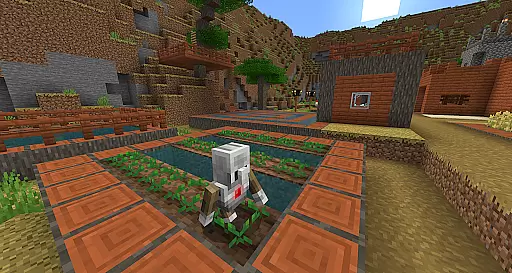
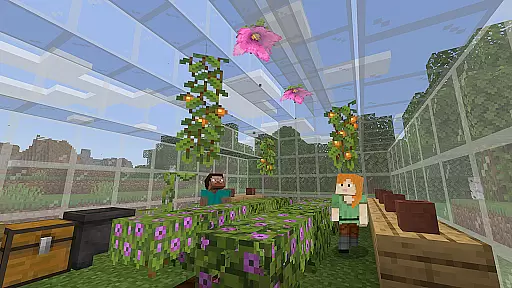
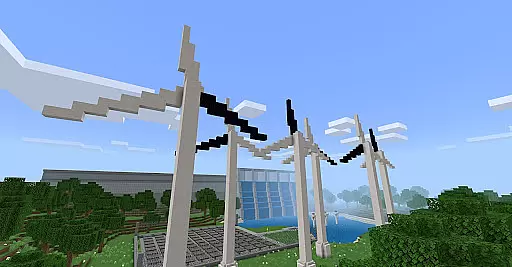
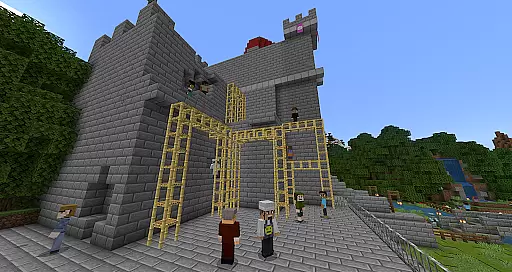
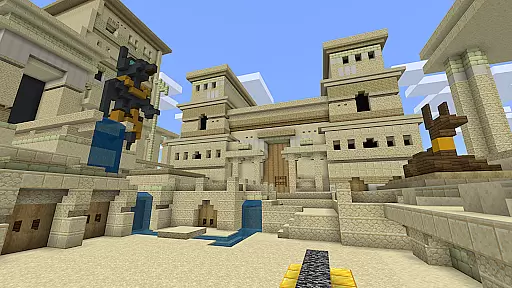
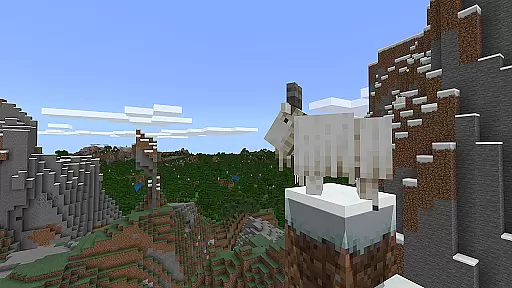
Minecraft Education is a game-based learning platform designed to inspire creative and inclusive education through interactive play. This educational tool allows students and educators to explore blocky worlds that provide innovative ways to approach any subject or challenge. From reading and math to history and coding, Minecraft Education offers standardized curriculum and lessons tailored for all types of learners.
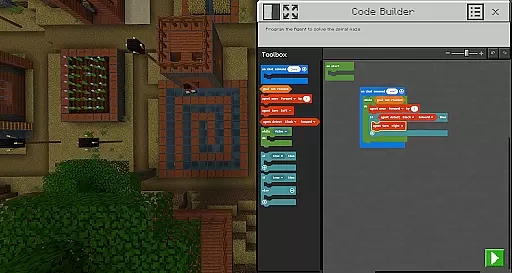
The app provides various features such as multiplayer mode for collaboration across platforms, Code Builder for learning programming languages, and Immersive Reader for text translation. It also integrates with Microsoft Teams and Flipgrid for assessment and teacher controls. Suitable for both classroom and remote learning environments, Minecraft Education prepares students for the future by developing problem-solving, collaboration, and critical thinking skills.
Minecraft Education boasts an array of features that enhance the learning experience. One standout feature is its multiplayer mode, which enables real-time collaboration among students across different devices and platforms, making it ideal for hybrid learning environments. The Code Builder tool supports block-based coding along with JavaScript and Python, offering an intuitive interface for in-game execution of code.
Another key feature is the Immersive Reader, which helps players read and translate in-game text, thus supporting diverse learners. Additionally, the Camera and Book & Quill items allow users to document their creations and export them for further analysis. Integration with Microsoft Teams and Flipgrid enhances teacher control and assessment capabilities, ensuring that educators can effectively monitor student progress while maintaining an engaging learning environment.
Minecraft Education stands out in the realm of educational tools by offering content that is both accurate and authoritative. This platform collaborates with renowned organizations such as BBC Earth, NASA, and the Nobel Peace Center to create immersive learning experiences. These partnerships ensure that the educational material presented within the game is not only engaging but also rooted in real-world knowledge and scientific research.
The application provides lessons and standardized curriculums covering a wide array of subjects including reading, math, history, and coding. Each lesson is meticulously designed to cater to all types of learners, ensuring that the information is conveyed in an understandable and meaningful way. By integrating these lessons into the fabric of the Minecraft universe, students are able to explore and interact with the content, leading to a deeper understanding of the subject matter.
Moreover, Minecraft Education aids educators in preparing students for future academic and professional environments by embedding key skills development within its framework. Learners can hone their problem-solving, collaboration, digital citizenship, and critical thinking abilities through gameplay. This approach not only imparts knowledge but also equips students with the necessary competencies to thrive in tomorrow's workforce.
One of the core strengths of Minecraft Education is its ability to offer personalized learning paths tailored to individual student needs. The platform boasts hundreds of ready-to-teach lessons, creative challenges, and open-world environments that teachers can utilize to craft a unique educational journey for their students. This flexibility allows educators to align the game-based learning experience with specific learning objectives and outcomes.
Furthermore, Minecraft Education supports diverse learning styles and paces. Whether itu2019s through structured lessons or exploratory play in creative open worlds, students have the freedom to engage with the content in ways that best suit their learning preferences. This adaptability ensures that every learner, regardless of their starting point, can achieve success and remain engaged throughout their educational adventure.
In addition to customizable learning experiences, Minecraft Education incorporates features like Immersive Reader, which helps players read and translate text, making the platform accessible to a broader audience. With these inclusive tools, the application empowers educators to address various learning needs effectively, fostering an environment where every student has the opportunity to excel and develop a passion for STEM subjects.
Engaging Learning Environment
Multiplayer Collaboration Tools
Innovative Coding Education
Immersive Reader Support
Integration with Microsoft Ecosystem
Requires Admin Access for Licensing
Complex Setup for Non-Tech-Savvy Users
Limited Free Content Availability
Subscription-Based Pricing Model
Potential Distraction from Traditional Learning

Grazing Risk Monitoring Service
 4.5
4.5
Learn and joke with the Silly Turkey!
4.4
Universe simulator: Find & explore planets system, outer space, astronomy events
4.60
Bebefinn and Baby Shark educational, animated videos & games for kids
3.40
Learn Words Daily in Just Minutes - Boost Your Language Skills Fast!
4.60
Experience the sky, planet earth and the solar system like never before
4.90
Our most popular app series returns, better than ever!
3.90
Stack the Countries makes learning world geography fun!
4.50
Learn to make peaceful contact with extraterrestrial civilizations
4.10
Guitar chord finder, analyzer, smartly visualized theory, progressions, quizzes.
4.70
Childcare Management App: Daily sheets, sign in-out, billing and learning tools
4.70
Dinosaurs coloring book game. Drawing and painting dinos.
4.50
The Fighter Verses Bible memory system helps you memorize God's Word.
4.50
Ignite curiosity, spark learning: All babybus videos &games
4.30
Monkey Preschool Lunchbox: 7 exciting educational games for your preschooler.
4.30
Designed for Calculator 84 users
4.20
For medical training - Visualize complex vein maps and structures in real-time.
4.10
Break Language Barriers with AI—Learn Language Anytime, Anywhere!
4.00
Make your own game and world. Draw and animate characters
3.70


User Reviews