
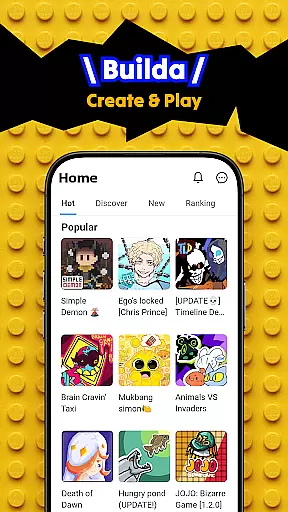
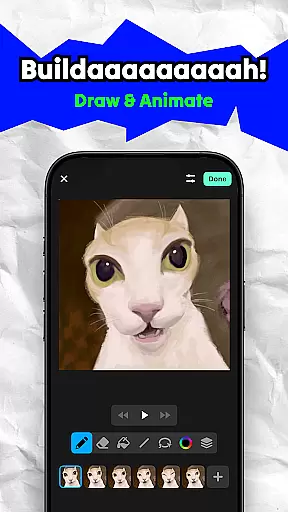
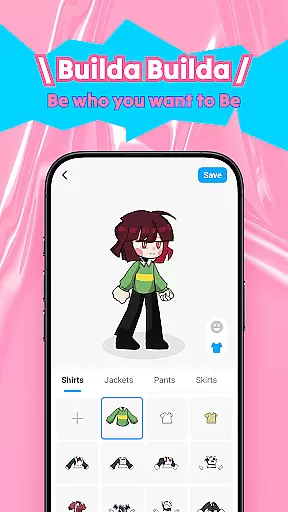
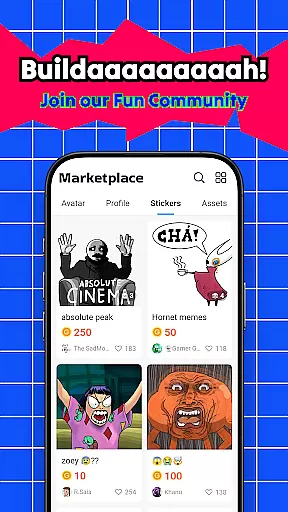
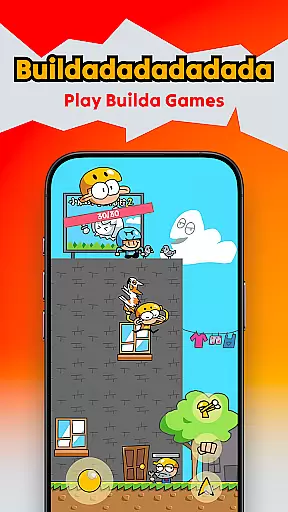
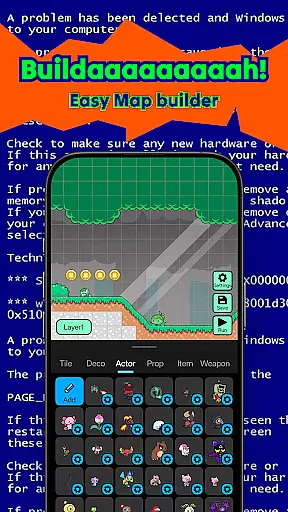
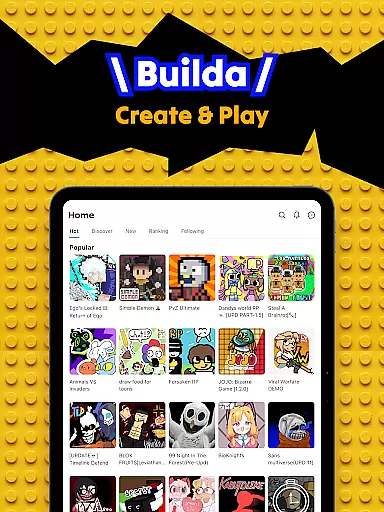
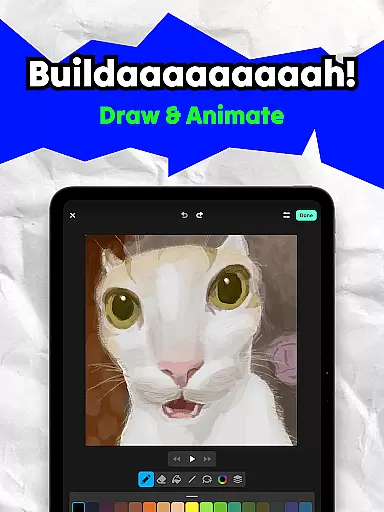
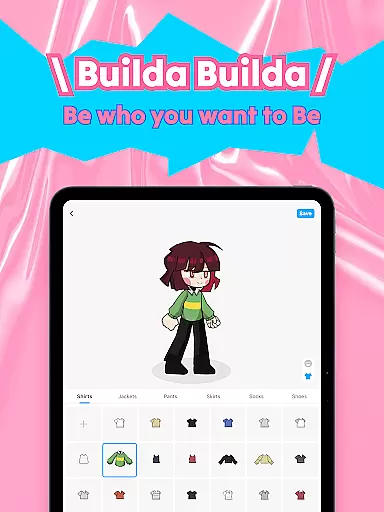
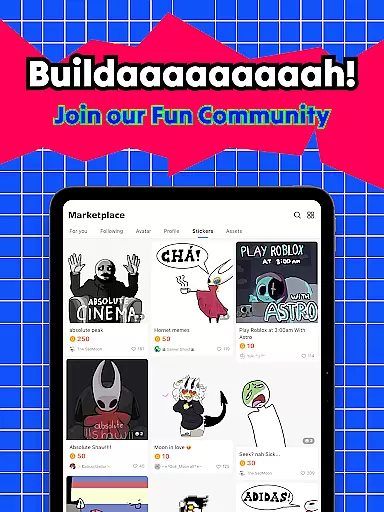
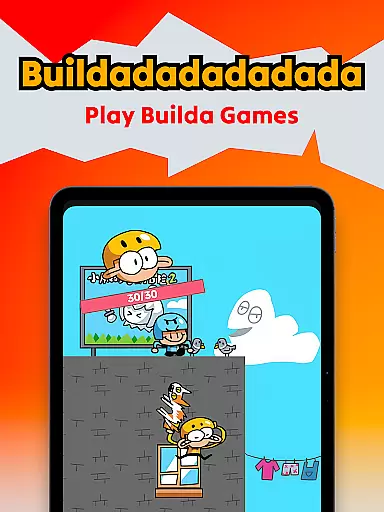
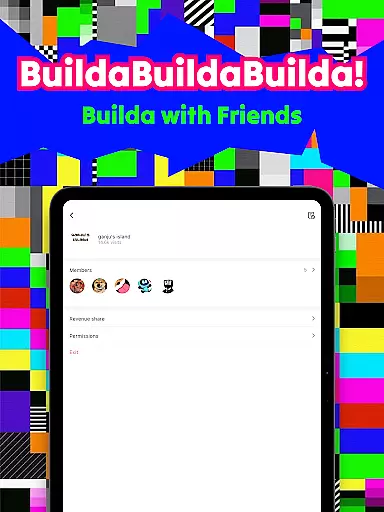
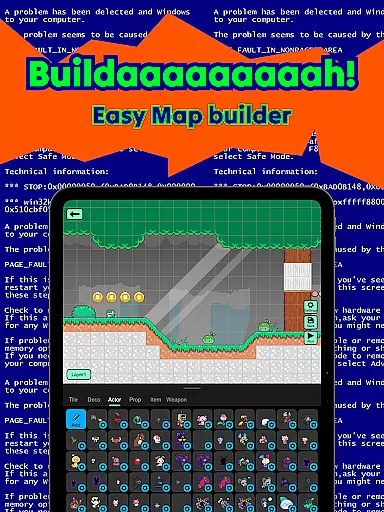
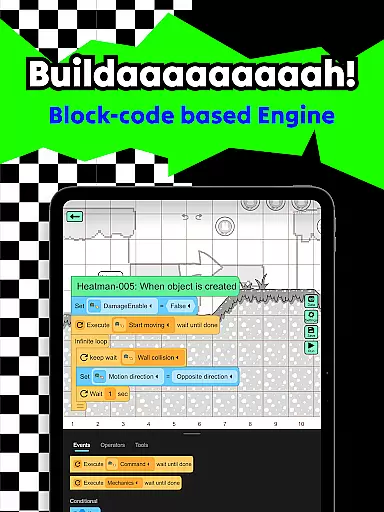
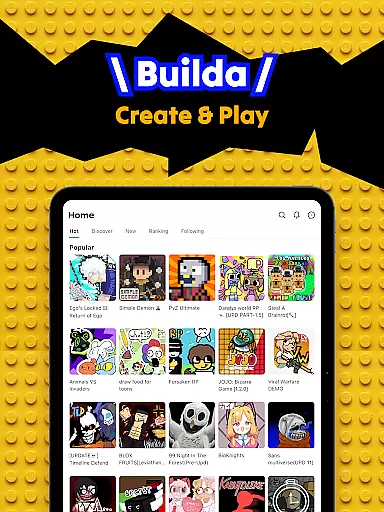
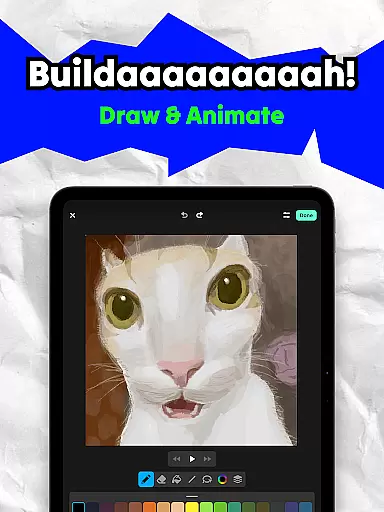
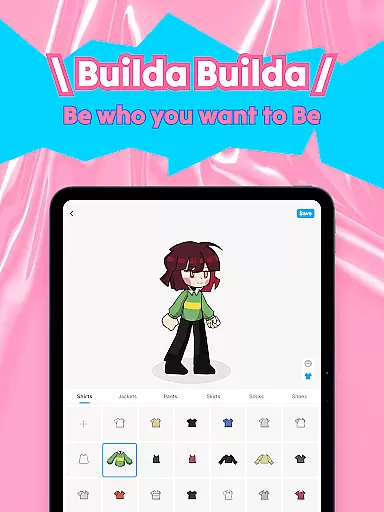
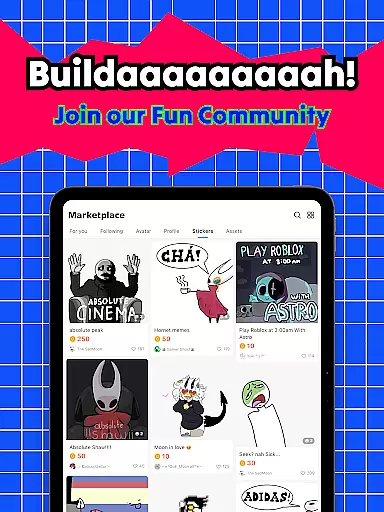
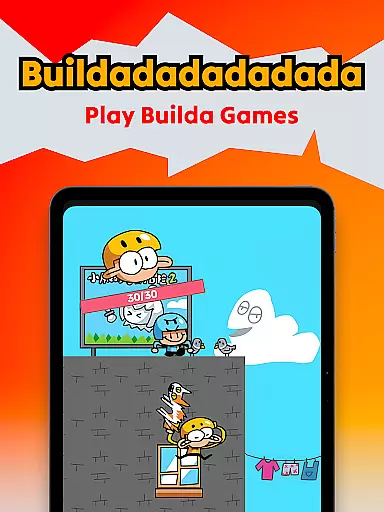
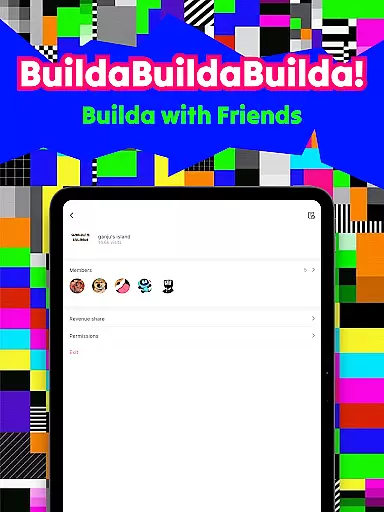
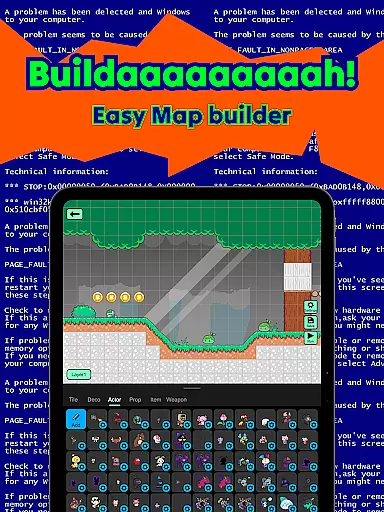
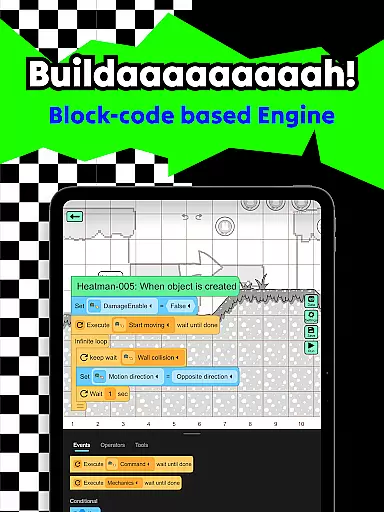
Builda is an innovative educational platform that combines game creation with social interaction, empowering users to unleash their creativity. This app allows you to design and play custom games, animate characters, and collaborate with a global community of creators. With its user-friendly interface and powerful features, Builda makes game development accessible to everyone, regardless of programming experience.
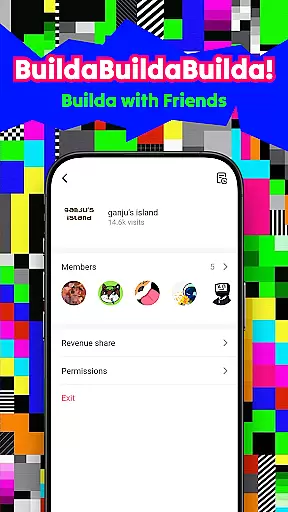
The platform supports complete creative freedom - from drawing and animating original characters to building complex game mechanics using simple block coding. Users can join forces with friends to create games together, customize avatars, and explore a vast library of community-made content. Whether you're an aspiring game developer or simply looking for a creative outlet, Builda provides the perfect environment to learn and grow.
This application is particularly valuable in educational settings, where it can be used to teach fundamental programming concepts, animation techniques, and collaborative project management. The combination of creative tools and social features makes learning engaging and fun, while the no-programming-required approach ensures accessibility for all skill levels.
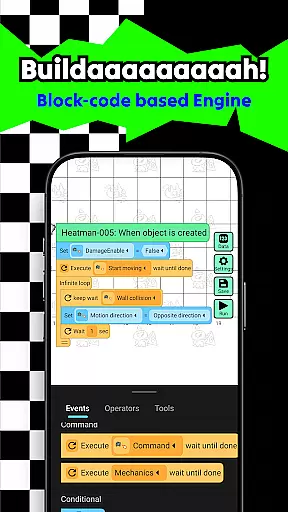
Builda distinguishes itself through its comprehensive suite of creative tools and collaborative features. The platform's most notable capability is its powerful yet intuitive game creation system, which utilizes block-based coding to enable users to build complex game mechanics without traditional programming knowledge. This feature democratizes game development, making it accessible to beginners while still offering depth for advanced users.
The application's animation tools are equally impressive, featuring professional-grade onion skinning functionality that allows for precise frame-by-frame animation. Users can draw in any style they prefer, creating unique characters and sprites that can be directly integrated into their games. The platform also includes robust social features, enabling real-time collaboration on projects, group chat functionality, and community exploration tools.
What sets Builda apart is its seamless integration of creation tools with social media elements. Users can easily share their creations, remix others' work, and engage with a worldwide community of creators. The platform's versatility extends beyond game creation, serving as a complete ecosystem for digital art, animation, and storytelling. These features collectively create a rich, immersive environment that fosters both individual creativity and community engagement.
In the realm of educational applications, content accuracy and authority are paramount. Builda stands out by offering a platform where users can create games, stories, and animations without needing to know programming languages. The app uses block coding which is an established method for teaching logical thinking and basic coding principles.
Builda ensures that the tools provided for drawing, animating, and creating game mechanics are designed to be intuitive and easy to use, thus maintaining a high standard of educational value. This approach not only teaches creativity but also introduces users to fundamental coding concepts in a fun and engaging way.
By allowing users to explore various forms of digital art and game creation, Builda fosters an environment where learning is self-directed and expansive. Users can draw their favorite characters, animate them using professional techniques like onion skinning, and share their creations with a community, reinforcing the authenticity and credibility of the content through peer interaction and feedback.
One of the key features of Builda is its ability to offer personalized learning paths tailored to individual user preferences and styles. By enabling users to create games, stories, and animations in their own unique style, the app encourages personal expression and self-guided learning. This flexibility allows users to progress at their own pace and according to their interests.
The platform's support for collaboration adds another layer to personalized learning. Users can team up with friends to work on projects, providing opportunities for social learning and enhancing the educational experience through group dynamics. This collaborative aspect helps users develop teamwork skills while they learn and create together.
Furthermore, Builda's community features such as chat and group creation allow for the exchange of ideas and feedback, which is crucial for personalized growth. As users engage with others around the world, they gain diverse perspectives and insights, enriching their learning journey. This global interaction not only broadens their horizons but also motivates them to continually improve and expand their skill sets within the safe and supportive Builda environment.
User-friendly interface
Powerful creation tools
Strong community focus
No coding experience required
Versatile creative options
Limited advanced features
Occasional performance issues
Steep learning curve
Requires stable internet
Premium content costs

Learn math, step-by-step
 4.30
4.30
Childcare Management App: Daily sheets, sign in-out, billing and learning tools
4.70
Universe simulator: Find & explore planets system, outer space, astronomy events
4.60
Deal Craps (Practice Craps Payouts)
3.80
Listen, request and record pronunciations in more than 450 languages. Everywhere
3.90
For medical training - Visualize complex vein maps and structures in real-time.
4.10
THE ESTABLISHED "GO TO" ARMY BOARD PREPARATION APP!
4.30
Visit Daniel's house & make believe. Play doctor, make music, & feed fish.
3.20
A realistic sky map to observe stars, planets, satellites and constellations!
4.80
Explore myths and gods across cultures with in-depth insights and stories.
5.00
The best way to study for your amateur radio license exam.
4.90
AI Language tutor: Speak fluently with Lucy’s personalized coaching
4.70
Learn Words Daily in Just Minutes - Boost Your Language Skills Fast!
4.60
One of the most engaging and innovative ABC apps on the market.
4.30
Designed for Calculator 84 users
4.20
Watch and Play Elmo's World!
4.00
Bebefinn and Baby Shark educational, animated videos & games for kids
3.40
THE MOST COMPREHENSIVE JUMPMASTER STUDY RESOURCE AVAILABLE.
3.40
scanner body part for fun Prank friends realistic scan effects
3.00


User Reviews