
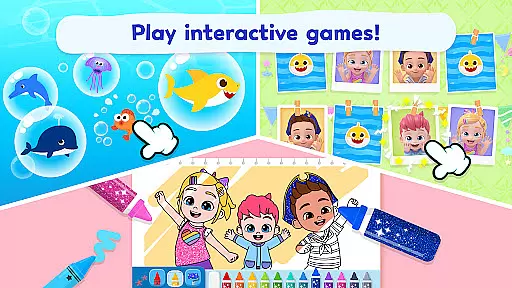
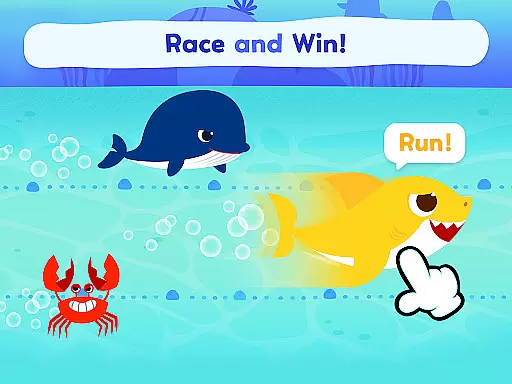
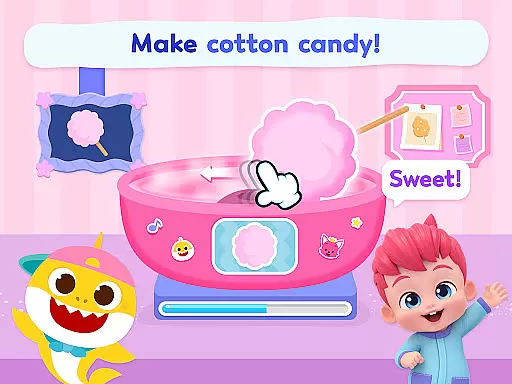
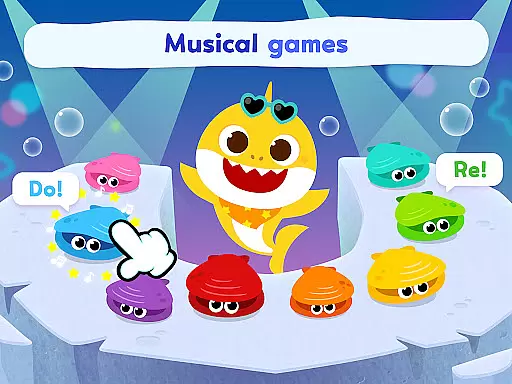
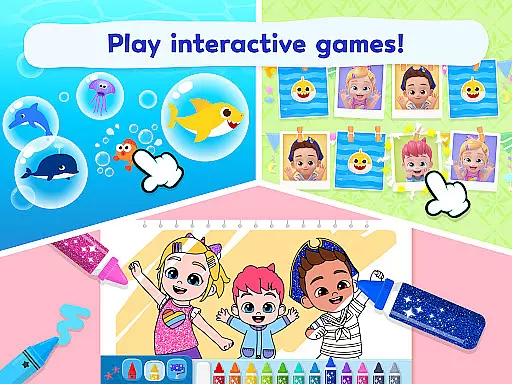
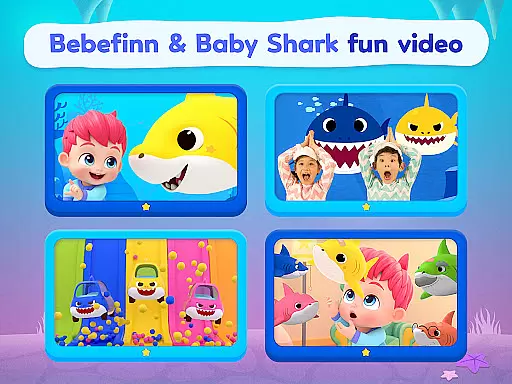
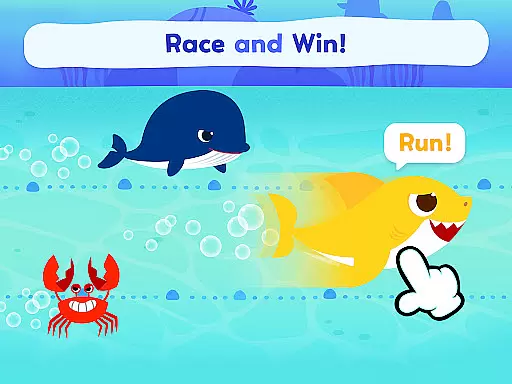
Pinkfong Baby Shark is an innovative educational application designed specifically for young learners and fans of the globally popular Baby Shark franchise. The app features a delightful combination of 11 interactive kids games, engaging coloring activities, and a rich collection of educational videos that cater to toddlers and children who enjoy music and playful learning experiences.
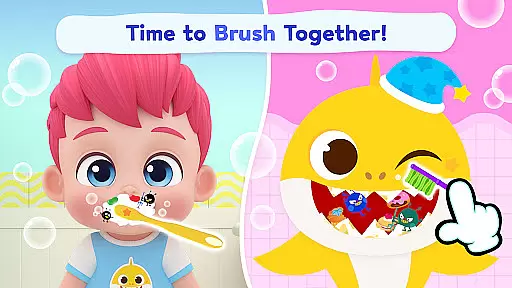
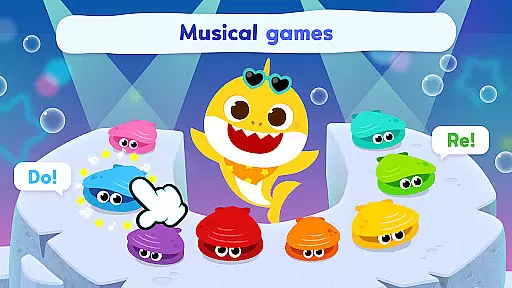
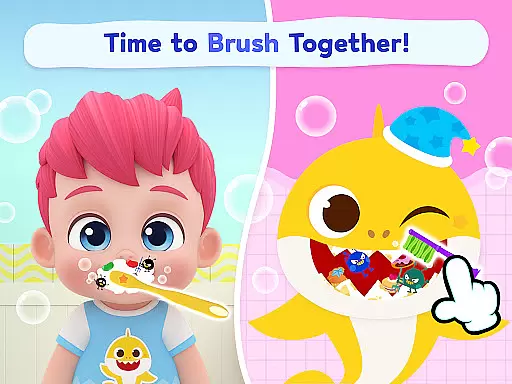
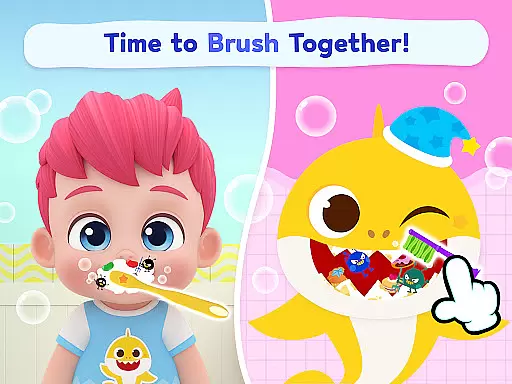
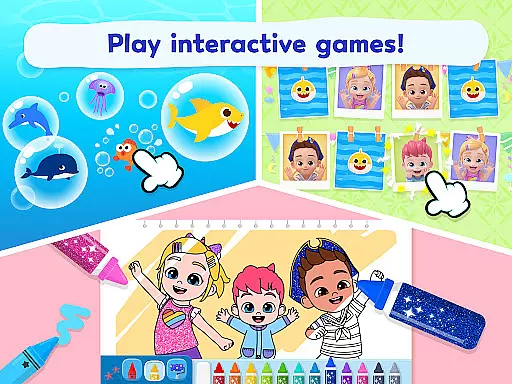
Through this app, children can interact with beloved characters like Baby Shark and the newest addition, Bebefinn. Activities include brushing teeth games to instill good habits, creative coloring scenes, memory-enhancing flip card challenges, and rhythm-based music creation games. These diverse features are crafted to promote cognitive development, creativity, and essential life skills while maintaining an element of fun.
The app also offers multilingual support, making it accessible to a global audience. With educational content available in English, Korean, Japanese, Spanish, Chinese, and more, Pinkfong Baby Shark creates an inclusive environment where children from different linguistic backgrounds can benefit from its offerings. Whether at home or on the go, this app provides a comprehensive platform for children to learn, play, and grow alongside their favorite shark family.
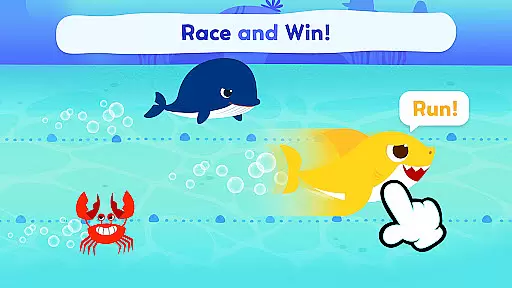
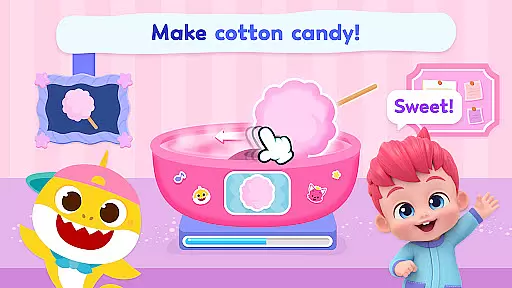
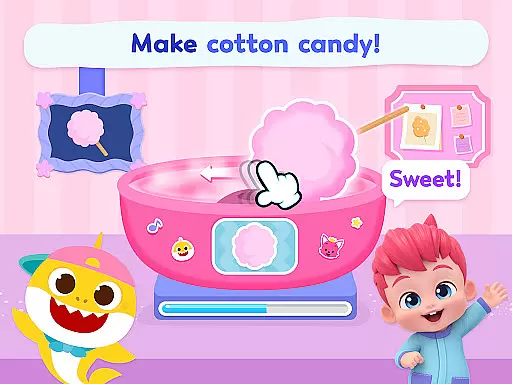
This educational app stands out due to its diverse range of features tailored for young minds. One of the key highlights is the inclusion of 11 distinct kids games that feature both Baby Shark and Bebefinn. These games cover various activities such as brushing teeth routines, cotton candy-themed treats, and character-based memory games that help sharpen cognitive abilities.
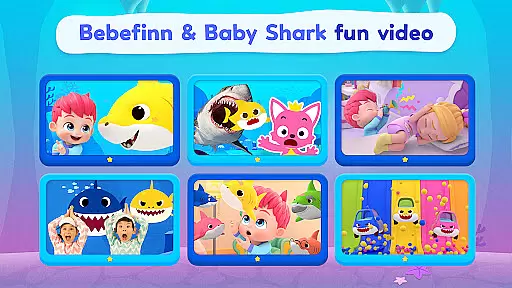
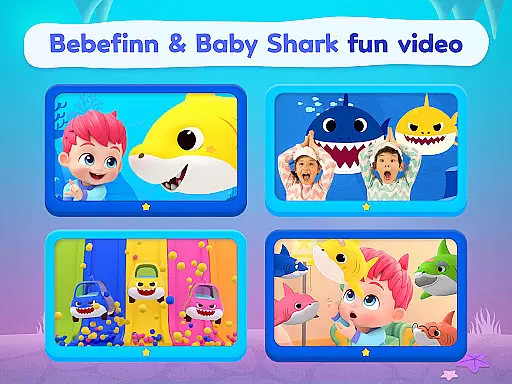
In addition to gaming elements, Pinkfong Baby Shark offers a vast library of educational videos derived from top kids YouTube content. Children can watch classic renditions of Baby Shark songs, including original, 3D, Halloween, and hide-and-seek versions. New Bebefinn songs have also been added, bringing energy and rhythm into the mix. All video content supports multiple languages, enhancing accessibility for non-English speaking users.
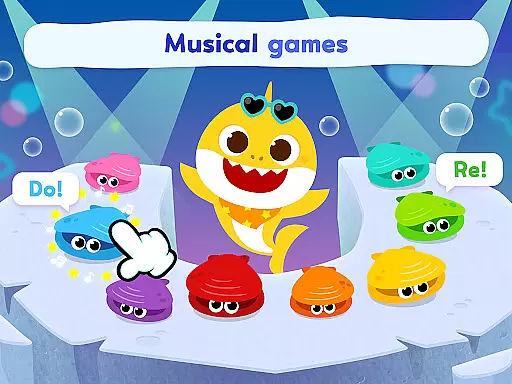
Creative learning is further emphasized through instrument-themed games, bubble-popping animal discovery games, and coloring activities. Animated storybooks provide narrative-driven engagement while allowing children to make their own music using virtual instruments. This blend of entertainment and education ensures that each child finds something suited to their interests, promoting sustained engagement and self-directed learning.
In the realm of educational content, especially for young learners, accuracy and authority are paramount. Pinkfong Baby Shark ensures that all its games and videos are crafted with educational value at their core. The app includes 11 kids games featuring characters like Bebefinn and Baby Shark, designed to teach good habits and enhance memory through fun activities.
Moreover, the app offers a variety of educational videos available in multiple languages including English, Korean, Japanese, Spanish, and Chinese. These videos not only entertain but also educate children on rhythm, language, and more. By providing content in numerous languages, Pinkfong Baby Shark caters to a global audience, ensuring cultural relevance and linguistic accuracy.
The inclusion of animated books and instrument-themed games further enriches the learning experience. Children can explore exciting stories and create music, fostering creativity and learning simultaneously. This multifaceted approach guarantees that every piece of content is both engaging and instructive, adhering to high standards of educational authority.
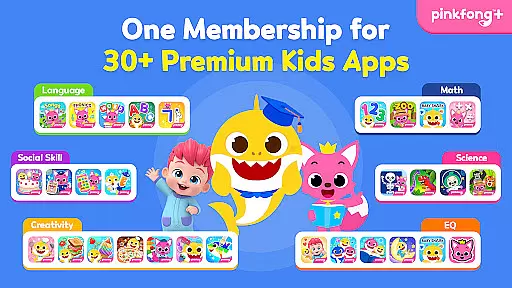
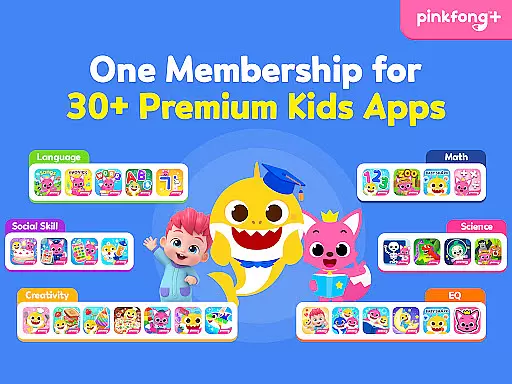
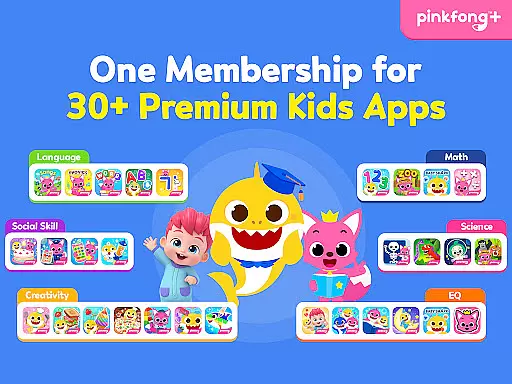
Pinkfong Baby Shark stands out by offering personalized learning paths tailored to individual child development stages. With over 30 apps covering different themes and levels, the app suite provides interactive play and educational content that encourages self-directed learning. Each app is meticulously designed to unlock premium content that adapts to the child's progress.
For instance, children can dive into coloring games, pop bubbles to learn animal names, or mix and match fun elements in songs and stories. These activities are structured to adapt to varying skill levels, ensuring that each child receives a customized learning journey. The adaptive nature of these games helps maintain engagement while promoting cognitive development.
Furthermore, Pinkfong Plus membership enhances this personalization by offering exclusive original content only available to members. This includes access across various devices such as smartphones, tablets, and smart TVs, allowing seamless learning experiences. Certified by educators and professional organizations, Pinkfong Baby Shark ensures that its personalized learning paths meet rigorous educational standards.
Engaging content for toddlers
Multilingual support
Educational and entertaining
User-friendly interface
Regular updates with new features
In-app purchases can add up
Some games may feel repetitive
Occasional ads between sessions
Limited advanced features for older kids
Heavy app size requires significant storage

Childcare Management App: Daily sheets, sign in-out, billing and learning tools
 4.70
4.70
Your guide to thousands of satellites and spacecraft in orbit around Earth!
3.90
Break Language Barriers with AI—Learn Language Anytime, Anywhere!
4.00
A must-have app for mastering Japanese verb/adjective conjugations.
3.60
Hasbro's Classic Board Game - Make Cavity Sam better or get the buzzer!
3.50
Enrich the experience of your visit to the Pantheon with our audiotour.
1.60
Master note reading with StaffWars….
4.00
Professional Award-Winning Astronomy Star Map App With Telescope Control
4.40
Memorize anything efficiently with AnkiDroid! Many pre-built decks available.
4.80
Learn Japanese in an immersive educational game set in Japan!
4.90
Learn Words Daily in Just Minutes - Boost Your Language Skills Fast!
4.60
Turn scrolling hours into improving your knowledge, communication, intelligence
4.50
Latest TLC Practice Questions! Multiple languages available!
4.50
An interactive enhancement of the Sesame Street classic.
4.50
Watch and Play Elmo's World!
4.00
Our most popular app series returns, better than ever!
3.90
An aviator’s preparation, study and test tool for FAA Knowledge Exams.
3.80
An animated storybook app to help ease your child through toilet training.
3.70
MONOPOLY JUNIOR brings Hasbro's classic the board game to life.
3.00


User Reviews