
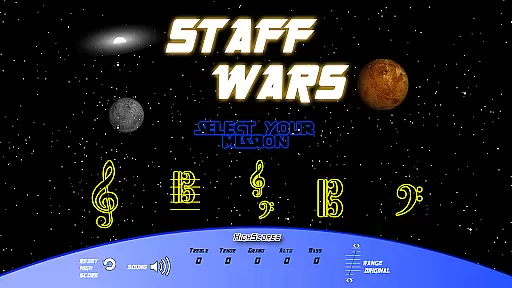
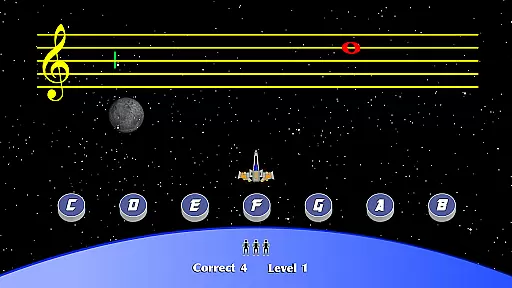
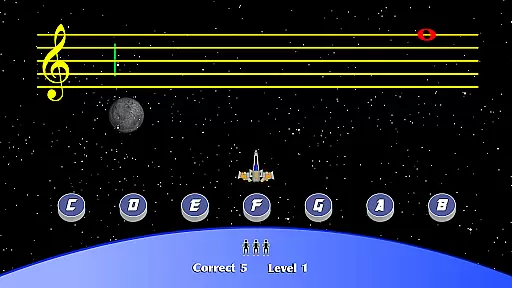
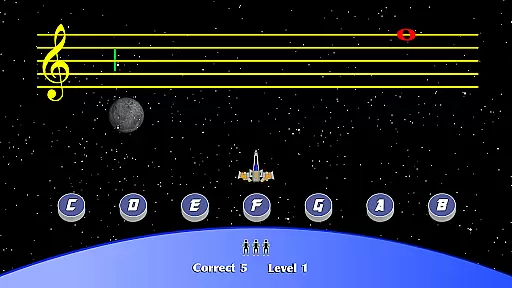
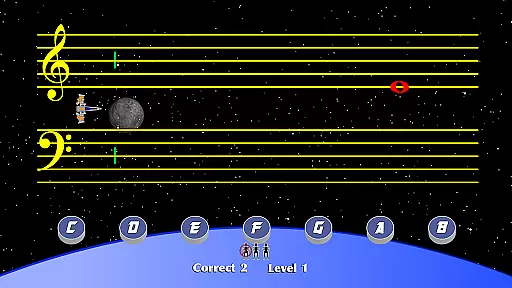
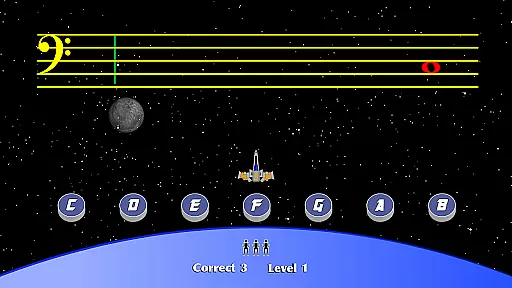
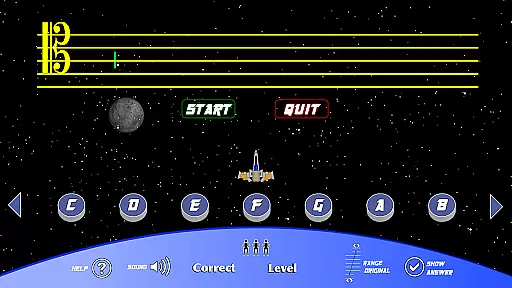
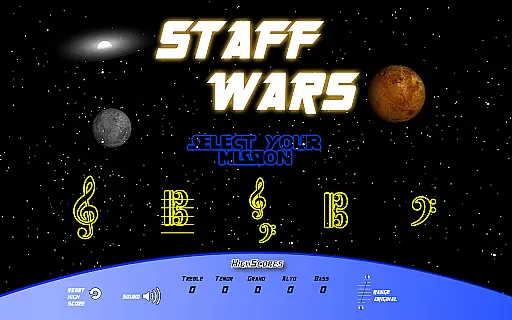
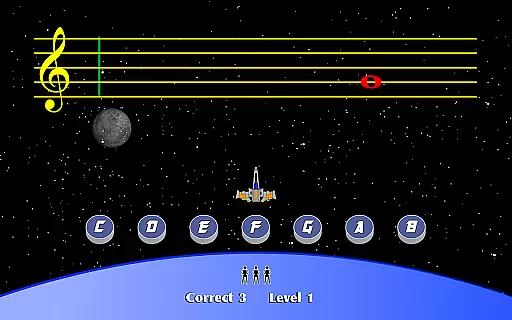
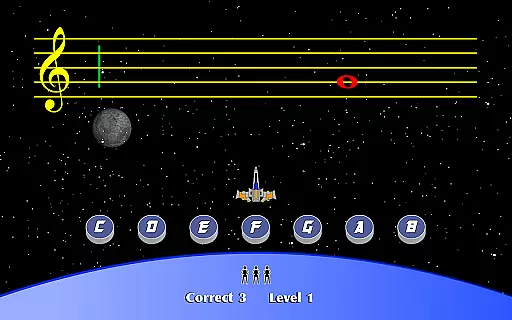
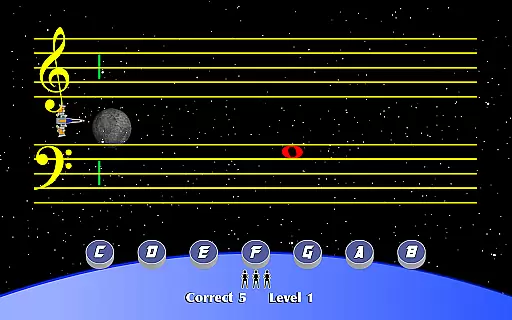
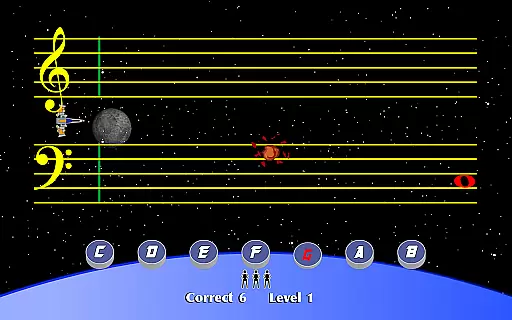
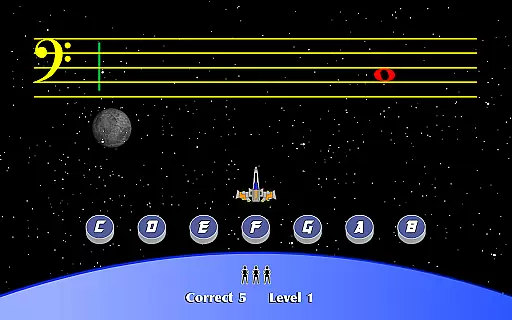
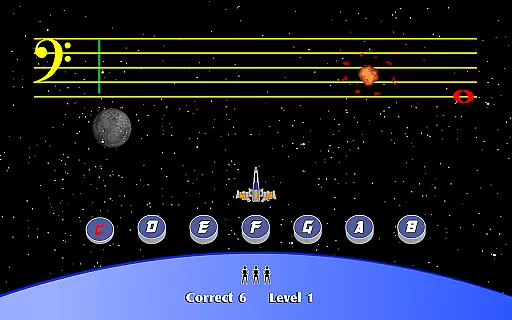
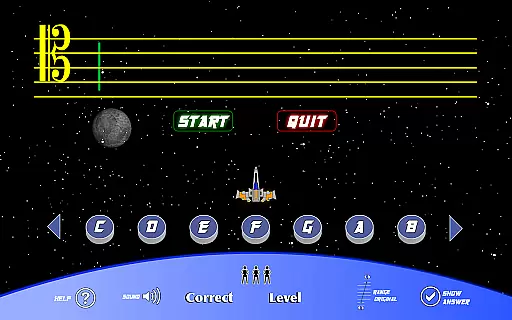
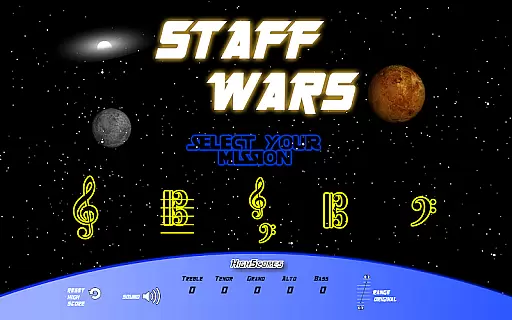
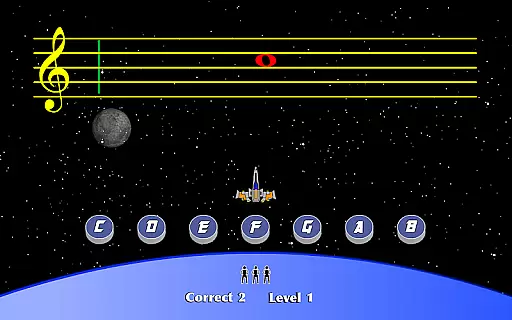
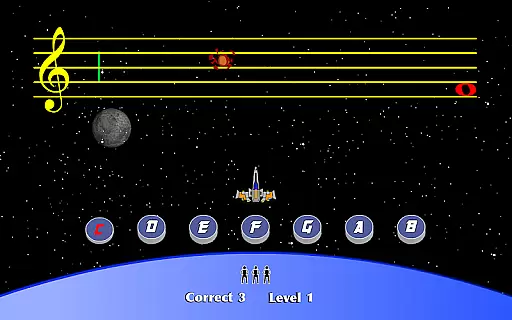
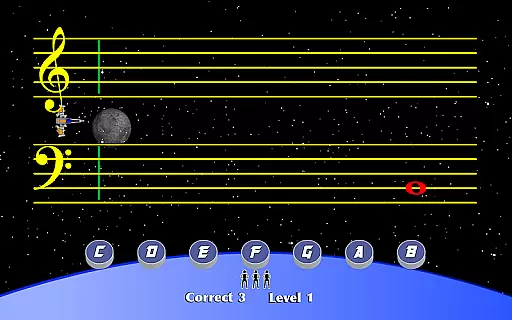
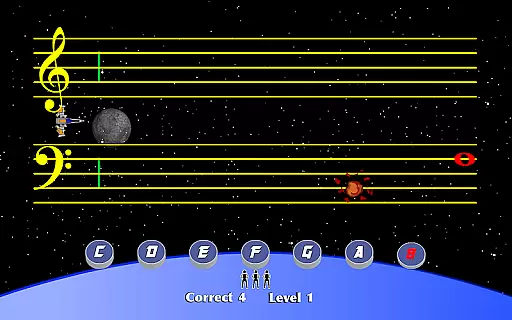
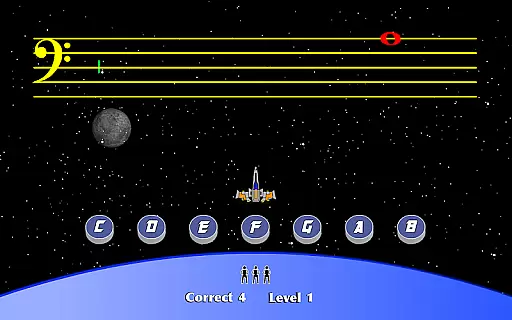
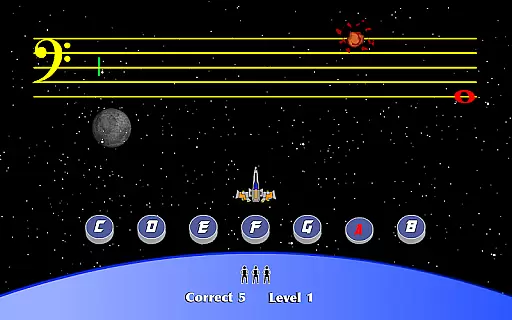
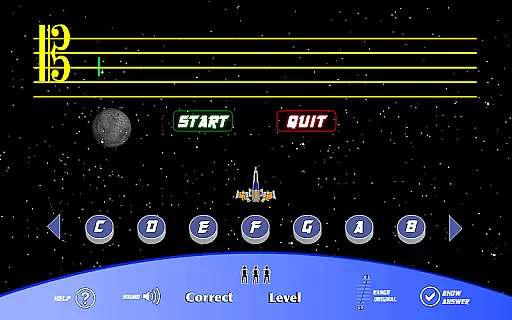
StaffWars is an innovative educational game specifically designed to help musicians at beginner and intermediate levels master the note names across various staff clefs. The app focuses on treble, alto, bass, tenor, and grand staff clefs, providing a comprehensive learning platform for those looking to improve their music theory knowledge.
The application offers an interactive approach to learning, allowing users to practice in a gamified environment that makes mastering these clefs engaging and fun. Whether you're a student needing structured practice or a teacher seeking supplementary materials, StaffWars delivers a valuable tool for music education.
StaffWars stands out with its specialized focus on five different clefs, offering tailored exercises that cater to each one. This ensures a thorough understanding of note placements and names across all standard musical staffs.
In addition to its core learning features, the app includes adjustable difficulty levels, enabling personalized learning paths for users of varying skill levels. Progress tracking and feedback mechanisms further enhance the learning experience, making it easier for musicians to identify areas for improvement and track their growth over time.
StaffWars provides meticulously verified content tailored for musicians learning the treble, alto, bass, tenor, and grand staff clefs. The app ensures that all information is accurate and aligns with educational standards, making it a reliable tool for mastering musical notations.
Each note and clef representation in StaffWars has been crafted under the guidance of music education experts. This guarantees that users receive authoritative knowledge as they practice and learn new concepts, enhancing their overall understanding of music theory.
By focusing on precision, StaffWars allows users to confidently progress in their musical journey without worrying about misinformation. This dedication to accuracy supports both beginners and intermediate musicians in building a strong foundation in reading sheet music.
StaffWars offers personalized learning paths designed to adapt to each musician's skill level and pace. Whether you're a beginner or looking to refine your skills, the app adjusts its difficulty to match your current abilities, ensuring an optimal learning experience.
The adaptive algorithm within StaffWars tracks user progress and modifies exercises accordingly. This means that as users become more proficient, the challenges evolve to continually push their boundaries and encourage growth in a structured manner.
This customization fosters engagement by providing appropriately challenging tasks that keep learners motivated. With tailored lessons, StaffWars helps musicians efficiently achieve mastery over various clefs while enjoying a dynamic and responsive educational journey.
User-friendly interface
Comprehensive clef coverage
Engaging gamified learning
Customizable difficulty settings
Effective progress tracking
Limited to note recognition
No advanced theory lessons
Interface may feel basic
Occasional performance lags
Lacks social features

Learn and joke with the Silly Turkey!
 4.2
4.2
Explore myths and gods across cultures with in-depth insights and stories.
5.00
Master the NRP with 700+ questions, rationales, and updated NREMT scenarios.
3.00
Experience the sky, planet earth and the solar system like never before
4.90
Prepare for the BCBA / BCaBA exam. Study ABA with the ABA Wizard app.
4.60
Discover Your Place in the Universe
4.70
A realistic sky map to observe stars, planets, satellites and constellations!
4.80
Cool math games & learn to read activities- loved by kids, approved by teachers.
4.50
Adventures await with Spider-Man and other Marvel characters!
4.10
Learning the ancient Viking language made simple
4.70
Learn Words Daily in Just Minutes - Boost Your Language Skills Fast!
4.60
A fast and fun way to learn guitar - works with any guitar.
4.60
Professional Award-Winning Astronomy Star Map App With Telescope Control
4.40
Learn math, step-by-step
4.30
Monkey Preschool Lunchbox: 7 exciting educational games for your preschooler.
4.30
A magical world of fun, building, and learning with Mickey Mouse and more!
4.20
Skelly is a fully poseable, anatomically correct reference skeleton for artists.
4.10
Quiz App to help case managers studying for CCMC Certification, 200+ Questions
3.40
Your best partner for learning Japanese words. Based on a best-selling textbook.
2.80


User Reviews