
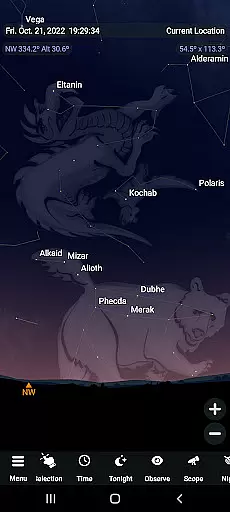
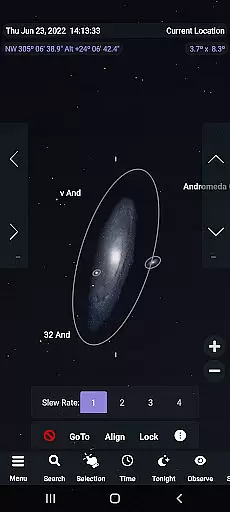
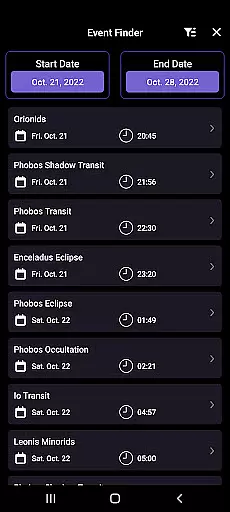
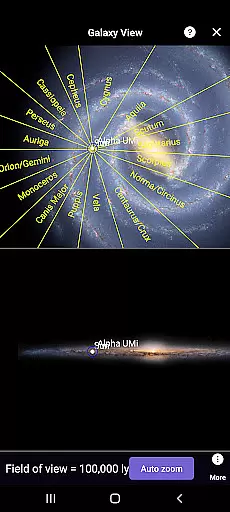
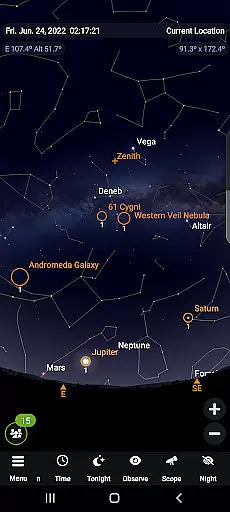
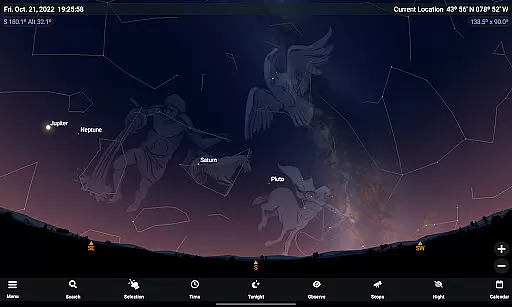
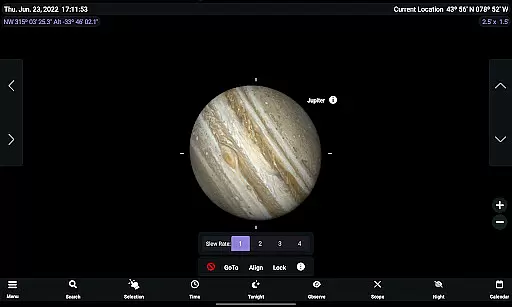
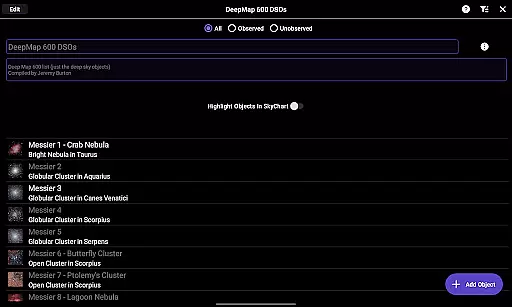
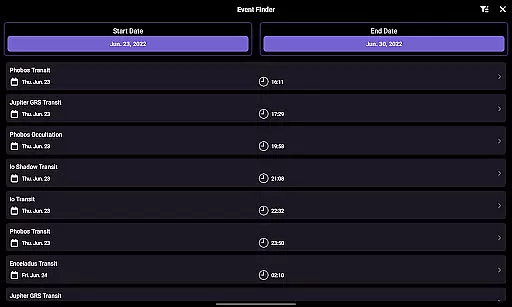
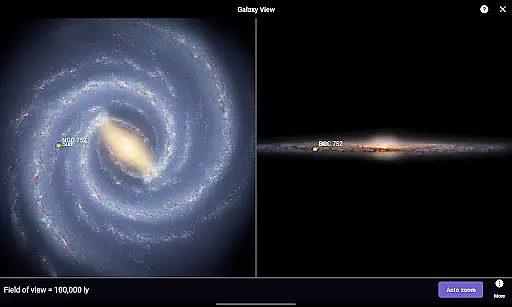
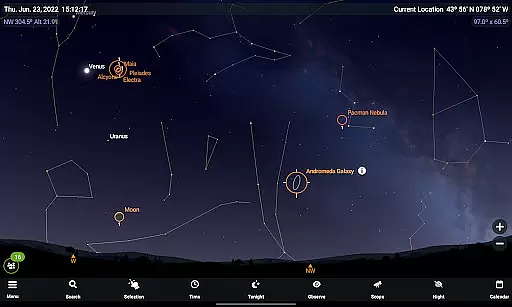
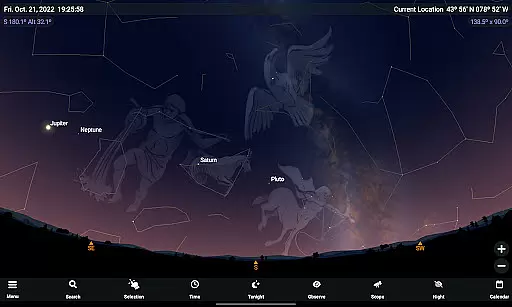
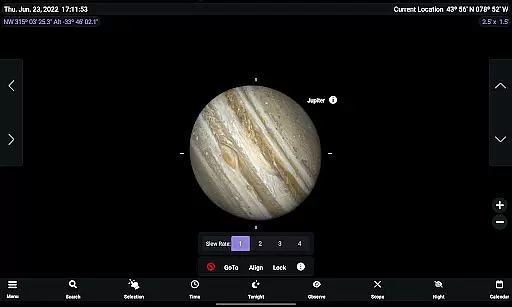
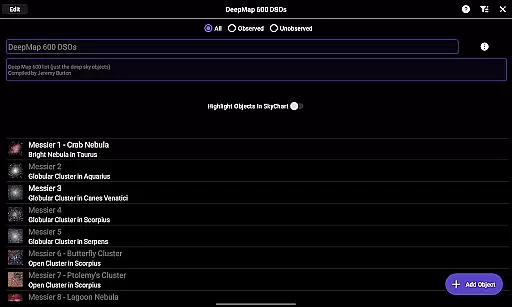
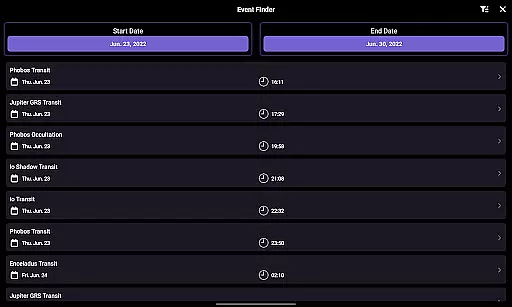
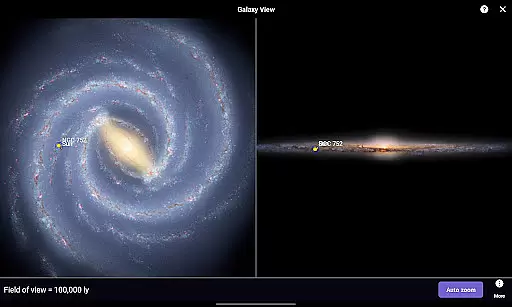
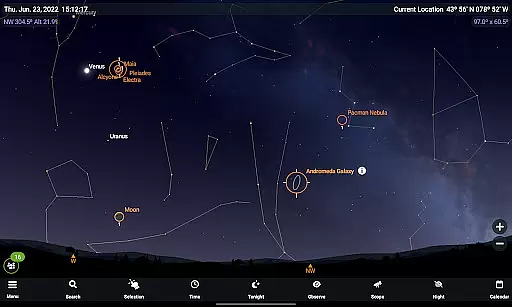
SkySafari 7 Pro is the ultimate astronomy app for serious amateur astronomers, offering an immersive stargazing experience with unparalleled accuracy and advanced tools. With complete support for Android 10 and above, it features a powerful Events Finder, revamped Notifications section, and enhanced Telescope Support through ASCOM Alpaca and INDI protocols.
This app allows users to explore the universe like never before, providing real-time observation data, social stargazing features such as OneSky and SkyCast, and improved planning tools. Whether you're identifying constellations, controlling telescopes, or simulating celestial events thousands of years into the future, SkySafari 7 Pro delivers exceptional value for both casual sky watchers and dedicated astronomers.
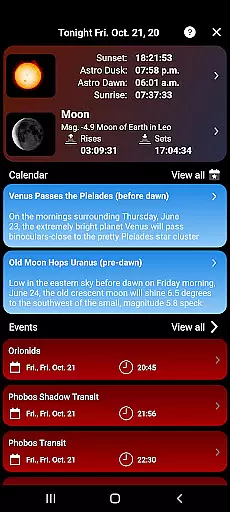
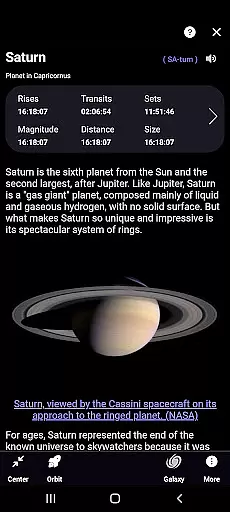
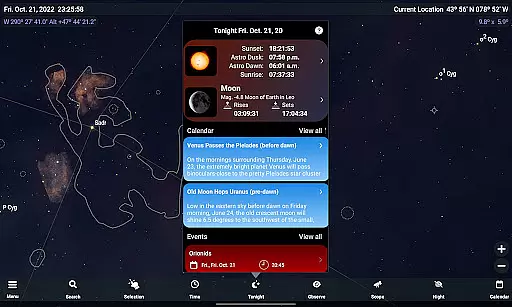
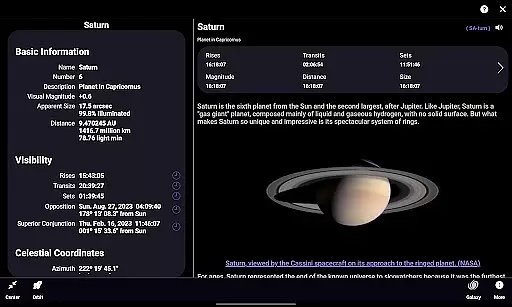
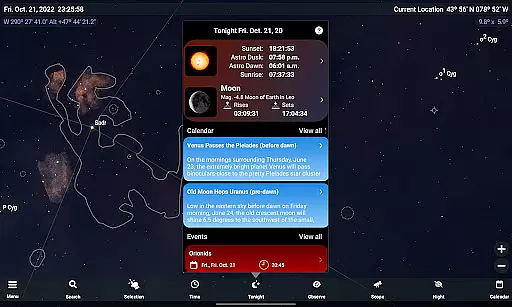
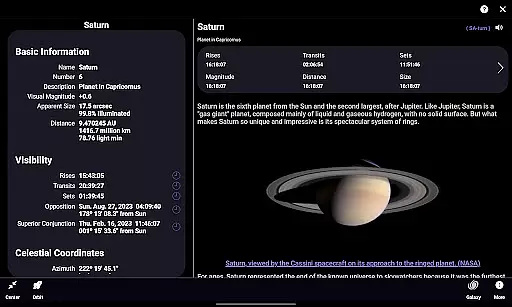
SkySafari 7 Pro stands out with its extensive database that includes every known solar system object, making it the most comprehensive astronomy app available today. Its cutting-edge features include dynamic event listings for moon phases, eclipses, meteor showers, and planetary phenomena, ensuring users never miss significant astronomical occurrences.
The app also introduces innovative social functionalities such as OneSky, which highlights objects currently being observed by other users worldwide, and SkyCast, enabling guided tours of the night sky shared among friends or groups. Additionally, improvements in observation workflows, customizable settings, and new reference options enhance usability while maintaining precise calculations for celestial bodies.
SkySafari 7 Pro stands out in the realm of educational astronomy applications due to its commitment to content accuracy and authority. The app boasts the largest database of any astronomy app, encompassing every known solar system object, which ensures that users have access to a comprehensive and meticulously curated collection of celestial data.
The application provides detailed and precise information ranging from moon phases, eclipses, planetary moon events, meteor showers, to complex planetary phenomena like conjunctions and oppositions. This level of detail supports advanced planning and logging tools, reinforcing its reputation as a reliable resource for serious amateur astronomers since 2009.
Moreover, SkySafari 7 Pro integrates with telescope control protocols such as ASCOM Alpaca and INDI, allowing users to connect effortlessly with hundreds of compatible astronomical devices. This seamless integration not only enhances the stargazing experience but also assures users of the app's authoritative stance in observational astronomy.
With features like the Events Finder and improved observation tools, users can trust in the app's ability to deliver accurate and timely notifications about astronomical events. Such precision aids both impromptu stargazing sessions and carefully planned observations, making SkySafari 7 Pro an indispensable tool for anyone passionate about exploring the night sky.
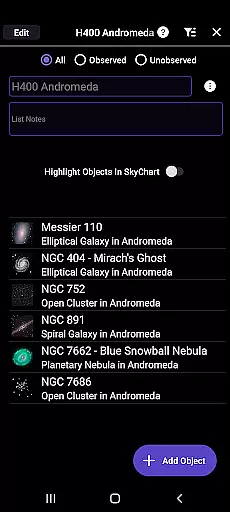
While SkySafari 7 Pro is primarily an astronomy app, it offers unique features that cater to personalized learning paths for its users. The app's sophisticated functionalities allow individuals to tailor their stargazing experiences according to their specific interests and skill levels, promoting a self-guided educational journey through the cosmos.
OneSky is a feature that highlights objects currently being observed by other users in real time, providing social cues on trending celestial bodies. This functionality encourages collaborative learning and enables users to align their exploration with the interests of a broader community, effectively personalizing the learning curve based on collective curiosity.
SkyCast further augments personalized education by enabling users to guide friends or groups across the night sky via shared links. This interactive approach facilitates customized learning sessions where knowledge can be exchanged freely among participants, each bringing their insights to the virtual observation session.
Additionally, the Tonight section offers curated content designed to help plan nightly observations, presenting opportunities for users to engage with new and interesting astronomical sights. By integrating these innovative tools, SkySafari 7 Pro creates an adaptive learning environment that evolves with the useru2019s growing expertise and changing interests in astronomy.
Unparalleled accuracy
Extensive database
Advanced telescope control
Real-time social features
Comprehensive planning tools
Premium price point
Complex for beginners
Requires compatible hardware
Occasional syncing issues
Limited offline functionality

Turn scrolling hours into improving your knowledge, communication, intelligence
 4.50
4.50
Learn math, step-by-step
4.30
An animated storybook app to help ease your child through toilet training.
3.70
One of the most engaging and innovative ABC apps on the market.
4.30
An easy to use yet powerful and full-featured flashcard study app.
4.50
Guitar chord finder, analyzer, smartly visualized theory, progressions, quizzes.
4.70
Learn to make peaceful contact with extraterrestrial civilizations
4.10
School Communication
4.30
Your Arts+Culture Guide
4.00
Hebrew Vocab
4.90
Welcome to the Speak Navajo Language Application - Volume 1
4.50
Nighty Night Circus - Bedtime story for kids
4.10
An aviator’s preparation, study and test tool for FAA Knowledge Exams.
4.10
A must-have app for mastering Japanese verb/adjective conjugations.
3.60
Snap a dog photo to identify its breed instantly. Fast, accurate and easy to use
3.40
The official CCM Glossary app, including 700+ terms and definitions.
2.90
Your best partner for learning Japanese words. Based on a best-selling textbook.
2.80
AR planetarium app that brings the solar system to you via XREAL Glasses.
4.4
Grazing Risk Monitoring Service
4.4


User Reviews