
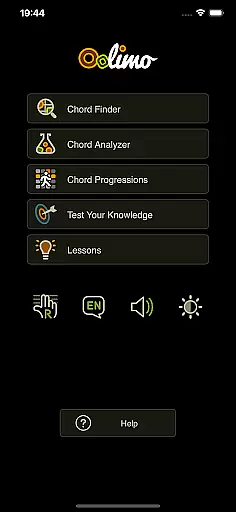
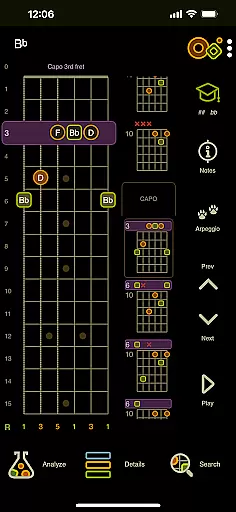
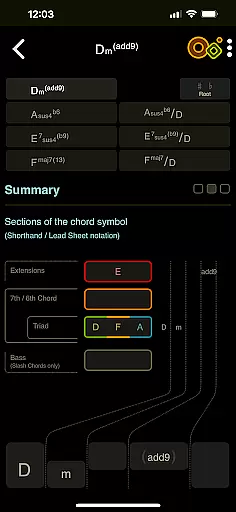
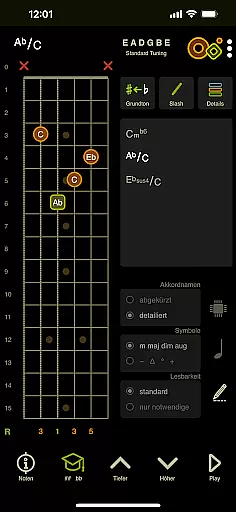
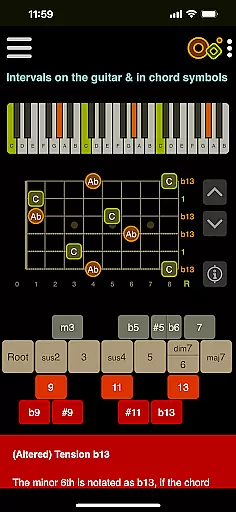
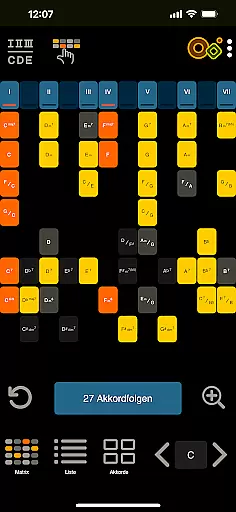
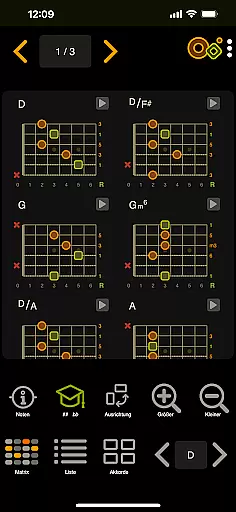
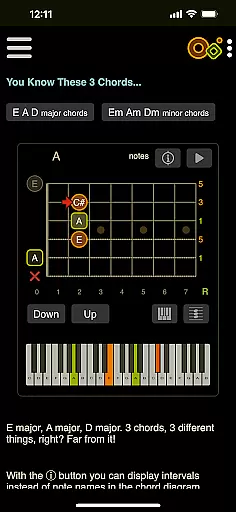
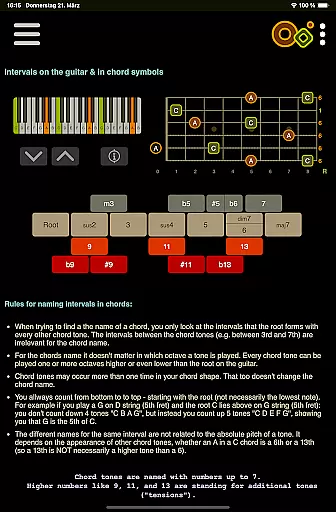
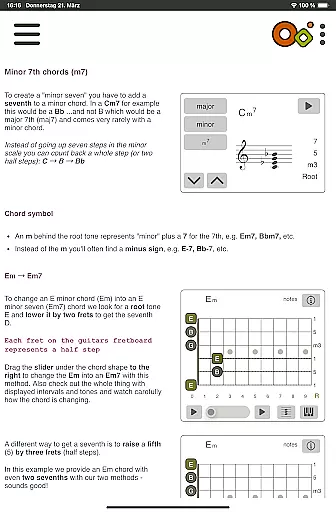
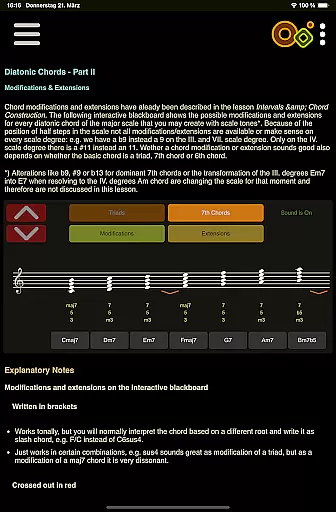
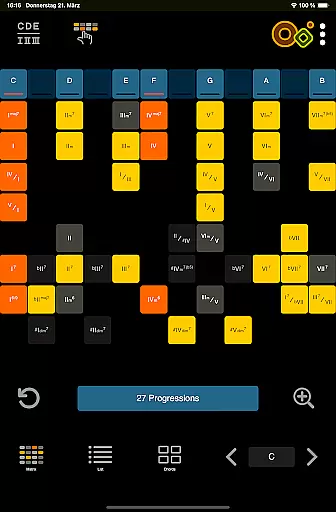
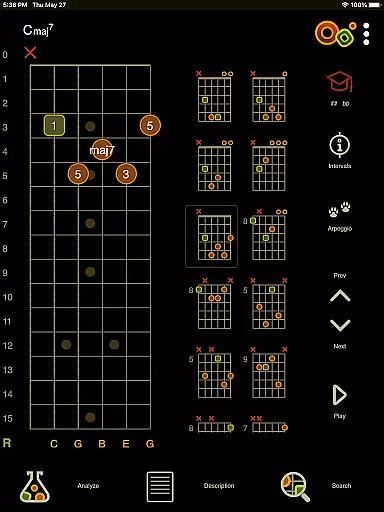
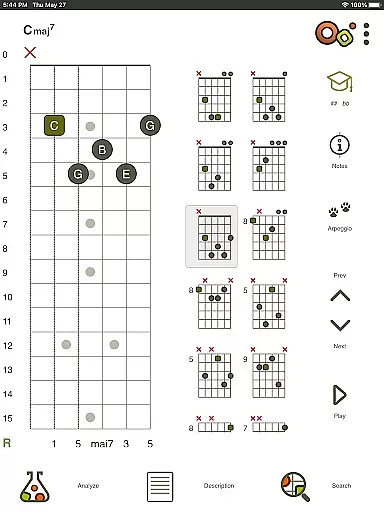
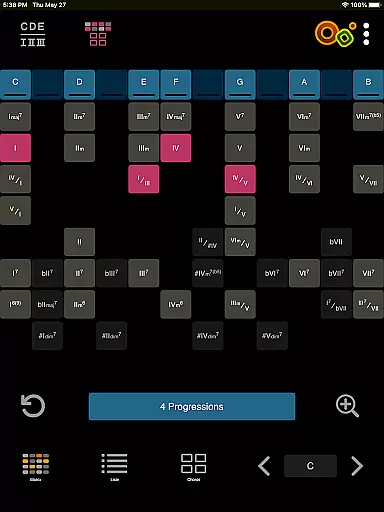
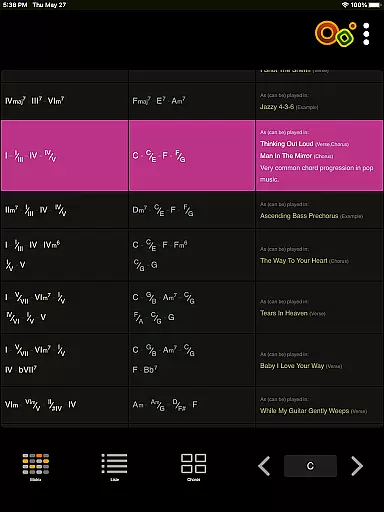
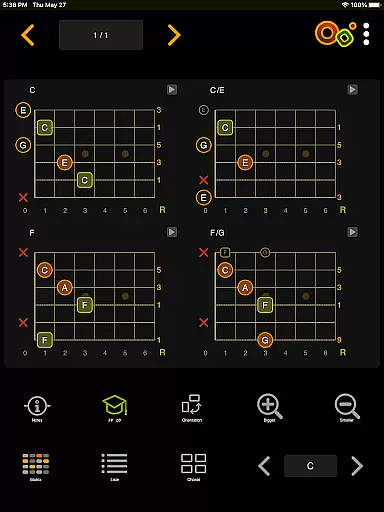
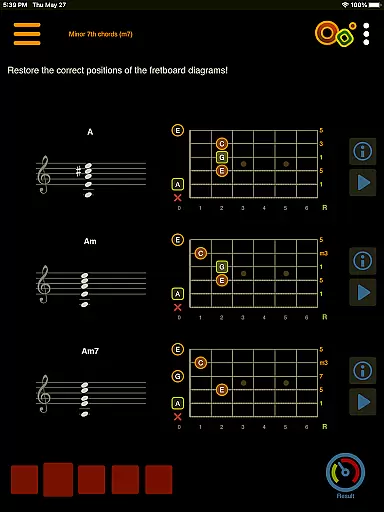
Oolimo Guitar Chords is an innovative educational app designed to deepen your understanding of guitar chords and harmonic relationships. This comprehensive tool goes beyond basic chord charts, offering a structured approach to learning chord theory through interactive modules and visual aids.
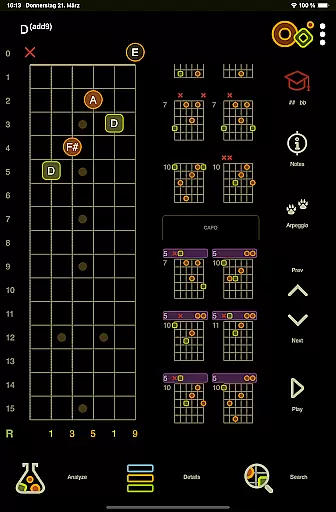
The app features multiple specialized sections including a Chord Finder with intelligent transposition, a Chord Analyzer that identifies any fingering instantly, and a Progression Explorer that visualizes harmonic functions. These tools are complemented by 22 interactive theory lessons and engaging quizzes that reinforce learning through practical application.
Whether you're practicing scales in your bedroom or composing music in a professional studio, Oolimo provides valuable insights into chord construction and musical relationships. The app's combination of theoretical depth and practical usability makes it an essential companion for both beginner and advanced guitarists looking to elevate their musical understanding.
Oolimo distinguishes itself through its comprehensive approach to guitar education. The app's Chord Finder utilizes a sophisticated algorithm that intelligently transposes chords while maintaining musical integrity across different keys. This feature is particularly useful when experimenting with various musical contexts and progressions.
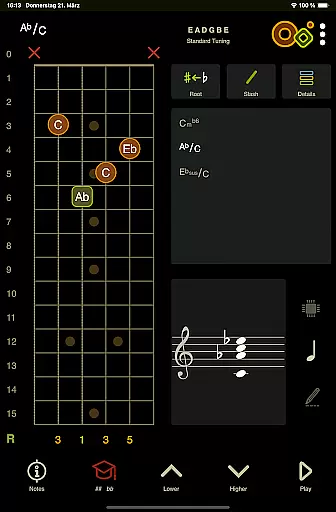
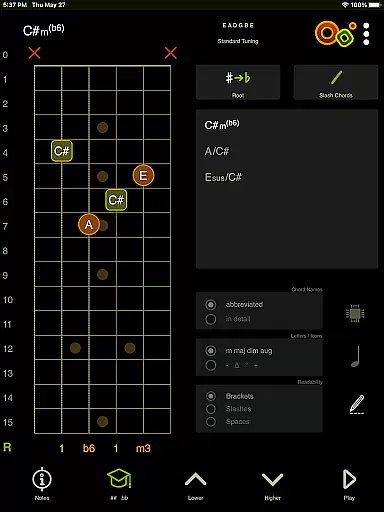
The Chord Analyzer showcases the app's technical prowess by instantly recognizing any chord fingering on its virtual fretboard. Unlike other apps that often return 'unknown chord' errors, Oolimo accurately identifies even complex voicings and displays them using proper musical notation. The inclusion of advanced notation options such as slash chords and double accidentals demonstrates the app's commitment to musical accuracy.
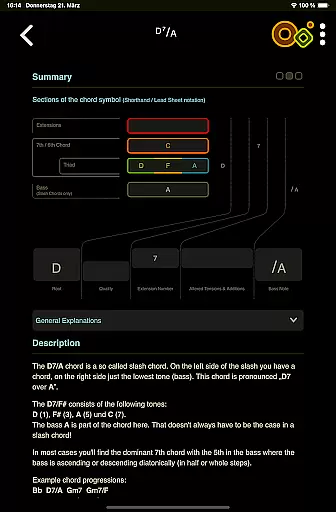
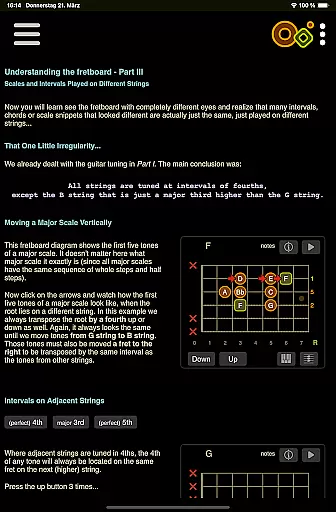
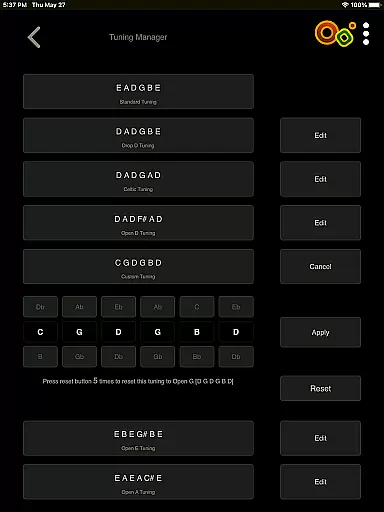
Additional features include interactive theory lessons with smart visualizations, a versatile quiz system for ear training, and support for multiple tunings and languages. The app maintains a perfect balance between functionality and user experience through its customizable interface elements like day/night mode and left-handed support.
When it comes to learning guitar chords, the accuracy and authority of the content are paramount. Oolimo Guitar Chords offers a meticulously curated database of chord voicings that ensures every chord diagram you learn from is rooted in real-world musical theory. This app doesn't just provide charts; it lays out a clear, structured path through the complex world of chord theory.
The app's creator, Oliver Mochmann, leverages his expertise as both a guitarist and developer to present information that is not only accurate but also deeply educational. With features like the Chord Analyzer, which instantly identifies any chord you input on the virtual fretboard, users can trust they're receiving precise feedback. The inclusion of advanced notation options further underscores the app's commitment to delivering authoritative content.
For learners at any level, this means gaining insights into why certain chords work within specific contexts, rather than just memorizing shapes. By integrating interactive lessons and quizzes, Oolimo transforms theoretical knowledge into practical skills, empowering musicians to understand and master harmonic relationships with confidence.
Oolimo Guitar Chords distinguishes itself by offering personalized learning paths tailored to individual needs. Whether you're a beginner eager to grasp basic intervals or an experienced player delving into complex altered chords, the app adapts to your skill level. Its 22 interactive lessons cover a broad spectrum of topics, ensuring comprehensive coverage that evolves with your progress.
One standout feature is the Chord Progressions module, which allows users to explore and practice essential progressions across all keys. This flexibility supports personalized explorationu2014users can focus on areas where they need improvement or experiment with new ideas. Additionally, the ability to switch between detailed and compact chord names caters to varying preferences for information density.
Furthermore, the appu2019s quiz section reinforces learning through play, testing knowledge on everything from chord construction to harmonic context. With adjustable settings such as day/night mode and left-handed mode, along with multilingual support in German, English, and Spanish, Oolimo ensures a customized experience that accommodates diverse learning styles and environments.
Comprehensive chord database
Accurate analysis tool
Interactive learning modules
Supports multiple tunings
Multilingual interface options
No real-time collaboration
Limited advanced jazz chords
Interface can feel complex
Occasional performance lag
Premium content locked

Test prep for Indiana students
 4.0
4.0
Learn and joke with the Silly Turkey!
4.4
Study the questions most likely to be asked during the Oral & Practical Exams.
2.80
A must-have app for mastering Japanese verb/adjective conjugations.
3.60
Master note reading with StaffWars….
4.00
Astronomy Guide To Night Sky
4.30
Hasbro’s classic CANDY LAND game is now a gorgeous interactive storybook app.
2.30
A realistic sky map to observe stars, planets, satellites and constellations!
4.80
Professional Award-Winning Astronomy Star Map App With Telescope Control
4.40
Hebrew Vocab
4.90
Universe simulator: Find & explore planets system, outer space, astronomy events
4.60
Intuitive Transformer Lab - By a Lineman, For Linemen & Apprentices
4.50
The Fighter Verses Bible memory system helps you memorize God's Word.
4.50
Stack the Countries makes learning world geography fun!
4.50
Astronomy app ? Discover the universe scope, explore solar system model in 3D.
4.20
Learn to make peaceful contact with extraterrestrial civilizations
4.10
Watch and Play Elmo's World!
4.00
The official CCM Glossary app, including 700+ terms and definitions.
2.90
Your best partner for learning Japanese words. Based on a best-selling textbook.
2.90


User Reviews