
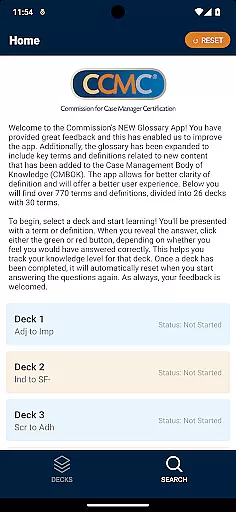
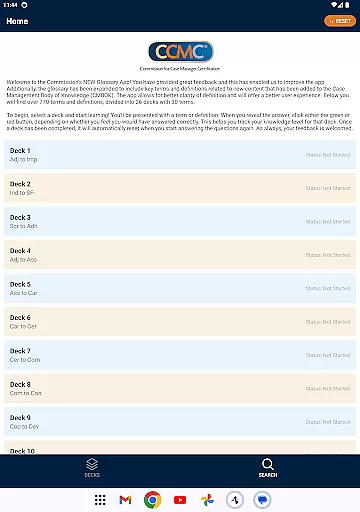
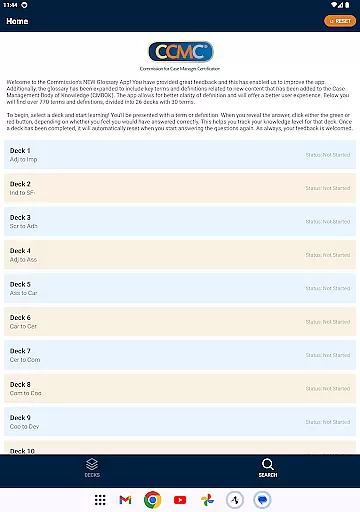
The CCM Glossary App is an educational tool designed to help users master key terms and definitions in case management. With over 770 terms divided into 26 decks, this app provides a structured learning experience for professionals and students alike.
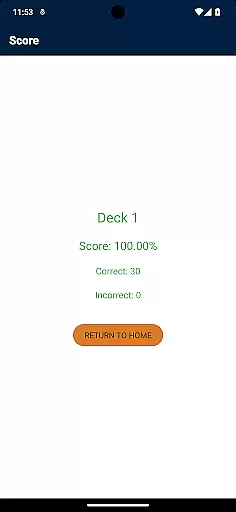
Each deck contains 30 terms, allowing users to focus on specific areas of the Case Management Body of Knowledge (CMBOK). The app tracks user progress through interactive features, helping learners assess their knowledge level as they advance.
This app is particularly useful for those preparing for certification exams or seeking to deepen their understanding of case management terminology. By offering expanded content and improved usability, it ensures a better learning experience for all users.
The CCM Glossary App offers several notable features that enhance the learning process. First, its comprehensive glossary includes key terms and definitions from the latest CMBOK content, ensuring users have access to up-to-date information.
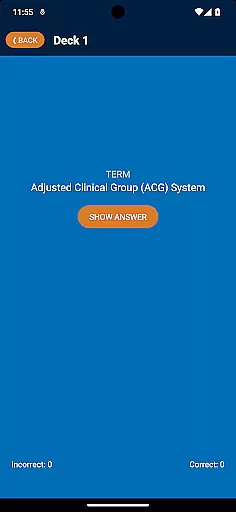
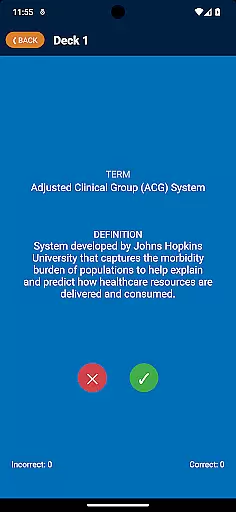
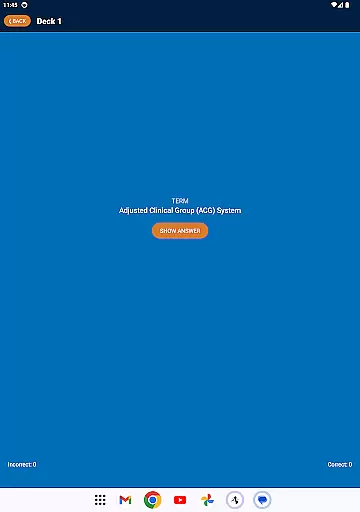
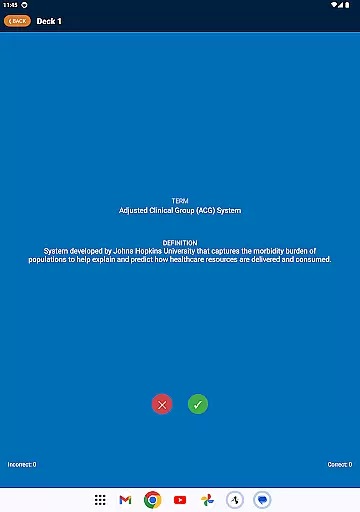
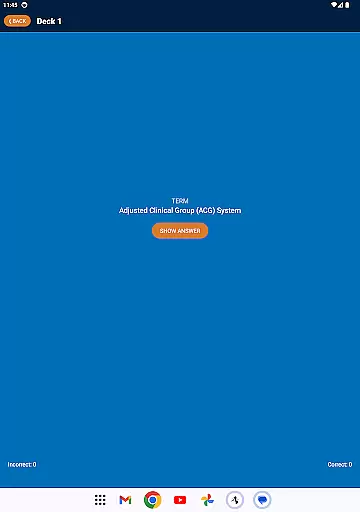
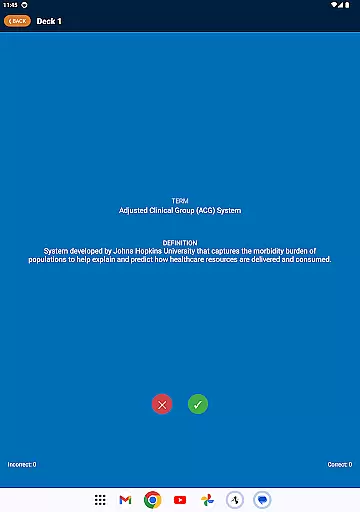
Second, the app employs an interactive card system where users can test their knowledge. After viewing a term or definition, learners can indicate whether they answered correctly using green or red buttons. This feature helps track progress and identify areas needing improvement.
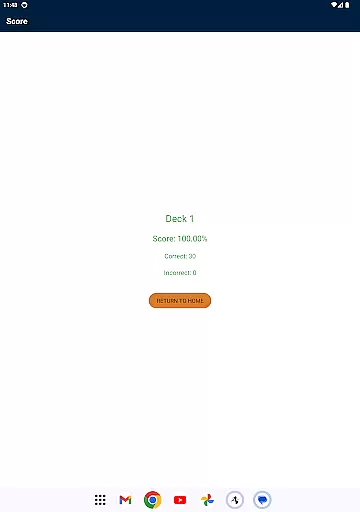
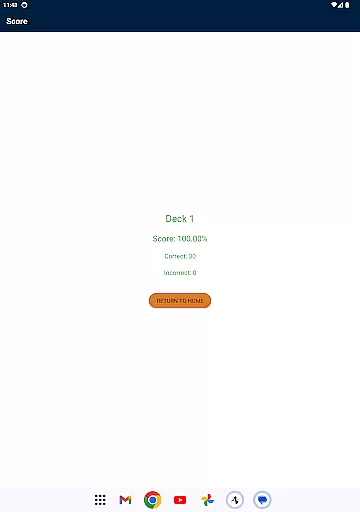
Finally, the app automatically resets completed decks, enabling continuous learning. These features collectively create an engaging and effective educational experience tailored to the needs of case management professionals.
In the realm of educational applications, content accuracy is paramount. The CCM Glossary App offers over 770 terms and definitions, ensuring that users have access to a comprehensive and precise knowledge base. This app meticulously incorporates key terms from the Case Management Body of Knowledge (CMBOK), reviewed and curated by experts in the field.
Each term within the app has been carefully selected and defined, providing clarity and depth to the user's understanding. The Commission has actively sought user feedback to refine these definitions further, enhancing both precision and comprehensibility. This rigorous process underlines the app's commitment to delivering authoritative content.
For learners and professionals alike, having reliable definitions directly impacts their ability to grasp complex concepts. The app's dedication to accuracy ensures that every learning session contributes effectively to the useru2019s knowledge and professional growth.
The CCM Glossary App embraces personalized learning paths, catering to individual preferences and paces. With its structure of 26 decks, each containing 30 terms, users can tailor their learning journey according to their specific interests or areas of needed improvement. This modular approach allows for focused study sessions that adapt seamlessly to diverse learning styles.
As users engage with the app, they interact dynamically with each term or definition. By indicating their familiarity through green or red buttons, they create a customized experience that tracks their progress and pinpoints areas requiring further review. This interactive mechanism fosters an engaging and responsive learning environment.
Ultimately, this personalization empowers users to take control of their educational outcomes. By adapting to individual needs and consistently resetting completed decks, the app ensures sustained learning and retention, making it an invaluable tool for anyone seeking mastery in case management terminology.
User-friendly interface
Comprehensive glossary
Interactive learning tools
Progress tracking system
Regular content updates
Limited to case management
No offline functionality
Requires consistent internet
Occasional bugs reported
Design could be more modern

Learn Words Daily in Just Minutes - Boost Your Language Skills Fast!
 4.60
4.60
AI Language tutor: Speak fluently with Lucy’s personalized coaching
4.70
THE MOST COMPREHENSIVE JUMPMASTER STUDY RESOURCE AVAILABLE.
3.40
Pickleball guide complete with illustrated Pickleball drills and helpful info
4.1
Intuitive Transformer Lab - By a Lineman, For Linemen & Apprentices
4.50
Experience the sky, planet earth and the solar system like never before
4.90
THE ESTABLISHED "GO TO" ARMY BOARD PREPARATION APP!
4.30
SkyView®, an augmented reality space app, brings stargazing to everyone!
4.40
Plant identifier: Identify plants, trees, weeds, flowers. Disease diagnosis.
4.30
Learn Japanese in an immersive educational game set in Japan!
4.90
2026 DVSA Driving Theory Test revision with Hazard Perception + Highway Code
4.60
Latest TLC Practice Questions! Multiple languages available!
4.50
Study for your 608 certification.
4.50
Ignite curiosity, spark learning: All babybus videos &games
4.30
Learn to make peaceful contact with extraterrestrial civilizations
4.10
An aviator’s preparation, study and test tool for FAA Knowledge Exams.
4.00
Quiz App to help case managers studying for CCMC Certification, 200+ Questions
3.40
Enrich the experience of your visit to the Pantheon with our audiotour.
1.60
Test prep for Indiana students
4.1


User Reviews