
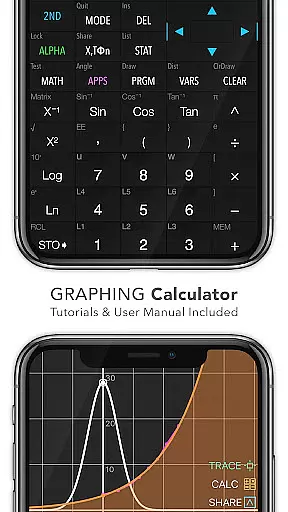
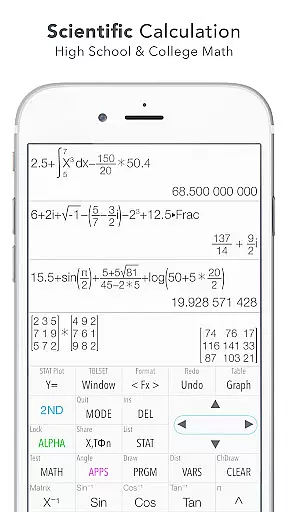
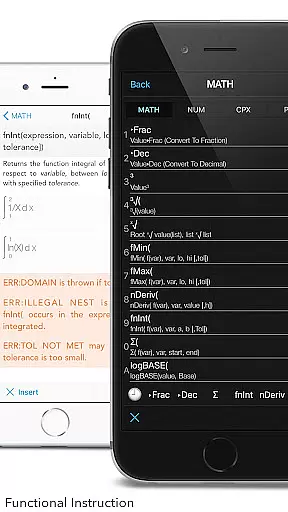
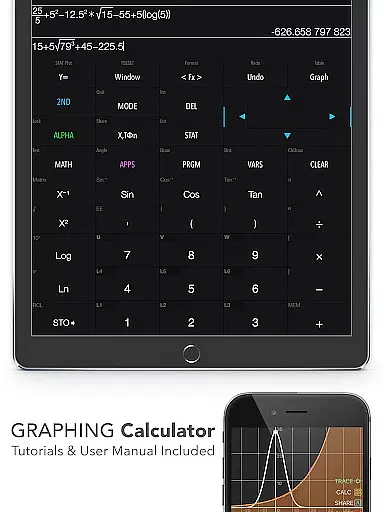
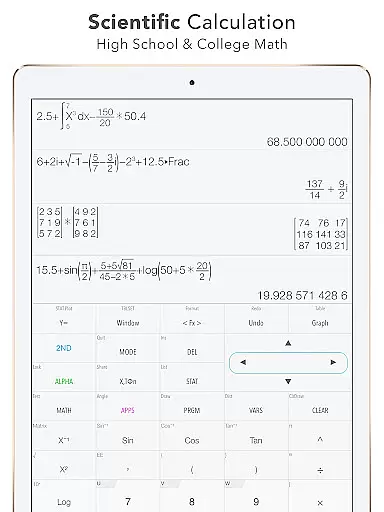
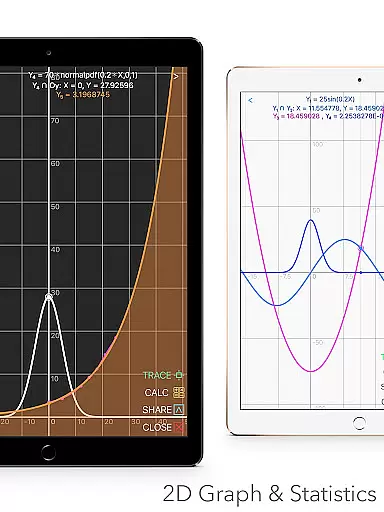
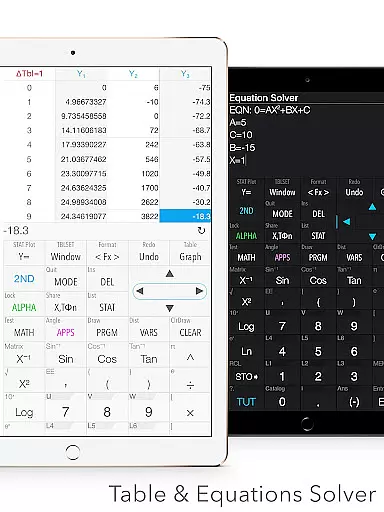
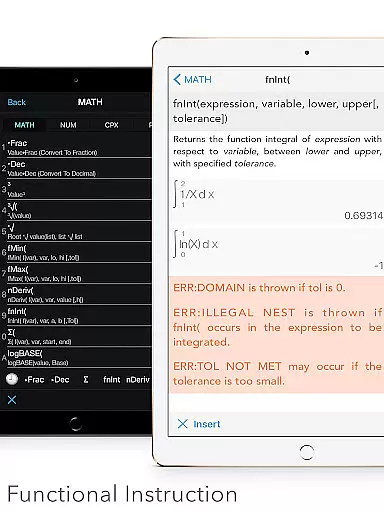
Graphing Calculator Plus stands as a versatile and powerful educational tool designed to meet the needs of students, educators, and professionals in mathematics and engineering fields. This app mirrors the functionality of traditional TI-84 and TI-83 calculators while enhancing their capabilities through an intuitive digital interface. With its robust MATH CORE and comprehensive mathematical display support, users can perform both basic calculations and advanced mathematical operations with ease.
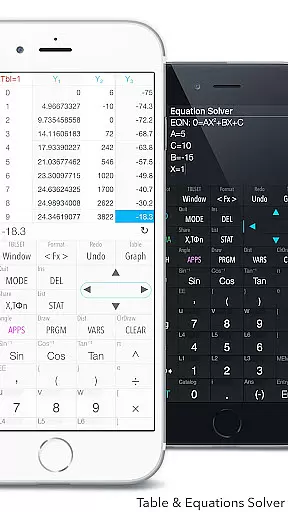
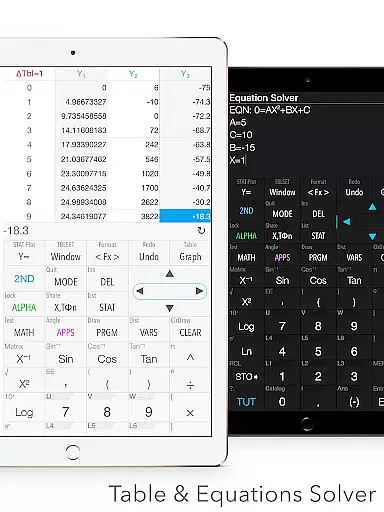
The calculator's built-in documents cover a wide range of mathematical tasks including X & Y calculations, intersections of functions, local maxima and minima computations, statistics, regression analysis, equation solving, polynomial calculations, and integral functions. These features make it an indispensable companion for anyone involved in higher-level math courses or professional projects requiring complex computations.
Whether you're tackling algebra, calculus, geometry, or statistics, Graphing Calculator Plus provides an all-encompassing solution that simplifies intricate problems into manageable steps. Its dual themes and customizable functions allow users to tailor their experience according to personal preferences, ensuring maximum usability and comfort during extended study or work sessions.
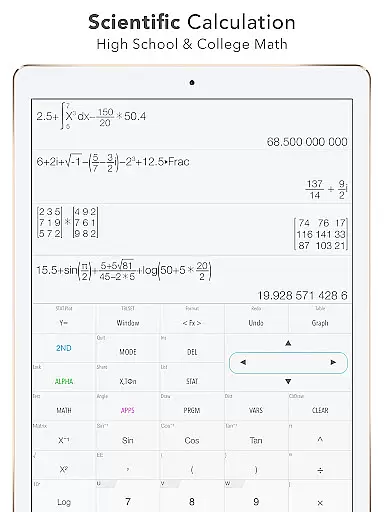
Graphing Calculator Plus boasts an impressive array of features that cater to diverse mathematical requirements. The universal calculator app supports not only fundamental arithmetic operations but also advanced functions such as trigonometric calculations (Sin, Cos), logarithms (Ln), exponentials (E), and more. Users can solve equations, edit expressions, export results, view history tapes, and even customize functions (F1, F2, F3).
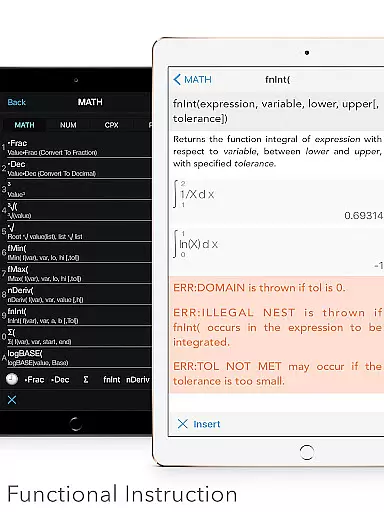
In addition to its core computational abilities, this app includes specialized tools like a unit converter covering over 50 categories and 1000+ units, fraction and degree/angle calculations, numeric integrals, derivatives, and matrix operations. It also offers programming capabilities with control commands, I/O commands, and example source codes included for those interested in coding applications within a calculator environment.
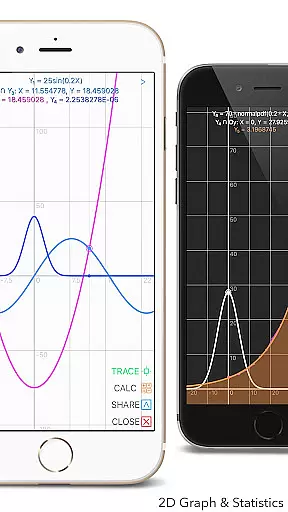
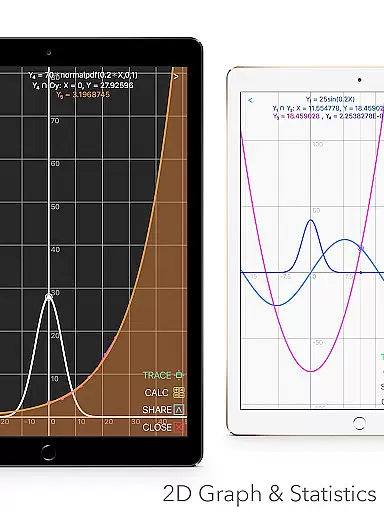
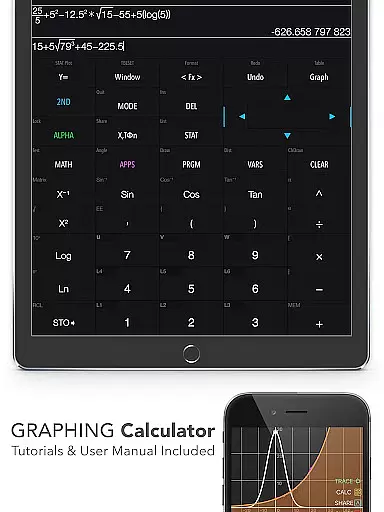
For graphical representation, the 2D graph feature allows simultaneous plotting with smooth zoom and transformation options. It supports parametric, polar, and sequence graphs along with identifying intersections, minimums, maximums, and special points on traces. Furthermore, statistical analysis is streamlined through creating/editing lists, conducting various regressions, and performing hypothesis tests—all essential components for data-driven research projects.
When it comes to educational tools like Graphing Calculator Plus, content accuracy is paramount. This app ensures precise calculations across various mathematical domains, from basic arithmetic to advanced calculus. The inclusion of a powerful MATH CORE and MATH DISPLAY support guarantees that all computations, graphs, and statistical analyses are executed with exactness comparable to hardware calculators such as the TI-84.
The app's authoritative content is further reinforced by its comprehensive set of features designed for math students and professionals alike. With built-in documents covering general calculations, intersections of functions, local maxima and minima, statistics, regression analysis, equation solving, polynomial handling, and integral functions u2013 users can trust in the reliability of their results. Each feature has been crafted to adhere strictly to mathematical principles ensuring users receive credible outcomes every time they use the application.
Moreover, Graphing Calculator Plus provides an extensive user manual and tutorial system which not only aids in understanding how to operate the app but also deepens oneu2019s grasp on complex mathematical concepts. By offering detailed explanations alongside each function, it empowers learners to verify their work against established standards while building confidence through hands-on practice supported by accurate feedback from this trusted digital tool.
Graphing Calculator Plus offers personalized learning paths that cater to individual needs within mathematics education. Whether you're a student tackling algebra or an engineer performing advanced computations, this app adapts seamlessly to your level of expertise. Its customizable interface allows users to define Y-vars and create tailored functions (F1, F2, F3), enabling them to focus on specific areas where they need more practice or exploration.
In addition to personalization options, the calculator includes adaptive tools such as dual themes for visual comfort during long study sessions and over 40 common constants at fingertips for quick reference. These thoughtful additions enhance user engagement by allowing learners to adjust settings according to their preferences, thus creating a conducive environment for effective studying.
Furthermore, with capabilities ranging from numeric integrals and derivatives calculation to matrix operations and programming commands, Graphing Calculator Plus supports diverse learning styles. Users can progress at their own pace through different mathematical disciplines knowing that whether they require basic guidance or seek challenges beyond standard curriculum requirements u2013 this versatile companion will adapt accordingly providing continuous support throughout their educational journey.
User-friendly interface
Comprehensive math functions
Advanced graphing capabilities
Customizable settings
Extensive documentation
Occasional bugs reported
Complex for beginners
Some features locked behind paywall
Heavy on system resources
Limited offline support

A 2024 digital study guide for the Expert Infantryman and Expert Soldier's Badge
 4.0
4.0
Break Language Barriers with AI—Learn Language Anytime, Anywhere!
4.00
Nighty Night Circus - Bedtime story for kids
4.10
Experience the sky, planet earth and the solar system like never before
4.90
For medical training - Visualize complex vein maps and structures in real-time.
4.10
SkyView®, an augmented reality space app, brings stargazing to everyone!
4.40
Memorize anything efficiently with AnkiDroid! Many pre-built decks available.
4.80
Learn to pass DMV permit tests. Driver license practice test 2025.
4.60
Cool math games & learn to read activities- loved by kids, approved by teachers.
4.50
Age-Related Child Developmental Milestones
4.80
Stargazing Guide App. Stars and constellations map. Solar system planets finder.
4.60
Intuitive Transformer Lab - By a Lineman, For Linemen & Apprentices
4.50
Professional Award-Winning Astronomy Star Map App With Telescope Control
4.40
School Communication
4.30
Skelly is a fully poseable, anatomically correct reference skeleton for artists.
4.10
Explore numbers the Starfall way!
4.00
An aviator’s preparation, study and test tool for FAA Knowledge Exams.
4.00
FAR/AIM, FAR for Flight Crew and FAR for Aviation Maintenance Technicians
3.80
Your best partner for learning Japanese words. Based on a best-selling textbook.
2.80


User Reviews