
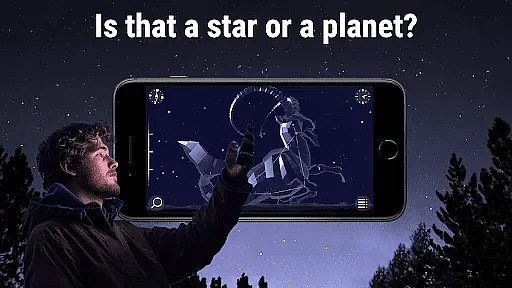

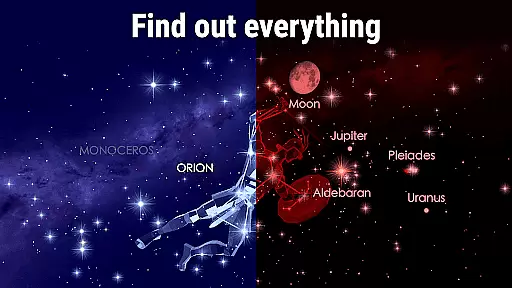
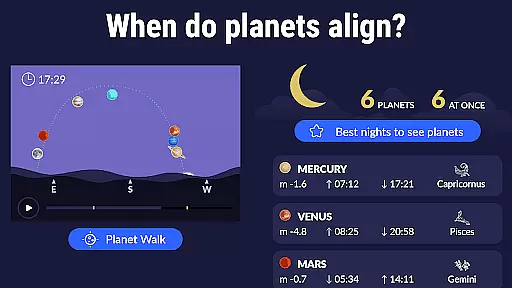
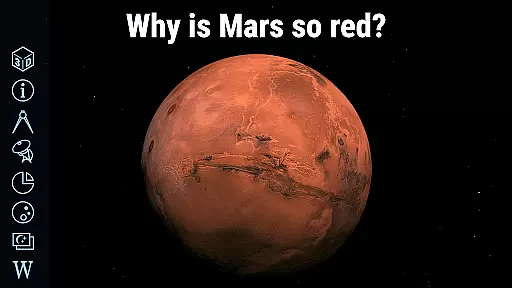


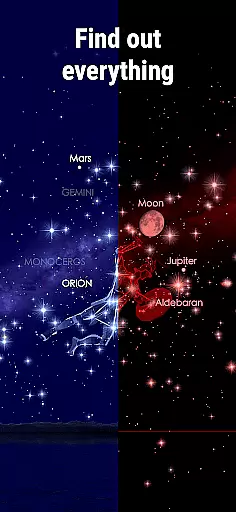

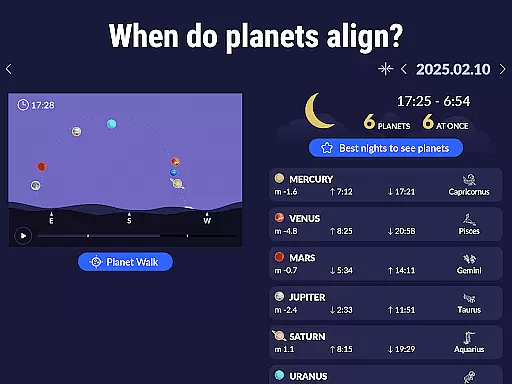
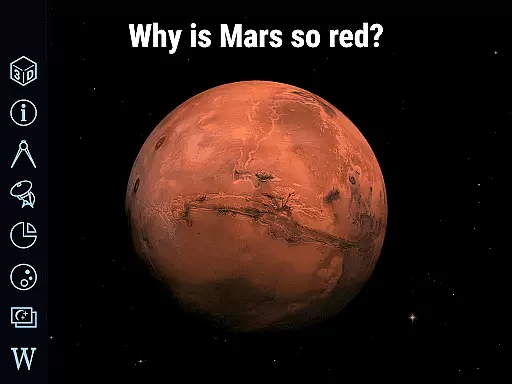
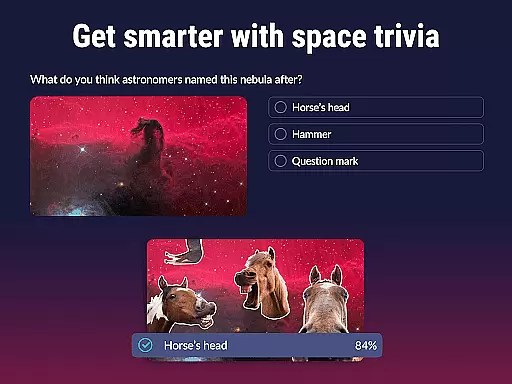
Star Walk 2 Pro is an advanced stargazing app designed for astronomy enthusiasts of all levels. It provides a real-time map of stars, planets, and constellations, making it easy to explore the night sky. The app's intuitive interface allows users to navigate the celestial map by simply pointing their device at the sky.
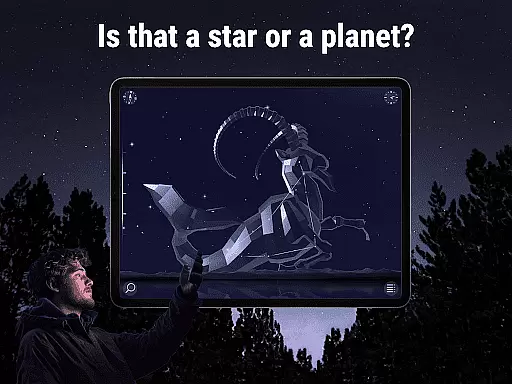
With features like augmented reality (AR) mode, users can overlay digital information on the real sky, identifying celestial bodies with precision. The app also offers detailed 3D models of constellations, enhancing the learning experience. Whether you're an amateur stargazer or an experienced astronomer, Star Walk 2 Pro delivers valuable insights into the solar system and beyond.
This educational tool is perfect for both personal use and classroom settings, providing a deeper understanding of astronomy. Its ability to simulate the night sky from any location and time makes it an invaluable resource for planning astronomical observations and expanding your cosmic knowledge.
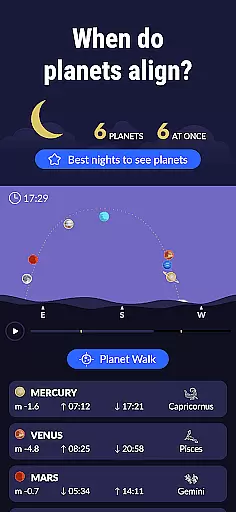
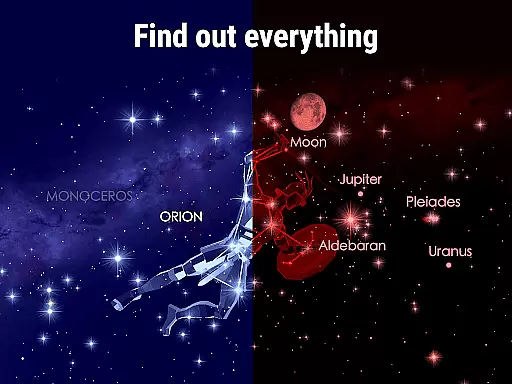
Star Walk 2 Pro stands out with its comprehensive set of features tailored for astronomy education and exploration. One of its key capabilities is the real-time sky map that adjusts as you move your device, offering an immersive stargazing experience. This feature is particularly useful for identifying constellations, planets, and other celestial objects instantly.
The app includes an augmented reality mode that activates your device's camera to superimpose star charts onto the live sky view. This innovative approach bridges the gap between digital data and real-world observation. Additionally, the time travel feature lets users explore the night sky from different epochs, providing historical and future perspectives on celestial movements.
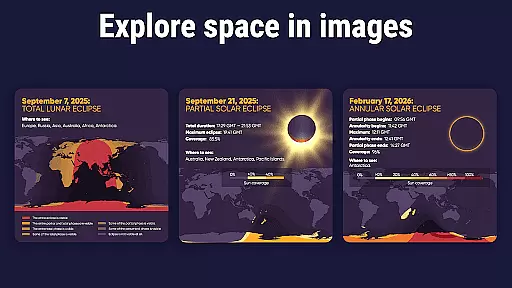
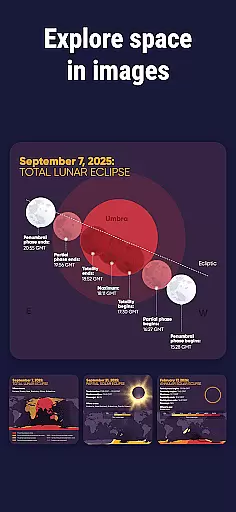
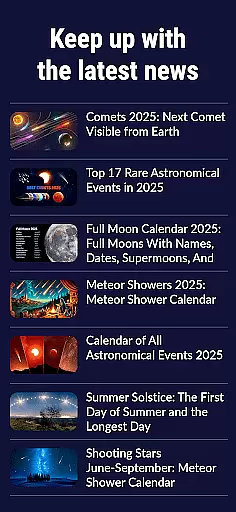
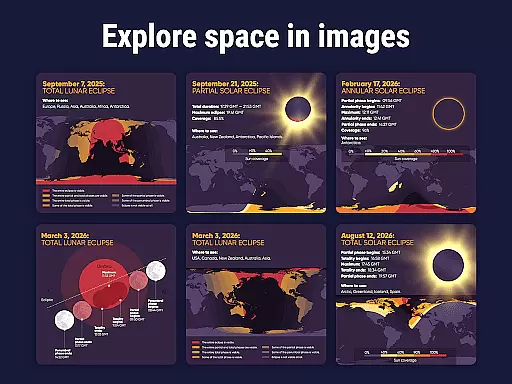
For those interested in deep-sky objects, Star Walk 2 Pro offers extensive information about nebulae, galaxies, and star clusters. The app also keeps users updated with the latest astronomical events, ensuring they never miss significant celestial happenings. These features collectively make Star Walk 2 Pro a versatile tool for anyone passionate about exploring the universe.
When it comes to educational applications, especially in the field of astronomy, content accuracy is paramount. Star Walk 2 Pro provides real-time mapping of celestial objects, ensuring users receive up-to-date and scientifically correct information about the night sky. The app meticulously charts stars, planets, constellations, and even man-made satellites, offering a reliable resource for both amateur stargazers and seasoned astronomers.
The authority of the content is further reinforced by its use as an educational tool in academic settings. Teachers incorporate Star Walk 2 into their natural science and astronomy curricula, trusting the app's data to impart knowledge about our solar system and beyond. This trust signifies the app's alignment with educational standards and its recognition as a credible learning aid.
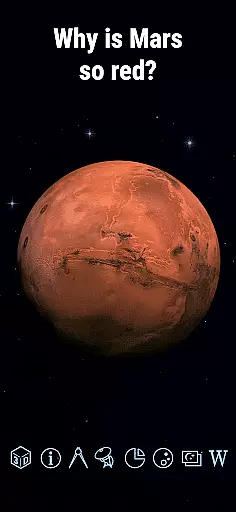
Moreover, the app offers extensive details on celestial bodies, including dwarf planets and asteroids like Ceres and Eros, along with meteor showers such as Perseids and Geminids. By providing comprehensive information on these phenomena, Star Walk 2 positions itself as an authoritative guide that enhances understanding and appreciation of the cosmos.
Star Walk 2 Pro doesn't just offer static information; it creates personalized learning paths tailored to individual exploration. With features like the AR stargazing mode, users can point their device at the sky to overlay constellations, planets, and other celestial bodies onto their screen, effectively turning the real world into an interactive classroom. This approach caters to different learning styles, making astronomy accessible and engaging for everyone.
The time travel feature allows learners to select any date and time, enabling them to observe changes in the night sky over time. This fosters a deeper understanding of celestial movements and patterns, allowing users to learn at their own pace and according to their interests. Such flexibility ensures that each user's journey through the stars is unique and self-directed.
Additionally, the app includes stories and facts about constellations, enriching the learning experience with cultural and historical context. Users can manipulate 3D models of constellations, gaining insights into their scale and placement within the universe. These personalized learning paths not only educate but also inspire curiosity and a lifelong passion for astronomy.
User-friendly interface
Accurate real-time sky mapping
Augmented reality functionality
Comprehensive educational content
Regular updates on celestial events
Premium version required for full access
Some features need specific hardware
In-app purchases can add up
Occasional performance issues
Limited offline functionality

Turn scrolling hours into improving your knowledge, communication, intelligence
 4.50
4.50
An aviator’s preparation, study and test tool for FAA Knowledge Exams.
3.90
Turns you phone or tablet into TI graphing calculator (ROM required).
4.20
THE MOST COMPREHENSIVE JUMPMASTER STUDY RESOURCE AVAILABLE.
3.40
Welcome to the Speak Navajo Language Application - Volume 1
4.50
Explore numbers the Starfall way!
4.00
Quiz App to help case managers studying for CCMC Certification, 200+ Questions
3.40
Hasbro’s classic CANDY LAND game is now a gorgeous interactive storybook app.
2.30
Make your own game and world. Draw and animate characters
3.70
The best way to study for your amateur radio license exam.
4.90
Prepare for the BCBA / BCaBA exam. Study ABA with the ABA Wizard app.
4.60
Learn Words Daily in Just Minutes - Boost Your Language Skills Fast!
4.60
An interactive enhancement of the Sesame Street classic.
4.50
Learn math, step-by-step
4.30
Monkey Preschool Lunchbox: 7 exciting educational games for your preschooler.
4.30
Astronomy app ? Discover the universe scope, explore solar system model in 3D.
4.20
FAR/AIM, FAR for Flight Crew and FAR for Aviation Maintenance Technicians
3.80
Your best partner for learning Japanese words. Based on a best-selling textbook.
2.90
Grazing Risk Monitoring Service
4.0


User Reviews