
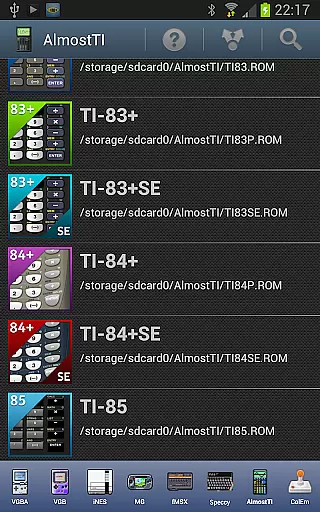
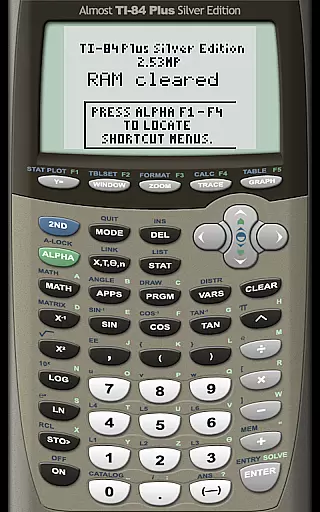
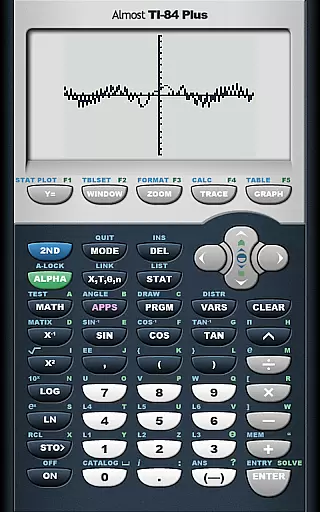
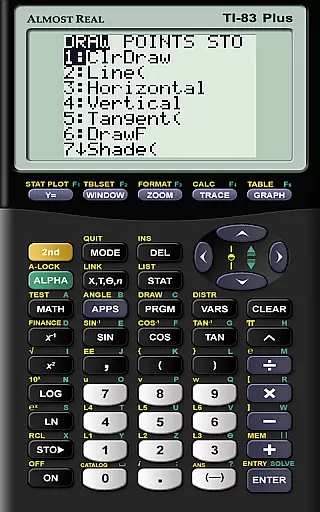
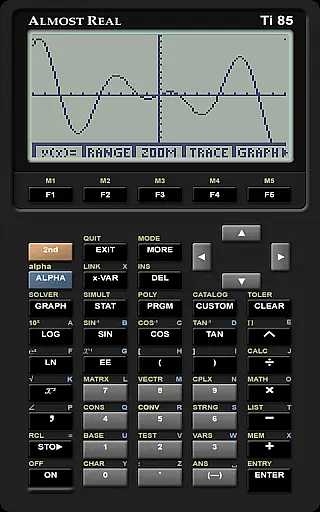
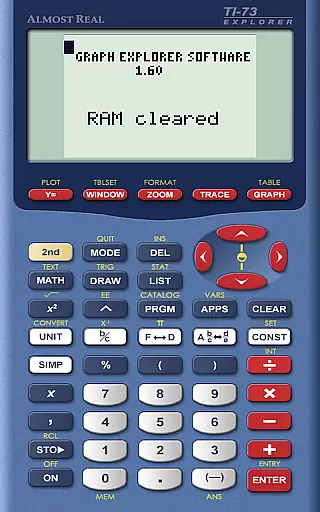
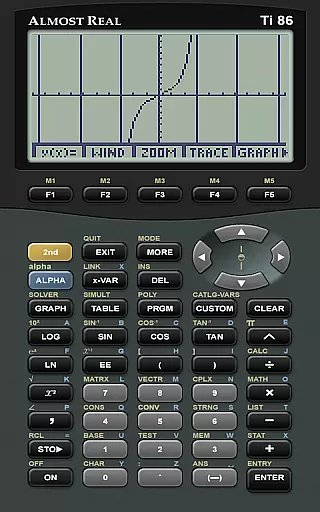
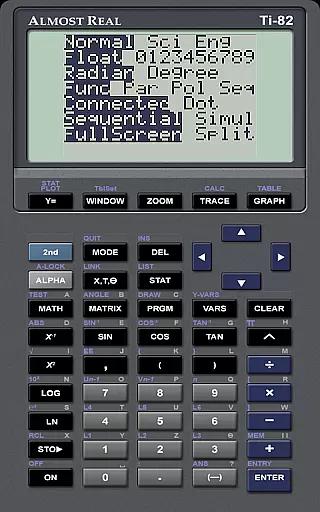
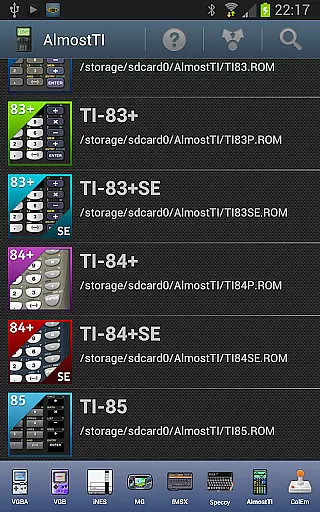
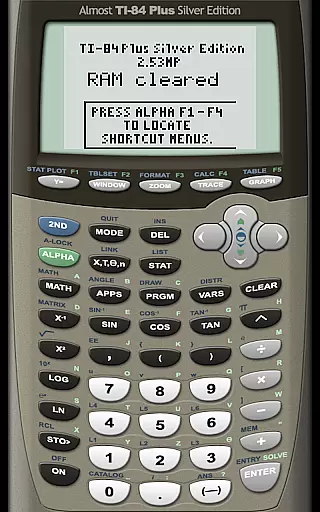
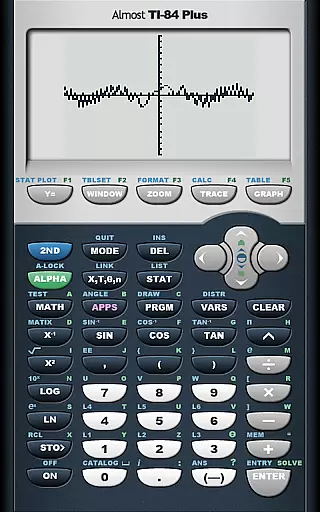
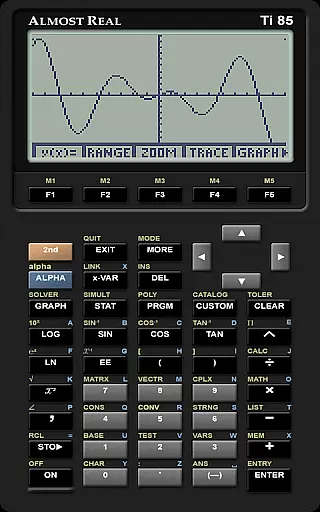
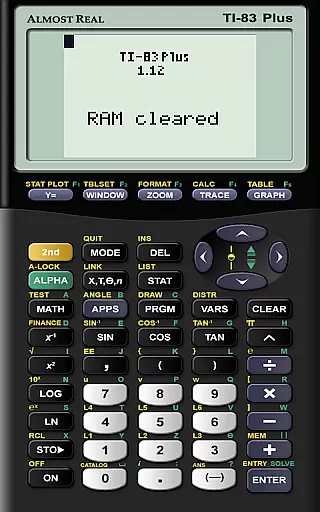
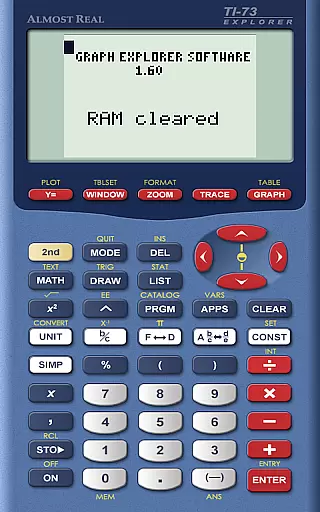
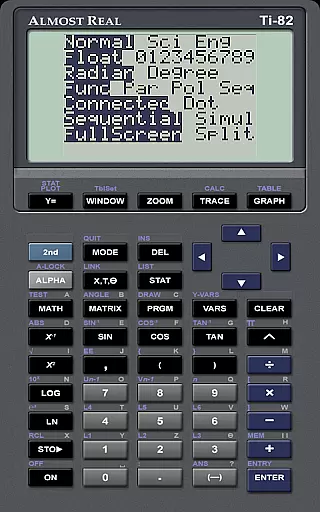
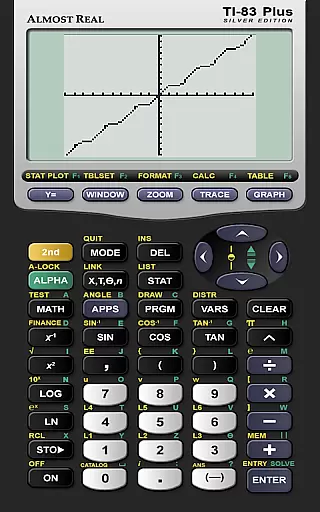
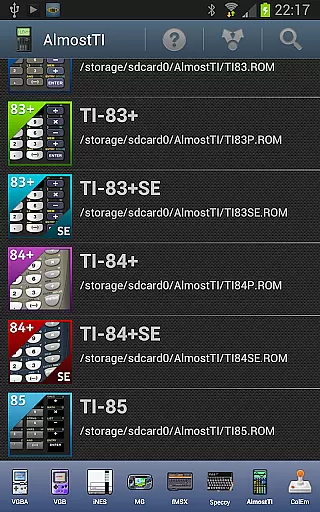
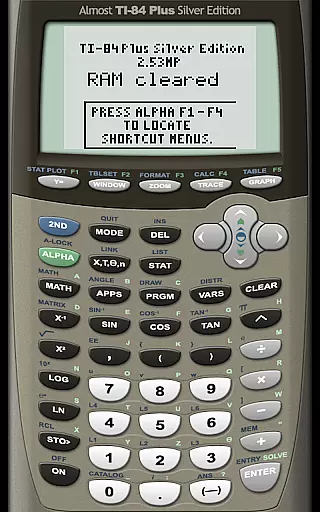
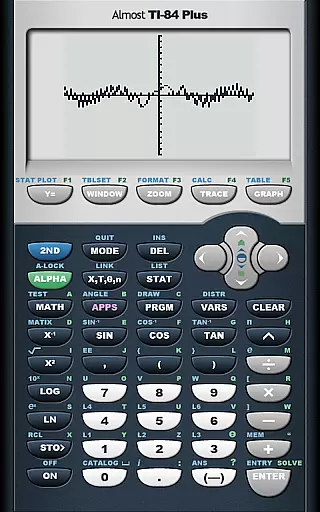
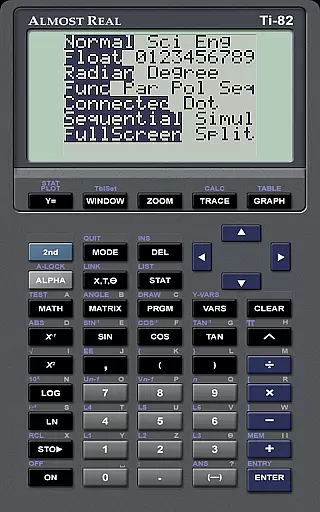
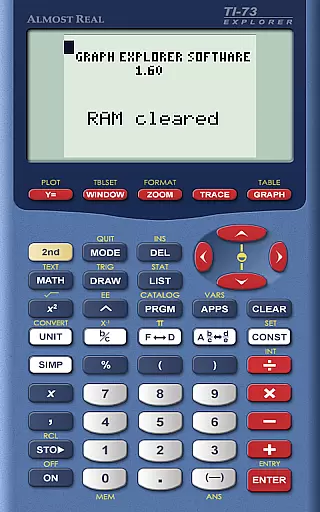
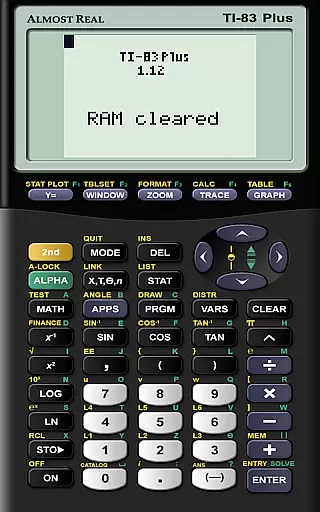
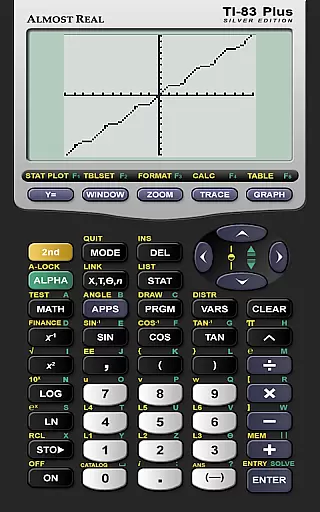
AlmostTI is an advanced educational application that transforms your Android device into a fully functional Texas Instruments graphing calculator. This app meticulously emulates a range of TI calculators including the TI-84+, TI-83+, and TI-82 among others, providing users with an authentic calculator experience on their mobile devices. Whether you are a student tackling complex math problems or a professional requiring precise calculations, AlmostTI delivers reliable performance.
A standout feature is its support for larger tablets, effectively turning them into oversized TI calculators. The app also offers robust task management capabilities, allowing users to save their calculations at any point and switch between multiple saved tasks effortlessly. This functionality ensures maximum productivity and convenience, making it an invaluable tool for learning and professional environments.
AlmostTI stands out with its comprehensive emulation capabilities. The app supports a wide array of Texas Instruments calculators, each replicated with meticulous attention to detail. Users can expect full compatibility with models like the TI-84+ Silver Edition and TI-83+ Silver Edition, ensuring an accurate representation of these essential educational tools.
In addition to its emulation prowess, AlmostTI provides practical features such as saving and managing calculation sessions. This allows users to maintain multiple workflows and easily return to previous tasks. The requirement of authentic ROM files from actual calculators underscores the app's commitment to legal compliance and authenticity, offering peace of mind to educators and students alike.
The app further enhances user experience by supporting external resources and communities. With links to ROM dumping guides, Android-specific help pages, and active discussion groups, AlmostTI fosters a supportive ecosystem for troubleshooting and collaboration. These resources empower users to maximize the app's potential while engaging with a community of like-minded individuals.
When it comes to educational applications, content accuracy is paramount. AlmostTI ensures precision by emulating a wide range of Texas Instruments graphing calculators, from the TI-84+ series to the classic TI-81. This emulation includes not only basic calculations but also advanced graphing and programming capabilities, providing users with an authentic experience that mirrors the original devices.
The app's commitment to authenticity extends to its requirement for genuine calculator ROMs. Users must supply their own ROM files, which are the actual system files from Texas Instruments calculators, ensuring that the app's functionality is as close as possible to using a physical calculator. This approach guarantees that all computations, graphing functions, and programming logic are true to the original hardware.
AlmostTI's dedication to authoritative content is further demonstrated through its comprehensive support resources. The app provides links to official guides on extracting ROMs from physical calculators, ensuring users have access to accurate information. Additionally, the availability of dedicated web pages and discussion groups offers users multiple channels to seek help and verify the correctness of their emulated calculator environment.
AlmostTI supports personalized learning paths by offering versatile features that cater to individual study needs. The ability to save calculations at any point allows students to create customized workflows that align with their unique problem-solving approaches. Whether working through complex calculus problems or programming in TI-BASIC, users can tailor their sessions to match their current projects or assignments.
The application's flexibility extends to its multi-device compatibility. Students can switch between smartphones and tablets, maintaining consistent access to their saved workspaces. This feature enables learners to choose the device that best suits their study environment, whether they prefer the portability of a phone or the larger display of a tablet for detailed graphing work.
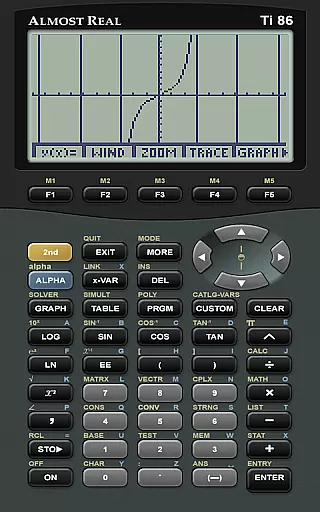
Furthermore, AlmostTI's support for various calculator models allows users to progress through different learning stages without changing applications. From basic arithmetic on the TI-81 to advanced engineering calculations on the TI-86, the app grows with the user's increasing mathematical proficiency. The availability of community support and documentation also helps users optimize their learning journey, making AlmostTI a valuable tool for both beginners and advanced mathematics students.
User-friendly interface
Wide device compatibility
Accurate emulation
Task-saving functionality
Active user community
Requires separate ROM files
No built-in ROMs provided
Complex setup process
Limited offline resources
Potential legal concerns

Build math skills in: addition, subtraction, multiplication and division.
 4.10
4.10
Learn Words Daily in Just Minutes - Boost Your Language Skills Fast!
4.60
The Only Official DVSA Theory Test Kit App
4.50
Practice Casino Roulette Payouts for Table Game Dealers and Croupiers
4.40
Your best partner for learning Japanese words. Based on a best-selling textbook.
2.90
Flashnote Derby is the fun way for kids to learn music notes and memorize them.
3.40
Animals pop up and make sounds—learn names and noises in Peekaboo Barn!
4.5
Stargazing Guide App. Stars and constellations map. Solar system planets finder.
4.60
The best way to study for your amateur radio license exam.
4.90
Explore myths and gods across cultures with in-depth insights and stories.
5.00
Hebrew Vocab
4.90
A realistic sky map to observe stars, planets, satellites and constellations!
4.80
Ignite curiosity, spark learning: All babybus videos &games
4.30
Monkey Preschool Lunchbox: 7 exciting educational games for your preschooler.
4.30
THE ESTABLISHED "GO TO" ARMY BOARD PREPARATION APP!
4.30
FAR/AIM, FAR for Flight Crew and FAR for Aviation Maintenance Technicians
3.80
Make your own game and world. Draw and animate characters
3.70
THE MOST COMPREHENSIVE JUMPMASTER STUDY RESOURCE AVAILABLE.
3.40
AR planetarium app that brings the solar system to you via XREAL Glasses.
4.0


User Reviews