
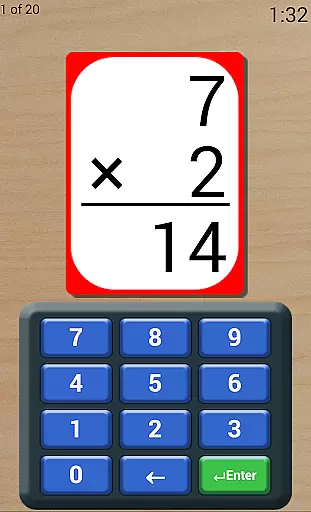
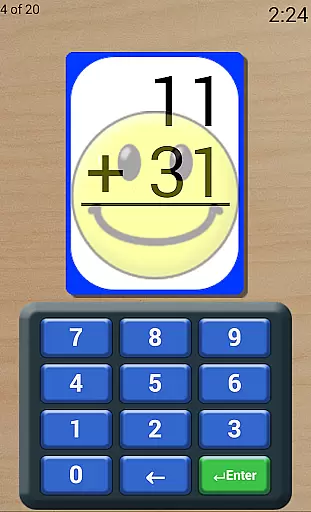
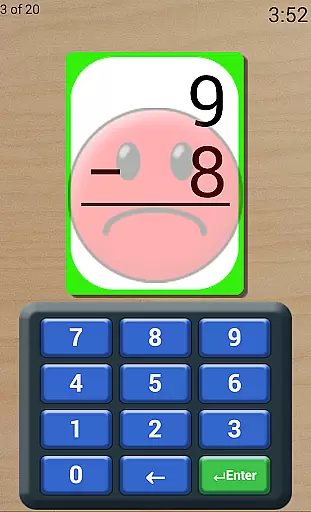
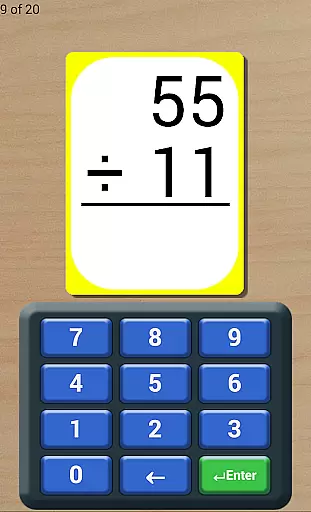
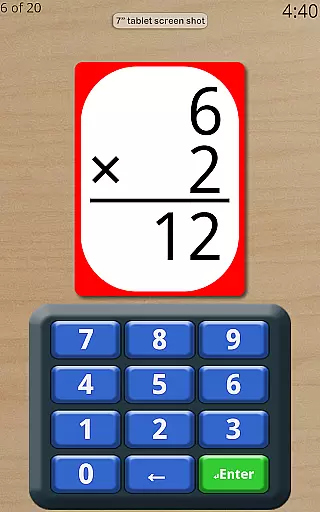
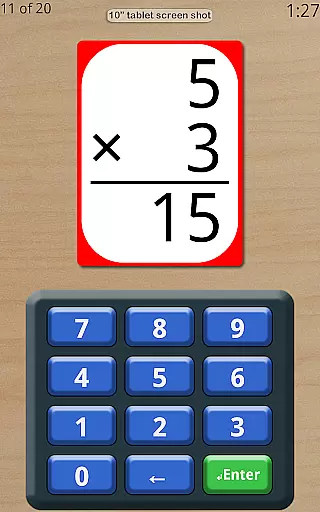
Math Flash Cards is an educational app designed to help children enhance their basic math skills through interactive flashcards. The application focuses on four core operations: addition, subtraction, multiplication, and division. With customizable number ranges and various testing modes, it provides a flexible learning environment suitable for different age groups and skill levels.
The app includes features such as adjustable countdown timers, options for ordered or random card display, and the ability to review missed questions. These tools create an engaging experience that encourages memorization and quick recall. Additionally, its friendly voice feedback and detailed score tracking offer both motivation and measurable progress for young learners.
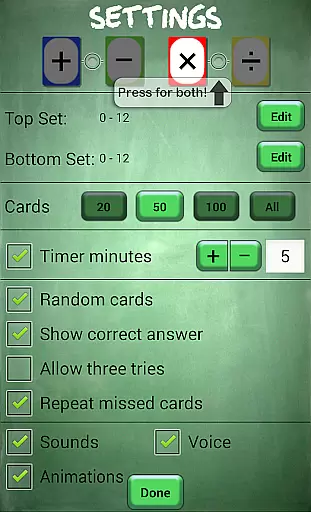
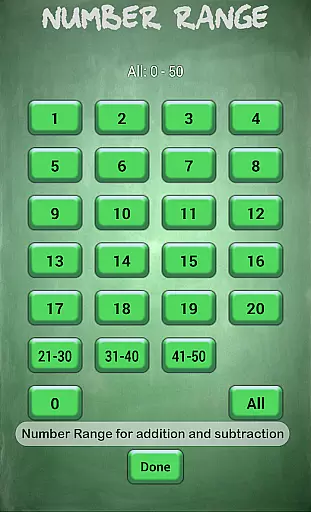
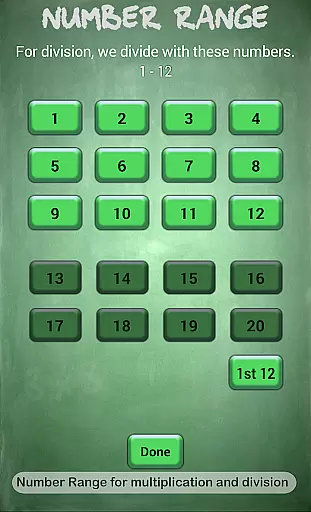
Math Flash Cards offers a comprehensive set of features tailored to improve math proficiency. Users can edit top and bottom number ranges, with specific limits set for different operations—0 to 50 for addition and subtraction, and 0 to 20 for multiplication and division. This allows parents and educators to customize difficulty levels according to the learner's needs.
Advanced settings include test-like conditions with an adjustable countdown timer, multiple attempts for incorrect answers, and an option to repeat missed cards for review. Learners can choose between sequential card order for focused memorization or random order for variety. Furthermore, the app provides instant feedback by showing correct answers when mistakes are made, ensuring continuous learning and improvement.
Math Flash Cards ensures content accuracy by focusing on core math operations: addition, subtraction, multiplication, and division. These fundamental skills are critical for children's academic success.
The app provides adjustable number ranges, allowing users to tailor difficulty levels according to their proficiency. For addition and subtraction, the range spans from 0 to 50, while multiplication and division cover 0 to 20, ensuring age-appropriate challenges.
With options like displaying correct answers for incorrect responses and repeated review of missed cards, the app reinforces learning through immediate feedback. This approach not only improves accuracy but also builds confidence in young learners.
Furthermore, the inclusion of a friendly voice and encouragement throughout the exercises adds an authoritative yet supportive touch, making the learning process both engaging and reliable.
Math Flash Cards offers personalized learning paths by providing customizable features that adapt to individual learning styles. Users can edit top and bottom number ranges, tailoring the difficulty to match their skill level.
The option to select two math operations together allows learners to practice combined skills, creating a more dynamic and personalized experience. This flexibility supports varied learning paces and objectives.
Features such as adjustable countdown timers and the choice between ordered or random card sequences enable students to simulate test conditions or focus on memorization. These adaptive elements ensure each child receives a bespoke learning journey.
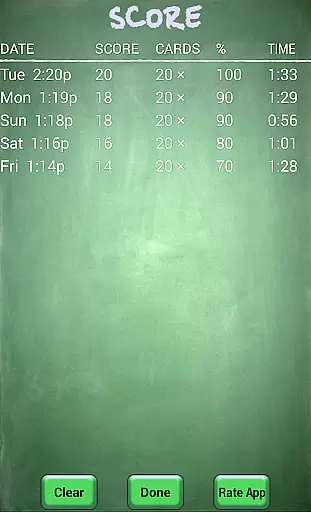
Additionally, the app tracks scores over time, offering insights into progress and areas needing improvement. This data-driven approach empowers learners and educators to refine strategies continually.
User-friendly interface
Customizable difficulty levels
Encouraging voice feedback
Comprehensive score tracking
Flexible learning modes
Limited to basic math
No advanced analytics
Premium version required
Occasional bugs reported
Ads in free version

Test prep for Indiana students
 4.2
4.2
Turn scrolling hours into improving your knowledge, communication, intelligence
4.50
Pass your FAA written with flying colors - Study Buddy can help.
4.30
A collection of favorite stories from Daniel Tiger's Neighborhood
2.00
Prepare for the BCBA / BCaBA exam. Study ABA with the ABA Wizard app.
4.60
For medical training - Visualize complex vein maps and structures in real-time.
4.10
The best way to study for your amateur radio license exam.
4.90
Learn Japanese in an immersive educational game set in Japan!
4.90
Memorize anything efficiently with AnkiDroid! Many pre-built decks available.
4.80
Discover Your Place in the Universe
4.70
AI Language tutor: Speak fluently with Lucy’s personalized coaching
4.70
Universe simulator: Find & explore planets system, outer space, astronomy events
4.60
2026 DVSA Driving Theory Test revision with Hazard Perception + Highway Code
4.60
Stargazing Guide App. Stars and constellations map. Solar system planets finder.
4.60
The Fighter Verses Bible memory system helps you memorize God's Word.
4.50
Practice Casino Roulette Payouts for Table Game Dealers and Croupiers
4.40
An animated storybook app to help ease your child through toilet training.
3.70
Your best partner for learning Japanese words. Based on a best-selling textbook.
2.80
Grazing Risk Monitoring Service
4.0


User Reviews