
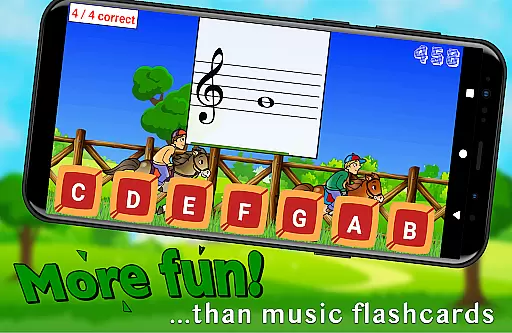
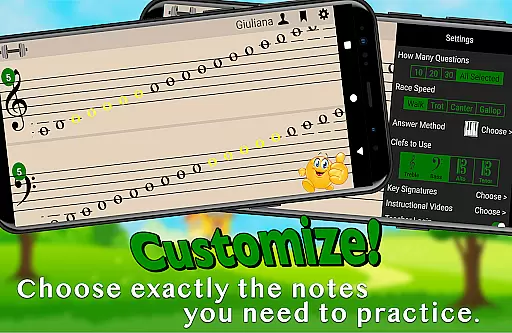
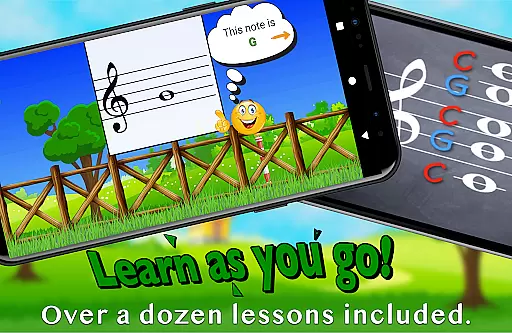
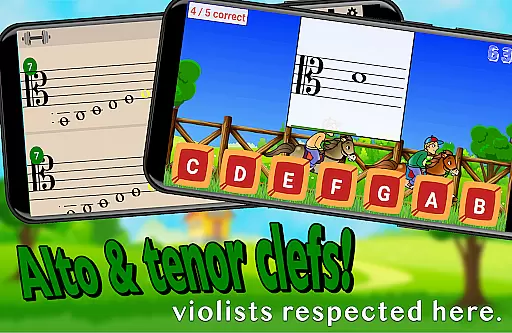
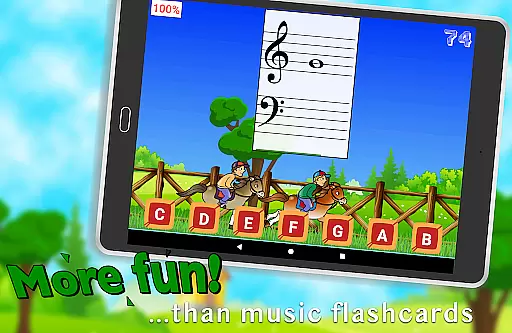
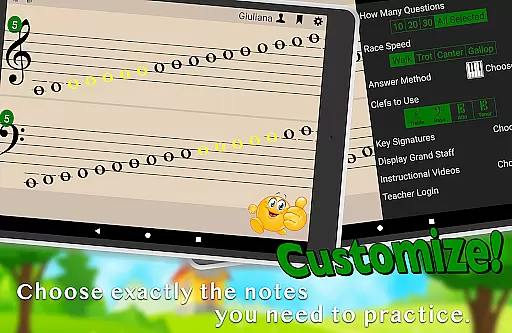
Flashnote Derby is an educational app designed to help children learn and practice reading music notes in a fun, engaging way. The app uses a horse racing game concept where students identify different notes to move their horse towards the finish line. With customizable settings, it supports treble, bass, alto, or tenor clefs, allowing users to focus on specific areas of improvement. The app also includes over a dozen instructional video lessons accessible directly within the app, making it suitable for beginners.
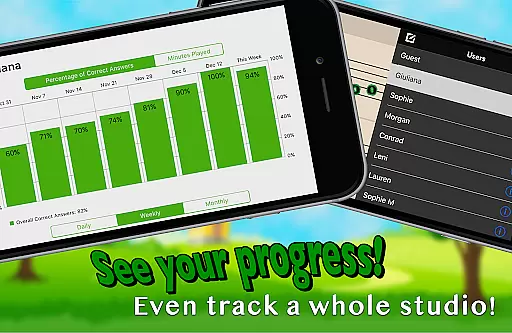
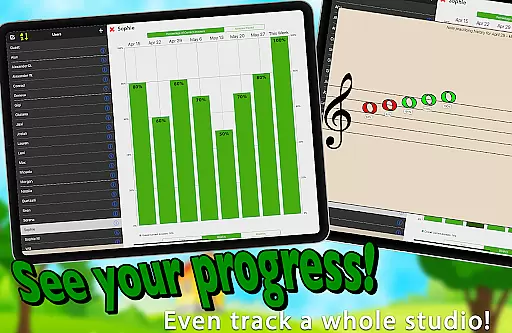
The app's adaptive difficulty system ensures that drills can start simply and gradually become more challenging, keeping students motivated as they master the full staff. Teachers can utilize Flashnote Derby as a motivational tool during lessons, even for short periods, and track student progress through performance records. This feature helps educators identify which notes need further review, ensuring efficient learning.
Flashnote Derby stands out by combining education with entertainment, making the often challenging task of learning to read music more enjoyable. By integrating features like email homework assignments and performance tracking, it provides a comprehensive solution for both independent study and classroom use. Its ability to be customized for individual learning needs makes it an invaluable tool for music teachers and students alike.
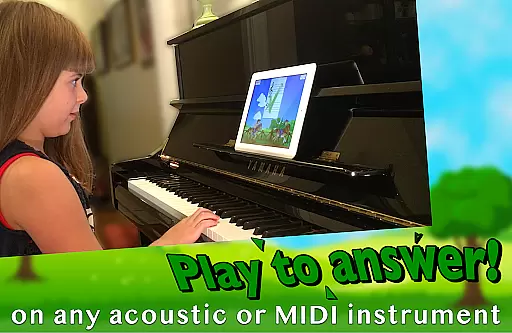
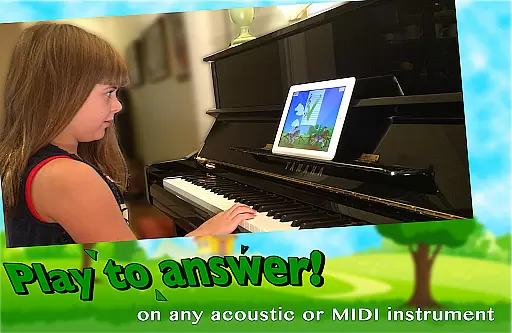
Flashnote Derby offers a rich set of features tailored to enhance music education. One standout feature is its customizable flashcard system, allowing users to select ranges of notes or individual notes across different clefs. This flexibility caters to various skill levels and learning objectives, from beginners to advanced students. Additionally, the app supports multiple response methods, including playing notes on acoustic or MIDI instruments, tapping letter buttons, or using an on-screen piano.
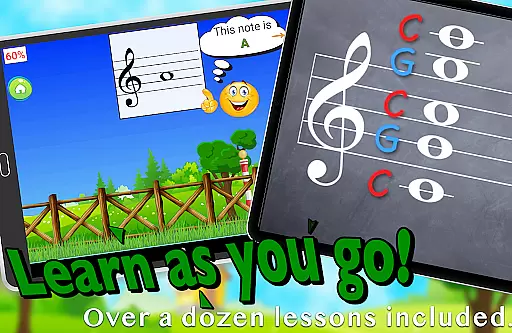
Another significant feature is the integration of timed tests, where quick and accurate responses propel the player's horse forward in the race. This gamification aspect not only makes learning enjoyable but also encourages rapid recall of musical notes. Furthermore, the app includes over a dozen instructional video lessons covering topics such as the music alphabet and note identification, providing a complete learning experience without leaving the app.
Teachers benefit from features like email homework assignments and detailed performance tracking. These tools enable educators to monitor student progress closely and adjust lesson plans accordingly. The ability to customize the time given for each flashcard based on the student's age and experience level adds another layer of personalization. Overall, Flashnote Derby's innovative approach to music education sets it apart from traditional teaching methods.
Flashnote Derby focuses on providing accurate and authoritative content for learning music notes. The app is designed to teach children how to read music notes through engaging gameplay. Each race in the game serves as a timed test where students identify different notes, reinforcing their knowledge of the musical staff.
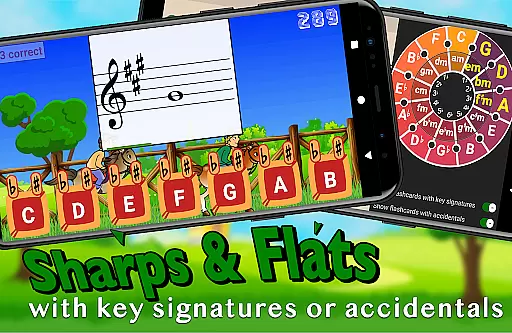
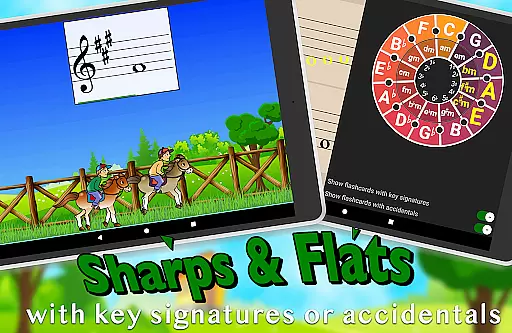
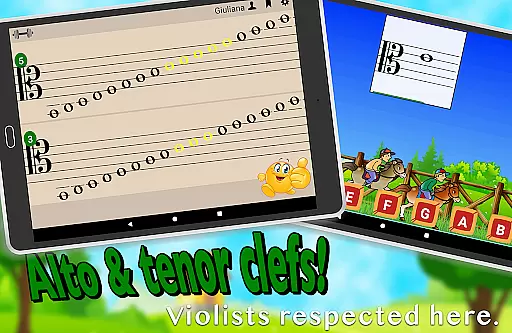
The app covers various clefs including treble, bass, alto, and tenor, allowing customization to focus on specific areas that need improvement. Notes can be displayed with sharps and flats, and key signatures can be added to increase the challenge for advanced learners. This ensures that the content remains relevant and educational at every level of proficiency.
With over a dozen instructional video lessons accessible directly within the app, Flashnote Derby provides comprehensive resources for beginners. These videos cover fundamental topics such as the music alphabet and staff identification, making it easy for children with no prior music instruction to start learning immediately.
One of the standout features of Flashnote Derby is its ability to create personalized learning paths tailored to each student's needs. The game allows players to respond to flashcards by playing notes on their acoustic or MIDI instrument, tapping letter buttons, or using an on-screen piano. This flexibility caters to different learning styles and preferences.
Teachers can set up quick drills focusing on a handful of notes initially, gradually increasing the complexity until the full staff is mastered. The customizable settings enable targeting specific ranges of notes or individual notes, ensuring that students receive focused practice on areas requiring attention.
Performance tracking helps monitor progress over time, highlighting which notes need further review. By recording each player's performance, Flashnote Derby offers valuable insights into areas of difficulty, allowing both teachers and students to adjust their learning strategies accordingly. This personalized approach not only enhances skill acquisition but also keeps students motivated throughout their musical journey.
User-friendly interface
Customizable learning options
Engaging game mechanics
Comprehensive performance tracking
Integrated instructional videos
Limited to music theory
Requires initial setup
Premium content may require purchase
Interface could be outdated
Dependent on device compatibility

Ignite curiosity, spark learning: All babybus videos &games
 4.30
4.30
Explore numbers the Starfall way!
4.00
Engage in learning science and math with the award-winning PhET simulations!
4.70
Explore the City of the Sun in Augmented Reality
3.70
THE ESTABLISHED "GO TO" ARMY BOARD PREPARATION APP!
4.30
Our most popular app series returns, better than ever!
3.90
Make your own game and world. Draw and animate characters
3.70
Courses, certificates, degrees
4.50
Fun, personalized math learning games that adapt to your child’s needs.
4.40
The best way to study for your amateur radio license exam.
4.90
Guitar chord finder, analyzer, smartly visualized theory, progressions, quizzes.
4.70
Childcare Management App: Daily sheets, sign in-out, billing and learning tools
4.70
Learn Words Daily in Just Minutes - Boost Your Language Skills Fast!
4.60
Stargazing Guide App. Stars and constellations map. Solar system planets finder.
4.60
Dinosaurs coloring book game. Drawing and painting dinos.
4.50
One of the most engaging and innovative ABC apps on the market.
4.30
Monkey Preschool Lunchbox: 7 exciting educational games for your preschooler.
4.30
Astronomy Guide To Night Sky
4.30
A must-have app for mastering Japanese verb/adjective conjugations.
3.60


User Reviews