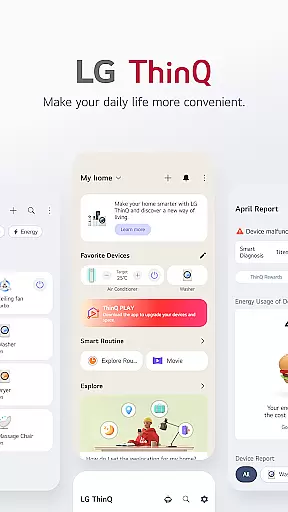
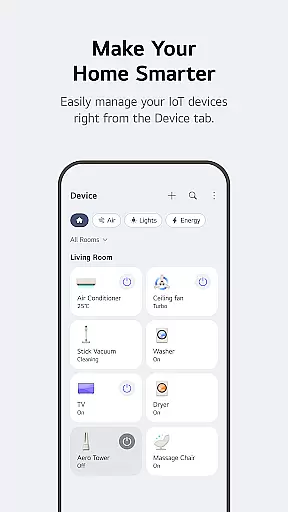
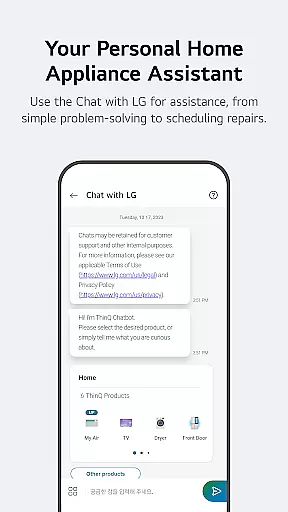
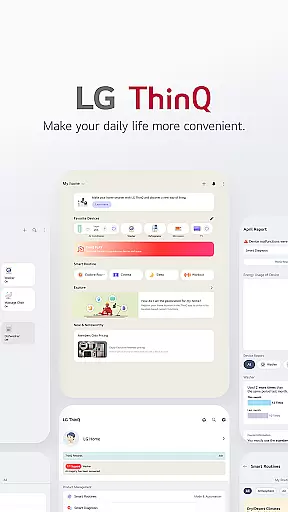
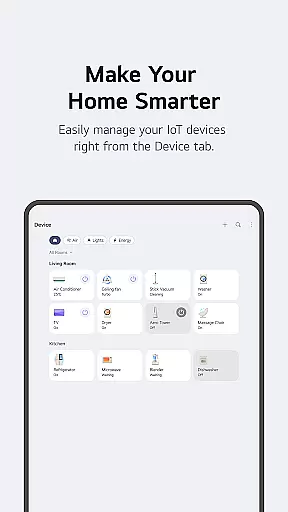
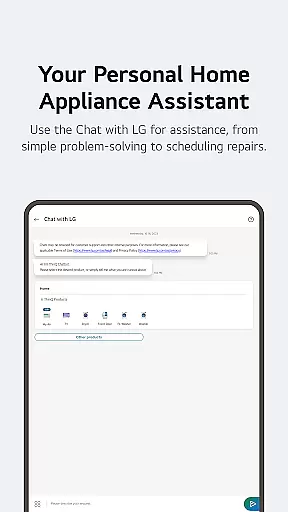
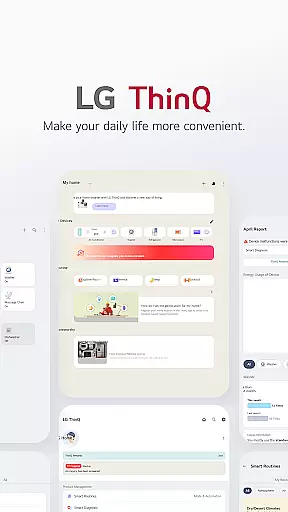
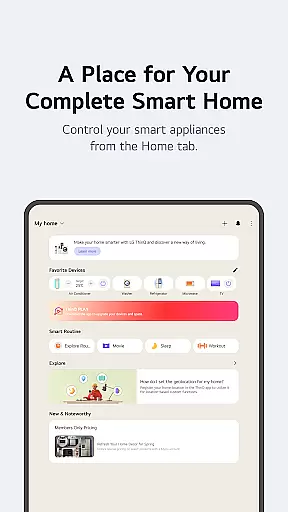
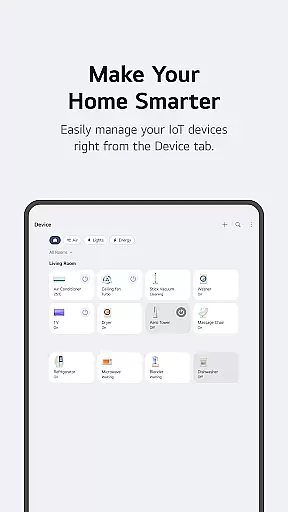
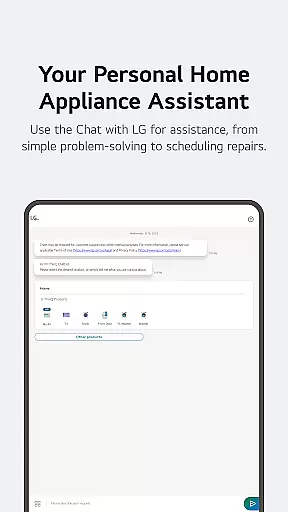
LG ThinQ is a comprehensive smart home solution that connects and controls IoT-enabled LG home appliances. The app serves as a central hub for managing your smart devices, offering features like remote product control, personalized usage recommendations, and energy monitoring. Through its intuitive interface, users can access advanced functionalities such as Smart Diagnosis, automated routines, and AI-powered customer support via 'Chat with LG'.
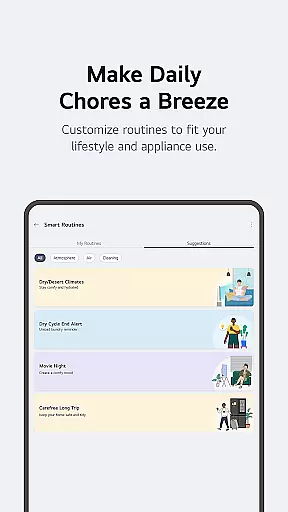
The application's core value lies in its ability to upgrade living spaces through intelligent automation. Users can download additional apps for their AI Home Hub, create customized smart routines for daily activities, and monitor energy consumption compared to neighbors. These features are particularly beneficial for homeowners looking to optimize their smart home ecosystem while saving time and energy costs.
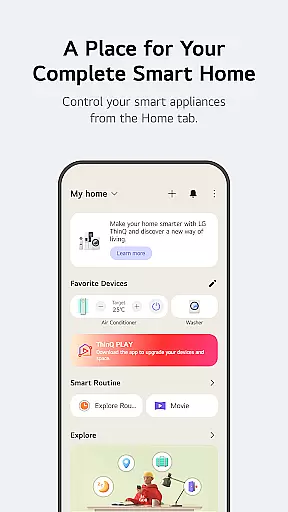
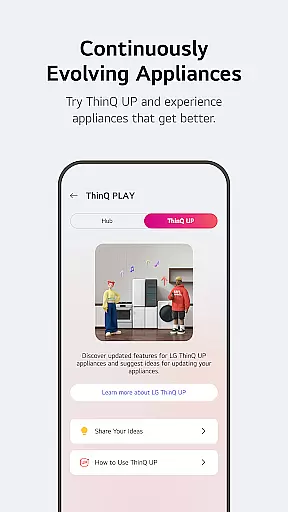
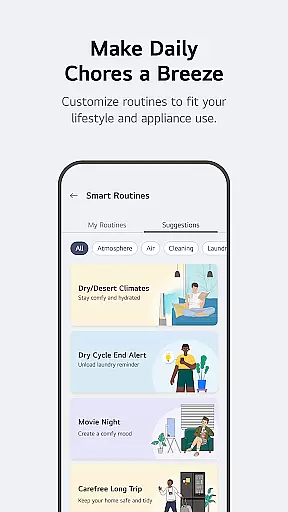
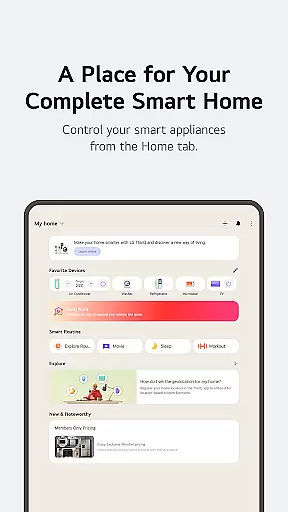
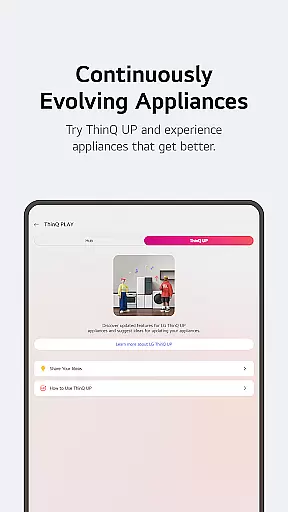
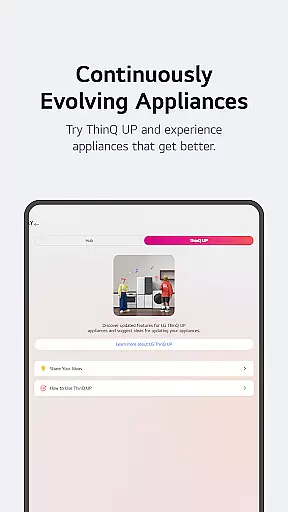
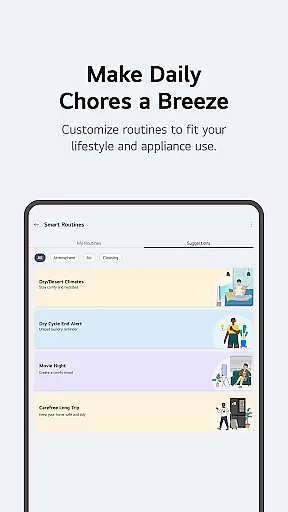
LG ThinQ stands out with its robust feature set designed for modern smart homes. The Home tab provides complete remote control of IoT appliances, while the ThinQ Play section allows users to enhance their products with new capabilities. The app's Smart Routines feature enables automatic device coordination based on user-defined schedules or conditions.
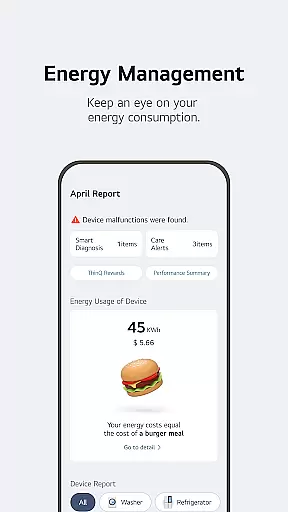
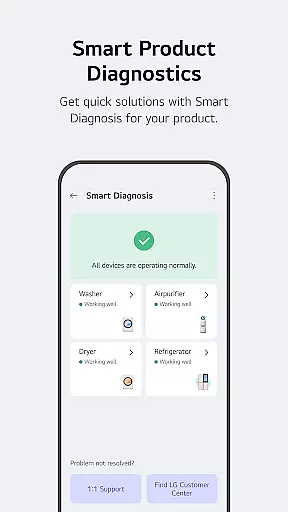
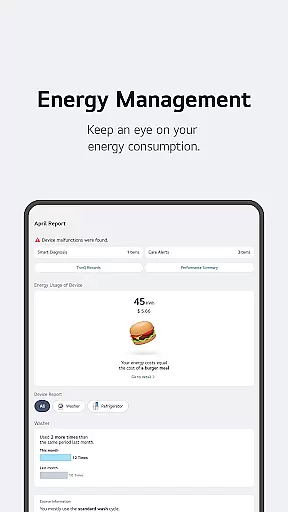
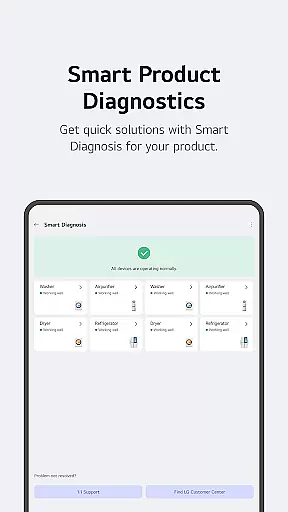
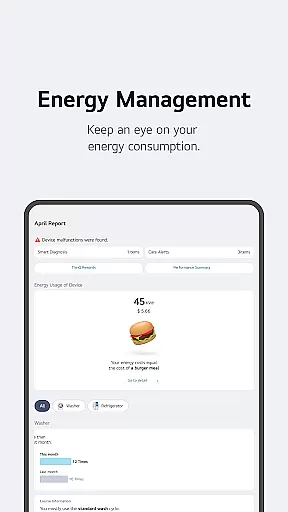
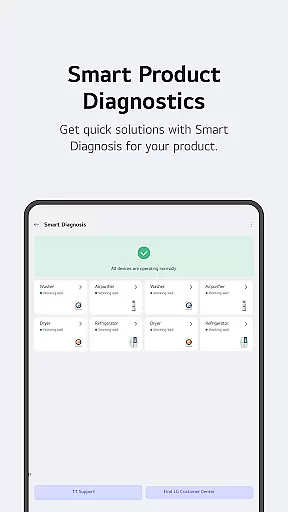
Advanced functionality includes Energy Monitoring tools that help users optimize power consumption and receive status notifications. The integrated 'Chat with LG' support system uses artificial intelligence to deliver personalized assistance. Additionally, the app handles maintenance through Smart Diagnosis and service booking, while providing region-specific services and maintaining strict data privacy standards.
These features collectively create a seamless smart home experience, allowing users to manage their living spaces more efficiently while benefiting from proactive maintenance alerts and personalized recommendations.
LG ThinQ offers comprehensive coverage of lifestyle categories through its smart home ecosystem. The app integrates various IoT-enabled appliances, allowing users to control and monitor their home environment effortlessly.
Through the Home tab, users can access personalized recommendations based on usage patterns, enhancing daily routines. The app's Explore feature provides valuable insights into maximizing the potential of connected devices.
The ThinQ Play section enables users to upgrade their living spaces by introducing new functionalities to existing products. This includes downloading specialized apps for LG AI Home Hub and customizing features according to personal preferences.
With smart routines, energy monitoring, and integrated care services, the app creates a complete smart home solution that adapts to users' lifestyles while promoting energy efficiency and convenience.
LG ThinQ ensures content authenticity through its direct integration with LG-manufactured smart appliances. Each connected device undergoes verification within the app, guaranteeing genuine product information and status updates.
The Smart Diagnosis feature provides expert-level troubleshooting by analyzing appliance data directly from the source. This system has been developed in collaboration with LG's technical experts to ensure accurate diagnostics.
Through the Chat with LG function, users receive AI-powered responses specifically tailored to their registered products. These interactions are based on verified product information and maintenance records.
All service requests and professional engineer visits are coordinated through official LG service channels, maintaining high standards of expertise and reliability in customer support.
User-friendly interface
Comprehensive device control
Energy-saving solutions
AI-powered support
Custom automation options
Limited device compatibility
Region-specific features
Requires stable connection
Premium feature costs
Learning curve for setup

Daily lessons from A Course in Miracles with scheduled reminders
 4.80
4.80
The all-new Cync app. The simple, connected app for Cync and C by GE.
4.50
Premium floor cleaning robots
4.50
This is a simple and highly functional alarm clock "Smart Alarm" paid version.
4.20
Your home in your hand
3.80
A smart Siddur with halachic times
4.50
Retro animated weather with hourly forecast Watch Face for Wear OS
4.60
PARAVOX 4 is a professional ITC paranormal research application.
4.50
Remotely monitor the time and temperature of food cooking on your grill.
4.60
Simple, stylish & fresh watch face. Customize colors, gradients & complications.
4.70
Redecor your home with Home AI interior design, room planner and home designer.
4.50
Get your life organized with My Agenda!
4.30
This minimalist yet classic board design brings a futuristic twist to your wrist
4.20
Mixing Colors for Menswear
4.20
Subwoofer school’s in session! You’ve now enrolled into KICKER U.
3.80
Design and brew great homebrewing beer, mead, cider and wine recipes on the go!
3.60
Unique Dual Colors with 6 Custom Complications for Wear OS watches!
3.40
LineLearner, the quick way to learn lines.
2.90
Big bold weather watch face with dynamic backgrounds and 3 complications
4.2


User Reviews