

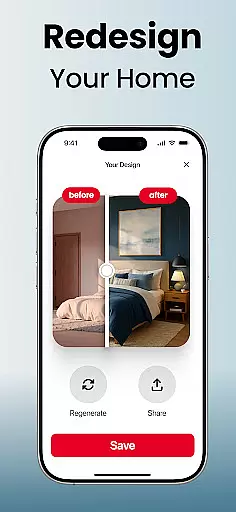
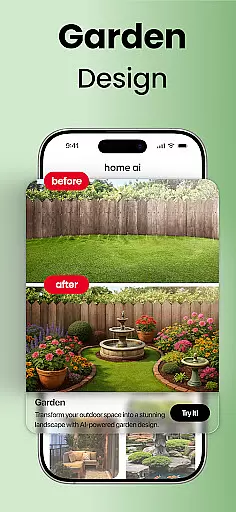

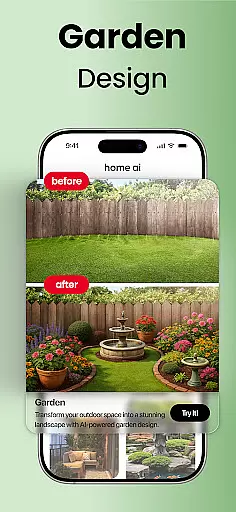
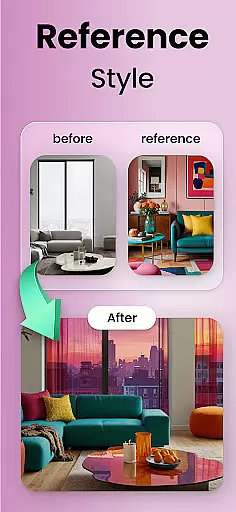
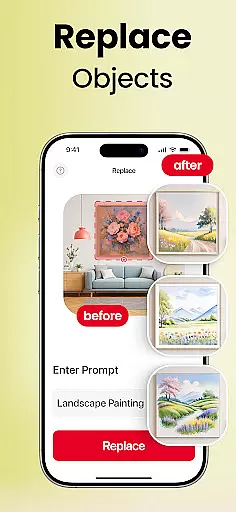
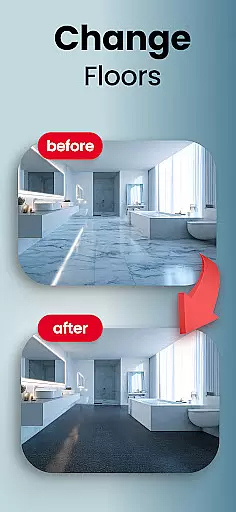
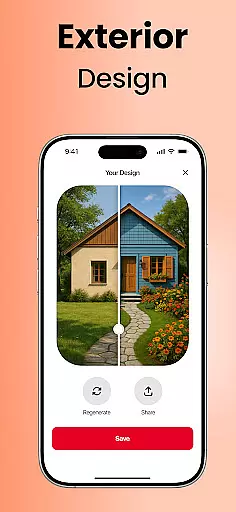
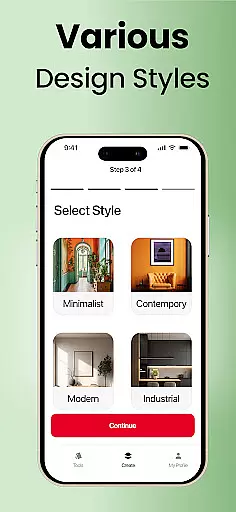

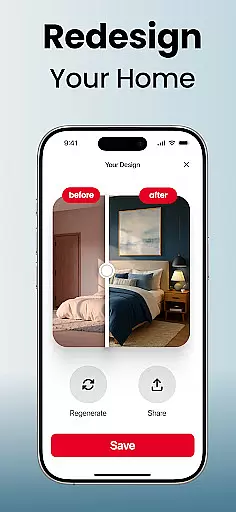
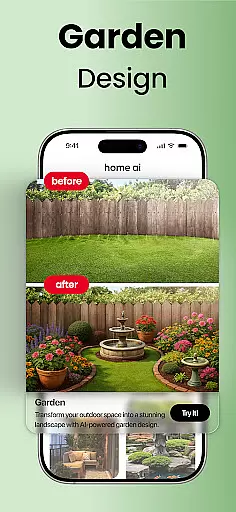
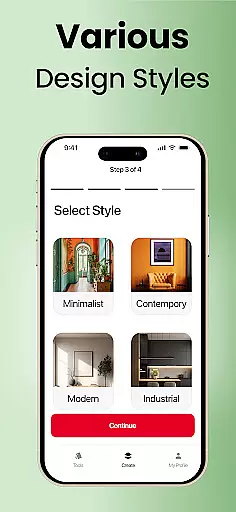
Home AI is an innovative lifestyle application designed to transform the way users approach home design and renovation. This app allows homeowners, designers, and real estate professionals to reimagine spaces through advanced visualization tools. With features like Interior Design, Garden & Landscape, and Exterior Design, users can experiment with layouts, colors, and styles to create harmonious living environments.
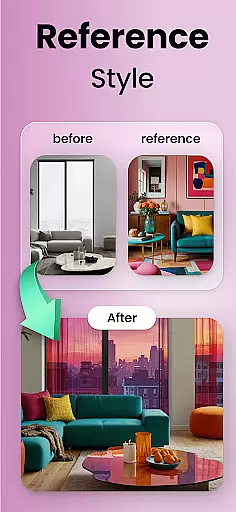
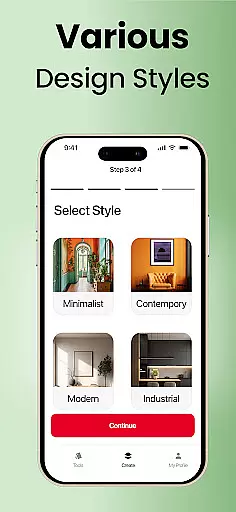
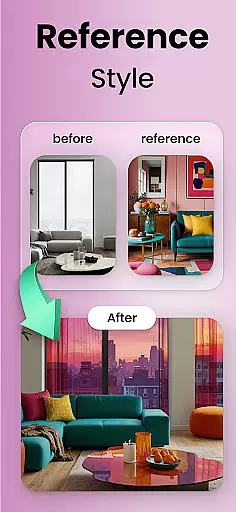
The app's Style Matching and Selective Changes functionalities enable users to upload inspiration photos or mood boards and apply those concepts directly to their own spaces. Whether planning a full renovation or simply refreshing a room's look, Home AI provides the tools to preview design options before making any physical changes. The app also supports saving favorite versions for easy comparison and sharing with others.
Perfect for both personal and professional use, Home AI caters to various needs - from homeowners planning renovations to real estate agents staging properties. The application's ability to handle diverse design scenarios, coupled with its user-friendly interface, makes it an invaluable tool for anyone looking to create more inviting and functional living spaces.
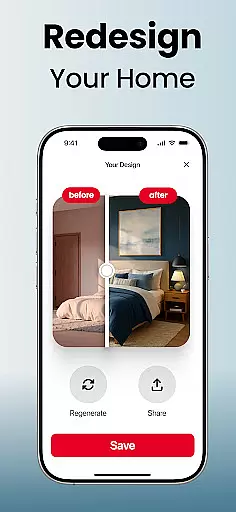
Home AI distinguishes itself through a comprehensive suite of design features that cater to every aspect of home aesthetics. The Interior Design module offers sophisticated tools for rearranging furniture, experimenting with color palettes, and optimizing space utilization in living rooms, bedrooms, and kitchens. Users can visualize different design concepts and instantly see how these changes would impact their living spaces.
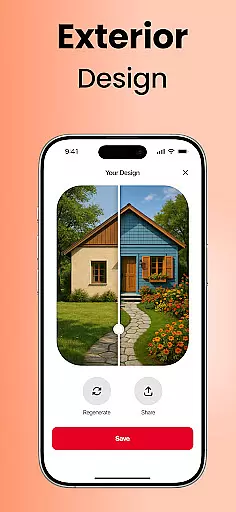
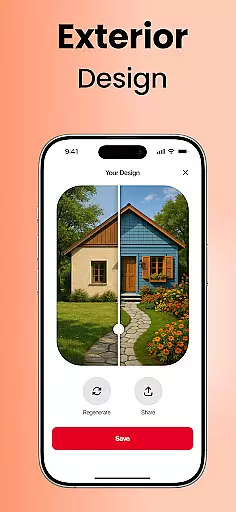
The app's Garden & Landscape feature provides specialized tools for creating outdoor retreats, complete with customizable greenery, pathways, and relaxation areas. Meanwhile, the Exterior Design component enables users to reimagine building facades, balconies, and patios with various architectural elements and finishes. The Style Matching technology analyzes reference images and applies similar aesthetics to users' spaces.
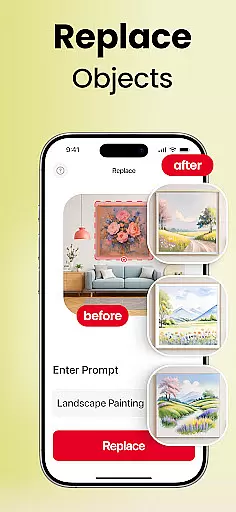
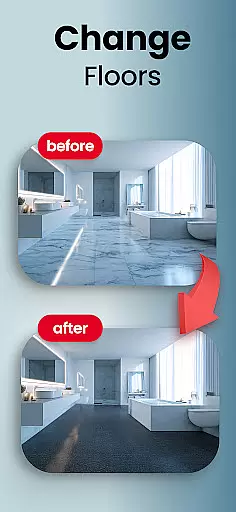
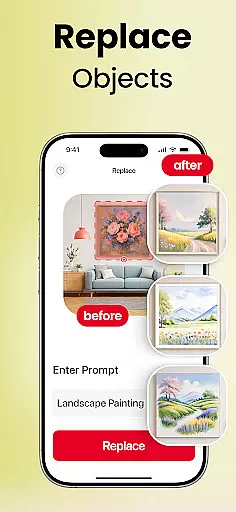
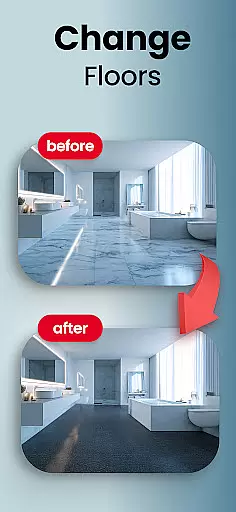
Additional notable features include selective editing capabilities that allow precise modifications such as swapping furniture pieces or changing flooring materials. The app maintains high-resolution quality throughout all transformations and offers seamless integration with popular design platforms. These features collectively provide users with professional-grade design tools accessible through their mobile devices.
Home AI offers an extensive range of design options that cater to various aspects of home and lifestyle enhancement. The app allows users to explore interior design, garden and landscape, as well as exterior facades, ensuring a comprehensive approach to home personalization.
With features like style matching and selective changes, the app provides tools for both indoor and outdoor spaces. Whether it's refreshing living areas with new layouts or creating tranquil garden retreats, Home AI supports diverse lifestyle needs.
The ability to visualize different styles and make informed decisions before implementing changes adds practical value. This feature is particularly beneficial for homeowners planning renovations, real estate agents staging properties, and design enthusiasts looking for inspiration.
By covering a wide array of design elements and offering solutions for different user groups, Home AI ensures that its lifestyle category is all-encompassing, making it a versatile tool for anyone interested in home improvement and design.
Authenticity and credibility are at the core of Home AI's offerings. The app employs advanced AI-powered tools that provide realistic visualizations of design changes, ensuring that what users see is a close representation of potential real-life outcomes.
Expertise is embedded in the app's ability to match reference images and mood boards with precision. Users can trust that their uploaded inspirations will be accurately translated into their own spaces, thanks to the sophisticated algorithms backing the style matching feature.
Furthermore, Home AI is not just about visualization; it's about providing reliable guidance throughout the design process. From saving favorite designs to refining concepts, the app helps maintain consistency and accuracy in every step.
With thousands of users already benefiting from its capabilities, Home AI has established itself as a credible source for home design inspiration and planning, giving users confidence in their creative and renovation endeavors.
User-friendly interface
Comprehensive design tools
High-quality visualizations
Versatile style options
Professional-grade results
Premium features locked
Occasional processing delays
Limited free content
Subscription required
Learning curve present

Design and brew great homebrewing beer, mead, cider and wine recipes on the go!
 3.60
3.60
Easily manage your child's playtime, spending messaging and more.
3.50
Cute animated Thanksgiving watchface for your WearOS smartwatch
4.0
This minimalist yet classic board design brings a futuristic twist to your wrist
4.20
This is a simple and highly functional alarm clock "Smart Alarm" paid version.
4.20
Earn money & gift cards when you take surveys, play games, scan receipts & more.
4.50
Play fun games, complete quick surveys, and earn money. It's fun and easy!
4.40
PARAVOX 4 is a professional ITC paranormal research application.
4.50
Control your Tapo smart devices from anywhere.
4.60
Get the news, events and savings that matter to you with AARP Now.
4.80
Daily lessons from A Course in Miracles with scheduled reminders
4.80
Smart & Healthy Living
4.60
Zodiac & Horoscope Launcher: Daily Sign Predictions & Astrology
4.40
Material You inspired colors with BIG and Bold looks for Wear OS watches.
4.20
Discounts, savings, and rewards
4.20
Spiritus Ghost Box is an Audio and Visual ITC tool for paranormal research.
4.00
Subwoofer school’s in session! You’ve now enrolled into KICKER U.
3.80
Unique informative Dial with Live Moon Phase at a glance!
3.60
The cutest Autumn watchface featuring the adorable Mr. Squirrel
4.4


User Reviews