
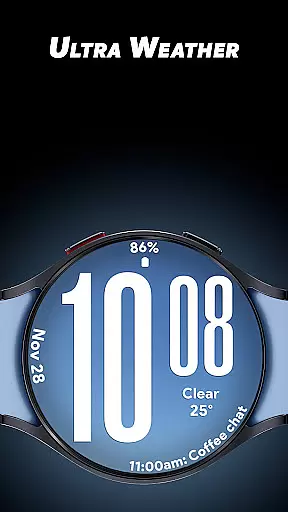
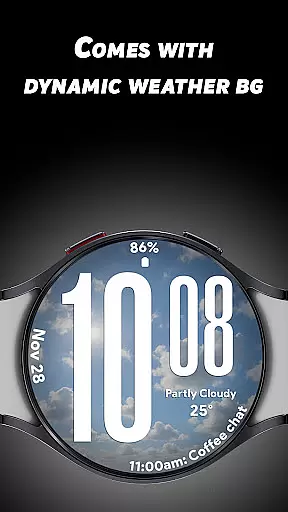
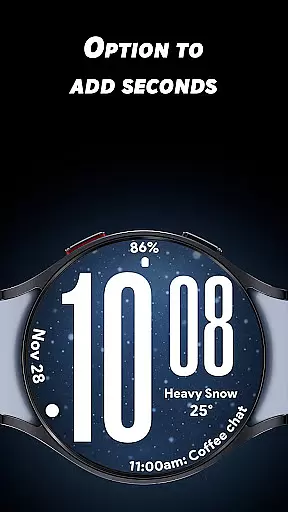
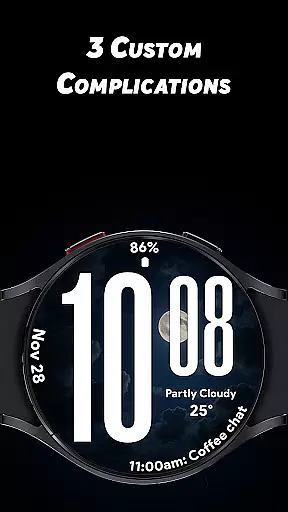
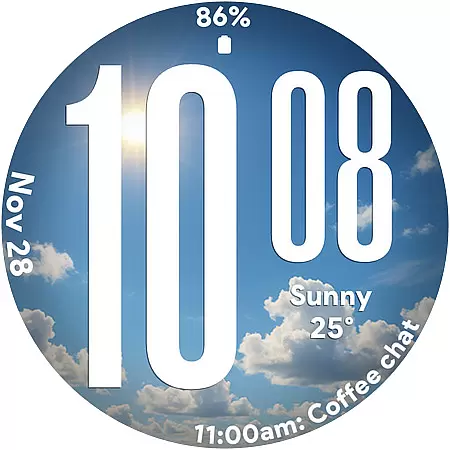
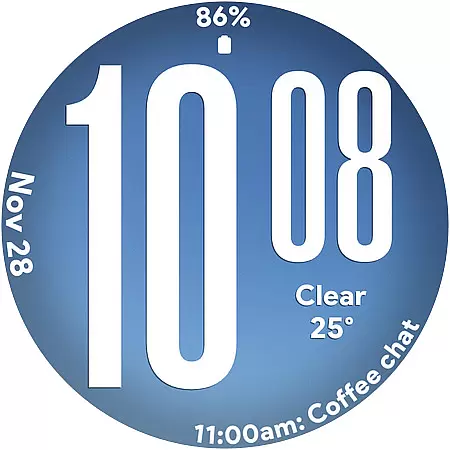
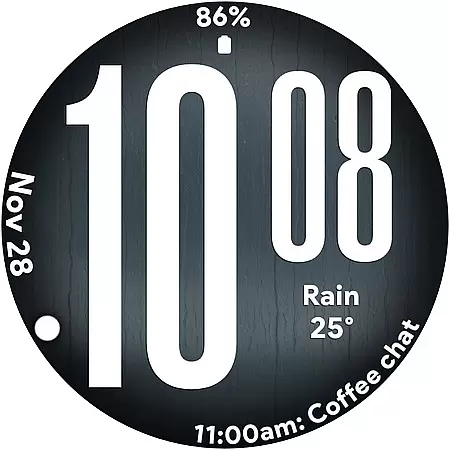
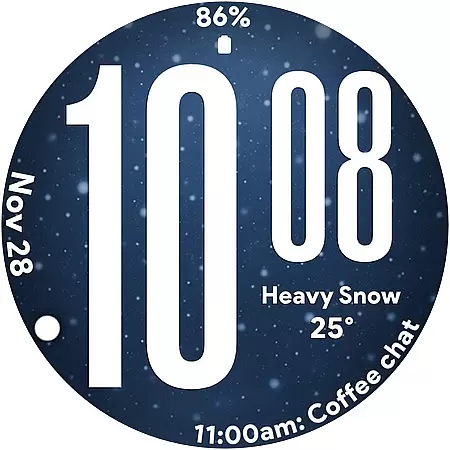
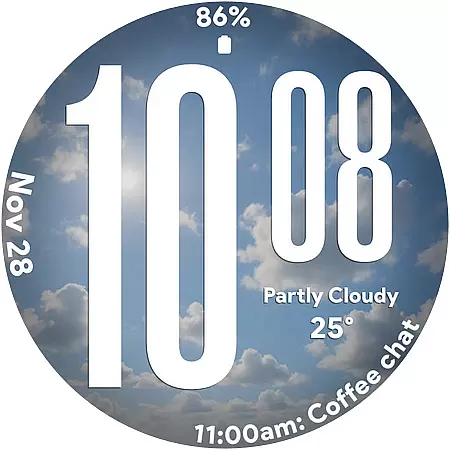
Ultra Weather is a dynamic and visually striking watch face designed specifically for Wear OS devices. This app transforms your smartwatch into a stylish accessory that not only tells time but also reflects real-time weather conditions through automatically updating visuals.
The watch face features oversized digital time display, ensuring maximum readability at a glance. With support for both 12-hour and 24-hour formats, users can customize their time preference while enjoying three additional customizable complications that display essential information like weather details, steps, battery status, and more.
Whether you're an outdoor enthusiast or a busy professional, Ultra Weather enhances your daily routine by providing crucial weather updates directly on your wrist, making it the perfect companion for any lifestyle.
Ultra Weather stands out with its innovative design elements and practical functionalities. The app's signature feature is its dynamic weather backgrounds that change in real-time based on current weather conditions, creating an immersive experience that connects users to their environment.
Beyond its aesthetic appeal, Ultra Weather offers exceptional usability. The big bold digital time ensures instant readability, even during quick glances. Users can personalize their experience with three customizable complications, allowing them to display relevant information such as heart rate, calendar events, or weather forecasts alongside the main time display.
The app also includes an optimized Always-On Display (AOD) mode, which maintains functionality while conserving battery life. This combination of style, customization options, and energy efficiency makes Ultra Weather a top choice for Wear OS users seeking both form and function in their smartwatch faces.
Ultra Weather - Watch face offers a comprehensive lifestyle experience by integrating real-time weather updates directly into your Wear OS device.
This application goes beyond simple timekeeping, providing dynamic weather backgrounds that change based on current conditions, ensuring users are always in touch with the environment around them.
With features like 12/24-hour format support and three customizable complications including weather details, steps, battery status, and heart rate monitoring, it caters to various lifestyle needs.
The combination of style and functionality makes this watch face suitable for everyday use, fitness tracking, travel, and more, offering users an engaging and personalized smartwatch experience.
The Ultra Weather watch face stands out through its commitment to delivering authentic and credible content directly to your wrist.
By featuring real-time weather visuals that automatically adjust based on current conditions, such as sunny, cloudy, rainy, or foggy scenarios, the app ensures that users receive accurate and timely information.
In addition to weather updates, the integration of customizable complications like step counting, battery life, and heart rate monitoring provides reliable data that enhances user engagement and trust.
This dedication to accuracy and expertly curated content ensures that users can depend on Ultra Weather not only for aesthetic appeal but also for practical, real-world applications.
Real-time weather updates
Highly customizable interface
Battery-friendly AOD mode
Instant readability features
Dynamic visual designs
Limited to Wear OS devices
Requires constant connectivity
Premium features may cost extra
Weather data accuracy varies
Customization needs technical skills

Turn your watch into a key fob for your Tesla
 2.90
2.90
Stay connected with your loved ones & vehicles | Share live GPS location updates
4.60
The go to app for taking unlimited notes!
4.50
Spirit Communicator is a real paranormal ghost hunting app with many fun modes.
3.90
Play. Earn. Repeat. Get rewarded for playing mobile games. Welcome to Mobius!
4.80
Made To Order Faves
4.70
Kasa Smart is your portal to your TP-LINK Smart Home.
4.70
Going above and beyond known spirit communication
3.60
Control your Tapo smart devices from anywhere.
4.60
Good magnifier app to see tiny things bigger and more clearly!
4.80
Pay your rent, submit work orders and much more with the RentCafe Resident App.
4.70
Simple, stylish & fresh watch face. Customize colors, gradients & complications.
4.70
The Work of Byron Katie— the mobile app for inner peace.
4.40
Material You inspired colors with BIG and Bold looks for Wear OS watches.
4.20
What is my face shape? Find out your face shape from picture, see fitting frames
3.90
Connect to your Shark ROBOT™ from anywhere using the SharkClean™ App.
3.60
Communicate with your vehicles and Powerwalls anytime, anywhere
3.60
Smart home security protection
3.20
Wear your favorite memories, loved ones, pets or travel photos on your watch
4.3


User Reviews