
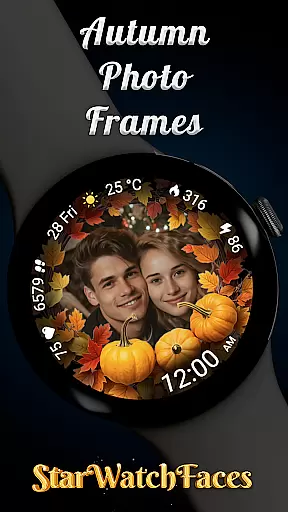
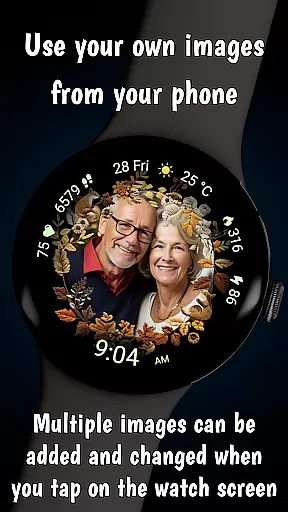
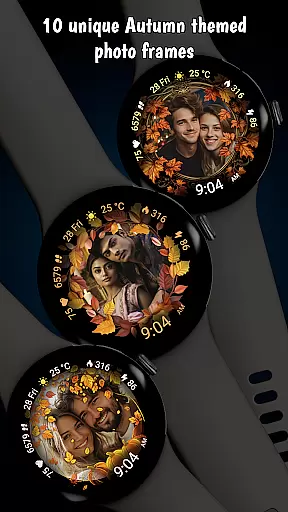
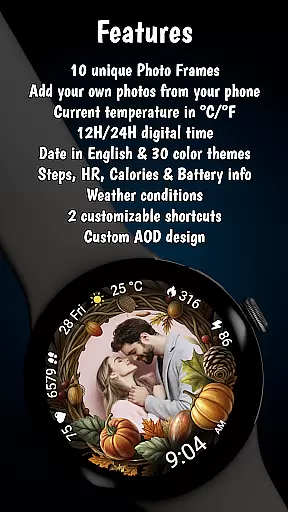
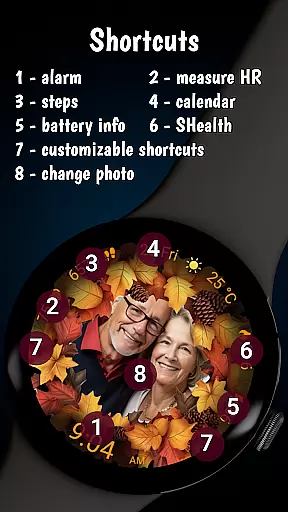


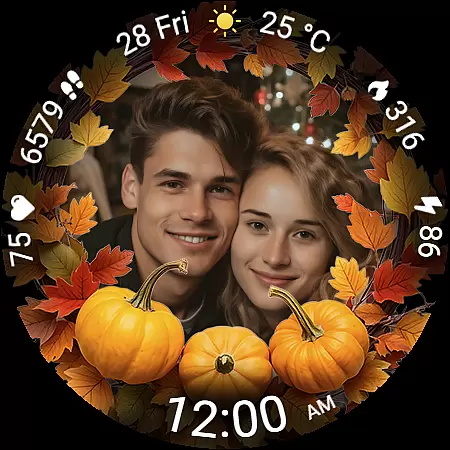
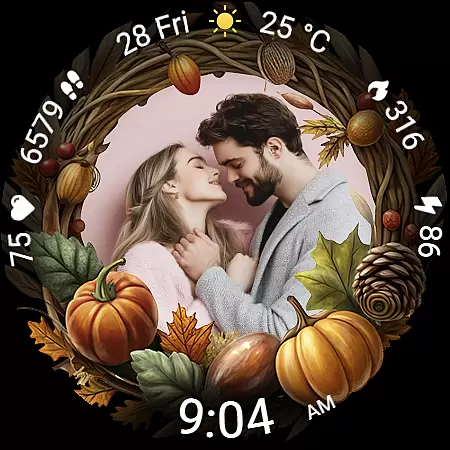
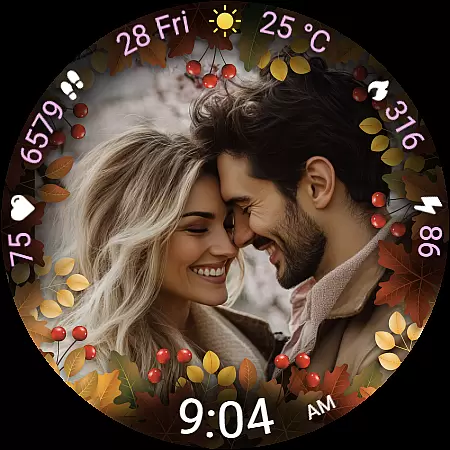
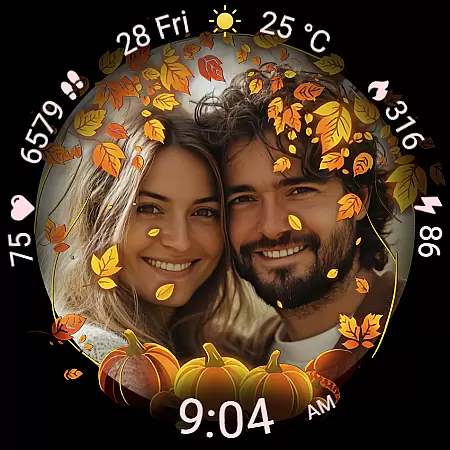
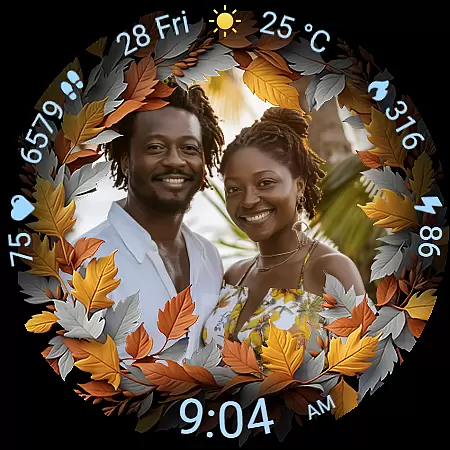
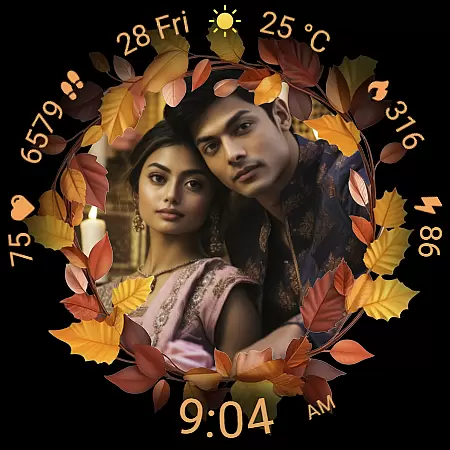
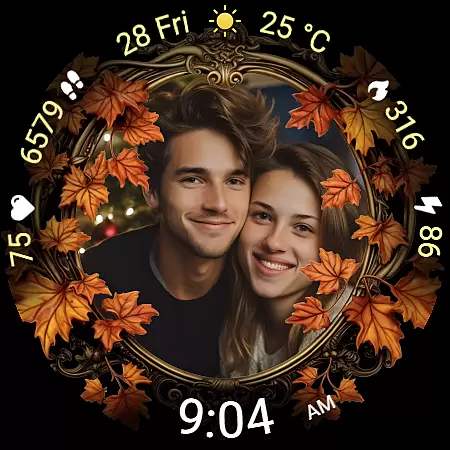
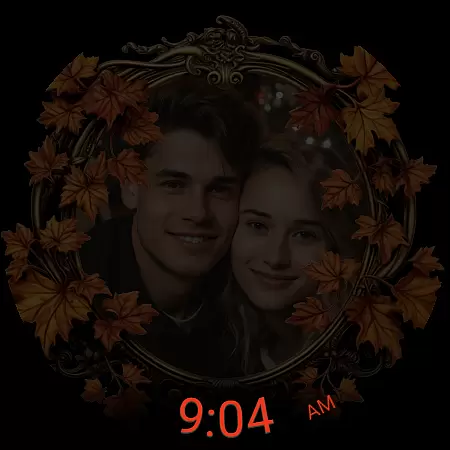
Autumn Photo Frames for WearOS is a premium lifestyle watchface that combines seasonal aesthetics with personalization. This app allows users to display cherished photos within beautifully designed autumn-themed frames directly on their smartwatch. With support for 10 unique frames, 30 color themes, and essential metrics like heart rate, step counter, and weather information, it offers both style and functionality.
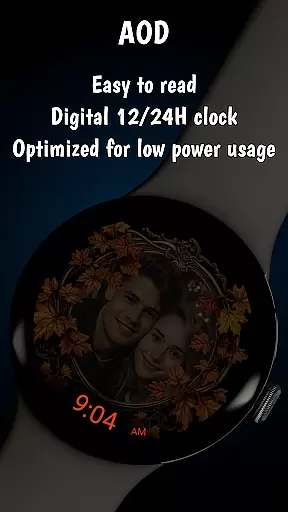
The watchface is optimized for Wear OS 6 or newer devices, providing an always-on display while maintaining battery efficiency. Users can customize the watchface through their phone using companion apps like Wearable for Samsung or Pixel Watch app. The ability to add multiple photos and switch them directly from the watch makes this app both versatile and user-friendly.
This app is perfect for those who want to carry personal memories on their wrist while enjoying the practical benefits of a smartwatch. Whether you're tracking daily activity or simply appreciating the beauty of autumn, this watchface adds emotional value to your wearable experience.
Autumn Photo Frames stands out with its rich customization options and thoughtful design features. The core functionality lets users set their own images inside elegant autumn-themed frames, creating a personal gallery on their wrist. With 10 unique frame designs inspired by seasonal colors and elements, users can match their mood or style effortlessly.
Beyond photo integration, the app includes practical features such as a digital clock in 12h/24h format, date display, battery status, heart rate monitoring, step counter, calorie tracking, and weather updates. These are complemented by 30 customizable color themes and two app shortcuts for quick access to favorite functions. The always-on display ensures visibility while optimizing battery consumption.
What sets this app apart is its seamless blend of sentimentality and utility. By allowing users to personalize every aspect of the watchface, Autumn Photo Frames transforms a smartwatch into a meaningful accessory that reflects individuality and enhances everyday life.
The Autumn Photo Frames watchface for Wear OS offers extensive lifestyle category coverage by integrating personal memories with practical smartwatch functionalities. This application goes beyond simple timekeeping to embrace various aspects of a user's daily life.
With features like heart rate monitoring, step counting, calorie tracking, and weather updates, the watchface serves as a comprehensive lifestyle companion. These elements are seamlessly incorporated into the design, ensuring that users have access to essential health and environmental information without compromising aesthetic appeal.
The availability of 10 unique autumn-themed frames and 30 color themes allows users to tailor their watchface to match seasonal changes or personal moods. This level of customization ensures that the watchface can adapt to different lifestyle needs and preferences.
By combining emotional connection through photo displays with functional metrics such as battery status and customizable shortcuts, this application successfully covers multiple lifestyle categories. Users can maintain their personal style while benefiting from practical smartwatch features.
The Autumn Photo Frames watchface demonstrates strong content authenticity through its carefully designed features and transparent promotional practices. All visual elements and functionalities are clearly described, ensuring users understand exactly what they are getting.
The application's description emphasizes that all couples shown in promotional materials are AI-generated, maintaining transparency about the authenticity of marketing content. This commitment to honesty extends to the product itself, which delivers on its promised features such as custom photo support and various health metrics.
While the application doesn't claim specific expert endorsement, the detailed implementation of features like heart rate monitoring and weather information suggests a level of technical expertise. The inclusion of precise temperature readings and accurate weather condition icons indicates attention to detail and reliability.
The BOGO promotion further enhances credibility by offering tangible value to customers. By providing a clear process for obtaining a free watchface, the developers demonstrate confidence in their product's quality and customer satisfaction. This combination of transparent marketing, reliable features, and customer-focused promotions establishes a solid foundation of content authenticity and credibility.
Highly customizable
Beautiful autumn themes
Real-time health metrics
Optimized battery usage
User-friendly interface
Limited to Wear OS
Requires companion app
Premium pricing
No automatic photo sync
Complex setup for beginners

The Work of Byron Katie— the mobile app for inner peace.
 4.40
4.40
Digital watch face design. Modern looking, hi-res & battery friendly.
4.00
The all-new Cync app. The simple, connected app for Cync and C by GE.
4.50
Discover the "To Be a Christian" App: Your Guide to Deepening Faith!
5.00
Paranormal Spirit Bell Trigger Device
4.30
Good magnifier app to see tiny things bigger and more clearly!
4.80
Mixing Colors for Menswear
4.20
Earn money for every survey and game you play, and get real rewards every time
4.50
Just play, earn rewards, fetch gift cards, and turn gaming into real payouts!
4.80
Get the news, events and savings that matter to you with AARP Now.
4.80
A unique and customizable watch face which rotates its layout every minute.
4.80
Kasa Smart is your portal to your TP-LINK Smart Home.
4.70
Unique "Isometric" style digital watch face for Wear OS
4.50
Discounts, savings, and rewards
4.20
Use your device sensors to detect energy and convert it into spoken words.
4.10
An Eerie Musical Trigger Toy for Spirits to Play with!
3.50
Smart home security protection
3.20
Turn your watch into a key fob for your Tesla
2.90
Immerse yourself in the serenity of lavender fields and white butterflies
4.1


User Reviews