
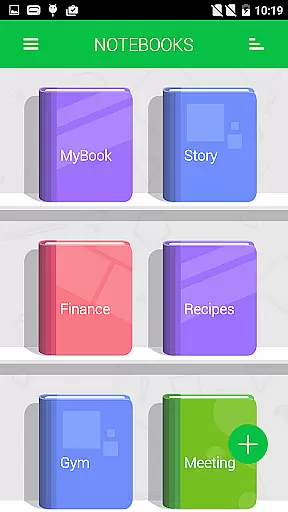
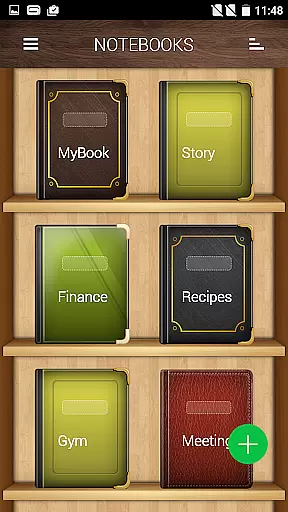
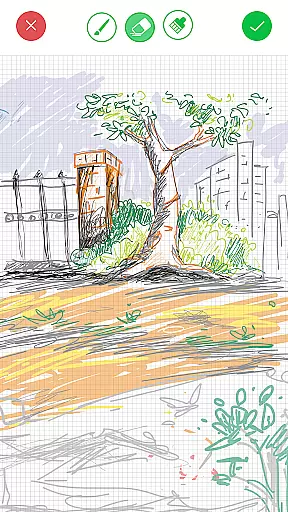

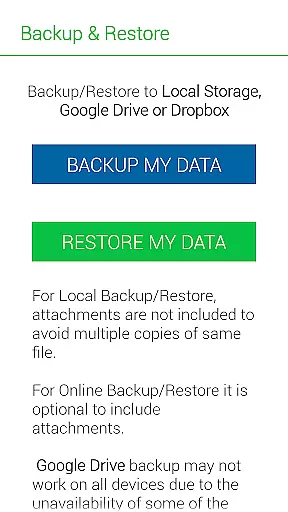
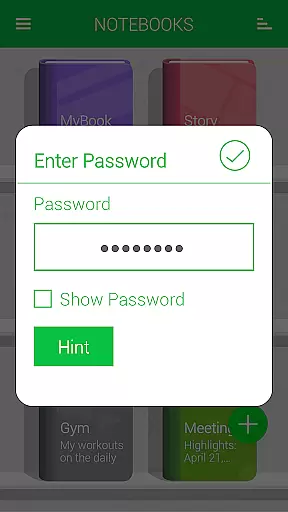
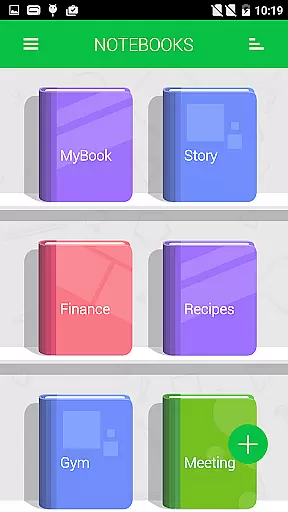
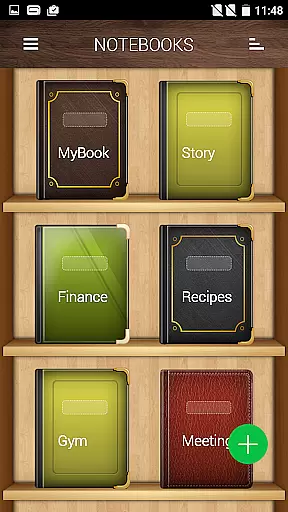
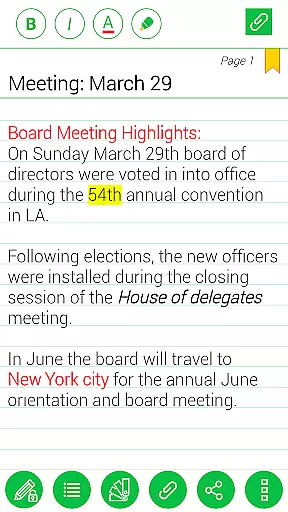
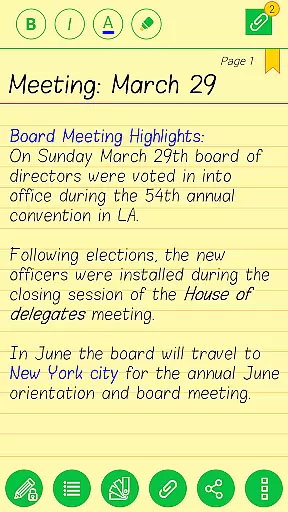
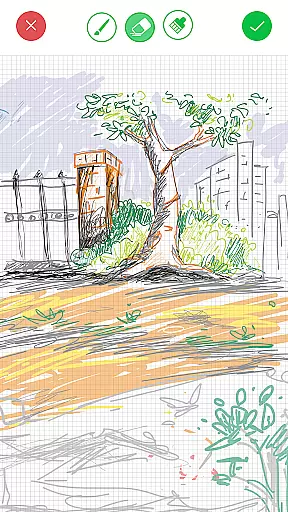


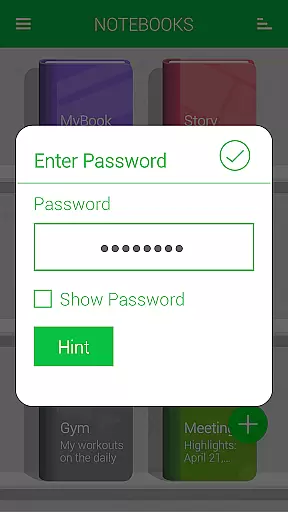
Notebooks Pro is a versatile digital note-taking application designed to replace traditional paper notebooks. The app allows users to create multiple subject-specific notebooks, each with customizable covers, titles, and page styles. With features like password protection, fingerprint unlocking, and instant search, it ensures both security and ease of use. Users can attach images, create freehand drawings, and even export notebooks or individual pages to PDF format. The app supports backup and restore functionality to cloud services like Google Drive and Dropbox, making it an ideal tool for students and professionals who need organized and secure note management.
The application's intuitive design and rich feature set make it suitable for various use cases. Whether you're a student needing to organize lecture notes or a business professional managing meeting records, Notebooks Pro provides the tools necessary to keep your information structured and accessible. Its ability to customize fonts, themes, and page layouts allows users to tailor their notebooks to specific preferences, enhancing both productivity and enjoyment in the note-taking process.
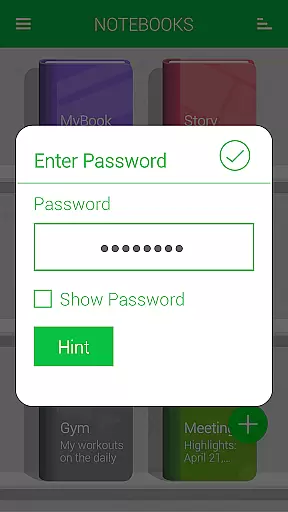
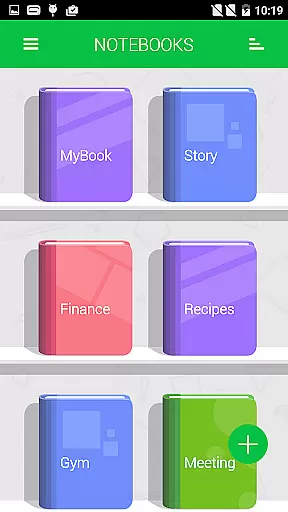
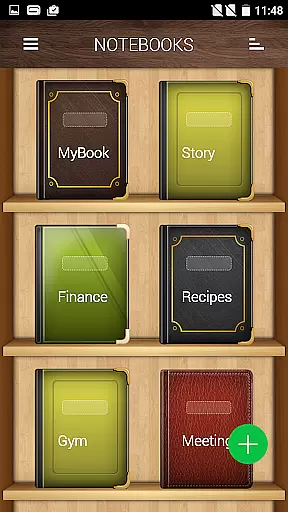
Notebooks Pro stands out with its comprehensive feature set tailored for efficient note management. One of its key strengths is the ability to create multiple notebooks, each with unique customization options. Users can personalize cover designs, choose from various page styles, and set custom titles for better organization. The app also offers advanced security features such as password protection and fingerprint unlocking, ensuring that sensitive information remains private.
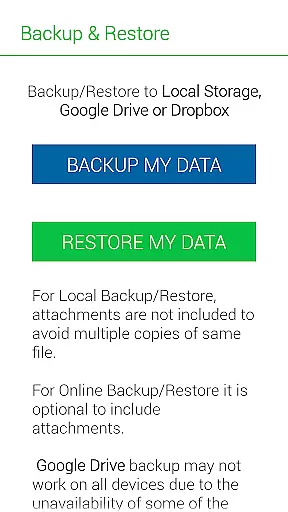
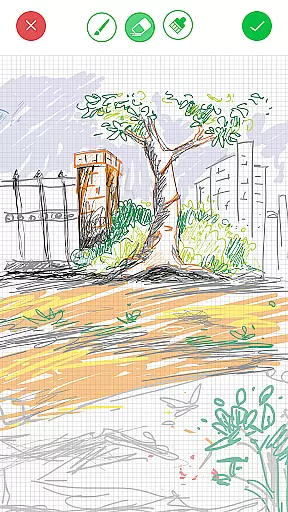
Beyond basic note-taking, Notebooks Pro includes several innovative tools. The instant search function allows users to quickly locate specific entries within each notebook. The app supports multimedia attachments, including images and freehand drawings, enabling more expressive note-taking. Additionally, the ability to export content to PDF format with attachments makes it easy to share and archive important information. With seamless integration with cloud services like Google Drive and Dropbox, users can securely back up their data and access it across multiple devices.
Notebooks Pro exemplifies comprehensive lifestyle category coverage by addressing various note-taking needs across different walks of life. Whether you are a student, a business professional, or someone who loves to jot down thoughts on the go, this app has features tailored for you.
The application allows users to create multiple notebooks for every subject, ensuring that notes remain organized and clutter-free. With customizable covers, titles, and page styles, it brings a personal touch to each notebook, making the experience unique and engaging.
Moreover, Notebooks Pro supports attaching image files, free-hand drawings, and even exporting entire books or pages to PDFs with attachments. This versatility ensures that whether you're sketching diagrams, capturing lecture notes, or drafting business plans, the app adapts to your lifestyle seamlessly.
In today's digital age, content authenticity is paramount, and Notebooks Pro rises to the occasion by providing credible and reliable features vetted by experts in note-taking technology. The app includes functionalities like password protection, fingerprint unlocking, and instant search within each notebook, which are crucial for maintaining the integrity and security of your information.
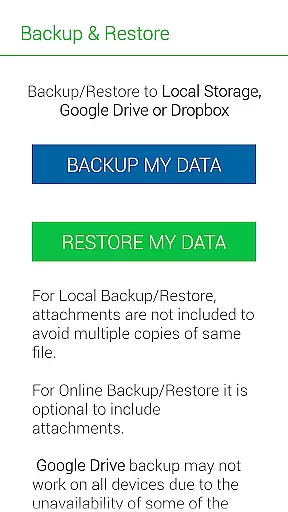
Additionally, the ability to backup and restore data to trusted cloud services such as Google Drive and Dropbox underscores the appu2019s commitment to safeguarding user data. These integrations are not just about convenience but also about ensuring that your notes are stored securely and are accessible from anywhere.
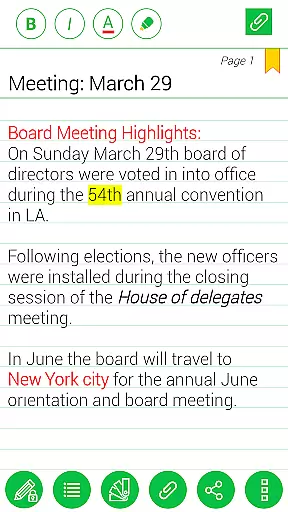
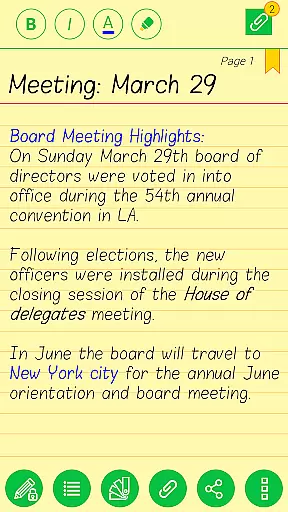
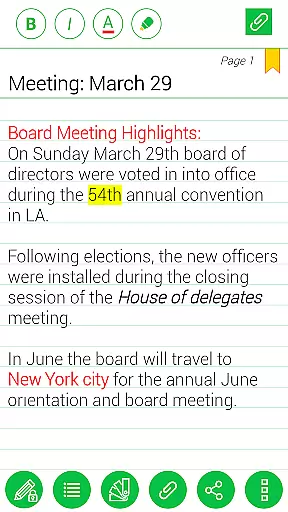
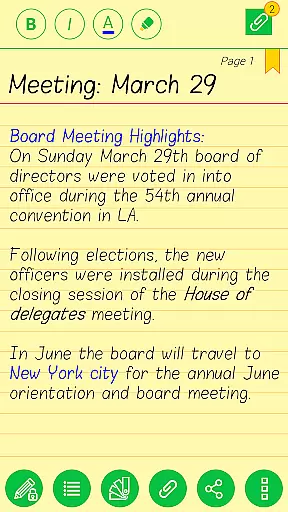
Notebooks Pro also offers rich text editing options including bold, italics, and colored highlights, allowing users to format their notes professionally. Such features reflect the app's dedication to delivering an authentic and expertly crafted note-taking experience that stands up to scrutiny and meets high standards of usability and reliability.
User-friendly interface
Customizable notebook options
Secure data protection
Multimedia attachment support
Cloud backup functionality
Limited language support
No collaboration features
Premium version required
Occasional syncing issues
Steep learning curve

Countdown to Christmas 2025 with festive games & activities in a virtual village
 4.80
4.80
Tap to the beat with interactive videos — warm up your reflexes & have fun
4.70
Bring the warm colors of fall directly to your wrist with Autumn Leaves!
4.5
Unique "Isometric" style digital watch face for Wear OS
4.50
Do you want to communicate with spirits?
3.80
Made To Order Faves
4.70
An Eerie Musical Trigger Toy for Spirits to Play with!
3.50
DailyGift can help you record your habits and get rewards along the way!
4.60
No more juggling multiple apps, now you can control everything in one place!
4.60
Get roadside help, discounts, travel tools & more — AAA is with you everywhere.
4.80
Your store’s deals, where you are.
4.80
Colorful minimal digital watch face for Wear OS
4.60
A smart Siddur with halachic times
4.50
Get your life organized with My Agenda!
4.30
Digital watch face design. Modern looking, hi-res & battery friendly.
4.00
Spirit Communicator is a real paranormal ghost hunting app with many fun modes.
3.90
Your home in your hand
3.80
Going above and beyond known spirit communication
3.60
Discover how to help puppies stay calm around noise with this helpful app.
4.5


User Reviews