
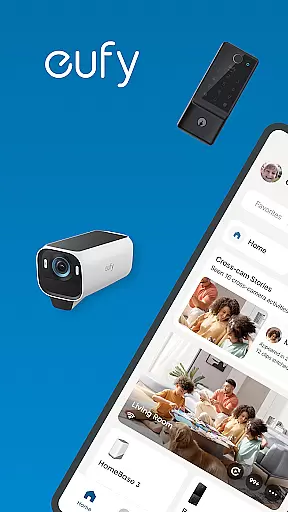
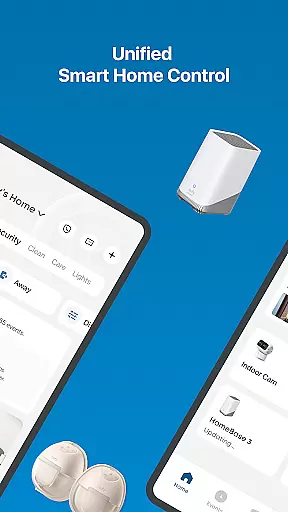
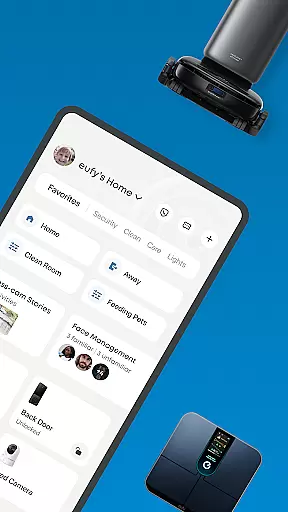
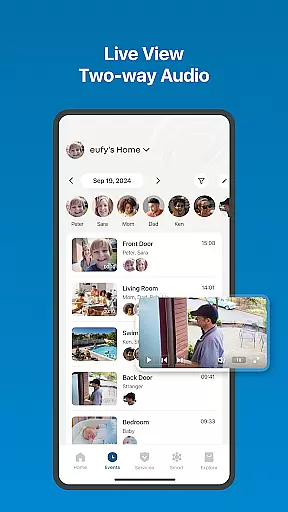
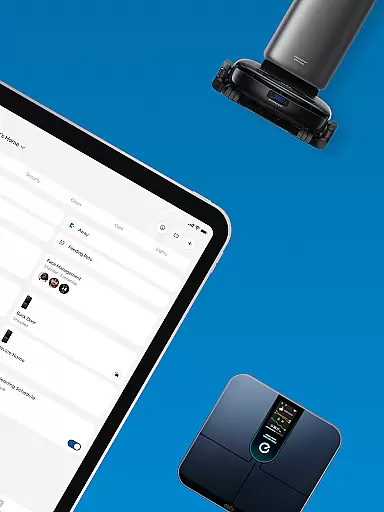
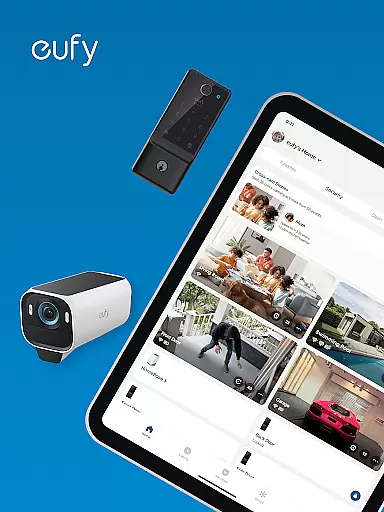
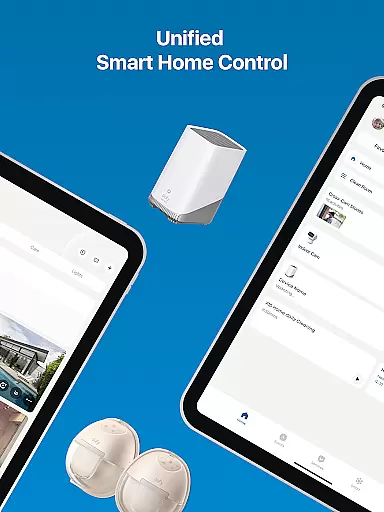
eufy Security is a comprehensive smart home app that integrates various eufy product lines into one unified platform. The app allows users to manage security devices like cameras and doorbells, control cleaning robots, monitor health data from smart scales, oversee baby monitoring products, and even interact with pet supplies. With seamless integration across different categories, the app provides a complete smart home experience.
The app's key advantage lies in its ability to consolidate multiple functionalities into one interface. Whether you're securing your home with advanced security features, maintaining cleanliness with smart cleaning devices, or tracking health metrics, eufy Security ensures convenience and efficiency. This makes it an ideal choice for tech-savvy homeowners looking to simplify their smart home management.
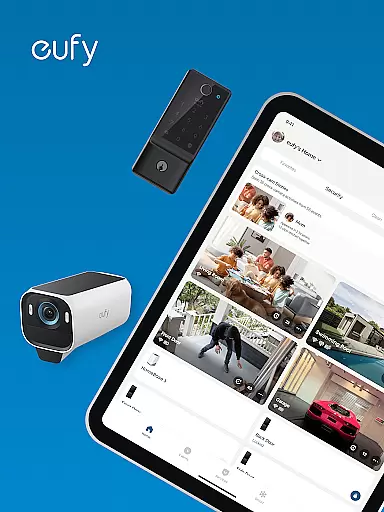
eufy Security offers a wide range of features designed to enhance smart home living. One standout feature is its robust home security system, which includes HomeBase, eufyCam, Video Doorbell, and Entry Sensors. These devices provide privacy protection, long battery life, and compatibility with Alexa and Google Assistant, ensuring reliable home monitoring.
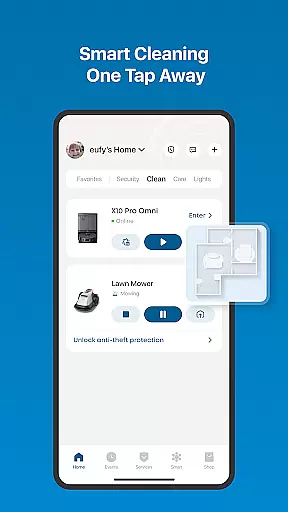
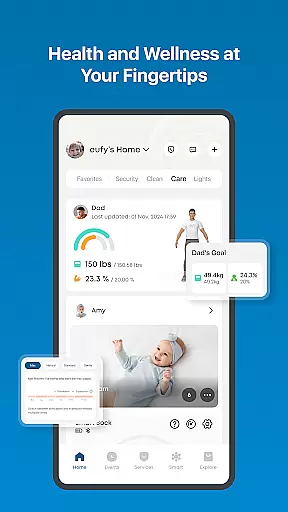
In addition to security, the app supports smart cleaning devices, allowing users to schedule cleanings and customize preferences remotely. It also syncs with health devices, offering detailed insights into body metrics like BMI and muscle mass. For parents, the app connects to baby monitors, while pet owners can manage feeding schedules and training routines. Each feature is crafted to deliver convenience and peace of mind.
What sets eufy Security apart is its focus on user privacy and intuitive design. Data is encrypted locally, and the setup process is straightforward, making it accessible for all users. With regular firmware updates and responsive customer support, the app ensures a reliable and future-proof smart home ecosystem.
The eufy App offers comprehensive coverage across multiple lifestyle categories, making it an all-encompassing solution for smart home management. It integrates various product lines including eufy Security for home protection, eufy Clean for smart cleaning solutions, eufy Baby for parental care, and eufy Pet for pet management.
Each category is meticulously designed to provide specialized functionalities. For instance, the security segment includes advanced devices like HomeBase, eufyCam, and Video Doorbell, while the cleaning range features robotic vacuums such as eufy Clean S1 Pro and X10 Pro Omni. This diversity ensures users can manage different aspects of their home environment efficiently through a single platform.
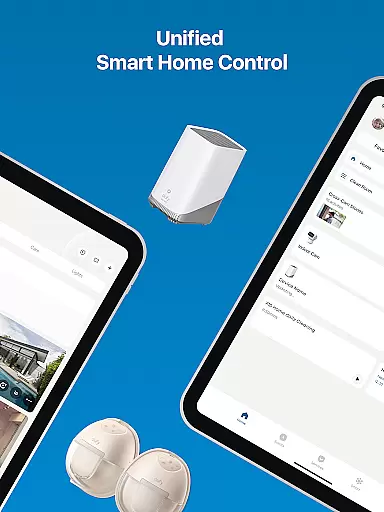
Users benefit from having unified control over their smart devices, eliminating the need for multiple apps. The app's intuitive interface allows seamless navigation between different product categories, providing a hassle-free experience. Whether monitoring home security or scheduling cleaning sessions, the eufy App streamlines these tasks effectively.
This extensive coverage demonstrates eufy's commitment to enhancing modern living. By consolidating various smart home functions into one app, users enjoy convenience, time savings, and improved quality of life, making the eufy App an essential tool for contemporary households.
Authenticity and credibility form the backbone of the eufy App's content strategy. All information presented within the app comes directly from verified eufy products, ensuring accuracy and reliability. The development team collaborates with industry experts to maintain high standards in both functionality and content delivery.
For health-related features, the app syncs data from Smart Scale products and integrates with established platforms like Apple Health, Google Fit, and Fitbit. This integration guarantees that users receive precise health metrics, including body fat percentage and BMI, backed by recognized health technology standards.
In maternal and infant care, the app provides professional-grade services through its connection with eufy Baby products. Users can monitor their infants in HD and access real-time data about their well-being. These features are developed in consultation with child care experts to ensure safety and effectiveness.
The app's commitment to expert validation extends to customer support as well. A dedicated team stands ready to assist users with any questions or technical issues, reinforcing the reliability of the information and services provided. This approach builds trust and establishes eufy as a credible authority in smart home solutions.
User-friendly interface
Comprehensive device integration
Strong focus on privacy
Regular firmware updates
Responsive customer support
Limited third-party compatibility
Advanced features require specific models
Occasional connectivity issues
Premium features come at extra cost
Steep learning curve for beginners

Fly your Solo like a boss.
 4.10
4.10
Chat, meet genuine singles in your area. Real connections start with being real.
4.30
Big bold weather watch face with dynamic backgrounds and 3 complications
4.2
Smart controls for your Ember Smart Mugs
4.10
Unique "Isometric" style digital watch face for Wear OS
4.50
SmartHQ: Your Connected Home Command Center
4.10
Creativity and savings for kids, beginners and experts in arts and crafts
3.50
Falling Fruit is a massive collaborative map of food in our cities.
3.20
DailyGift can help you record your habits and get rewards along the way!
4.60
Premium floor cleaning robots
4.50
Earn points with every purchase with Moe Rewards.
4.20
Material You inspired colors with BIG and Bold looks for Wear OS watches.
4.20
Unique BIG BOLD TIME with amazing colors and customisations.
3.70
Design and brew great homebrewing beer, mead, cider and wine recipes on the go!
3.60
Communicate with your vehicles and Powerwalls anytime, anywhere
3.60
Going above and beyond known spirit communication
3.60
Smart home security protection
3.20
A daily quote for success
4.4
The cutest Autumn watchface featuring the adorable Mr. Squirrel
4.3


User Reviews