
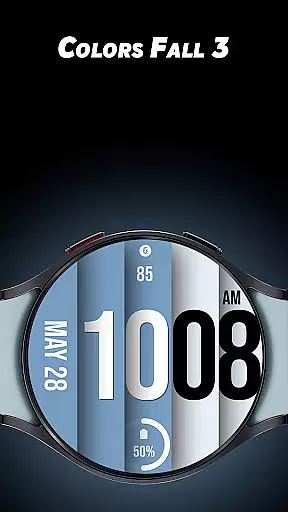
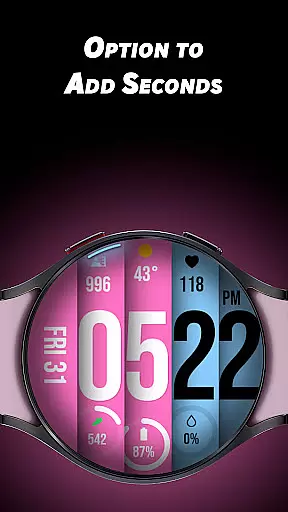
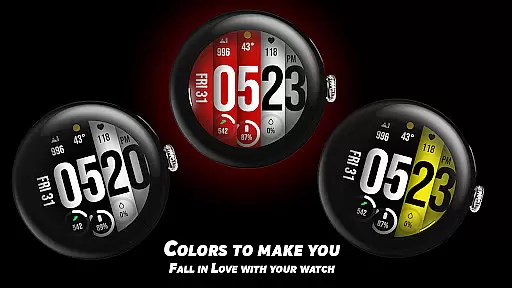
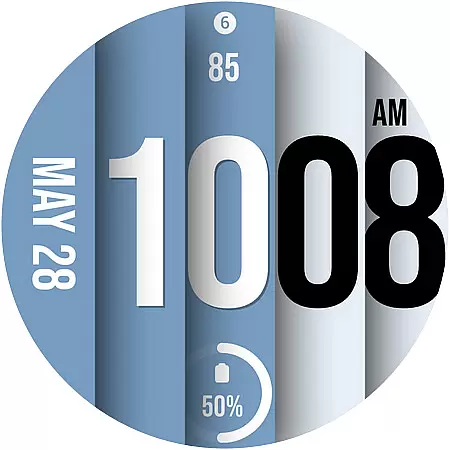
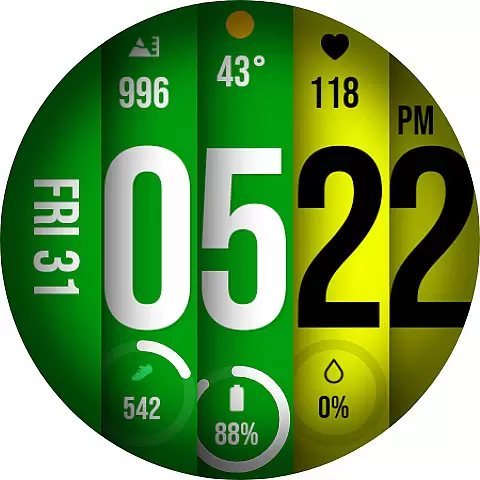
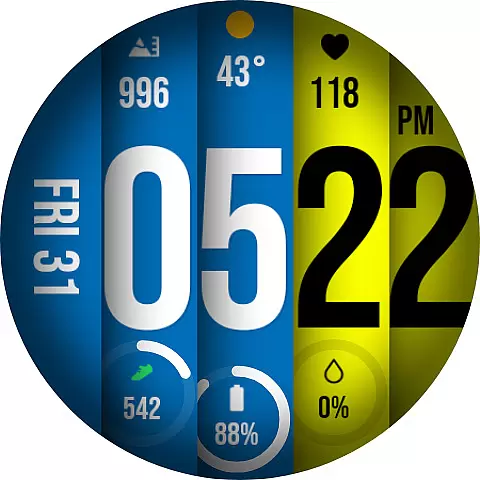
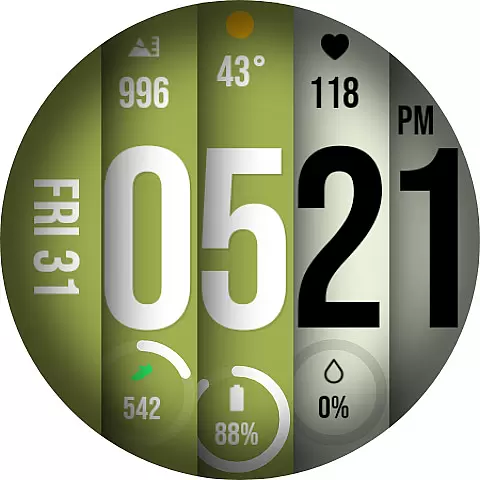
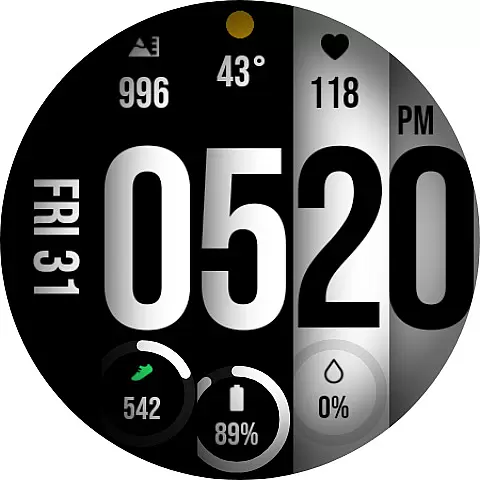
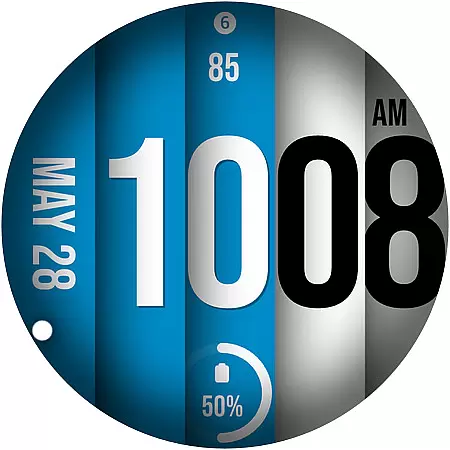
Colors Fall 3 is a dynamic watch face app designed specifically for Wear OS devices, offering users a unique and colorful experience. With its bold design and customizable features, this app allows you to personalize your smartwatch like never before.
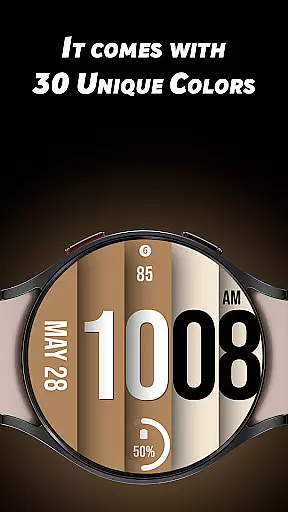
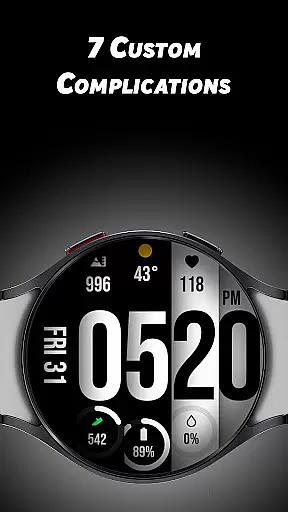
The app provides 30 distinctive color options and supports up to 7 custom complications, giving users the flexibility to tailor their watch face to match their personal style. Whether you prefer a minimalist look or a vibrant display, Colors Fall 3 caters to all preferences.
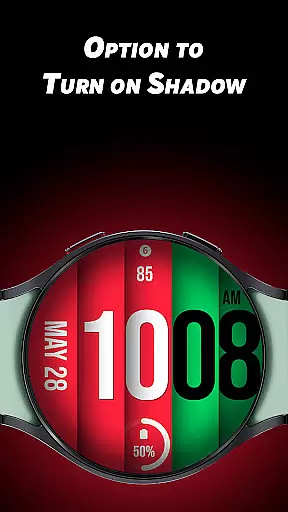
One of the standout features is the optional shadow effect and the ability to display seconds with a unique rotating animation around the edge of the watch. This creates a visually appealing experience while maintaining functionality. Suitable for those who value both aesthetics and practicality in their wearable technology.
Colors Fall 3 stands out with its array of customization options that cater to individual preferences. Users can choose from 30 unique colors to create a personalized watch face that suits their mood or style. The inclusion of 7 custom complications ensures that essential information is always accessible at a glance.
The app also offers advanced features such as an optional shadow effect that adds depth to the display, and a rotating second hand that moves along the edge of the watch face. These elements not only enhance the visual appeal but also provide a functional aspect to the timekeeping experience.
With support for both 12-hour and 24-hour formats, Colors Fall 3 ensures compatibility with various timekeeping preferences. The variety of colors and customization options make it an ideal choice for users looking to express their personality through their wearable device.
Colors Fall 3 - Watch face offers a comprehensive lifestyle experience by providing users with a wide range of customization options. The app includes 30 unique colors and 7 custom complications, allowing users to tailor their Wear OS devices to match their personal style.
In addition to color and complication options, the watch face features functional enhancements such as the option to display time in 12/24-hour formats. This ensures the app caters to both casual users looking for aesthetic appeal and those who need practical functionality in their daily lives.
The ability to turn on shadows and enable seconds with a unique rotating animation adds another layer of personalization. These features make the app suitable for various lifestyle scenarios, whether it's for professional settings or casual everyday use.
The Colors Fall 3 - Watch face demonstrates content authenticity through its well-documented features and clear descriptions. Each customization option is explicitly explained, ensuring users understand the capabilities and can trust the app's functionality.
With bold design choices and unique features like the rotating seconds animation, the app establishes credibility by delivering on its promise of providing a BIG BOLD look. Users can be confident that the advertised features, such as shadow effects and multiple color options, are implemented thoughtfully.
While the app doesn't claim expert validation, the attention to detail in its feature set suggests a level of expertise in both design and technical implementation. This combination of visual appeal and functional reliability makes Colors Fall 3 a trustworthy choice for enhancing Wear OS devices.
Highly customizable
Vibrant color options
Unique animations
Supports complications
User-friendly interface
Limited to Wear OS
May drain battery
Not suitable for all watches
Fewer features than some competitors
Requires Wear OS update

Countdown to Christmas 2025 with festive games & activities in a virtual village
 4.80
4.80
Digital watch face design. Modern looking, hi-res & battery friendly.
4.00
Daily lessons from A Course in Miracles with scheduled reminders
4.80
A daily quote for success
4.0
Unique "Isometric" style digital watch face for Wear OS
4.50
Made To Order Faves
4.70
Communicate with your vehicles and Powerwalls anytime, anywhere
3.60
LineLearner, the quick way to learn lines.
2.90
Create slime on your phone and enjoy satisfying and relaxing ASMR games
4.50
Get roadside help, discounts, travel tools & more — AAA is with you everywhere.
4.80
Good magnifier app to see tiny things bigger and more clearly!
4.80
Crochet made easy: step-by-step tutorials, beginner patterns & projects
4.60
Get your life organized with My Agenda!
4.30
This is a simple and highly functional alarm clock "Smart Alarm" paid version.
4.20
SmartHQ: Your Connected Home Command Center
4.10
Paranormal EVP, Ghost Box, Spirit box, ITC, Haunted, Spirit communication device
3.70
Design and brew great homebrewing beer, mead, cider and wine recipes on the go!
3.60
Turn your watch into a key fob for your Tesla
2.90
Unique Dark Analog style for Wear OS watches.
4.3


User Reviews