
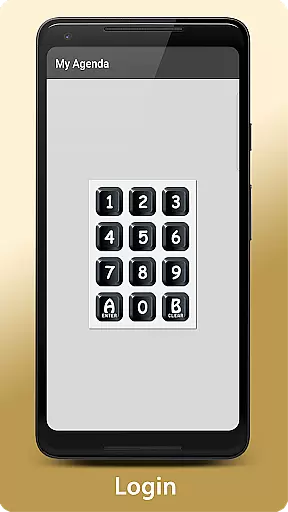
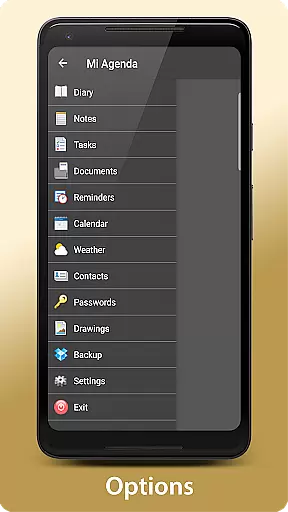
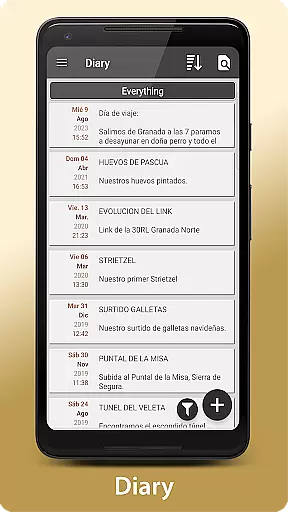
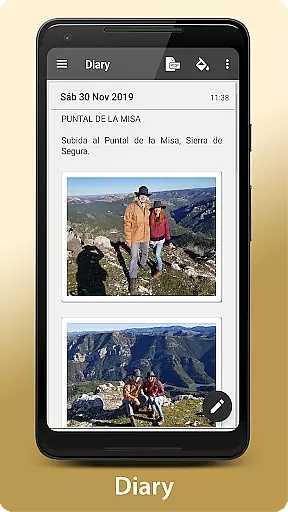
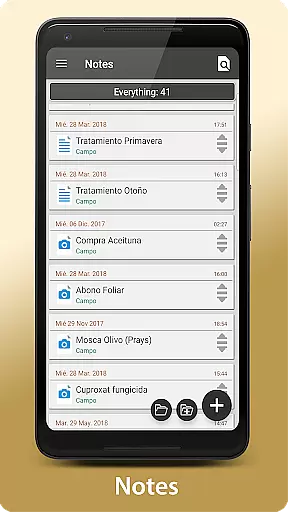
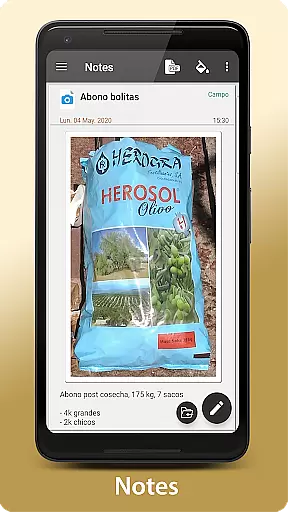
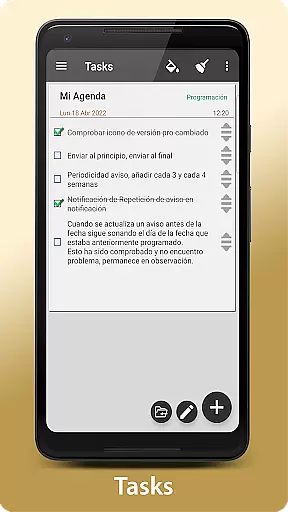
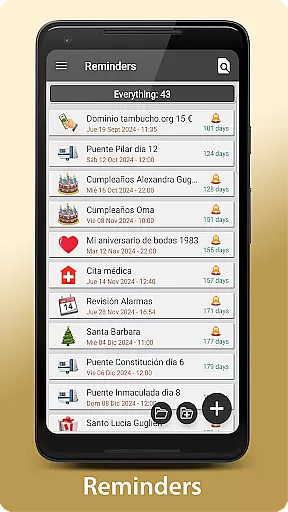
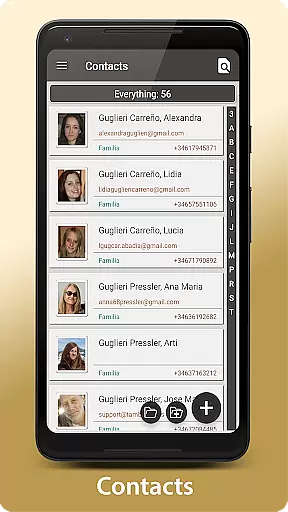
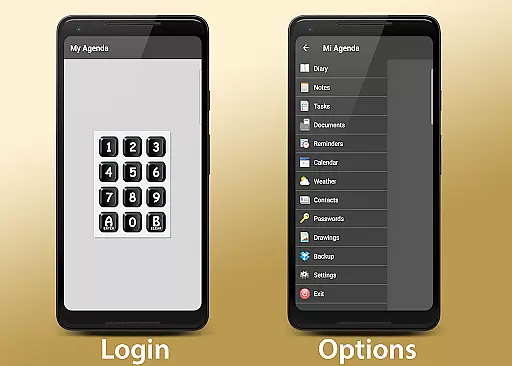
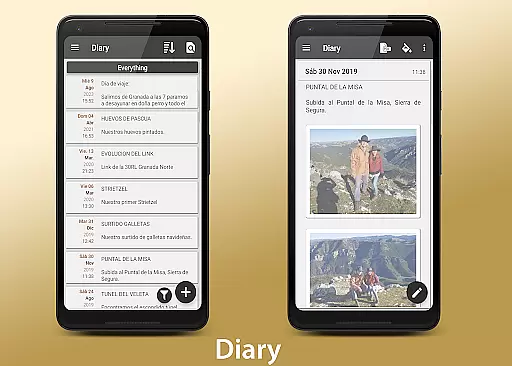
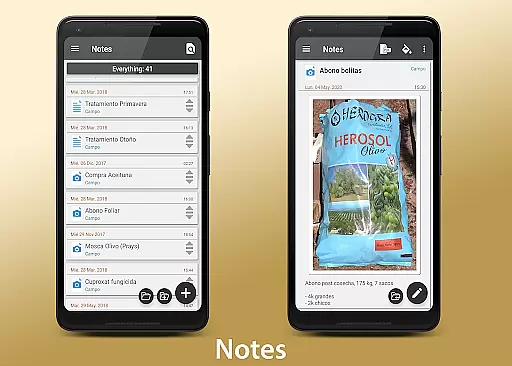
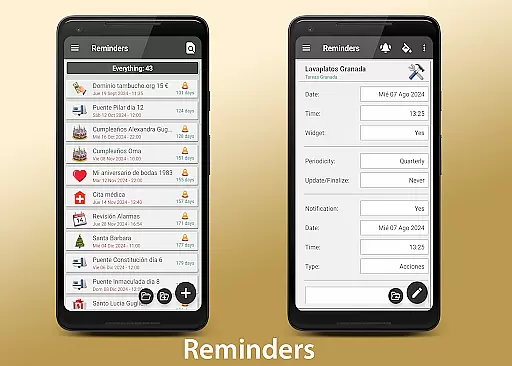
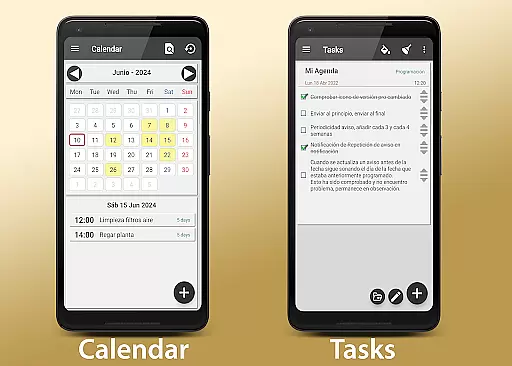
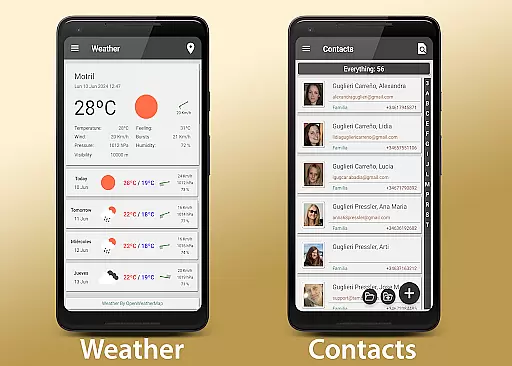
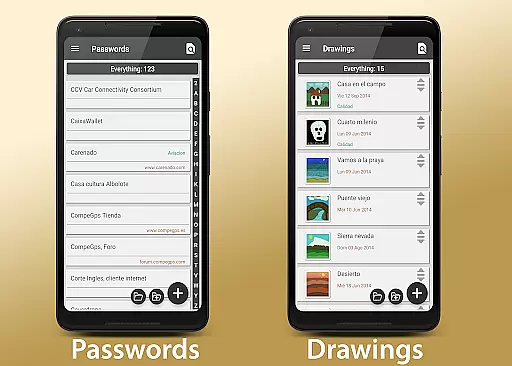
My Agenda Pro is a comprehensive lifestyle management app designed to streamline your daily organization. This all-in-one personal assistant offers a visual diary for recording thoughts with text, photos, and voice notes, alongside personalized task management features. Users can create to-do lists, set deadlines, and choose custom notifications while viewing their schedules in calendar or list views. The app includes a 15-day weather forecast for activity planning, secure storage for contacts and passwords with encryption, and freehand drawing capabilities.
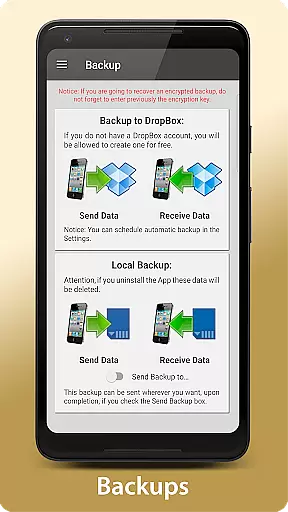
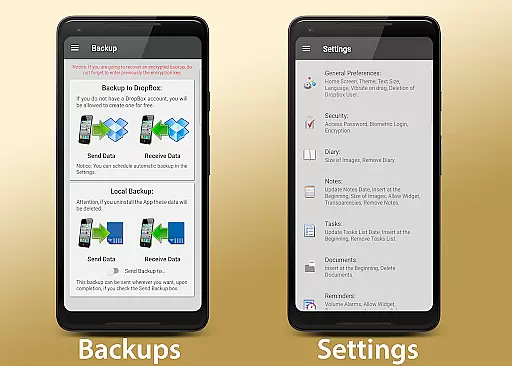
What sets My Agenda Pro apart is its emphasis on security and flexibility. It provides automatic data backup through Dropbox with additional manual options via Drive, Email, and WhatsApp. Custom home screen widgets keep important reminders accessible, while users can personalize the interface by grouping items, changing background colors, and reordering elements. With support for PDF conversion and sharing via email or messaging apps, this app ensures both functionality and peace of mind.
This application is particularly useful for busy professionals and individuals seeking an efficient way to manage their personal and work lives. By consolidating essential organizational tools into one secure platform, My Agenda Pro helps users maintain control over their schedules while protecting sensitive information.
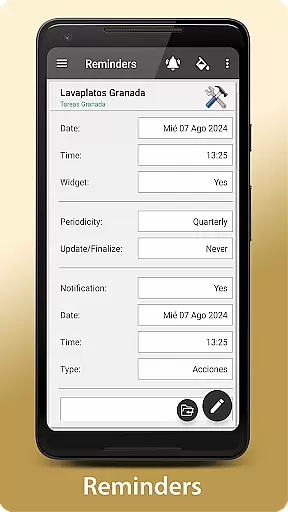
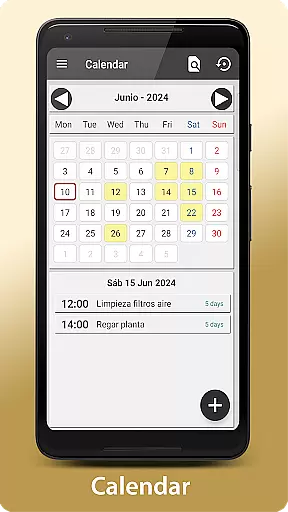
My Agenda Pro stands out with its diverse feature set tailored for optimal personal organization. The app's visual diary allows multimedia note-taking through text, photos, and voice recordings, making it versatile for capturing ideas and special moments. Its task management system lets users create detailed to-do lists with deadlines and personalized notification preferences, offering both calendar and list views for better time management.
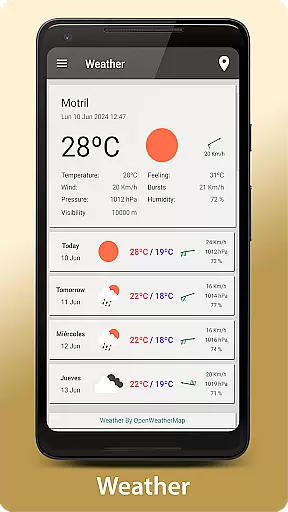
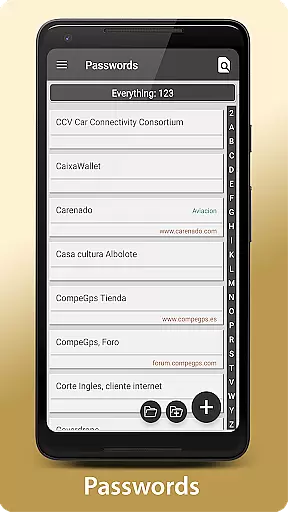
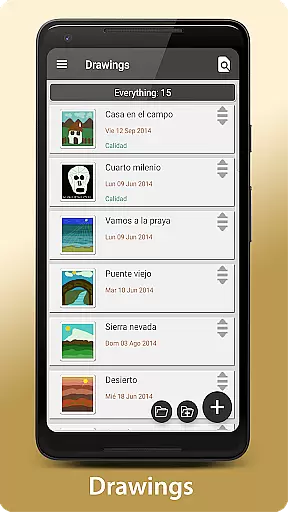
Security is a key highlight, as the app encrypts stored contacts, passwords, and other sensitive data. Users can protect their information using passwords, fingerprints, or encryption methods. Additionally, the app integrates a 15-day weather forecast feature, aiding in long-term activity planning. Creative tools like freehand drawing enable users to sketch or take handwritten notes, adding a unique touch to their organizational process.
The app also emphasizes convenience with automatic backups via Dropbox and manual options through various platforms such as Drive and WhatsApp. Customizable widgets allow quick access to frequently used functions directly from the home screen. These features collectively ensure that My Agenda Pro not only meets but exceeds user expectations for a reliable lifestyle management tool.
My Agenda Pro offers extensive lifestyle category coverage, ensuring that users can manage various aspects of their daily lives within a single application. This comprehensive app includes features such as a visual diary for thoughts and special moments, task management with personalized reminders, and weather forecasts to help plan activities.
The app's versatility is further enhanced by its secure storage for contacts and passwords, creative outlets through drawing and sketching, and automatic backup options to multiple cloud services. These functions are crucial for anyone looking to maintain an organized and secure digital lifestyle.
Users benefit from the app's all-in-one nature, which eliminates the need to switch between different apps for various tasks. Whether it's jotting down ideas, setting reminders, checking the weather, or securing personal information, My Agenda Pro provides a seamless experience that covers a wide array of lifestyle needs.
Content authenticity and expert credibility are at the forefront of My Agenda Pro's value proposition. The app ensures that all stored data, including notes, photos, voice recordings, and even passwords, are kept authentic and unaltered through robust encryption methods. This guarantees that users' information remains as they intended, providing peace of mind regarding data integrity.
In addition to safeguarding content, My Agenda Pro has been designed with input from experts in organization and security. The developers have integrated industry-standard encryption and authentication methods, such as password protection, fingerprint recognition, and data encryption, which are hallmarks of credible digital solutions.
By offering these sophisticated security measures and enlisting expert knowledge in its development, My Agenda Pro not only assures the authenticity of its content but also reinforces user trust. People using this app can be confident that their personal and professional information is managed with the utmost care and expertise.
User-friendly interface
Comprehensive security features
Versatile note-taking options
Automatic data backup
Customizable widgets
Premium features may require subscription
Occasional syncing issues reported
Limited third-party integrations
Advanced tools can be complex for beginners
High storage usage for backups

The Work of Byron Katie— the mobile app for inner peace.
 4.40
4.40
Daily lessons from A Course in Miracles with scheduled reminders
4.80
View over 160,000 line dance stepsheets from the CopperKnob website.
3.30
Discover the "To Be a Christian" App: Your Guide to Deepening Faith!
5.00
Smart home security protection
3.20
Communicate with your vehicles and Powerwalls anytime, anywhere
3.60
Celebrate the holidays with Advent Calendar: daily surprises and festive fun!
4.1
A unique and customizable watch face which rotates its layout every minute.
4.80
Going above and beyond known spirit communication
3.60
Tap to the beat with interactive videos — warm up your reflexes & have fun
4.70
A smart Siddur with halachic times
4.60
This minimalist yet classic board design brings a futuristic twist to your wrist
4.20
This is a simple and highly functional alarm clock "Smart Alarm" paid version.
4.20
Spirit Communicator is a real paranormal ghost hunting app with many fun modes.
3.90
Do you want to communicate with spirits?
3.80
Duo Watch Face (animated)
4.1
A watch face with transparency and fluid visuals inspired by liquid glass design
4.1
A daily quote for success
4.3
Wear your favorite memories, loved ones, pets or travel photos on your watch
4.3


User Reviews