
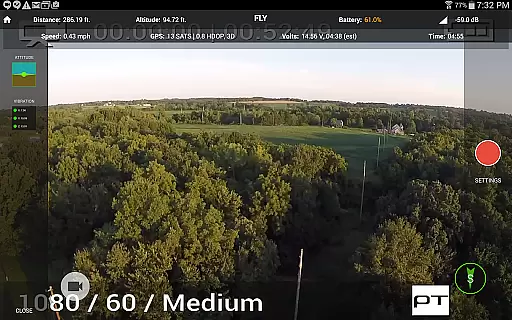
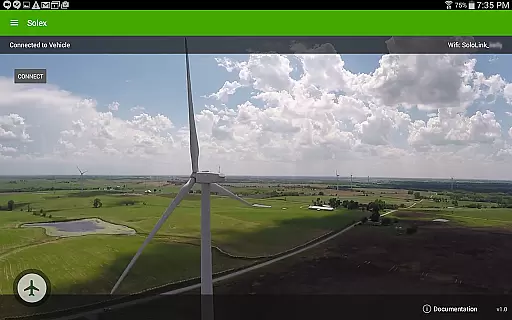
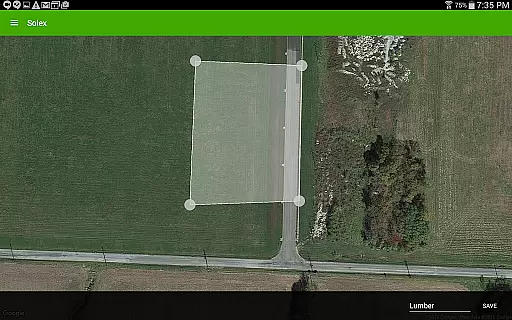
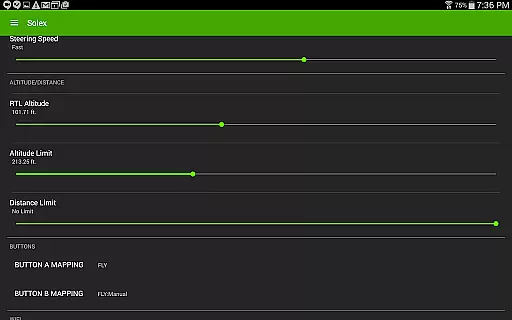
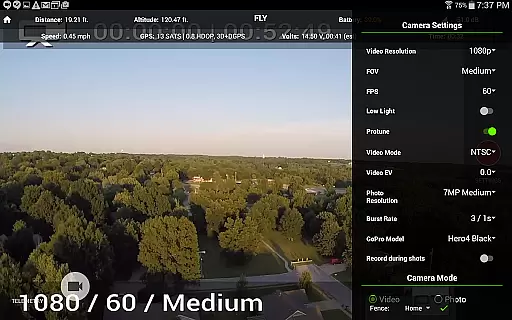
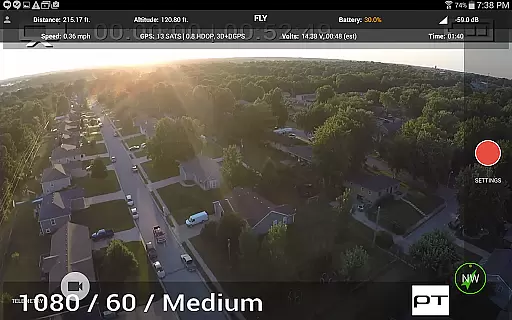
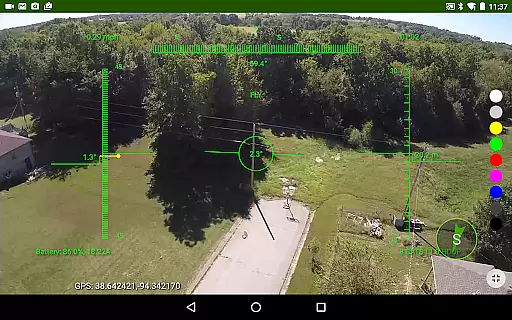
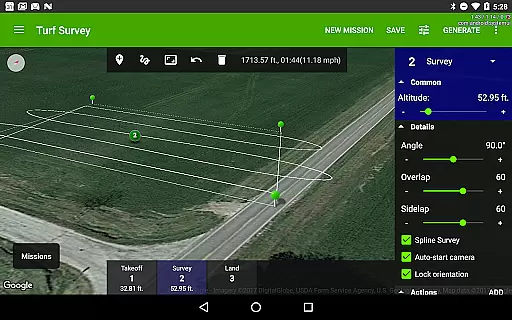
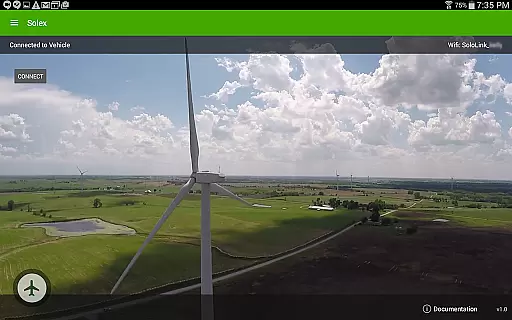
Solex is a feature-rich companion app designed specifically for 3DR Solo drone users. This application expands the capabilities of your drone with advanced Smart Shots, flight management tools, and customization options. Key functionalities include various automated flight modes like Orbit, Selfie, and Cable Cam, as well as Follow modes that utilize GPS, pre-recorded tracks, or even machine vision. Solex also offers practical features such as geofencing, time-lapse photography, and flight profile customization.
With Solex, drone enthusiasts can execute complex shots with ease and precision. The app provides professional-grade tools such as auto-fly to start points, moving cable cams, and distance fencing to prevent flyaways. Additionally, users can monitor their drone's health, control LED colors, and save specific locations for future flights. Whether you're a hobbyist or a professional photographer, Solex enhances your drone flying experience by offering unparalleled control and creative possibilities.
Solex stands out with its comprehensive suite of features tailored for drone pilots. One of its most notable aspects is the variety of Smart Shots available, including Orbit, Selfie, Zipline, and multiple Follow modes. These modes allow users to automate complex flight patterns, making it easier to capture professional-quality aerial footage. The Follow/Remote mode is particularly innovative, as it can track multiple remote devices running Solex Target, ensuring dynamic and precise following shots.
Beyond Smart Shots, Solex offers several practical tools for safer and more efficient drone operation. Geofencing keeps your drone within a defined area, while the Home Pointer feature simplifies navigation back to the launch point. The app also includes widgets for monitoring pitch/roll, vibration, and EKF data, providing users with critical flight information at a glance. Furthermore, Solex enables users to customize their drone's behavior through Flight Profiles, change LED colors, and even execute remote commands on the Solo. These features collectively enhance both the functionality and safety of drone operations.
Solex offers an extensive range of features that cater to a diverse lifestyle category, ensuring users have access to tools that enhance their drone-flying experience.
From Smart Shots for capturing professional-quality aerial videos to advanced Follow modes that use GPS and machine vision, the app covers recreational, creative, and even some commercial needs.
Additionally, functionalities like Geofences and Flight Profiles allow users to customize safety parameters and vehicle settings, making it suitable for both casual flyers and serious enthusiasts.
This comprehensive feature set ensures that whether you're capturing panoramic shots or engaging in precision flying, Solex has a solution tailored for every aspect of your lifestyle.
The content provided by Solex is developed with authenticity and expert knowledge at its core, ensuring reliable and innovative features.
Each function, from Follow/Optical using machine vision to Time-lapse photography, is crafted based on real-world applications and technological expertise.
Furthermore, the app's ability to track battery health, motor age, and execute remote commands demonstrates a deep understanding of drone maintenance and operation.
Users can trust that Solex's offerings are not only cutting-edge but also grounded in the practical needs and technical considerations essential for safe and enjoyable drone usage.
Advanced Smart Shots
Machine Vision Tracking
Comprehensive Geofencing
Customizable Flight Profiles
Multi-Device Follow Mode
Complex for Beginners
Requires 3DR Solo
High Battery Consumption
Limited Device Compatibility
Occasional Connectivity Issues

Unique Dark Analog style for Wear OS watches.
 4.4
4.4
Tap to the beat with interactive videos — warm up your reflexes & have fun
4.70
Big bold hybrid watch face with 30 colors, 5 fonts & 5 complications.
4.5
Get the news, events and savings that matter to you with AARP Now.
4.80
Crochet made easy: step-by-step tutorials, beginner patterns & projects
4.60
Digital smart watch face made for Wear OS.
4.70
Celebrate the holidays with Advent Calendar: daily surprises and festive fun!
4.4
A unique and customizable watch face which rotates its layout every minute.
4.80
LineLearner, the quick way to learn lines.
2.90
Countdown to Christmas 2025 with festive games & activities in a virtual village
4.80
Daily lessons from A Course in Miracles with scheduled reminders
4.80
Made To Order Faves
4.70
Kasa Smart is your portal to your TP-LINK Smart Home.
4.70
Retro animated weather with hourly forecast Watch Face for Wear OS
4.60
Earn points with every purchase with Moe Rewards.
4.20
Connect to your Shark ROBOT™ from anywhere using the SharkClean™ App.
3.60
BILT interactive 3D instructions help you get the job done right
3.50
Big bold weather watch face with dynamic backgrounds and 3 complications
4.1
Bring the warm colors of fall directly to your wrist with Autumn Leaves!
4.2


User Reviews