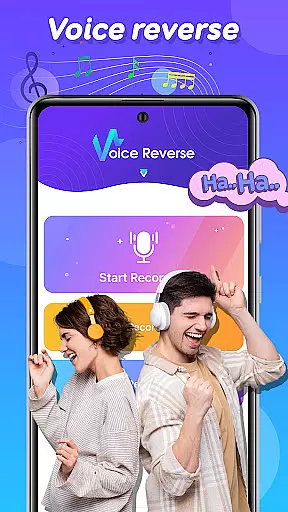

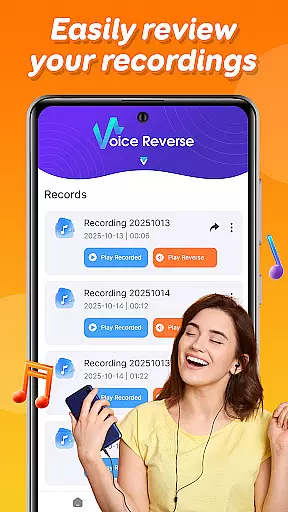
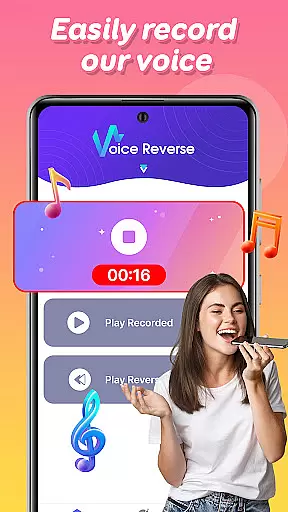
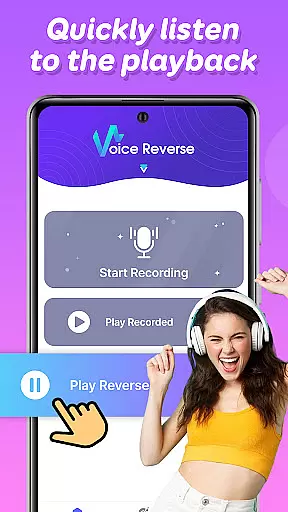

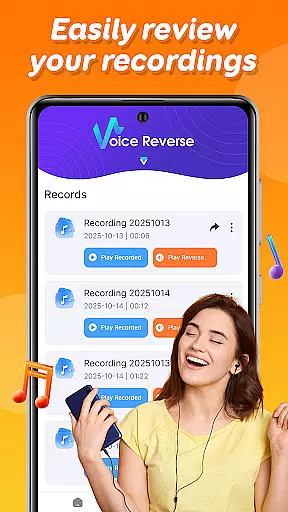
Voice Reverse is a unique audio application designed to transform your voice recordings into reversed audio clips. This app allows users to record their voice and instantly play it backwards, creating a humorous and entertaining experience. With its simple interface, the app is perfect for those who enjoy experimenting with sound and having fun with friends.
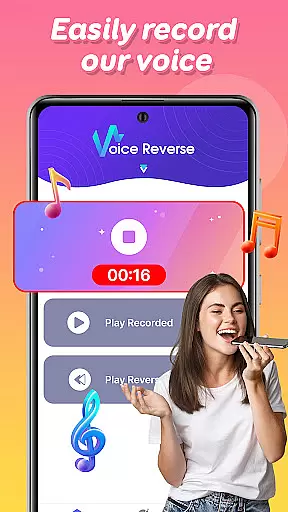
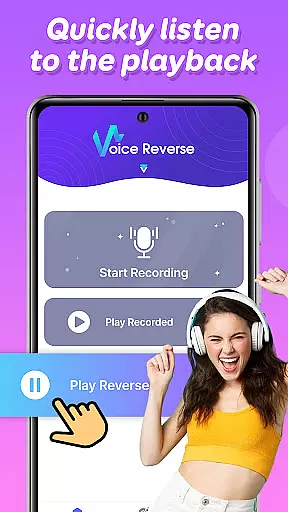
The core functionality includes quick voice recording and instant reverse playback. Users can tap to start speaking and hear their reversed audio within seconds. Beyond just reversing audio, the app encourages creative challenges like guessing games with friends or attempting to speak phrases backward. Whether you're looking to have a laugh or explore audio manipulation, Voice Reverse offers an engaging platform for entertainment.
Voice Reverse stands out with its innovative approach to audio manipulation. The app's key feature is its ability to instantly reverse voice recordings, providing a seamless and entertaining user experience. Recording is as simple as tapping the screen, making it accessible for users of all ages.
Beyond basic recording, the app fosters creativity by enabling social interactions. Users can challenge friends to decipher reversed messages or try speaking phrases backward themselves. These features not only entertain but also engage users in playful experimentation with sound. The app's lightweight design ensures smooth performance without draining device resources, making it ideal for casual use anytime, anywhere.
Voice Reverse may not focus on offering an extensive music library, but it provides a unique audio experience that allows users to explore reversed sound clips. This feature is especially engaging for those who enjoy experimenting with audio in creative ways.
The app ensures that all the audio manipulations are original and do not infringe on any copyrighted material. By focusing on user-generated content, it avoids legal issues related to pre-recorded music tracks while still delivering a fun and innovative audio experience.
Users benefit from the ability to create and share their own reversed audio clips without worrying about copyright restrictions. This makes the app suitable for entertainment purposes, as well as for amateur sound designers looking to experiment with audio manipulation.
Voice Reverse offers reliable audio quality that ensures clear playback of reversed voice recordings. While the app focuses primarily on the novelty of reversing audio, it maintains sufficient quality to make the experience enjoyable and comprehensible.
Although the app does not provide multiple audio quality settings, it delivers consistent performance with its instant reverse playback feature. The simplicity of the app ensures that users can quickly record and play back their reversed audio without any noticeable degradation in sound quality.
This straightforward approach enhances user satisfaction by providing an easy-to-use interface with dependable audio output. Whether for fun or creative experimentation, users can expect a seamless experience when using the app's core features.
User-friendly interface
Instant audio reversal
Fun social features
Lightweight design
Creative challenges
Limited advanced options
No editing tools
Basic UI design
Few customization settings
Ads may interrupt

Time Guru will strengthen your internal sense of musical time via random muting.
 4.30
4.30
The Music Journey in Your Hands
4.30
Performance-Synthesizer & Multi-Track-Sequencer, polyphonic + multi timbral!
4.70
Taal player that lets you sing any Indian & Western song with Tabla & Tanpura
4.60
Recording studio w/ 10k beats, pro vocal FX and a network of 20M rappers & fans!
4.60
AI Music Maker: Generate And Compose AI Tunes & AI Songs & AI Music & AI Melody!
4.60
Music, News & Sports Radio Tuner App. Tune in Live FM & AM Radio Stations.
4.80
Offline Music Player&MP3 Player with themes, equalizer, lyrics, music play mode
4.60
Learn the notes on the guitar fretboard fast with this easy and fun app
4.60
Offline Music Player & MP3 Player.Powerful equalizer, Lyrics, Themes, Tag Editor
4.80
Listen radio AM / FM Stations. Live AM / FM Radio App Station. Radio Com.
4.70
The best music and audio player, with beautiful UI, music search and equalizer.
4.60
Your HD audio recorder on the go for music, meetings, ambience, animal sounds…
4.30
Powerful 10-Band equalizer pro with sound booster improves Android audio quality
4.30
No wifi music app. Mp3 offline. Tuner radio, young radio music. Music downloader
4.20
Permanently backup Now Playing. Maps, filters & listening stats.
4.00
The only true audiophile music player with Hi-Fi audio rendering and DSP engine
3.90
The ultimate media player for Android devices
3.90
Offline Tunes, Unlimited Vibes
3.90


User Reviews