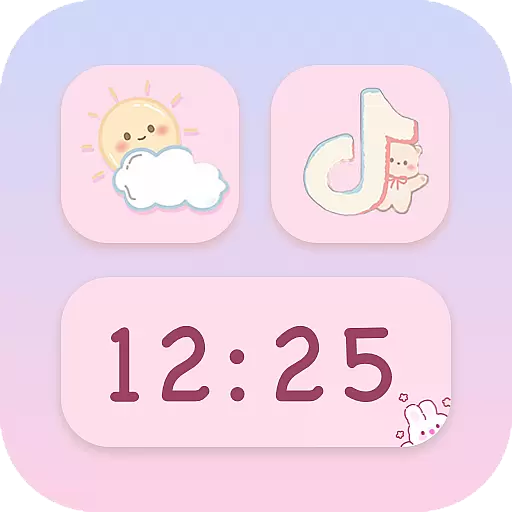
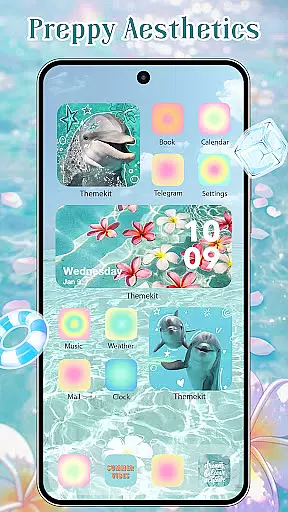
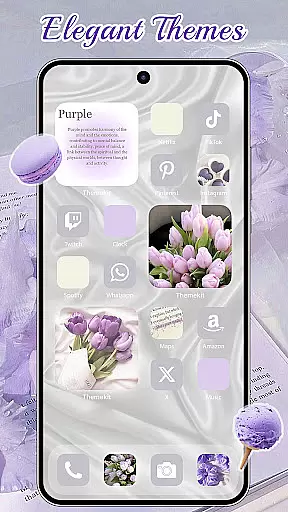
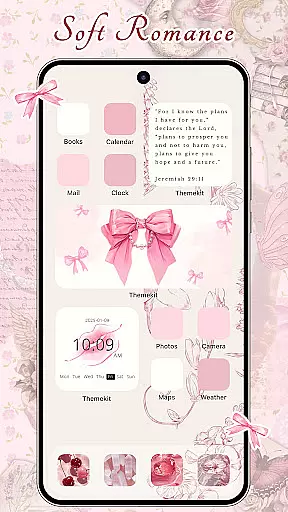
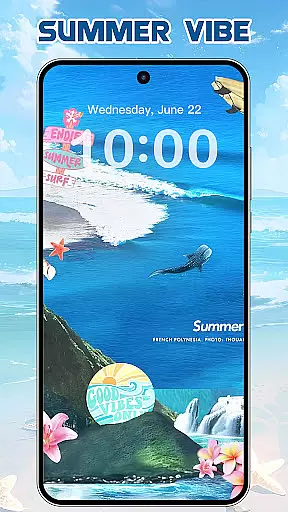
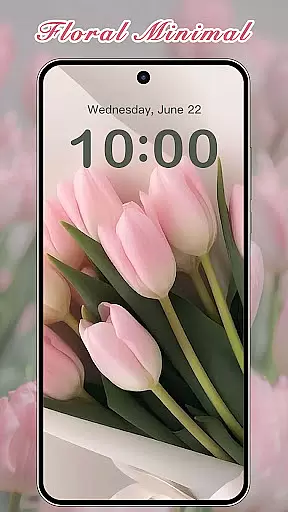
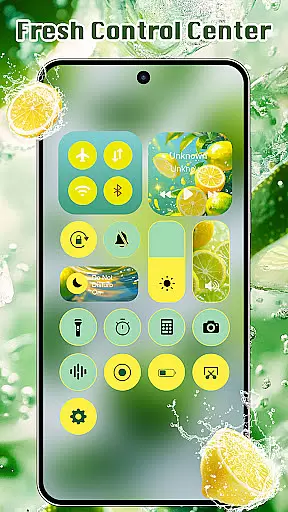
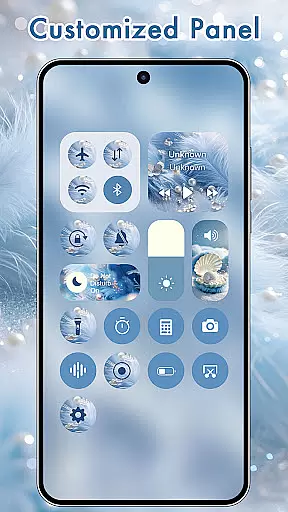
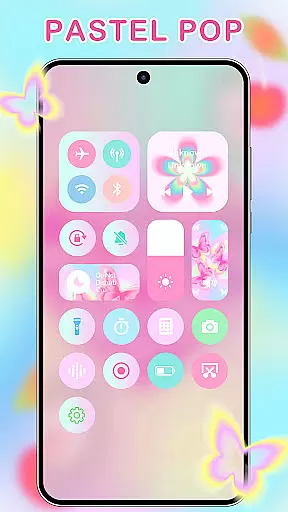
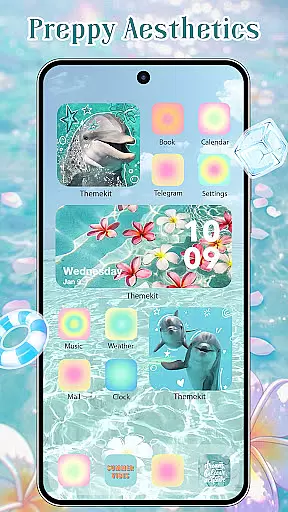
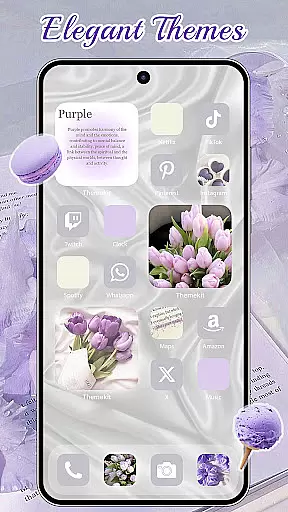
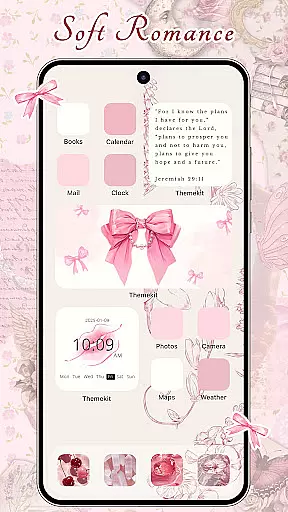
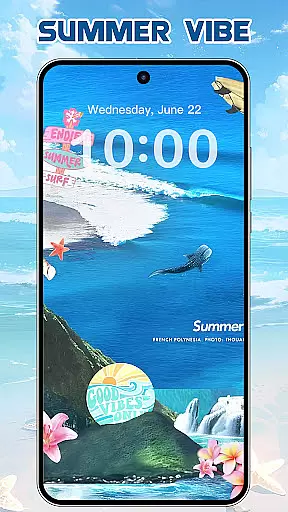
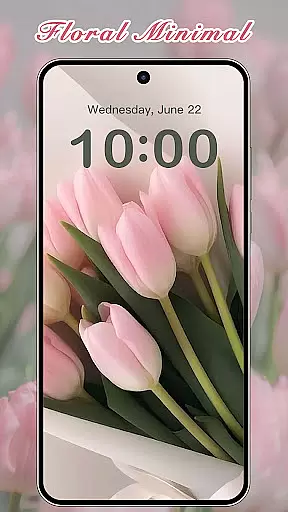

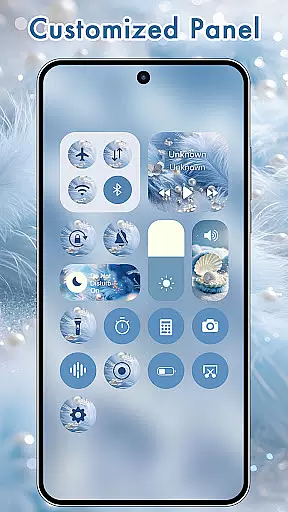
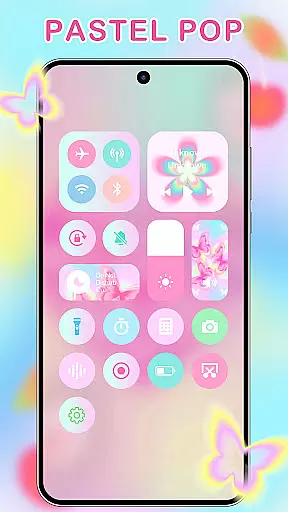
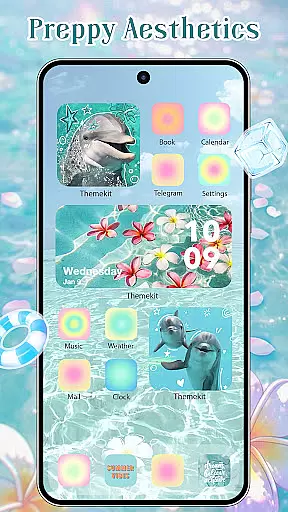
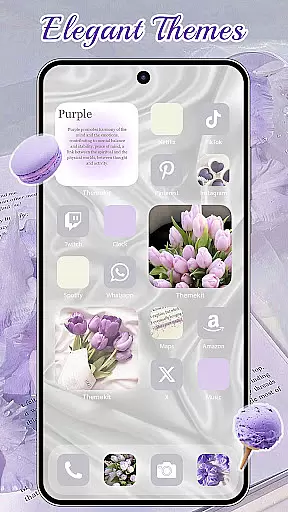
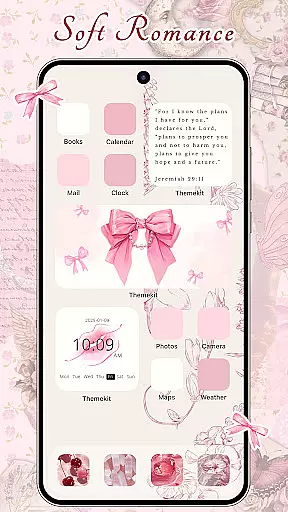
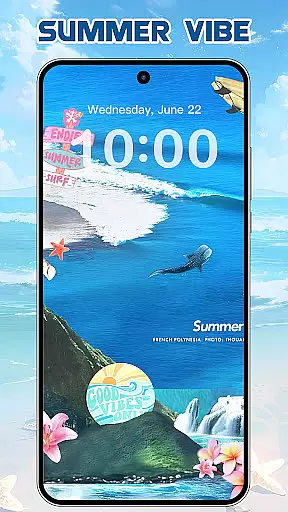
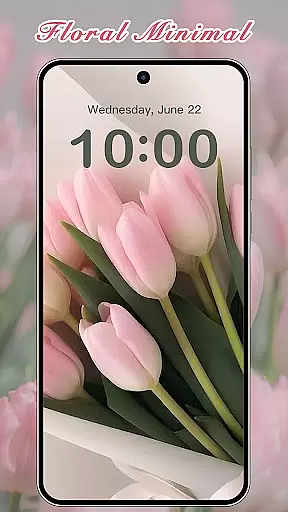
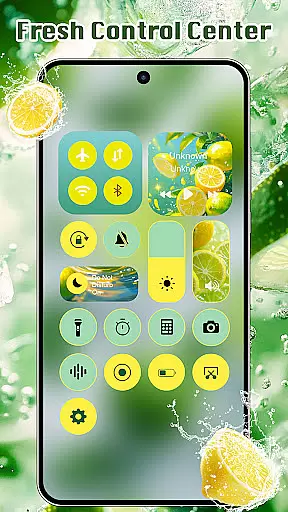
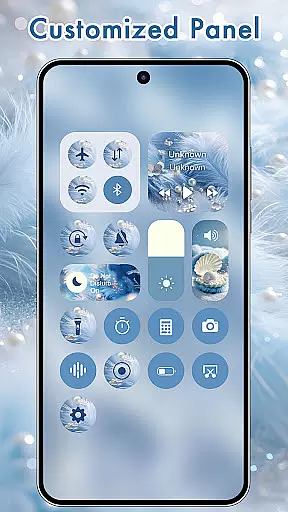
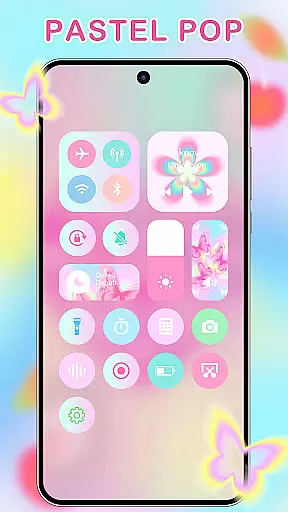
ThemeKit is a comprehensive personalization app designed specifically for Android users who want to enhance their device's aesthetics. This app offers an extensive collection of icon packs, widgets, and wallpapers that allow users to customize their home screens with ease. With over 5,000 icons, 3,000 themes, and 9,000 widgets, ThemeKit provides countless options for personalizing your device.
The app stands out with its DIY capabilities, enabling users to design custom icons and widgets using personal photos. Whether you're looking for seasonal themes like Christmas or Autumn, or specific styles such as Aesthetic, Brat Green, or Kpop, ThemeKit has something for everyone. The app also features daily updates to keep up with the latest trends in mobile aesthetics.
ThemeKit is not just about looks; it's about functionality too. Users can enjoy dynamic widgets that display real-time information, such as weather forecasts and countdown timers. This makes ThemeKit an ideal choice for those who value both form and function in their mobile experience.
ThemeKit offers a robust set of features that cater to various customization needs. One of its standout features is the icon changer, which allows users to replace default app icons with aesthetically pleasing alternatives without needing a separate launcher. The app includes thousands of professionally designed icons that can be applied directly from the gallery or chosen from numerous icon packs.
In addition to icons, ThemeKit provides a free widget kit that lets users edit and customize their home screens with hundreds of widget styles. These widgets are highly versatile, supporting functions like weather updates and countdowns. The app also boasts a 4K wallpaper changer, offering high-definition backgrounds that are updated daily to ensure fresh content.
Another key feature is the app's compatibility with a wide range of Android devices, including popular brands like Samsung, Vivo, OPPO, and Xiaomi. ThemeKit supports multiple languages, ensuring a seamless experience for international users. Its user-friendly interface makes navigation intuitive, while the inclusion of a search function helps users quickly find specific themes or widgets they desire.
ThemeKit offers an extensive range of customization options that allow users to personalize their Android devices like never before. With over 5000 icons, 3000 themes, and 9000 widgets, the app provides a comprehensive suite for aesthetic personalization.
The app includes DIY functions enabling users to design unique icons and widgets using personal album pictures and wallpapers. This feature transforms your phone into a canvas of self-expression, ensuring your device truly reflects your personal style.
Users can enjoy daily updates with new trends, including various themed packages such as Summer Sadness, Festival, Dark, Pink, Fantasy, and more. This ensures that there is always something fresh and exciting to keep your device looking current and stylish.
ThemeKit excels in theme compatibility, ensuring that its vast library of themes, icons, and widgets work seamlessly across different Android devices. Whether you own a Samsung, Vivo, OPPO, or Xiaomi, ThemeKit's offerings are optimized to function smoothly on your device.
The app supports multiple languages and requires no specific launcher to change icons, making it highly accessible to a global audience. Its user-friendly interface allows easy navigation and application of themes without any hassle.
Additionally, ThemeKit provides powerful widget editing capabilities, functioning like a widgetsmith tool. Users can customize their home screens with numerous widget styles, enhancing both aesthetics and usability. This compatibility and versatility make ThemeKit a top choice for personalized theming.
User-friendly interface
Extensive customization options
Daily content updates
Wide device compatibility
Free to download and use
Limited iOS support
Some features require accessibility permissions
Occasional performance lags
Ads may disrupt user experience
Premium content requires purchase

Ultra realistic gold analog watch face with lots of customization options.
 4.50
4.50
Realistic animated snow on your wrist, with 10 images landscapes to choose from
4.00
3D, live, and moving wallpapers & themes in 4K and HD for your device.
4.50
Adult video chat, dating, making friends, random matching
4.20
Unique Android Launcher
4.60
Bring adorable pets to life on your screen. Playful, interactive and full of fun
4.60
Turn your lock screen into fun with smile live wallpapers & animated wallpapers!
2.50
Over 28,000 high quality icons to bring color & homogeneity to your phone.
4.60
Transform your phone with stylish zipper lock themes and 4D live wallpaper
4.10
Dark icon pack based on One 8
4.80
Wallpaper HD 4K Live - Thousands of high-quality Anime backgrounds for you.
4.80
One 8 icons glass color version
4.80
Vertically oriented rectangular icons
4.70
Beautiful realistic hybrid watch face with numerous customization options.
4.50
Ninja Turtles Cowabunga SE watch face for Wear OS
4.50
200+ Material Inspired Widgets
4.50
Launcher OS™ Pro without ads help make your phone simple and pretty
4.30
Transfer your live wallpapers from Windows to Android using Wallpaper Engine!
4.00
Crystal-clear, square icon provides a sleek and sophisticated visual upgrade
4.00


User Reviews