
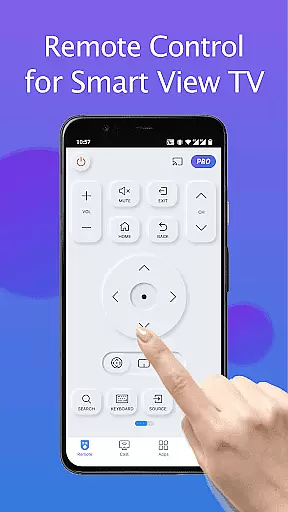
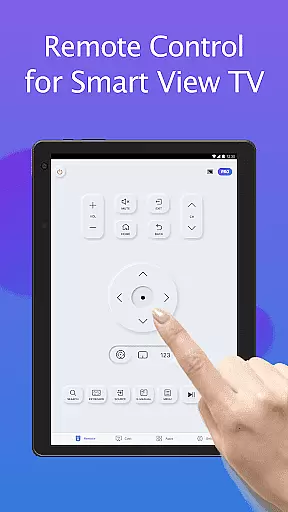
Remote for Smart Samsung TV is a dedicated mobile application that transforms your smartphone into a versatile remote control for Samsung smart TVs. This app offers seamless connectivity through Wi-Fi, enabling users to operate their Samsung 7 series, 6 series, Curved TVs, and K-Series (2016+) Tizen models with ease.
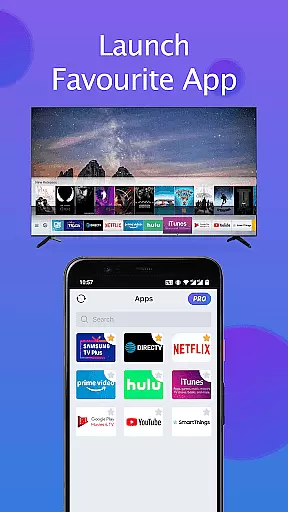
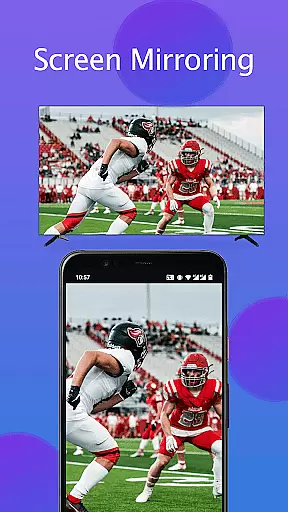
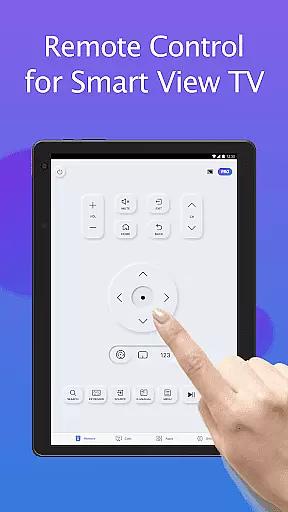
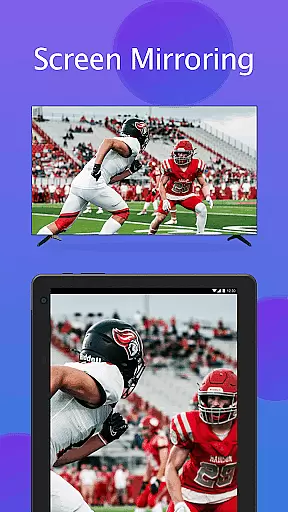
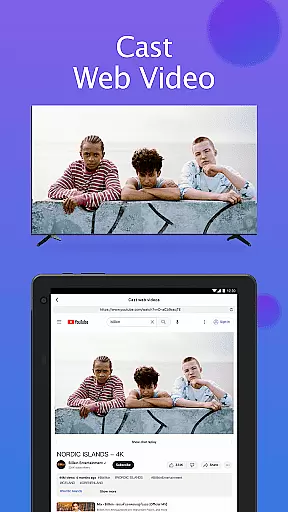
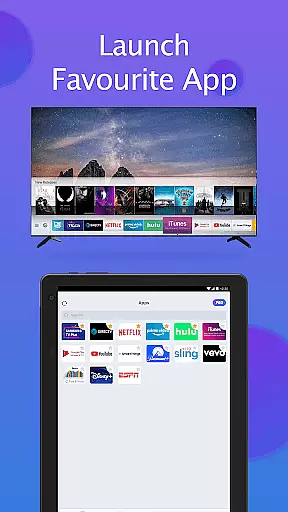
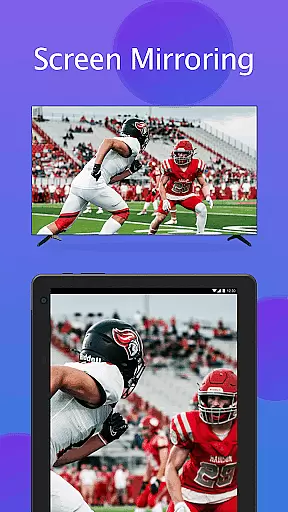
The app provides essential functions such as power on/off, volume adjustment, channel navigation, and quick access to favorite channels and apps. Additionally, it features advanced capabilities like screen mirroring in high resolution and casting local media or web videos to the TV. With its intuitive interface and reliable performance, this app eliminates the need for physical remotes and frequent battery replacements.
Ideal for tech-savvy households, Remote for Smart Samsung TV enhances user convenience while promoting an eco-friendly lifestyle by reducing electronic waste. Its comprehensive functionality makes it an indispensable tool for modern smart home environments.
Remote for Smart Samsung TV stands out with its robust feature set tailored for Samsung smart TV owners. The app automatically detects the TV on the same Wi-Fi network, ensuring quick and stable connections without manual configuration.
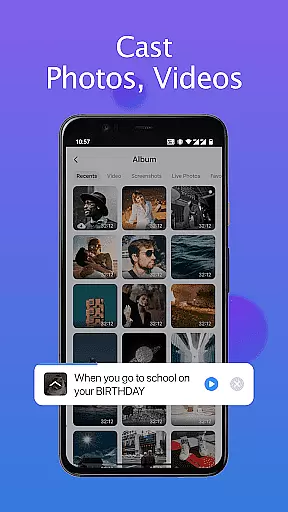
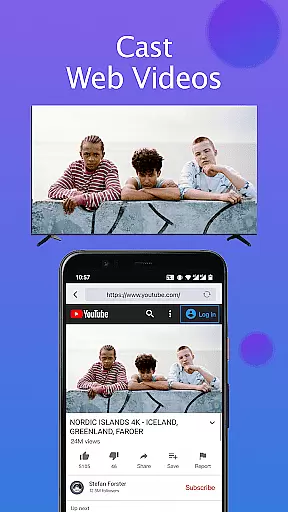
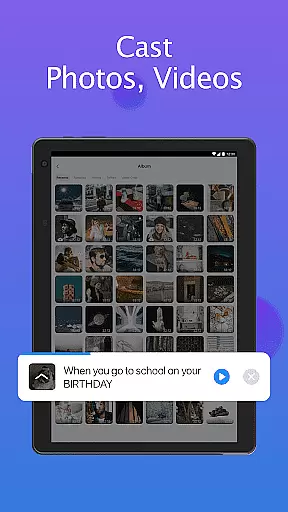
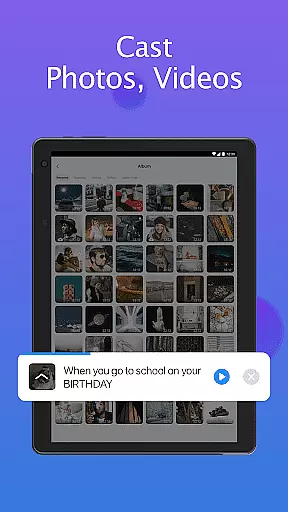
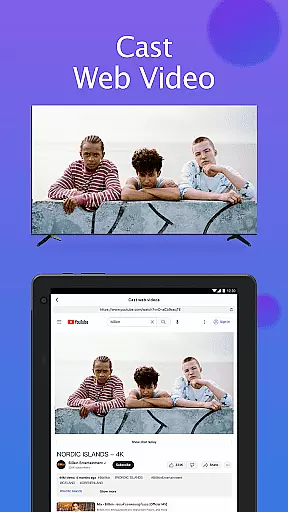
Among its notable features are the keyboard function for simplified text input, complete control over TV operations including power management and channel navigation, and the ability to mirror smartphone screens directly onto the TV in high definition. Users can also cast local photos, videos, and web content to their TVs, creating a versatile multimedia experience.
This app's innovative approach to remote control technology not only simplifies daily TV usage but also expands the entertainment possibilities by integrating mobile devices with television viewing. Its user-centric design prioritizes ease of use and reliability, making it a valuable addition to any smart home ecosystem.
In the context of smart home management, ensuring the authenticity and compatibility of connected devices is crucial. The Remote for Smart Samsung TV app excels in this area by providing verified connections to a wide range of Samsung TV models.
The application maintains an up-to-date database of compatible Samsung TV series, including detailed specifications for each model's requirements. This ensures users can accurately identify whether their specific TV model will work seamlessly with the remote app.
Through its automatic device detection feature, the app provides real-time verification of TV presence on the same network, guaranteeing genuine device connections. This prevents common issues associated with connecting to incorrect or incompatible devices.
Users benefit from regular updates that expand compatibility coverage while maintaining strict verification standards, ensuring reliable performance across supported Samsung TV models.
Effective home management tools should simplify daily operations while enhancing user convenience. The Remote for Smart Samsung TV app delivers comprehensive control features that transform how users interact with their smart TVs.
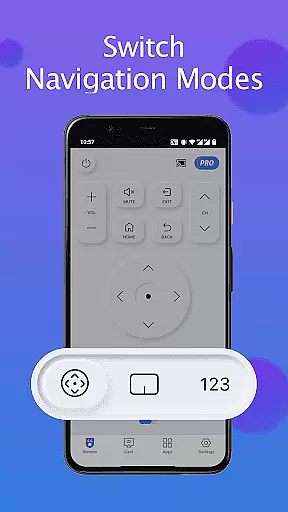
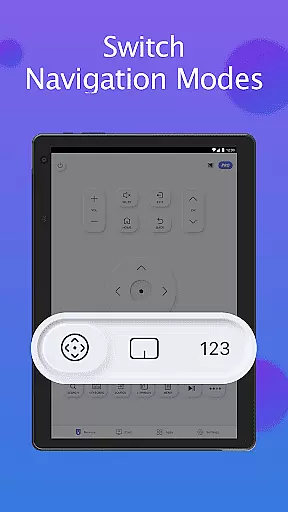
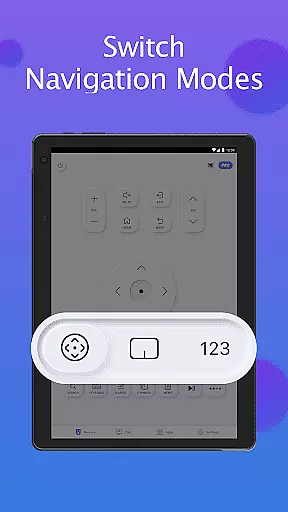
With integrated functions like power management, volume control, channel switching, and navigation mode adjustment, the app consolidates multiple remote functions into one intuitive interface. The inclusion of keyboard functionality further streamlines text input and search operations.
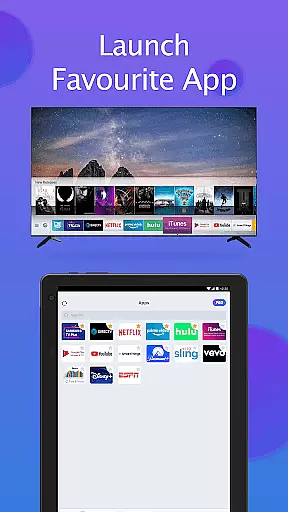
Advanced smart home integration allows users to mirror mobile device screens to their TVs in high resolution while supporting local media casting from phones or tablets. Quick access shortcuts to favorite channels and applications enhance operational efficiency.
These sophisticated management features not only improve user experience but also contribute to more organized and efficient smart home operations, reducing the need for multiple control devices.
User-friendly interface
Wide compatibility range
Effortless setup process
Advanced casting options
Eco-conscious solution
Limited to Samsung TVs
Wi-Fi dependency required
Occasional connection issues
No official Samsung support
Model compatibility varies

Unlock AI-based barcode scanning and support the development of Grocy Android
 4.4
4.4
An awesome mobile app for Home Security Surveillance - uses ZoneMinder
3.20
Draw your floor plan smartly. Make house design blueprint with home planner app
3.60
Universal TV Remote for TV, control all Smart TVs with your mobile phone.
4.5
Parcel Pending Resident App
4.50
Real estate app to find homes for sale or rent in the right neighborhood for you
4.70
Security App with HD Video, 2-way Audio, and event detection for Home monitoring
4.40
The Merkury Smart app makes it easy to control your smart devices.
4.50
WiZ smart light system
4.40
Night Owl Protect helps you secure, protect, and connect your world!
4.60
AI-powered home design, interior design, home decor, and room design solutions
4.50
Rent on-the-go with TurboTenant’s app made just for renters
4.50
Resident Center, powered by Buildium, is designed with simplicity in mind.
4.50
SmartRent - Opening Doors To A Smarter World
4.40
Make your phone a surveillance camera remote with a home camera app for Android!
4.40
For all of your Airthings devices
4.30
Turn your phone into a wifi cam with smart features and umlimited reach.
4.20
AI floor creator to design your dream house, plan rooms & style your home
4.00
Our app allows Sunrun customers to monitor systems, pay bills, and get support.
3.80


User Reviews