
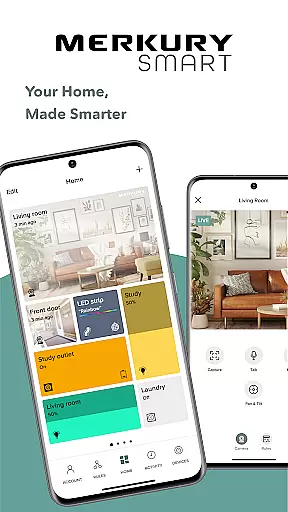
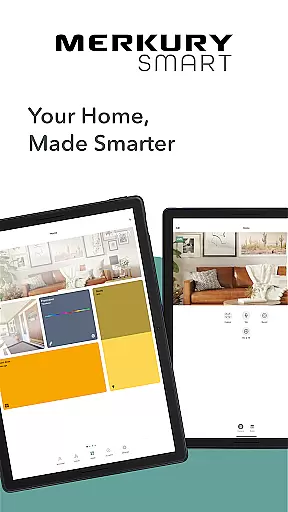
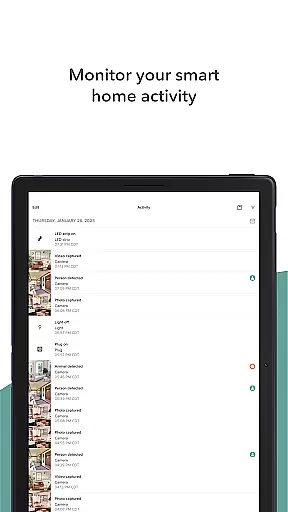
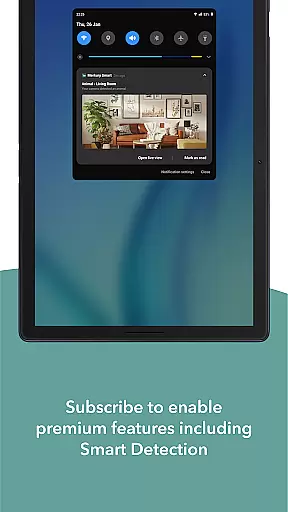
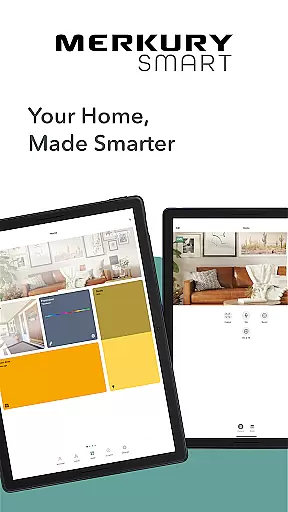
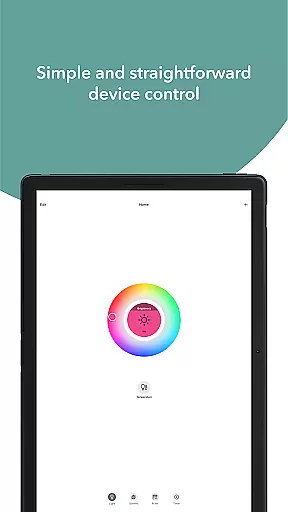
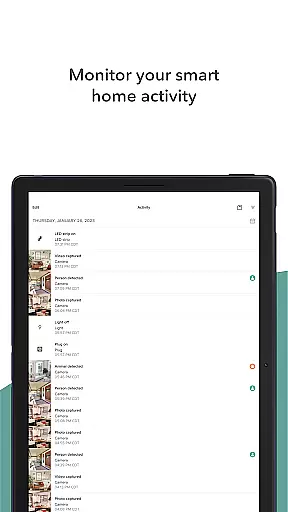
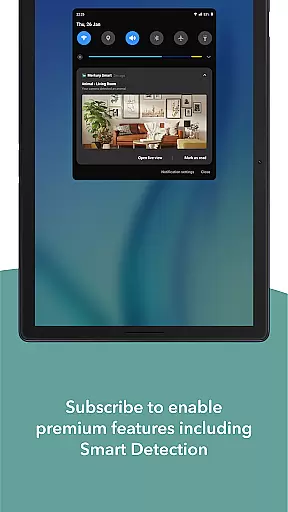
Merkury Smart is a comprehensive home automation application designed to work seamlessly with a wide range of Merkury smart devices. The app serves as the central control hub for Merkury Indoor and Outdoor Smart Cameras, Auto-Follow Smart Camera, Smart Color Bulb, Smart Plug, Smart LED Strip, Smart Doorbell Camera, Smart Wi-Fi Floodlight Camera, and Smart Wi-Fi Outlet Extender. With its intuitive interface, users can conveniently manage their smart home ecosystem from a single platform.
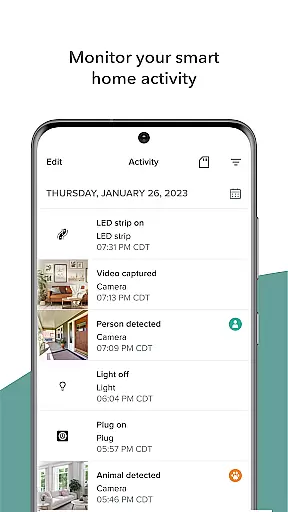
The application's core functionality revolves around providing real-time HD video streaming, motion detection alerts, and automated event recording. Homeowners and business operators can monitor their properties remotely, ensuring security and peace of mind even when they're away. The app's sophisticated rule-based system enables automatic recording and storage of important events as they occur, while its multi-camera support allows users to expand their surveillance coverage across multiple locations.
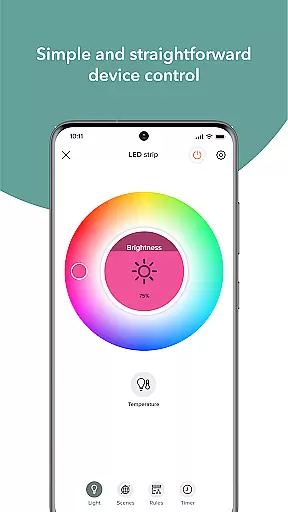
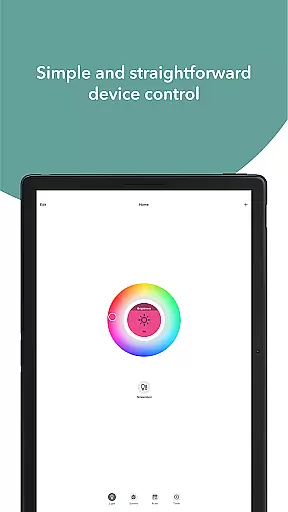
Beyond security features, Merkury Smart also offers advanced lighting control capabilities. Users can customize their home ambiance through programmable LED strips and smart bulbs that offer thousands of color variations and temperature settings. The integrated smart plug functionality provides remote control over connected devices, making it an ideal solution for managing household appliances from anywhere in the world. This combination of security, lighting, and device management makes Merkury Smart an essential tool for modern smart home enthusiasts.
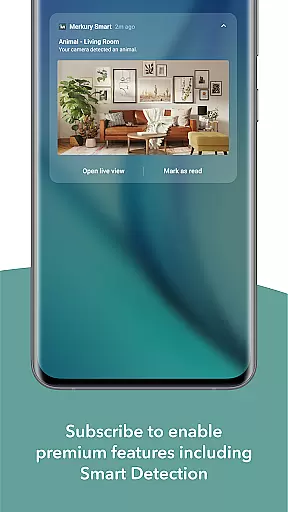
Merkury Smart distinguishes itself through its extensive feature set that caters to both security-conscious users and those seeking enhanced home automation. The application's live HD streaming capability delivers crystal-clear video quality, enabling users to monitor their properties with exceptional clarity. Its intelligent motion detection system not only sends instant notifications but also triggers automatic recording, ensuring critical moments are captured and stored securely.
The app's multi-device integration stands out as a remarkable feature, allowing users to connect and control various Merkury smart devices through a unified interface. This includes sophisticated lighting solutions such as color-adjustable LED strips and dimmable smart bulbs, all of which can be controlled remotely or programmed for specific schedules. The smart plug functionality offers space-saving convenience while providing remote access to traditional appliances, effectively transforming them into smart devices.
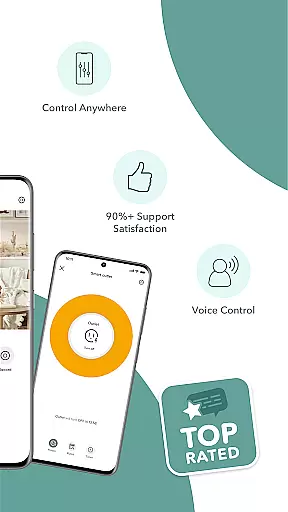
What sets Merkury Smart apart is its innovative approach to cross-platform device management. Users can access and control their smart devices from anywhere using either their smartphone or voice commands. The app's robust architecture supports multiple locations and numerous devices, making it suitable for both residential and commercial applications. Its DIY-friendly setup process ensures that even non-technical users can easily expand their smart home network without professional assistance.
When managing smart home devices through the Merkury Smart app, ensuring the authenticity of your property listings is crucial. The app provides verified and accurate information about each connected device, ensuring that users can trust the status and settings of their smart cameras, bulbs, plugs, and more.
The Merkury Smart app meticulously updates and displays real-time statuses of all connected devices. This means you can be confident that the live HD streaming from your Merkury Indoor or Outdoor Smart Camera accurately reflects the current state of your property.
Users benefit from this transparency as they can monitor their homes or businesses with peace of mind. Whether it's motion detection alerts or automated recordings, the app ensures that every notification and recording is genuine and timely.
This level of authenticity in property listings allows users to make informed decisions about their security and management needs, enhancing overall safety and convenience.
The Merkury Smart app offers a comprehensive suite of home management features designed to simplify and enhance your living space. From watching live HD streaming to controlling smart devices like LED strips and Wi-Fi bulbs, the app puts powerful tools at your fingertips.
One standout feature is the ability to set up rules for automatic recording and notifications. This functionality not only helps in monitoring activities but also in managing various smart devices efficiently. Imagine setting your lights to turn on automatically when motion is detected, adding an extra layer of security.
Additionally, the do-it-yourself simplicity of adding multiple cameras and accessing them securely across different locations makes home management seamless. You can easily expand your view and keep everything safe without needing professional assistance.
With these robust home management features, the Merkury Smart app empowers users to take full control of their smart homes, ensuring convenience, security, and energy efficiency.
User-friendly interface
Comprehensive device compatibility
Remote access capabilities
Advanced scheduling options
High-definition video quality
Limited third-party integration
Requires stable internet connection
Subscription fees for cloud storage
Occasional connectivity issues
Learning curve for new users

For all of your Airthings devices
 4.30
4.30
Draw house plans, floor plans 3d & house design with house plan drawing 3d app
3.60
Wobble Fix Tool
4.40
Draw your floor plan smartly. Make house design blueprint with home planner app
3.60
Design house plans in 2D & 3D, style furniture, and preview renovation layouts
3.70
Download today to join the community to help bring lost pets home faster.
4.70
Control the scent and ambiance of your home and car, right from your phone.
4.50
Design your dream home with 3D planning app, Visualize your dream home in 3D.
4.20
3D House Design and AI Room Planner - from floor plans to full interior design.
4.40
Real estate app to find homes for sale or rent in the right neighborhood for you
4.70
Resident Center, powered by Buildium, is designed with simplicity in mind.
4.50
The only mappable smart lights for custom decoration.
4.50
AI Home Designer & Room Planner: Decorate your interior space with AI
4.40
Security App with HD Video, 2-way Audio, and event detection for Home monitoring
4.40
Plan your remodel AI home renovation easily using planner 5D and home decor AI.
4.40
IP camera view and playback, for your WiFi cam or home security cctv system.
3.70
An easier way to make payments and maintenance requests from anywhere.
3.50
An awesome mobile app for Home Security Surveillance - uses ZoneMinder
3.20
Calculate baluster spacing with ease and precision.
4.3


User Reviews