
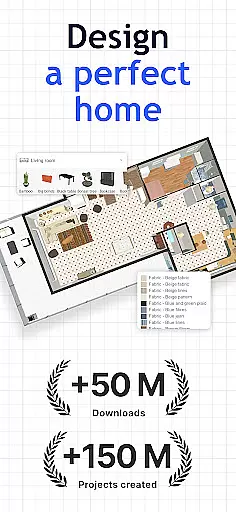
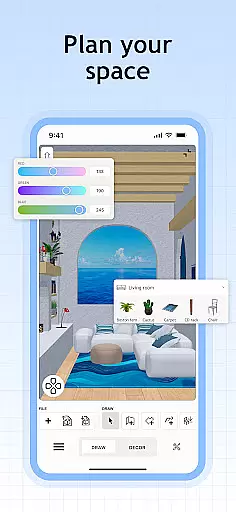
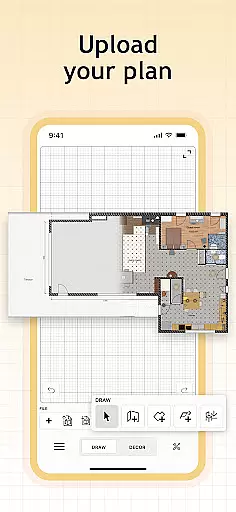
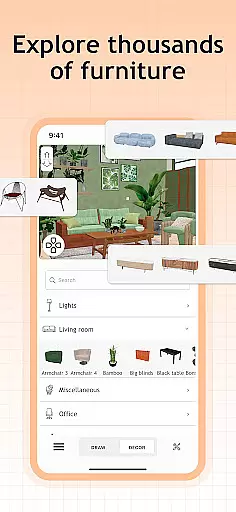
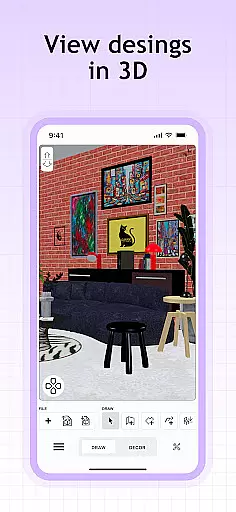
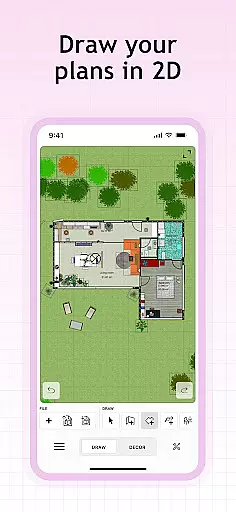
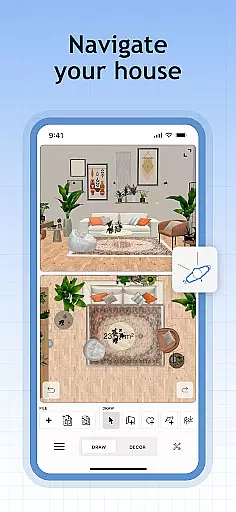
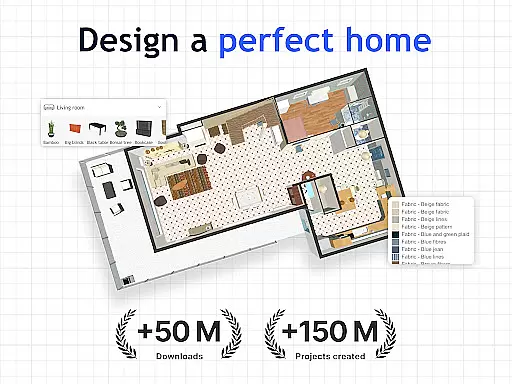
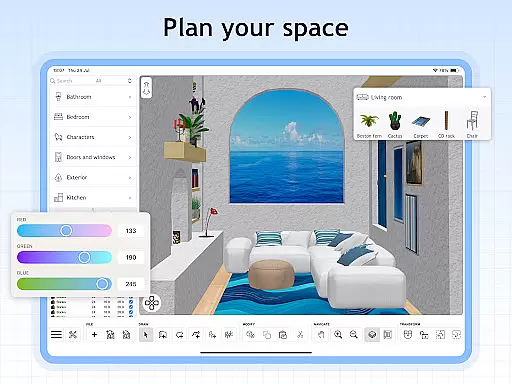
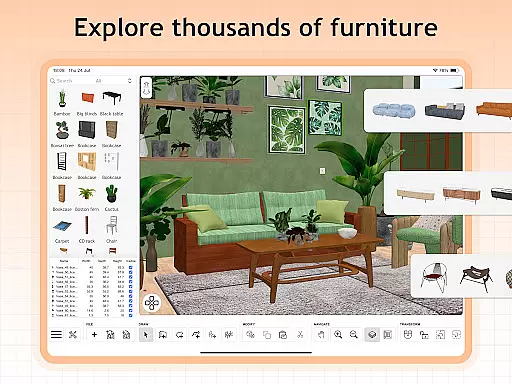
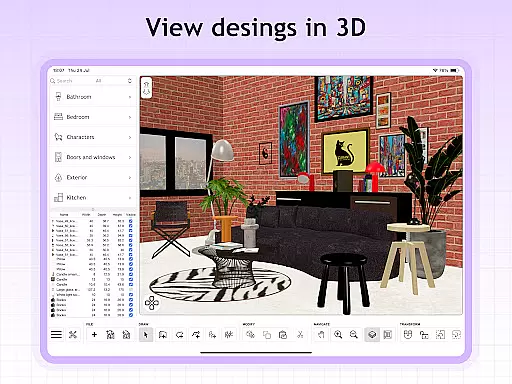
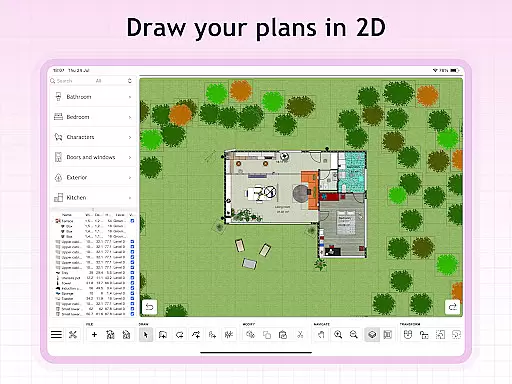
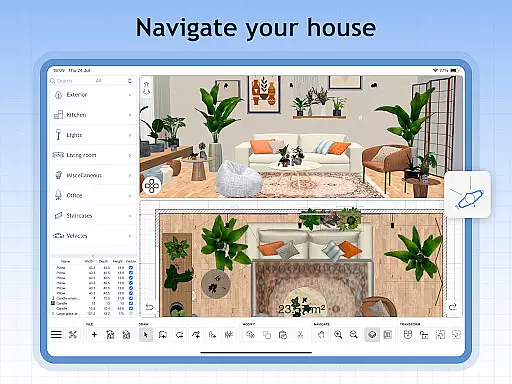
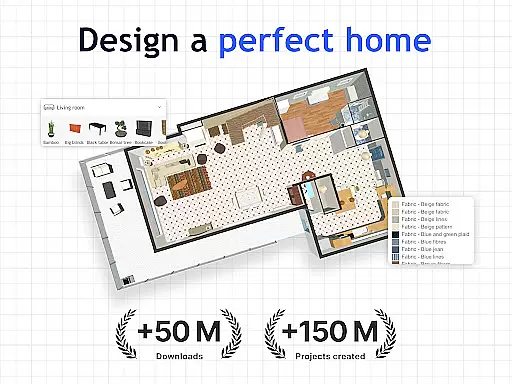
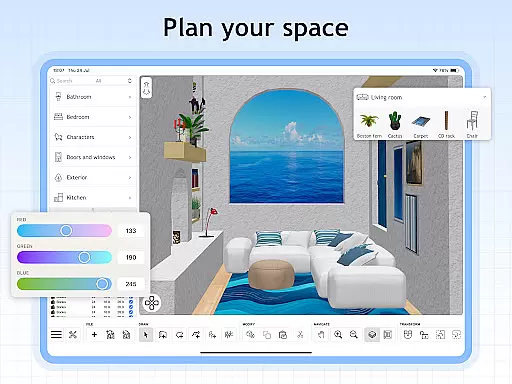
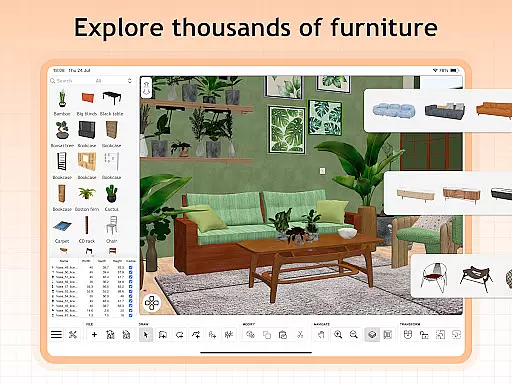
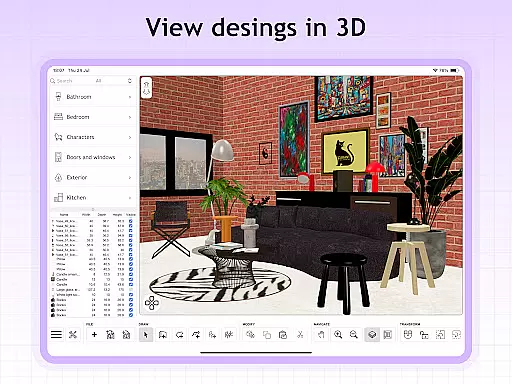
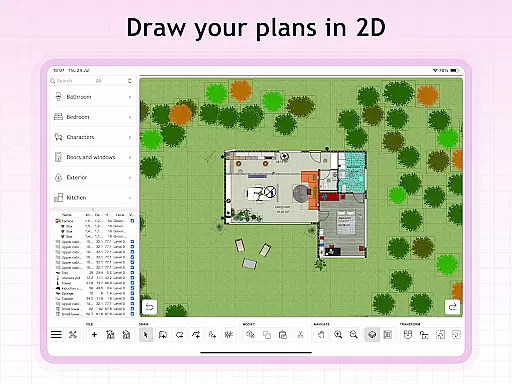
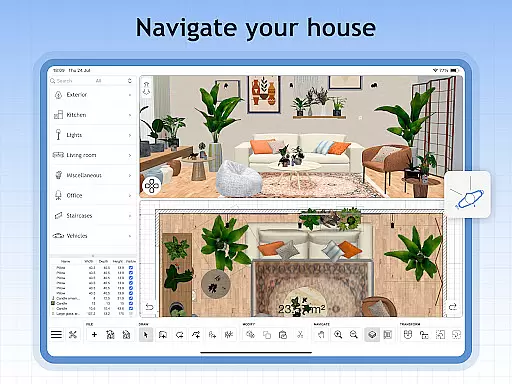
Sweet Home 3D is a comprehensive home design application that allows users to create detailed 2D floor plans with instant 3D visualization. The app provides an intuitive drag-and-drop interface, enabling users to effortlessly place furniture and decor elements while visualizing changes in real-time.
With over 800 customizable items including furniture pieces, lighting options, and decor, Sweet Home 3D supports precise room layout adjustments. This ensures designs are accurate and compatible with actual spaces. Additionally, the app offers multi-language support, making it accessible to a global audience.
Whether you're planning a new home or redesigning an existing space, Sweet Home 3D provides the tools necessary for both amateur decorators and professional designers to bring their visions to life.
Sweet Home 3D stands out with its extensive feature set tailored for home design enthusiasts. The app's user-friendly interface allows for easy navigation and customization through simple drag-and-drop functionality. Users can visualize their designs simultaneously in both 2D and 3D views, providing a realistic sense of the envisioned space.
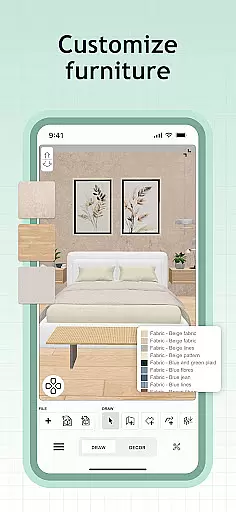
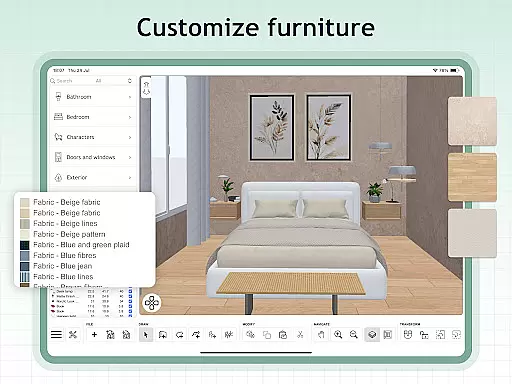
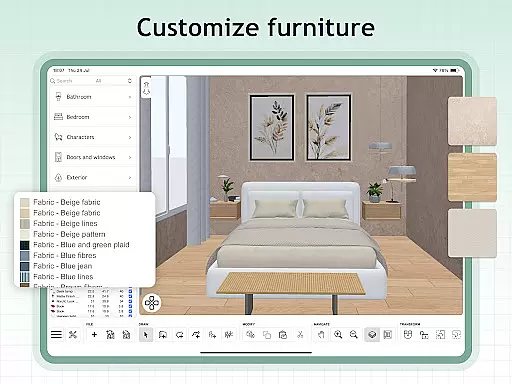
The app includes over 800 furniture pieces and decor items with customizable dimensions and colors. For unique designs, users can import custom 3D models and textures. Sweet Home 3D also supports unlimited projects and offers access to an online community for additional tips, inspiration, and feedback.
These features ensure that whether you're designing a small apartment or a large house, Sweet Home 3D provides the precision and flexibility needed to achieve professional-quality results.
In the realm of house and home design, ensuring the authenticity of property listings is paramount. Sweet Home 3D excels in this area by providing users with a reliable platform to visualize their existing or planned spaces with accurate dimensions and details.
The application allows for meticulous adjustments to room layouts and architecture, ensuring that every design reflects the true potential and constraints of the user's actual space. With features like precise dimension settings and an extensive library of furniture and decor, users can create authentic representations of their homes.
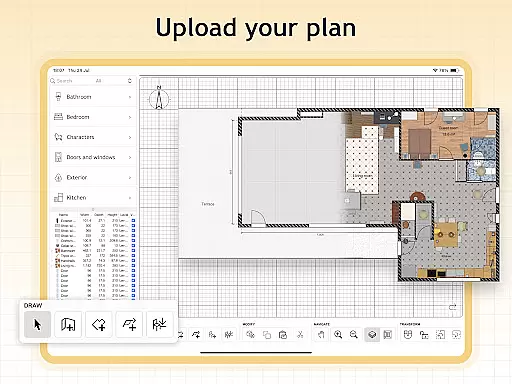
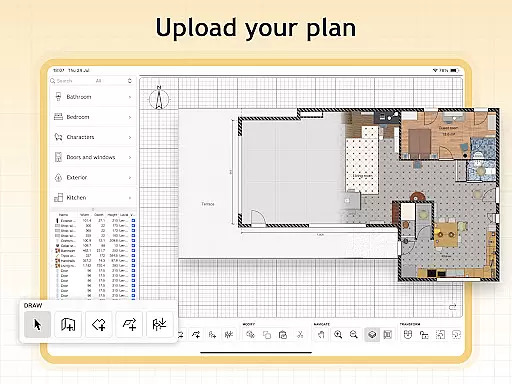
Furthermore, Sweet Home 3D supports importing custom 3D models, which adds another layer of authenticity to your designs. This feature ensures that unique furniture pieces and decor elements are accurately represented, allowing for a more personalized and genuine planning experience.
By offering these comprehensive tools, Sweet Home 3D not only enhances the accuracy of property listings but also empowers users to make informed decisions about their living spaces, ultimately leading to more satisfactory and realistic outcomes.
Effective home management features are crucial for anyone looking to optimize their living space. Sweet Home 3D offers a suite of functionalities that cater to this need by enabling users to efficiently organize and plan their home environments.
One standout feature is the ability to save and review designs later, which serves as a practical home management tool. Users can experiment with different layouts and decor options without losing previous work, facilitating better decision-making and long-term planning.
Sweet Home 3D also provides seamless integration of models and textures, allowing users to customize their spaces with unique designs. This flexibility ensures that every aspect of home management, from furniture placement to color schemes, can be tailored to meet specific preferences and requirements.
Additionally, the supportive online community associated with Sweet Home 3D offers valuable resources for tips, inspiration, and feedback. This network enhances the overall home management experience by connecting users with a wealth of shared knowledge and creative ideas, making it easier than ever to bring dream homes to life.
User-friendly interface
Real-time 2D and 3D visualization
Extensive furniture library
Customizable design elements
Multi-language support
Limited free features
Subscription required
No offline mode
Occasional bugs
Steep learning curve

The official app for Home Assistant. Control your home anywhere in the world.
 4.30
4.30
Universal TV remote Control for Roku TV brands via WiFi remote
4.3
B-hyve Pro App for landscape irrigation professionals
4.70
Control your Daikin, Amana & Goodman heating & cooling systems from anywhere
4.40
AI floor creator to design your dream house, plan rooms & style your home
4.00
Plants, Beauty, Collectibles
4.60
The only mappable smart lights for custom decoration.
4.50
Innovative and budget-friendly housing options
4.60
Find homes for sale and apartments for rent in the best neighborhood.
4.70
Turn old phones into security cameras, baby monitors, pet cams, and more.
4.70
Home Ideas | Renovation Advice | Local Pros. Go From Dream to Home with Houzz.
4.70
Apartment finder for apartments for rent. Compare prices, amenities & rentals.
4.50
Wobble Fix Tool
4.40
For all of your Airthings devices
4.30
Design your dream home with 3D planning app, Visualize your dream home in 3D.
4.20
Samsung remote app helps control all Samsung Smartthings TVs. Fast and Stable!
4.10
Draw house plans, floor plans 3d & house design with house plan drawing 3d app
3.60
Find paints using a Color Muse & ColorSnap® Match
3.60
Universal TV Remote for TV, control all Smart TVs with your mobile phone.
4.1


User Reviews