
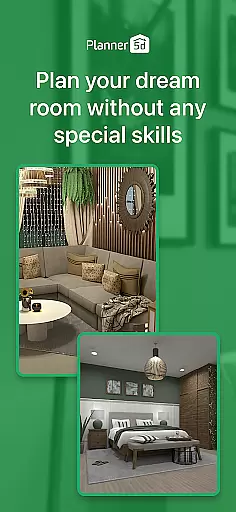
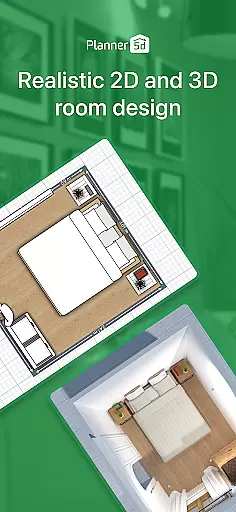
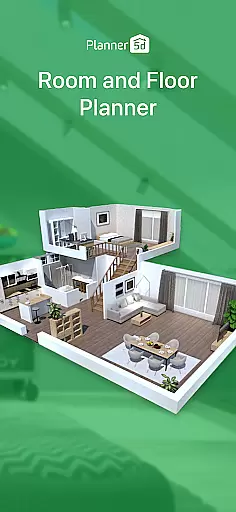
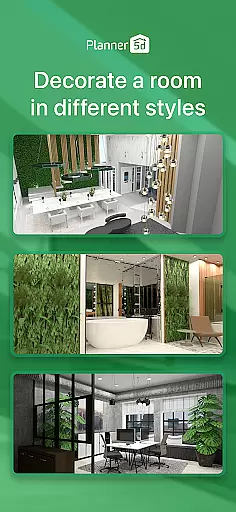
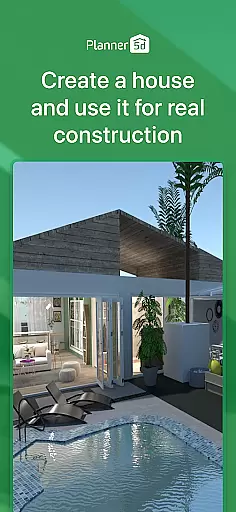
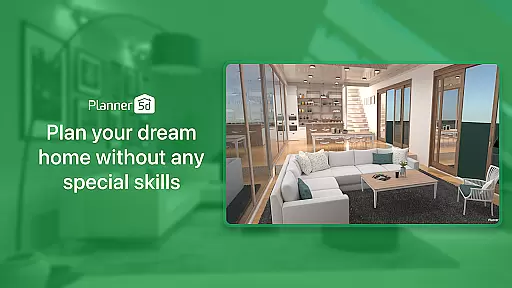
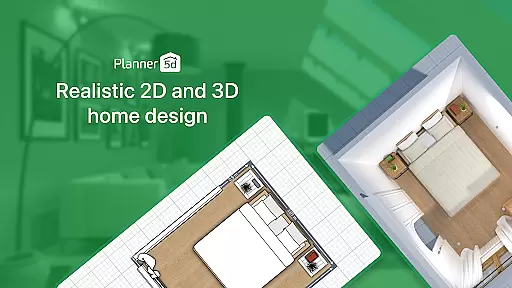
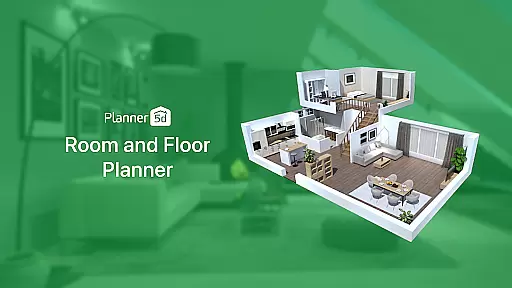
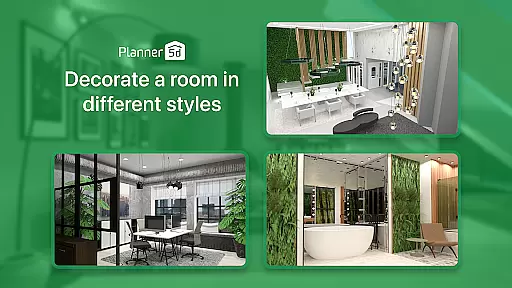
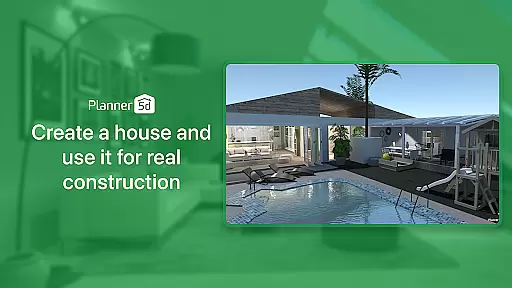
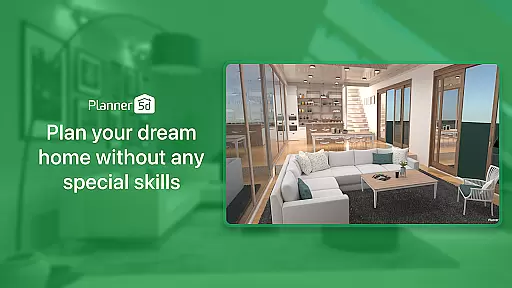
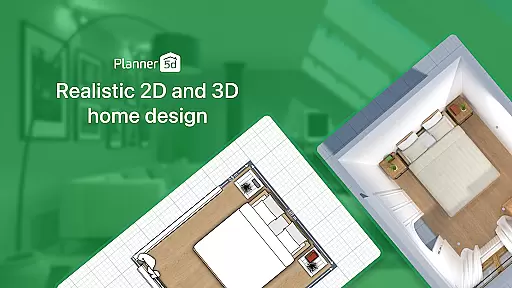
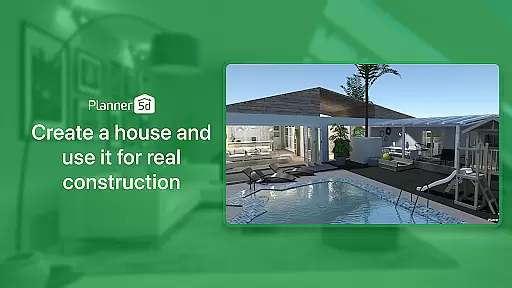
Planner 5D is the leading AI-powered home design and room planning application, catering to both home design enthusiasts and professionals. This comprehensive tool allows users to create detailed 2D and 3D floor plans, visualize interior and exterior spaces, and utilize a vast library of over 10,000 furniture and décor items. With features like AR Room Planner and realistic HD snapshots, it bridges the gap between imagination and reality in home renovation projects.
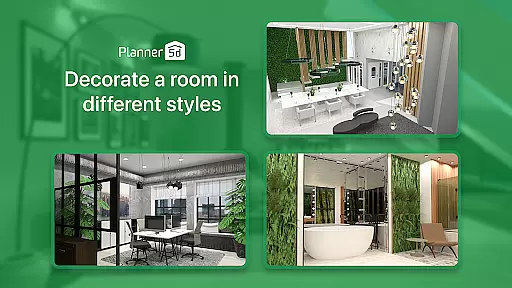
The app's versatility extends beyond residential spaces, enabling users to design commercial areas such as restaurants and offices. Whether you're redesigning a single room or planning a complete home makeover, Planner 5D provides all necessary tools including landscape design capabilities and advanced architectural drawing support. Its cross-platform functionality ensures seamless project development across devices.
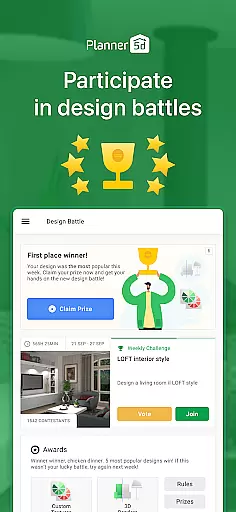
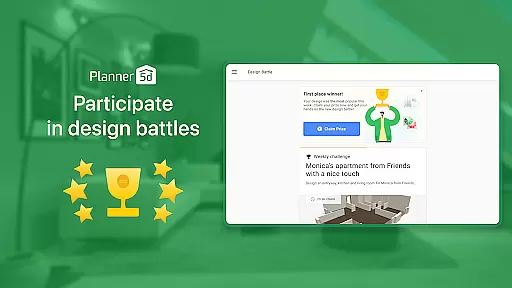
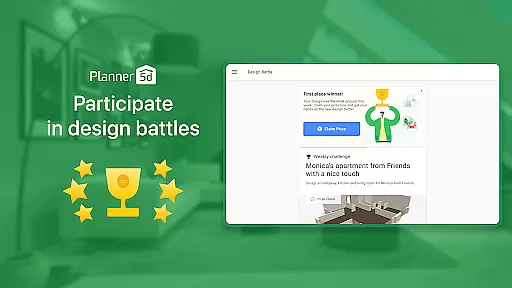
With over 40 million users worldwide and more than 300 million design projects created, this house and home solution empowers users to bring their dream spaces to life. The built-in community features and weekly design competitions provide valuable inspiration and opportunities for creative expression in home improvement endeavors.
Planner 5D distinguishes itself through its robust feature set tailored for various home design needs. The application's core strength lies in its AI-driven design tools that enable users to create professional-grade floor plans with minimal effort. The AR Room Planner function allows precise measurements and real-time visualization of design concepts within actual room dimensions, ensuring accurate space planning.
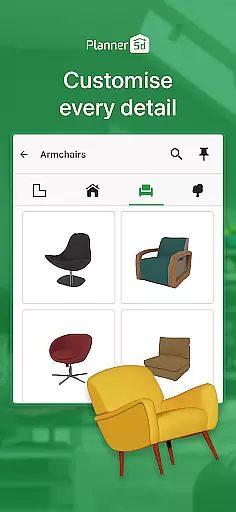
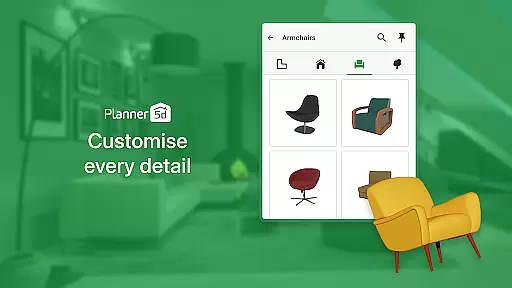
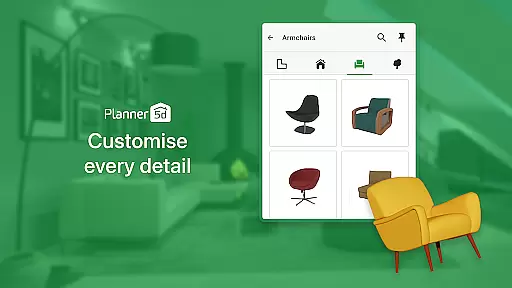
The app offers an extensive catalog of over 10,000 furniture and décor items, complemented by advanced CAD tools for architectural precision. Users can generate photorealistic HD snapshots with sophisticated lighting effects, making it easier to present ideas to clients or visualize final results. The platform supports both interior and exterior design, including landscape elements, providing a complete home renovation solution.
Unique to Planner 5D is its competitive edge in supporting professional designers through features like Chromecast integration and cross-platform synchronization. The app's offline mode ensures uninterrupted productivity, while the gallery of user-generated projects serves as a valuable source of inspiration. These comprehensive capabilities make it an indispensable tool for anyone involved in home improvement or interior design projects.
Property listing authenticity is a crucial aspect of any home design and renovation application. Planner 5D ensures that all the elements within its platform, from floor plans to interior decor items, are accurately represented. This commitment to authenticity means users can trust that the designs they create will closely match real-world outcomes.
The app provides over 10,000 items in its furniture catalogue, each designed with precision to reflect actual products available on the market. This attention to detail extends to exterior and landscape design features, ensuring that every element placed in a virtual space is a true representation of what could be achieved in reality.
Users benefit from this dedication to accurate listings as it allows them to plan their spaces with confidence. Whether sketching out new layouts or visualizing renovations, the assurance that each component is faithfully depicted leads to more reliable and satisfying design experiences.
By maintaining high standards of authenticity, Planner 5D not only enhances user trust but also elevates the entire home design process. This focus on genuine representation empowers both enthusiasts and professionals to bring their creative visions to life with certainty.
Home management features in Planner 5D encompass a wide array of tools designed to assist users in organizing and overseeing their home design projects effectively. These features include advanced functionalities such as AR Room Planner, which allows users to configure layouts using real room dimensions, providing an immersive experience that bridges imagination and reality.
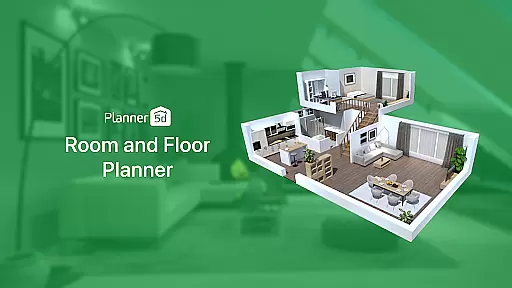
In addition to the AR capabilities, the app offers comprehensive floor planning and 3D home design visualization. Users can effortlessly create detailed 2D floor plans and convert them into realistic 3D models. This seamless transition between different views enables better spatial understanding and more precise planning for home renovations or new constructions.
Planner 5D also supports cross-platform functionality, allowing users to work on their projects from any device, whether online or offline. This flexibility ensures that managing and updating designs is convenient and accessible at all times. Furthermore, Chromecast support enhances collaboration by enabling users to cast their designs onto larger screens for group discussions or presentations.
With these robust home management features, Planner 5D stands out as an indispensable tool for anyone involved in home design or renovation. The combination of practical utilities and innovative technology makes it easier than ever to conceptualize, develop, and realize dream homes with efficiency and accuracy.
User-friendly interface
Extensive furniture library
Realistic 3D visualization
Cross-platform compatibility
Active design community
Premium features locked
Steep learning curve
Occasional performance lag
Limited free templates
Subscription costs high

Use Home by ShowingTime to easily manage showings, tours, feedback and more
 3.60
3.60
The official app for Home Assistant. Control your home anywhere in the world.
4.30
Wobble Fix Tool
4.40
Control your Daikin, Amana & Goodman heating & cooling systems from anywhere
4.40
Plants, Beauty, Collectibles
4.60
Find the perfect paint color with advanced tools to explore and visualize color.
3.80
Security App with HD Video, 2-way Audio, and event detection for Home monitoring
4.40
Control your thermostat, comfort, and home monitoring from your phone
4.30
An easier way to make payments and maintenance requests from anywhere.
3.50
Home Ideas | Renovation Advice | Local Pros. Go From Dream to Home with Houzz.
4.70
Find your next home, house, apartment, condo, casa, flat, rental, studio, or bed
4.70
Innovative and budget-friendly housing options
4.60
Parcel Pending Resident App
4.50
WiZ smart light system
4.40
Set up your devices, customize settings, and monitor your home—from anywhere
4.40
Book your local plumber 24/7, track your service order & get exclusive coupons
4.00
IP camera view and playback, for your WiFi cam or home security cctv system.
3.70
Draw house plans, floor plans 3d & house design with house plan drawing 3d app
3.60
Draw your floor plan smartly. Make house design blueprint with home planner app
3.60


User Reviews