
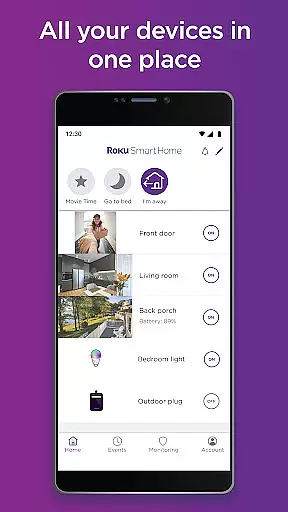
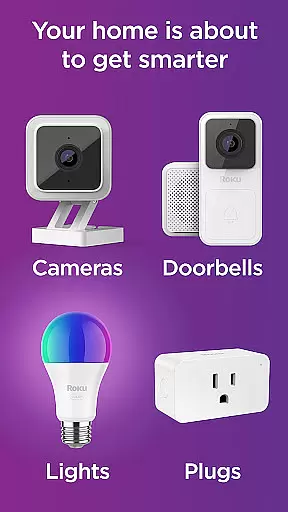
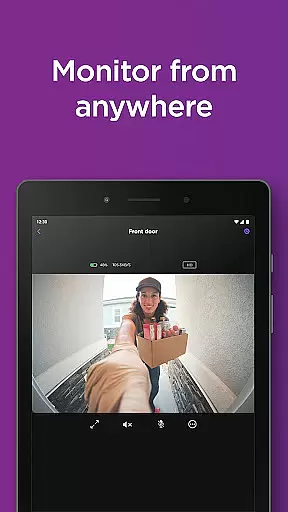
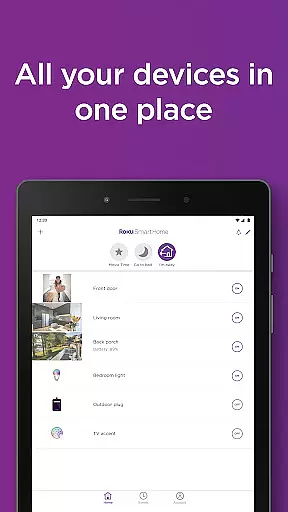
Roku Smart Home is a comprehensive smart home management app that allows users to control and monitor various smart devices such as security cameras, video doorbells, smart bulbs, light strips, and plugs. The app serves as a centralized hub where users can easily set up their devices, customize settings, and manage their entire smart home system from one place.
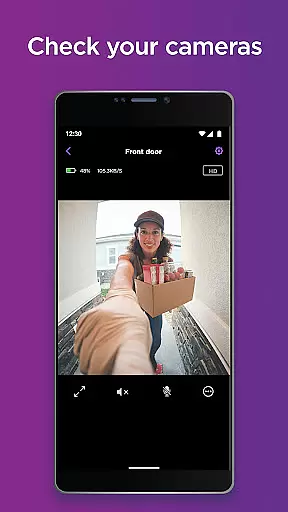
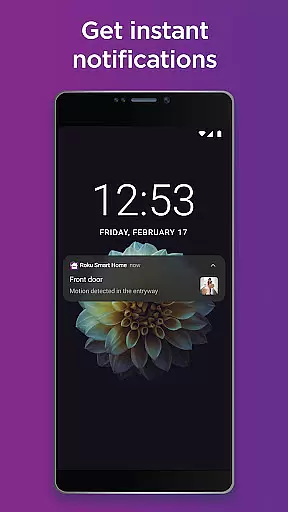
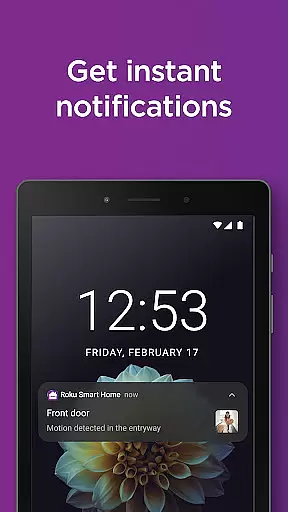
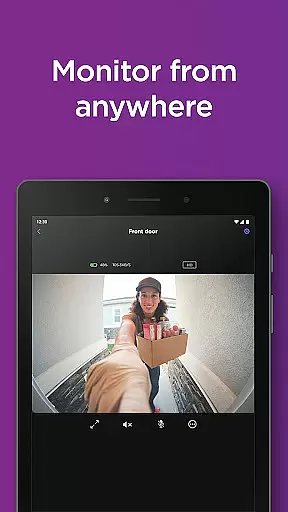
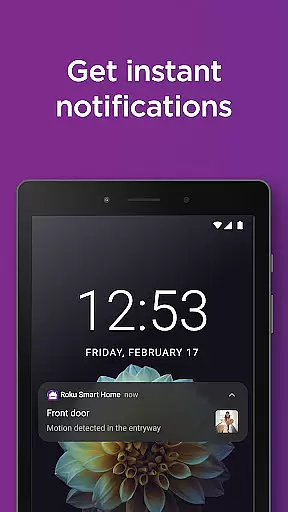
With Roku Smart Home, users can receive instant notifications for motion or sound events, access live footage, and communicate through two-way audio with connected cameras and doorbells. Additionally, the app offers advanced features like customizable motion detection zones and smart detection capabilities when paired with a subscription plan. This ensures users only receive relevant alerts based on identified objects such as people, pets, or vehicles.
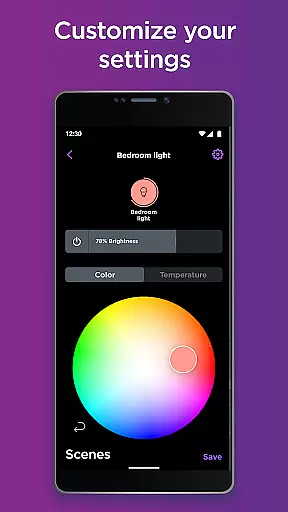
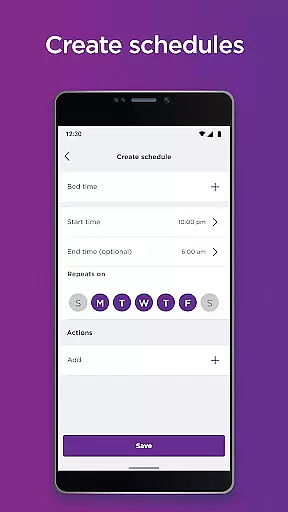
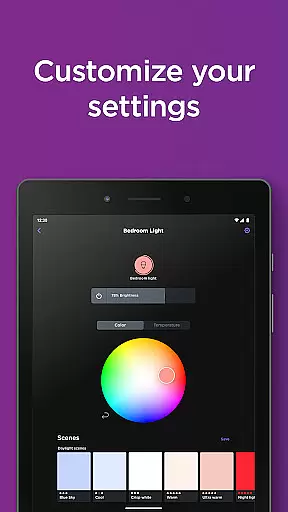
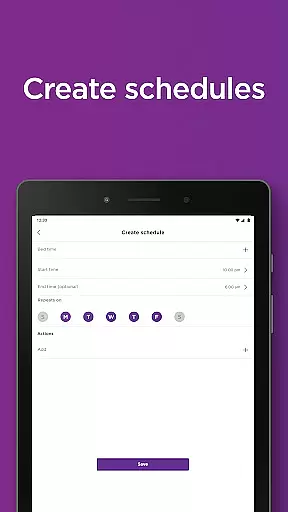
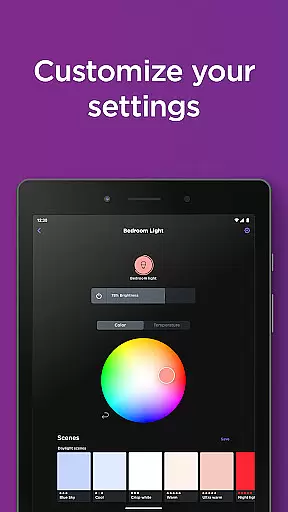
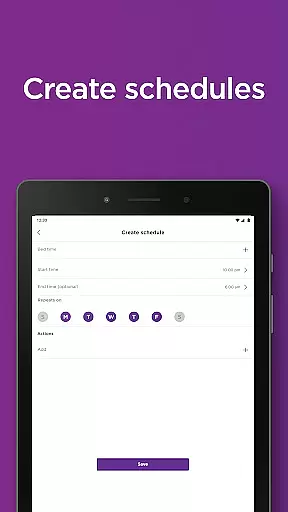
The app also provides extensive lighting controls for smart bulbs and light strips, enabling users to adjust colors, brightness, and create automated schedules. For smart plugs, users can remotely control connected appliances and set custom power schedules. Whether enhancing home security or automating daily routines, Roku Smart Home delivers convenience and peace of mind.
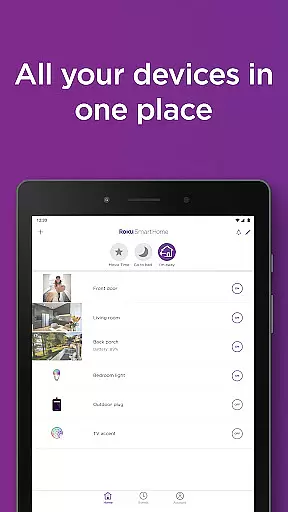
Roku Smart Home stands out with its intuitive interface and seamless integration across multiple device types. The app's guided setup process simplifies initial device configuration, while its centralized dashboard allows users to view and control all connected devices from a single screen. This unified approach eliminates the need for multiple apps, streamlining the smart home experience.
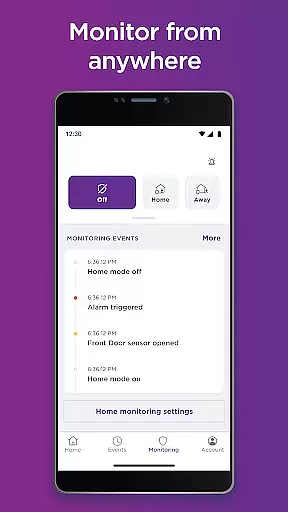
One of the app's key strengths is its robust security features. Users can access live camera feeds, receive intelligent alerts, and store motion-triggered recordings in the cloud with a subscription. The smart detection feature uses advanced algorithms to identify specific objects, ensuring users only receive meaningful notifications. Additionally, customizable motion zones let users define specific areas they want monitored.
For lighting and power management, Roku Smart Home offers granular controls and scheduling options. Users can create personalized lighting scenes, adjust color temperatures, and automate routines based on time or location. Smart plug functionality extends these automation capabilities to traditional appliances, allowing users to optimize energy usage and enhance home convenience through scheduled operations.
In the realm of smart home management, ensuring the authenticity of your property listings is paramount. The Roku Smart Home app excels in this area by providing users with a reliable platform to manage their smart devices. Each device, from security cameras to smart plugs, is accurately represented within the app, ensuring that users have a clear and truthful overview of their smart home ecosystem.
The application employs rigorous verification mechanisms to maintain the integrity of its device listings. When you add a new device, the system meticulously checks compatibility and confirms the device's specifications, leaving no room for error or misrepresentation. This meticulous attention to detail guarantees that every smart home component is genuine and functions as intended.
For homeowners, this means peace of mind knowing that each device they manage through Roku Smart Home is authentic and fully operational. With regular updates to the device database, users can trust that their smart home setup remains current and secure, adapting seamlessly to new additions or changes within their connected home environment.
Effective home management is at the core of the Roku Smart Home app's offerings. It provides an intuitive interface that consolidates all smart home functionalities into one accessible location. Users can effortlessly oversee their entire range of smart devices, including indoor and outdoor cameras, smart bulbs, light strips, and plugs, streamlining the process of home automation and enhancing convenience.
The app goes beyond mere control by enabling detailed customization options for each device. Whether it's setting up motion detection zones on cameras or programming unique lighting schedules for different rooms, these features empower users to tailor their smart homes according to personal preferences and routines. Such granular control ensures optimal energy usage while maintaining comfort and security levels.
Moreover, advanced functionalities like two-way audio communication through cameras and smart detection capabilities elevate the standard of home management. By filtering alerts based on identified objects such as people or pets, homeowners receive only relevant notifications, making daily operations smoother and more efficient. These sophisticated tools underscore Rokuu2019s commitment to delivering comprehensive yet user-friendly smart home solutions.
User-friendly interface
Comprehensive device support
Advanced security features
Customizable automation options
Cloud storage integration
Paid subscription required
Limited third-party compatibility
Occasional connectivity issues
Basic free version limitations
Device-specific restrictions

Use Home by ShowingTime to easily manage showings, tours, feedback and more
 3.60
3.60
Rent on-the-go with TurboTenant’s app made just for renters
4.50
SmartRent - Opening Doors To A Smarter World
4.40
Book your local plumber 24/7, track your service order & get exclusive coupons
4.00
Your guide to apartments & rental homes. Find your next place to rent with AG.
4.60
The Merkury Smart app makes it easy to control your smart devices.
4.50
Samsung remote app helps control all Samsung Smartthings TVs. Fast and Stable!
4.10
Make your phone a surveillance camera remote with a home camera app for Android!
4.40
Find homes for sale and apartments for rent in the best neighborhood.
4.70
Convert your Phone to HiSense Smart TV Remote Control
4.70
Tailored Care Guides For Houseplants, Indoor Plants, Garden Plants & Flowers.
4.60
Innovative and budget-friendly housing options
4.60
Parcel Pending Resident App
4.50
Resident Center, powered by Buildium, is designed with simplicity in mind.
4.50
Control the scent and ambiance of your home and car, right from your phone.
4.50
The only mappable smart lights for custom decoration.
4.50
Control your Daikin, Amana & Goodman heating & cooling systems from anywhere
4.40
AI Home Designer & Room Planner: Decorate your interior space with AI
4.40
USHUD.com helps you find the best homes for sale in your area
4.00


User Reviews