
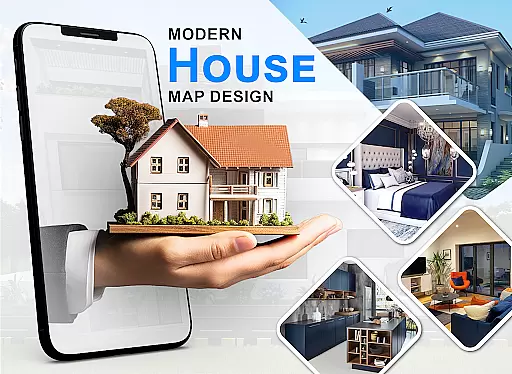
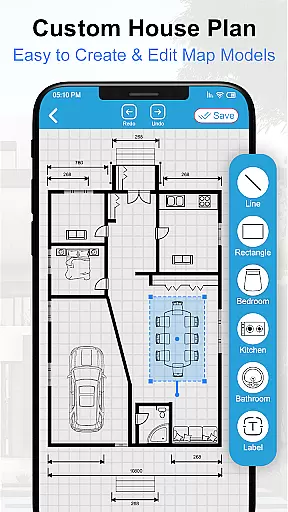
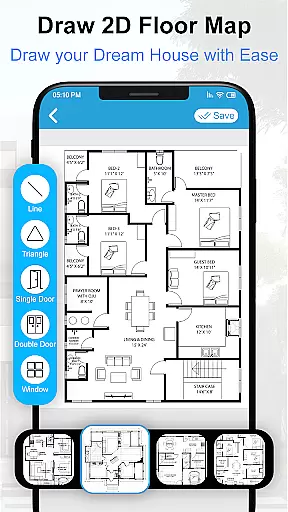
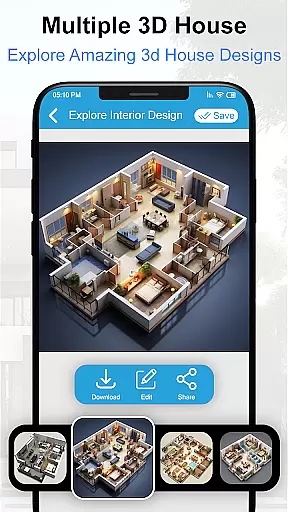
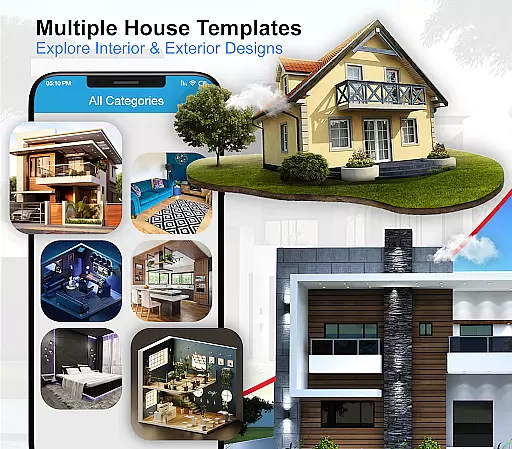
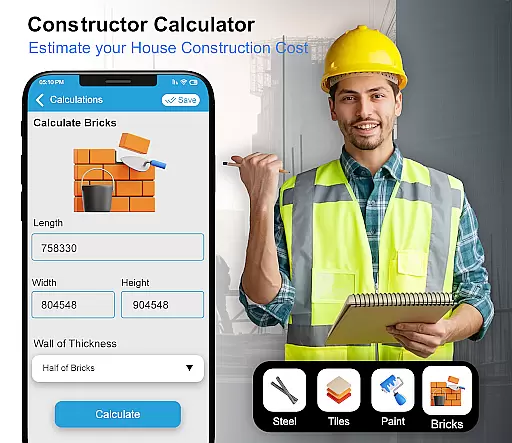
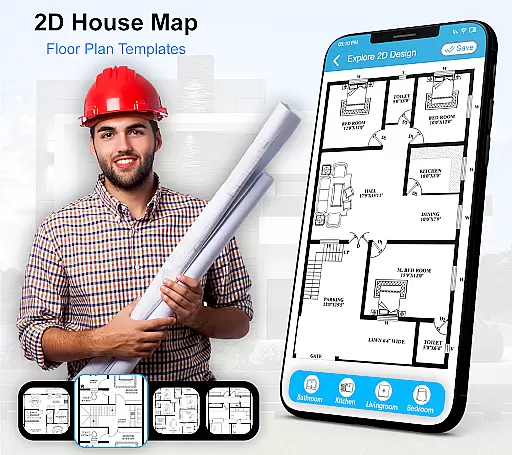
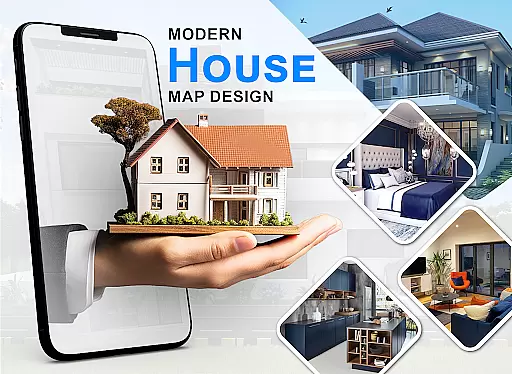
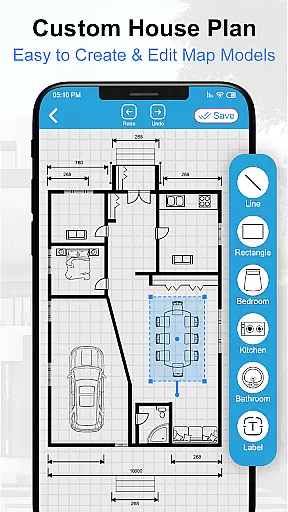
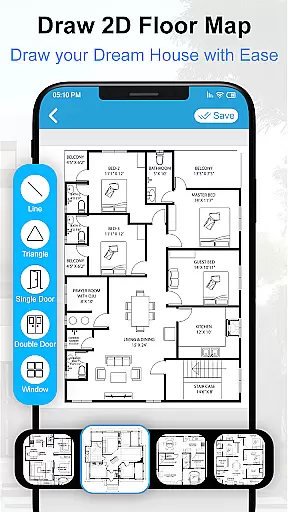
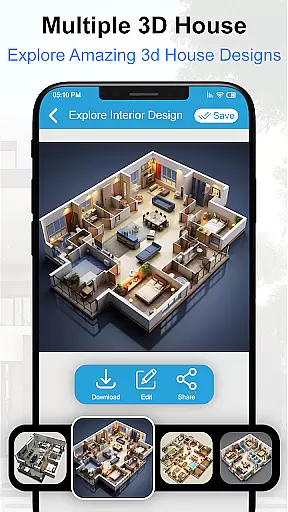
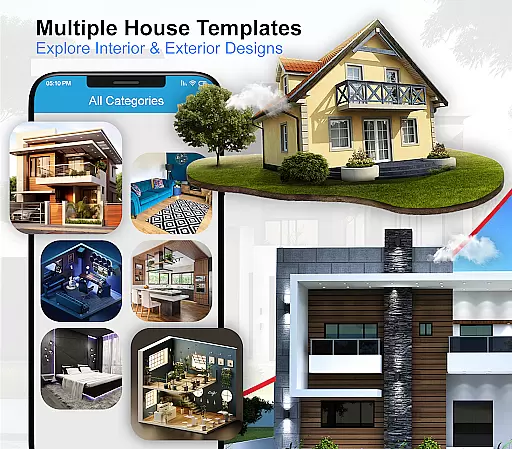
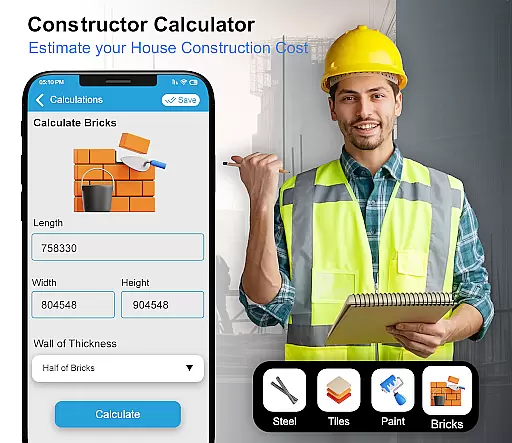
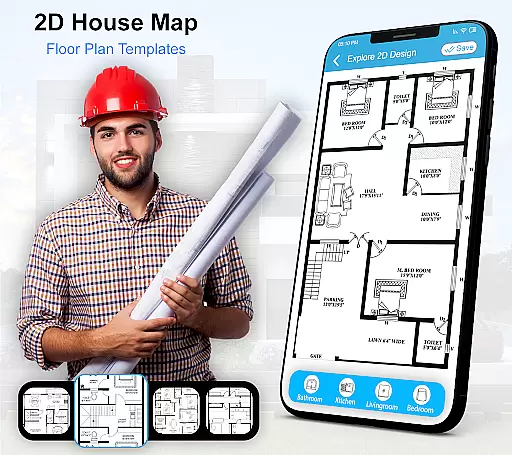
House Design 3D Floor Plan App is a powerful home planning tool that allows users to create detailed architectural blueprints and interior design plans. The app provides an intuitive interface for designing floor plans, room layouts, and furniture arrangements.
With its comprehensive library of design elements, users can visualize their dream home in 3D. Whether you're an amateur designer or a professional architect, this app offers the tools needed to bring your ideas to life. From kitchen layouts to bathroom designs, every aspect of home planning becomes effortless and engaging.
The app's value lies in its ability to transform complex architectural planning into an accessible mobile experience. Homeowners can experiment with different design concepts while professionals can present their ideas more effectively to clients.
This home design app stands out with its rich feature set tailored for both casual users and design professionals. The smart drawing tools allow precise creation of walls, doors, and windows, while the 3D visualization mode provides realistic previews of design choices.
Users benefit from an extensive library containing thousands of furniture pieces, fixtures, and decorative items. The app supports layer management for complex projects and includes measurement tools for accurate planning. Advanced features like lighting simulation and material texture options enhance the design experience.
What sets this app apart is its offline functionality combined with cloud backup options. The regular updates bring new design elements and improved tools, ensuring users always have access to the latest home design resources without compromising performance.
Property listing authenticity is crucial for users seeking reliable home design and floor plan options. This app ensures that all the blueprints and design plans provided are accurate and verified, giving users confidence in their selections.
The House Design 3D Floor Plan App offers a wide range of verified floor plans for various parts of a home, including kitchens, drawing rooms, and bathrooms. Each design is carefully crafted to meet high standards of architectural integrity.
Users can trust the authenticity of the listings as they come with detailed descriptions and specifications, ensuring that every choice made within the app aligns with realistic and achievable home designs.
Home management features in an application allow users to efficiently organize and manage different aspects of their home design projects. The House Design 3D Floor Plan App provides robust tools for planning and visualizing interior and exterior layouts.
This app includes comprehensive features such as 3D views, architecture design capabilities, and numerous furniture design options. These functionalities enable users to create detailed and personalized home plans tailored to their specific needs.
Additionally, the app supports various decor matters and layout designs, making it easier for users to manage and implement their dream home projects seamlessly. With these advanced home management features, users can bring their creative visions to life.
User-friendly interface
Comprehensive design library
Realistic 3D rendering
Offline functionality
Cloud backup support
Steep learning curve
Premium feature costs
Occasional bugs
Limited import options
Heavy storage use

Home Ideas | Renovation Advice | Local Pros. Go From Dream to Home with Houzz.
 4.70
4.70
B-hyve Pro App for landscape irrigation professionals
4.70
AI-powered home design, interior design, home decor, and room design solutions
4.50
Design your dream home with 3D planning app, Visualize your dream home in 3D.
4.20
Control your Vivint Smart Home with the next generation Vivint App.
4.30
Find your next home, house, apartment, condo, casa, flat, rental, studio, or bed
4.70
Apartment finder for apartments for rent. Compare prices, amenities & rentals.
4.50
Turn old phones into security cameras, baby monitors, pet cams, and more.
4.70
Connect with reliable pros for maintenance services, plumbing, and home design!
4.80
MLS-powered real estate app to find homes for sale & apartments for rent
4.70
Map-based search app for apartments and homes for rent.
4.60
The only mappable smart lights for custom decoration.
4.50
Wobble Fix Tool
4.40
Control your Daikin, Amana & Goodman heating & cooling systems from anywhere
4.40
Fully control your Philips TV with this all-in-one remote control app.
4.20
Book your local plumber 24/7, track your service order & get exclusive coupons
4.00
Control Fire TV & mirror your phone screen instantly over Wi-Fi.
3.30
PRO Version of GLB AR Viewer
4.3
Universal TV remote Control for Roku TV brands via WiFi remote
4.0


User Reviews