
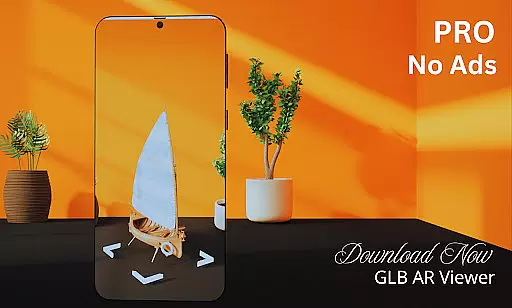
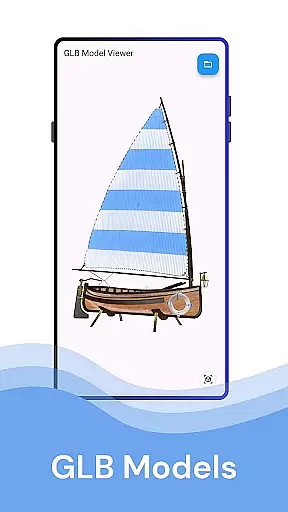
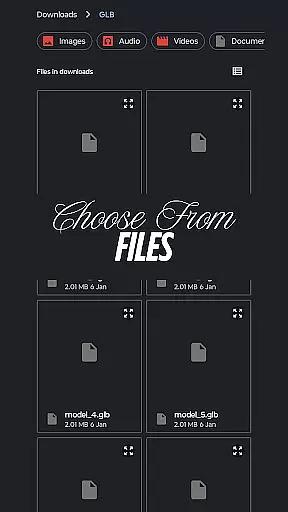
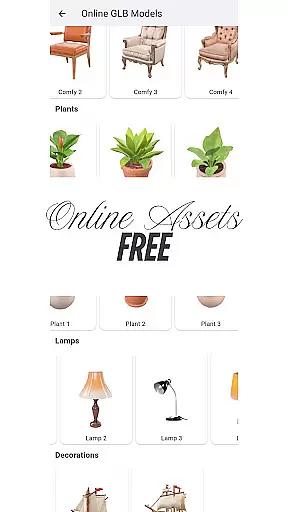
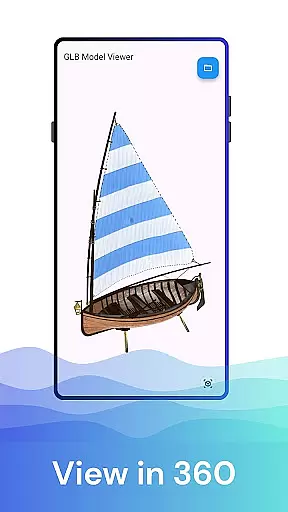
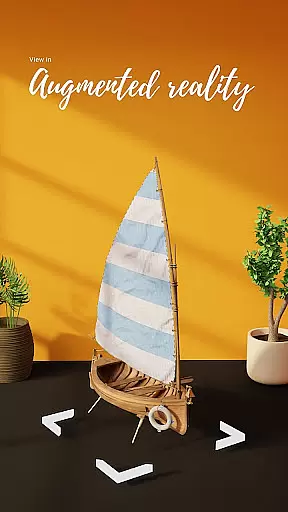

GLB AR Viewer 3D PRO is a cutting-edge application designed for users to seamlessly view and interact with 3D GLB models. This app supports both standard 3D viewing and immersive Augmented Reality (AR) experiences, making it an essential tool for anyone working with or interested in 3D content. With its intuitive interface, the app allows users to effortlessly load GLB files directly from their device storage and visualize them in real-world environments using ARCore technology.
The app's standout feature is its ability to bring static 3D models to life through AR, offering dynamic use cases for professionals and hobbyists alike. Whether you're a 3D artist looking to showcase your work, a developer testing game assets, or an educator demonstrating 3D concepts, this app provides immense value by enabling interactive exploration of models. Its lightweight design ensures quick loading times without compromising functionality, making it ideal for on-the-go use.
GLB AR Viewer 3D PRO stands out with its robust feature set tailored for simplicity and performance. The app allows users to open .glb files directly from their device, providing instant access to high-quality 3D models. Its integration with ARCore enables users to place these models in real-world settings, enhancing visualization capabilities. Interactive controls such as rotation, zooming, and panning are powered by touch gestures, ensuring a smooth and engaging user experience.
Another key highlight is the app's clean and minimalistic UI, which prioritizes ease of use without unnecessary clutter. The fast and lightweight nature of the app ensures that even complex models can be loaded quickly, while still maintaining optimal performance. These features collectively make GLB AR Viewer 3D PRO an indispensable tool for professionals in creative fields, educators, and enthusiasts who want to explore 3D designs interactively.
When it comes to viewing 3D models in standard or augmented reality modes, ensuring the authenticity of the model listings is crucial. GLB AR Viewer 3D PRO provides a reliable platform for users to load and preview .glb files directly from their device storage.
The app employs advanced file recognition technology to verify the integrity and authenticity of each 3D model. This ensures that users are interacting with genuine and unaltered GLB files, which is particularly important for professionals like 3D artists and developers who rely on accurate representations.
By offering this layer of verification, users can confidently use the app for professional purposes such as showcasing work or testing models for games and applications. The peace of mind that comes with knowing the 3D content is authentic enhances the overall user experience.
While GLB AR Viewer 3D PRO specializes in displaying 3D models, it also offers innovative home management features through its Augmented Reality (AR) capabilities. Users can place 3D models within a real-world environment, allowing them to visualize designs and plan spaces effectively.
The interactive controls enable users to manipulate the models with touch gestures, rotating, zooming, and panning to explore every angle. This feature is not only beneficial for entertainment but also serves practical purposes such as interior design and educational demonstrations.
With a focus on simplicity and functionality, the app's clean interface makes it easy for educators, students, and hobbyists to manage and interact with 3D content. Whether planning home renovations or teaching 3D modeling concepts, GLB AR Viewer 3D PRO equips users with tools to better manage their digital and physical spaces.
Lightweight design
Easy-to-use interface
Augmented reality support
Fast model loading
Interactive controls
Limited file formats
No advanced editing tools
ARCore dependency
Premium version cost
Few customization options

Use Home by ShowingTime to easily manage showings, tours, feedback and more
 3.60
3.60
Universal TV remote Control for Roku TV brands via WiFi remote
4.5
Turn your phone into a wifi cam with smart features and umlimited reach.
4.20
IP camera view and playback, for your WiFi cam or home security cctv system.
3.70
Control the scent and ambiance of your home and car, right from your phone.
4.50
Innovative and budget-friendly housing options
4.60
Your guide to apartments & rental homes. Find your next place to rent with AG.
4.60
Find contractors for all home renovation projects. Remodeling, repair, and more.
4.20
Search for Homes, Rentals, Agents & Schools
4.70
B-hyve Pro App for landscape irrigation professionals
4.70
Rent on-the-go with TurboTenant’s app made just for renters
4.50
The Merkury Smart app makes it easy to control your smart devices.
4.50
Wobble Fix Tool
4.40
Security App with HD Video, 2-way Audio, and event detection for Home monitoring
4.40
For all of your Airthings devices
4.30
Samsung remote app helps control all Samsung Smartthings TVs. Fast and Stable!
4.10
This Fire TV Remote control's your Fire TV Device and Insignia Fire TV Remote
3.70
Draw house plans, floor plans 3d & house design with house plan drawing 3d app
3.60
Draw your floor plan smartly. Make house design blueprint with home planner app
3.60


User Reviews